



- Export saves: export the savegame files from your browser, so you can switch to another browser or computer. You can also use them in an emulator installed on your computer.
- Import saves: import savegames that you exported before with the Export saves button.
- Download disk: export the whole game from your browser, with all your savegames. Useful to switch to an emulator installed on your computer.
- Reset game files: if you somehow messed up the game files, you can reset them to an exact copy of the original.
- Reset saves: delete all savegames from your browser. We recommend that you export them first: there is no turning back!
4D Prince of Persia - Play Online
DOS - 1994
For small DOS games like 4D Prince of Persia, you can play online immediately with your browser (Chrome, Firefox, Safari, Edge, Opera...). This feature is experimental, the game may not work properly.
Warning: game save should work, but you should try it early! Also, be careful to select the right game executable in the list above.
Similar games
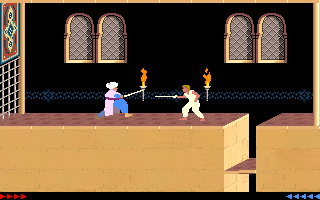
4.6/5 - 833 votes
Prince of Persia DOS, Mac, Genesis, SEGA Master System, Game Gear, Amiga, Amstrad CPC, Atari ST, Apple II, FM Towns, PC-98, SAM Coupé, SEGA CD, Sharp X68000, TurboGrafx CD
1990
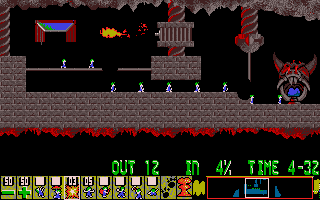
4.6/5 - 314 votes
Lemmings DOS, Mac, Genesis, Commodore 64, SEGA Master System, Game Gear, Amiga, ZX Spectrum, Amstrad CPC, 3DO, Atari ST, CD-i, Lynx, Acorn 32-bit, Amiga CD32, J2ME, CDTV, FM Towns, PC-98, SAM Coupé, Sharp X68000, TurboGrafx CD
1991

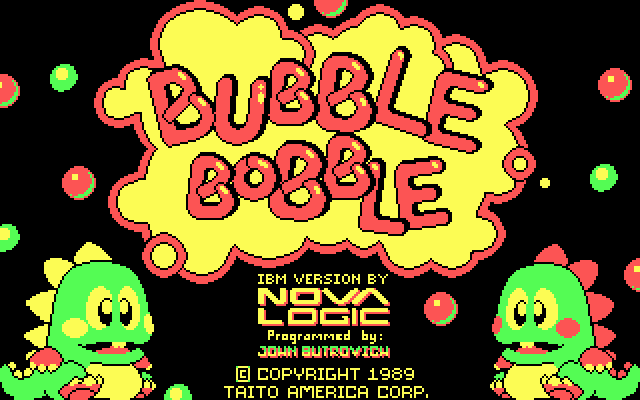
4.4/5 - 223 votes
Bubble Bobble DOS, Windows, Commodore 64, Game Gear, Amiga, MSX, Amstrad CPC, Atari ST, Apple II, Arcade, J2ME, FM Towns, Sharp X68000
1988
Comments and reviews
The game doesn't work as is, because the autoexec.bat script tries to start the game from C:\ instead of c:\4DPOP-~1. Anyways, for those too lazy to type this ugly folder-name, don't despair, because Dosbox supports tab-completion.
To cd into the game's directory type:
cd
Then, to start the game, type:
Dosbox will automatically choose the correct commands. And... Whoever made this, should change the autoexec.bat. Nigger.
HOW TO PLAY THIS I AM NEW
how to start the game?
ozuTUB6Y
tried to save on level 3, but it showed "insert prince of persia in drive c" and the game froze
Leonzu's description is RIGHT !
Did the same way without reading his comment which i found later.
Important if you are from Germany :
The Tilde (~) is on ge-keyboards at shift+ö (großes Ö)
Opening the game in your browser gives you an error because the directory you're trying to open had its name changed, so this is what you have to do, after you get the error:
1. Type "cd 4DPOP-~1" and hit Enter.
2. Type "4D_PRIN.EXE" and hit Enter.
3. Enjoy!
umm it wont open when you try to run the file online
How can I pass from level 4 to level 5?
No comment nor review for this game at the moment.