

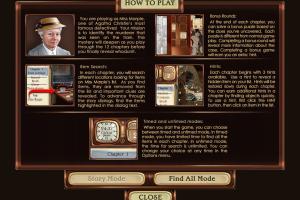
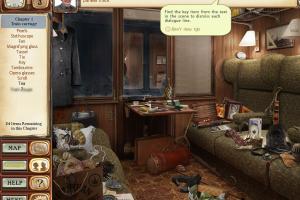
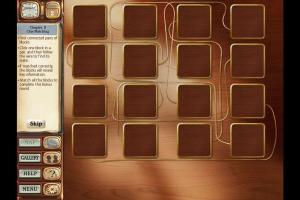
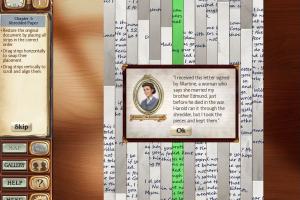
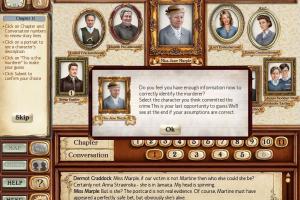
How to Play
The game has been tested on Windows 7 64-bit, Windows 8, 8.1 and Windows 10, it works fine. You may experience some small troubles when you play the game on modern systems, check our Notes for details
Notes:
- If the game doesn't work - run it in Compatibility mode with old Windows (like Windows XP) and as Administrator. Also, it is recommended to install all versions of Microsoft Visual C++ Redistributable and NET Framework for the correct work of the game
- The game originally released as a shareware title, but later it also got a freeware release by MyRealGames.com. The only difference between two versions is that freeware release opens MyRealGames.com website when you close the game, other than that both versions has the same content. We uploaded both releases just in case, if one of releases doesn't work - try to install the other one
- If you run the game on widescreen display, the image will be stretched. Select Widescreen mode in settings, the game will run it the correct 4:3 ratio in the middle of display
- If you have any graphical issues, such as flickering screen or disappearing mouse cursor - switch the game to Windowed mode in settings
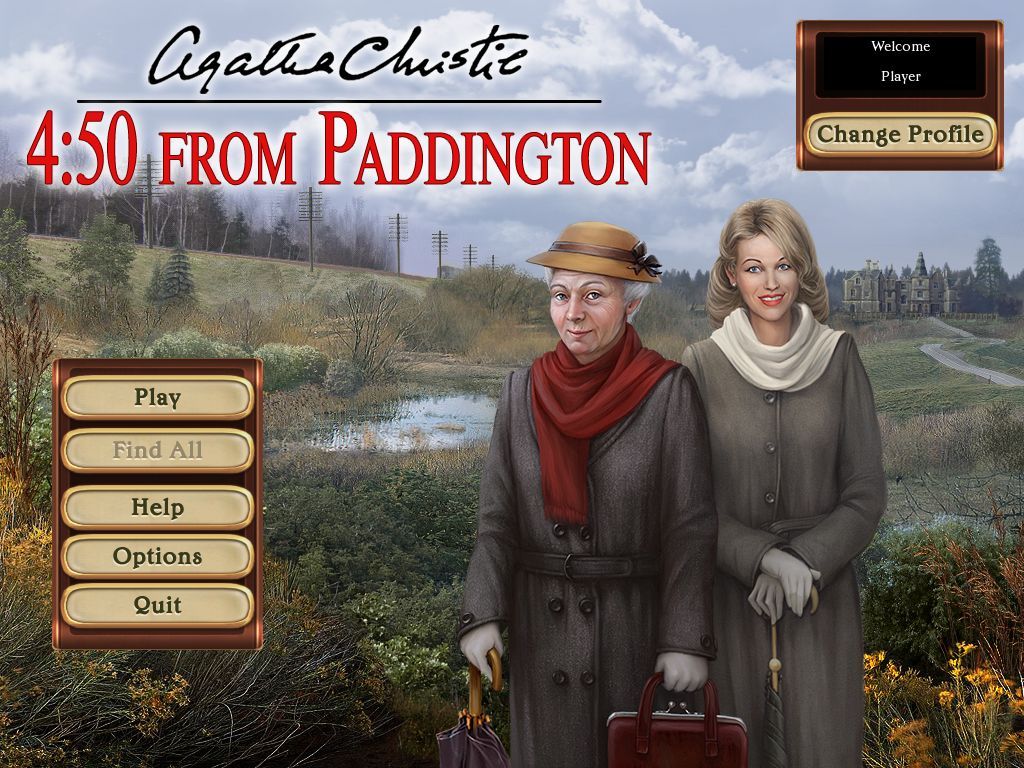
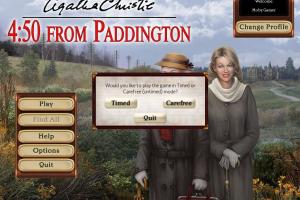
- The game allows you to play in Timed (with time limit) or Carefree (no time limit) modes, choose the one you like more. If you stuck at some hard place in the game, here's the walkthrough guide
 English
  Russian




 Hungarian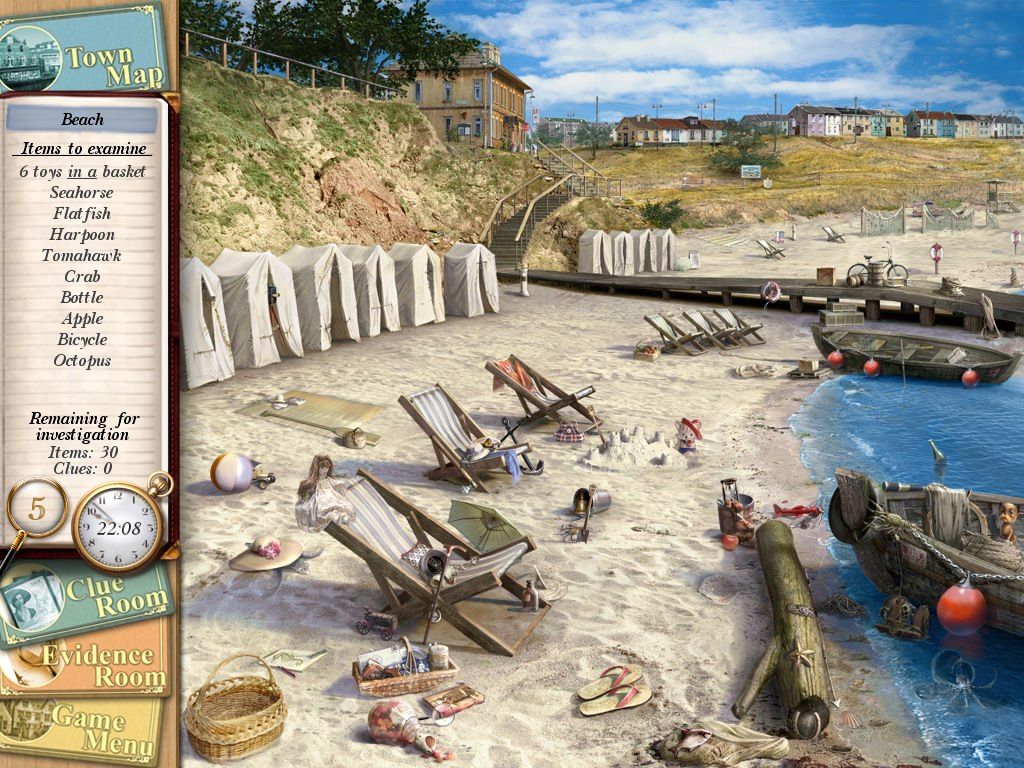


Comments and reviews
No comment nor review for this game at the moment.