
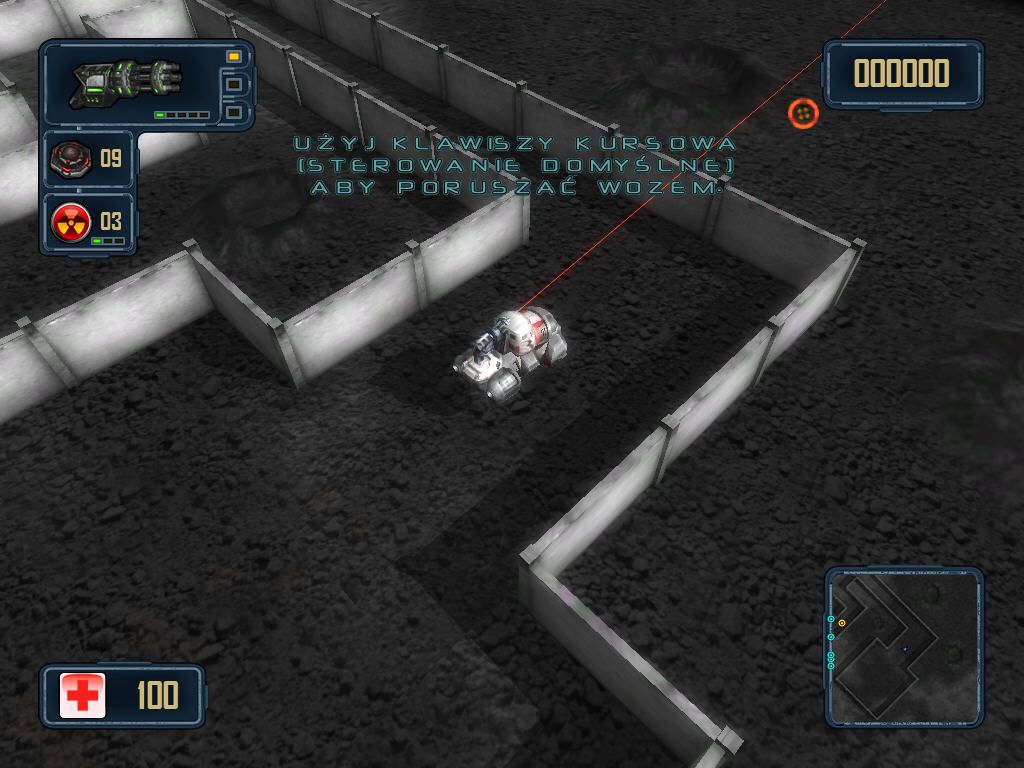
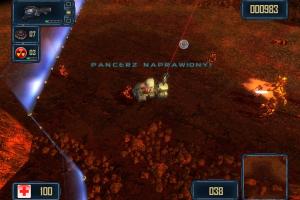
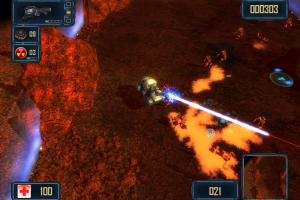
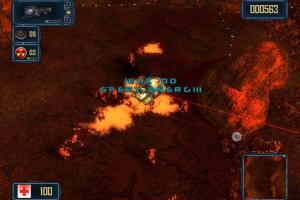
How to Play
The game has been tested on Windows 7 64-bit, Windows 8 and Windows 10, it works fine. You may experience some small troubles when you play the game on modern systems, check our Notes for details
Notes:
- If the game doesn't work - run it in Compatibility mode with old Windows (like Windows XP) and as Administrator. Also, it is recommended to install all versions of Microsoft Visual C++ Redistributable and NET Framework for the correct work of the game
- The game works on DirectX 9, so if you're using Windows 8, 8.1, 10 or 11 - you need to enable DirectPlay: Go to Control Panel, and select 'Programs'. Select 'Turn Windows features on and off', click on 'Legacy Components' and check the box 'DirectPlay'. Select OK, once the installation is done, restart your computer
- Even though that you cannot change the graphics settings in game, you can do it manually by editing config.cfg file in game folder. To edit config.cfg file open it in Notepad and change the numbers in the line. For example, if you want to change the screen resolution, edit the lines
screenWidthandscreenHeight, to play in Windowed mode setfullScreen = 0, to disable Bloom effect setbloom = 0; you can also change the setting of Anisotropic filtering inanisoline and Anti-aliasing infsaaline. By editing config.cfg file you can easily run the game in widescreen resolution, we tested the game in 1920x1080 screen resolution that way. Don't forget to make a back-up of original config.cfg file before any changes! - GameHitZone and GameTop versions may trigger some adware warnings by your antivirus because they have adverts of GameHitZone and GameTop respectively. The files are safe to use, nothing to worry about
- Russian version of the game has disc check, to remove it use NoCD - simply copy Reznya.exe from NoCD archive to game folder, agree to replace the original file. Other versions are DRM-Free, simply install & play
Comments and reviews
THANK YOU MYABANDONWARE. Played this game as freeware decades back. Hours of fun. Gets difficult after some time.
No comment nor review for this game at the moment.