



- Export saves: export the savegame files from your browser, so you can switch to another browser or computer. You can also use them in an emulator installed on your computer.
- Import saves: import savegames that you exported before with the Export saves button.
- Download disk: export the whole game from your browser, with all your savegames. Useful to switch to an emulator installed on your computer.
- Reset game files: if you somehow messed up the game files, you can reset them to an exact copy of the original.
- Reset saves: delete all savegames from your browser. We recommend that you export them first: there is no turning back!
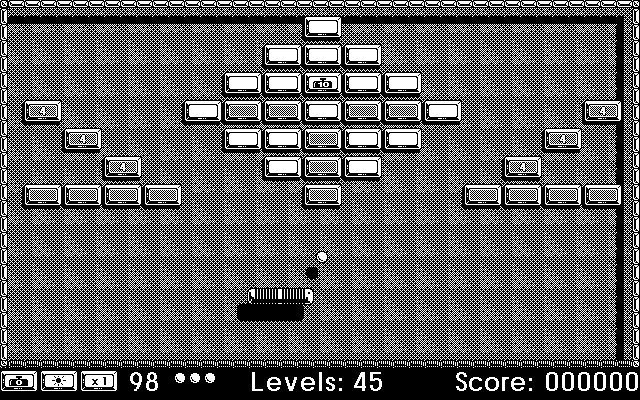
Bolo - Play Online
DOS - 1995
Also available on: Mac
For small DOS games like Bolo, you can play online immediately with your browser (Chrome, Firefox, Safari, Edge, Opera...). This feature is experimental, the game may not work properly.
Warning: game save should work, but you should try it early! Also, be careful to select the right game executable in the list above.

 English
Similar games
4.4/5 - 51 votes
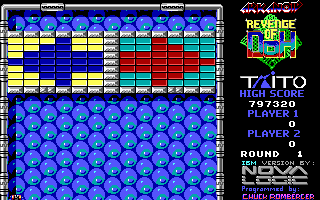
Arkanoid: Revenge of DOH DOS, Commodore 64, Amiga, MSX, Amstrad CPC, Atari ST, Apple IIgs, Arcade, Sharp X68000
1989
4.4/5 - 223 votes
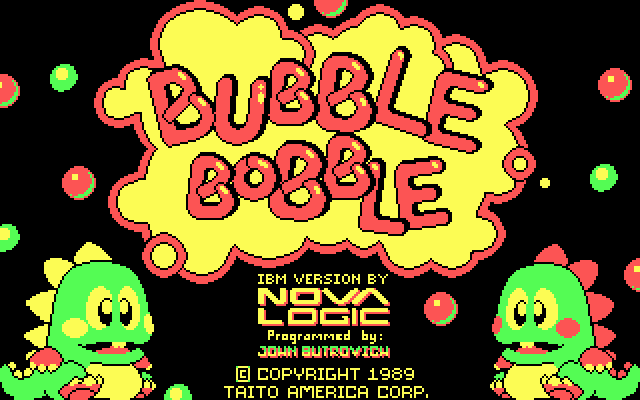
Bubble Bobble DOS, Windows, Commodore 64, Game Gear, Amiga, MSX, Amstrad CPC, Atari ST, Apple II, Arcade, J2ME, FM Towns, Sharp X68000
1988
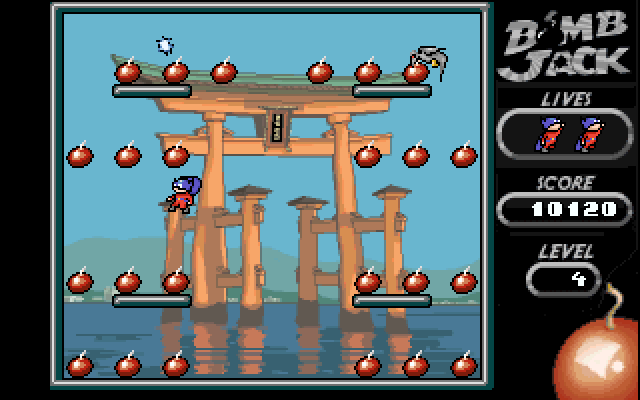
4.4/5 - 22 votes
Bomb Jack DOS, Windows, Commodore 64, Amiga, ZX Spectrum, Amstrad CPC, Atari ST, Arcade, J2ME, Commodore 16, Plus/4, ExEn, Mophun, PC-88, SG-1000
2002
Comments and reviews
I love this game! I used to play it for days on a 386 PC back in '96.
Now I found this website and I'm trying to play Bolo again. When I'm running it there is an error screen about the Sound Blaster not being set up properly and the game doesn't start.
Anyone was able to play this game in an emulator? What were the settings for the Sound Blaster?
Thank you.
No comment nor review for this game at the moment.