


- Export saves: export the savegame files from your browser, so you can switch to another browser or computer. You can also use them in an emulator installed on your computer.
- Import saves: import savegames that you exported before with the Export saves button.
- Download disk: export the whole game from your browser, with all your savegames. Useful to switch to an emulator installed on your computer.
- Reset game files: if you somehow messed up the game files, you can reset them to an exact copy of the original.
- Reset saves: delete all savegames from your browser. We recommend that you export them first: there is no turning back!
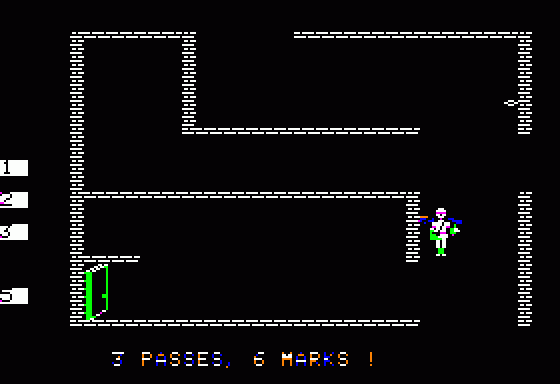
Castle Wolfenstein - Play Online
DOS - 1984
For small DOS games like Castle Wolfenstein, you can play online immediately with your browser (Chrome, Firefox, Safari, Edge, Opera...). This feature is experimental, the game may not work properly.
Warning: game save should work, but you should try it early! Also, be careful to select the right game executable in the list above.

 English
 Similar games
4.6/5 - 23 votes
Choplifter! Commodore 64, SEGA Master System, MSX, Atari 7800, Atari 8-bit, ColecoVision, Apple II, VIC-20, Arcade, FM-7, PC-88, SG-1000, SMC-777
1983
4.5/5 - 42 votes
Commando PC Booter, Atari 2600, Commodore 64, Amiga, MSX, Atari 7800, Amstrad CPC, Intellivision, Atari ST, Apple II, Arcade, BBC Micro, Commodore 16, Plus/4, Electron, PC-88
1988
4.2/5 - 28 votes
Defender PC Booter, Atari 2600, Commodore 64, Intellivision, Atari 8-bit, ColecoVision, Apple II, VIC-20, Arcade, Adventure Vision
1983
4.6/5 - 42 votes
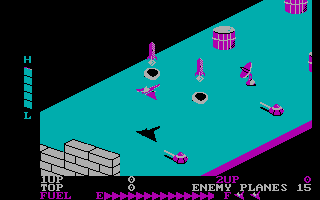
Zaxxon PC Booter, Commodore 64, MSX, ZX Spectrum, Atari 8-bit, ColecoVision, Apple II, Arcade, SG-1000, TRS-80 CoCo
1984
4.3/5 - 55 votes
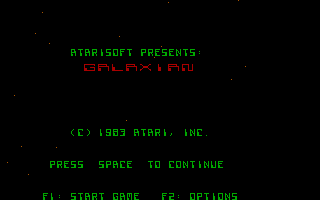
Galaxian PC Booter, Atari 2600, Commodore 64, MSX, ZX Spectrum, Atari 8-bit, ColecoVision, Apple II, VIC-20, Arcade, PC-88
1983
Comments and reviews
controls? for this game?
This game was awesome. I played this with my grandkids back in the early 80s. When the floppies went away, there went my gameworld! Thank you for bringing this all back in a useful format! I was afraid it was gone forever! Nothing beats an old fashioned 8 color gameworld!
Press Ctrl-F11 and Crtl-F12 to speed up, or slow down the game.
I believe the game defaults at 3000.
I usually play it at 192
i dont know how to slow it down
I start up this game for the first time but the FPS on it is way too fast.
No comment nor review for this game at the moment.