
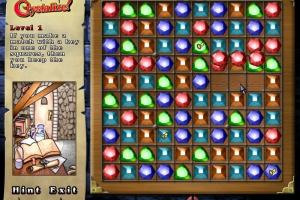
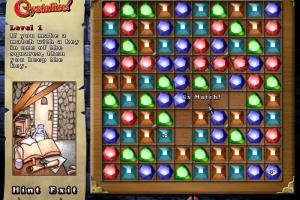
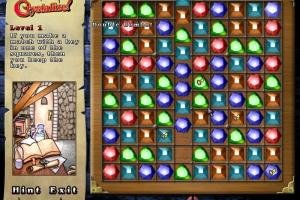
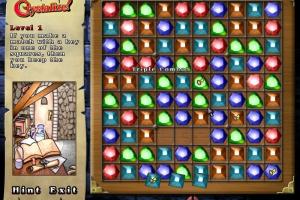
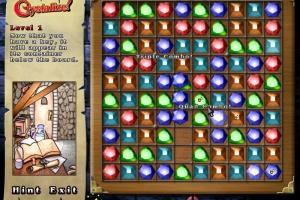
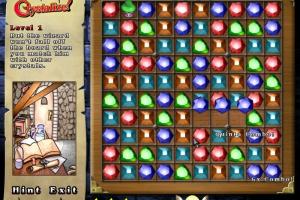
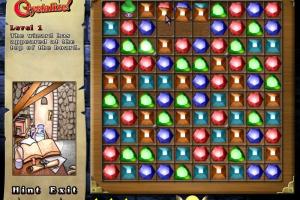
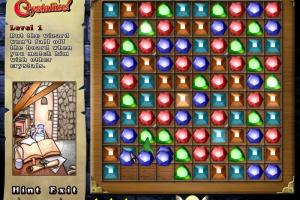
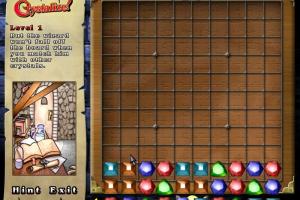
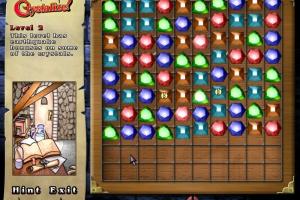
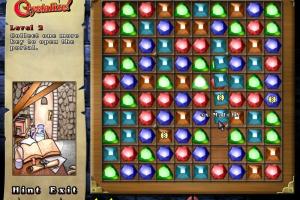
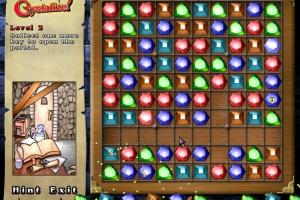
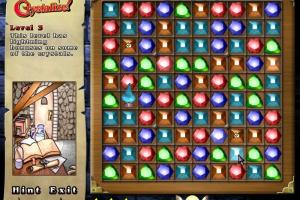
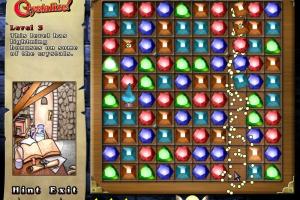
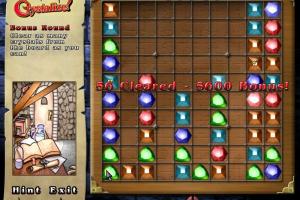
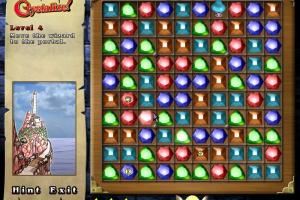
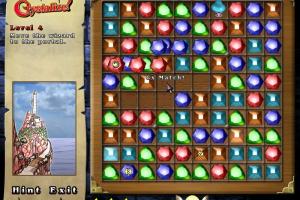
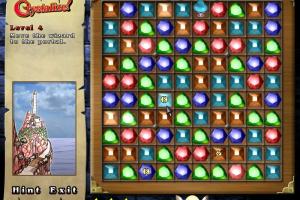
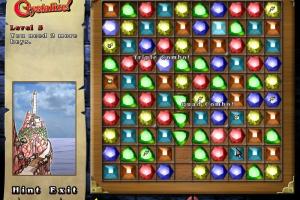
How to Play
Notes:
- The game should work fine on modern systems, it was tested on Windows 7 64-bit and Windows 10. If the game doesn't work - try to run it in Compatibility mode with old Windows, like Windows 2000 or XP
- The game is working on DirectX 9, so if you want to play the game on Windows 8 or newer, make sure that you enabled DirectPlay: go to Control Panel, and select 'Programs'. Select 'Turn Windows features on and off', click on 'Legacy Components' and check the box 'DirectPlay'. Select OK, once the installation is done, restart your computer
- If you have graphical glitches or black screen - use DDrawCompat, simply put ddraw.dll into the game directory, it should help. If it didn't help - try to use the other display wrapper
- On some AMD/ATi video cards, the game may show error about missed atiumdag.dll (error looks like this). In that case do not download random atiumdag.dll files from the Internet, but simply rename dbghelp.dll in the game directory to dbghelp_old.dll. After that you should see no error
 English



Comments and reviews
No comment nor review for this game at the moment.