



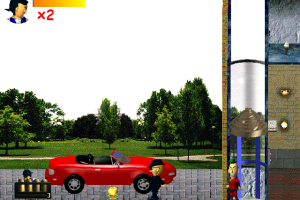
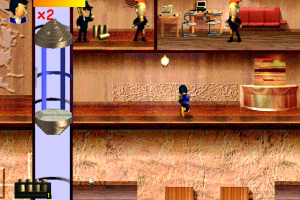
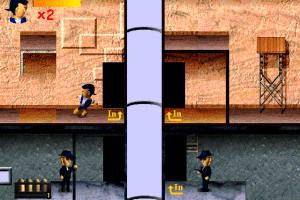
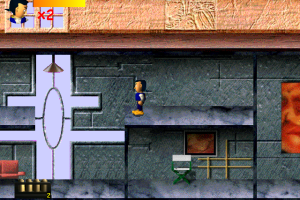
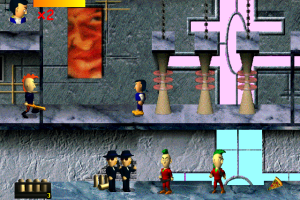
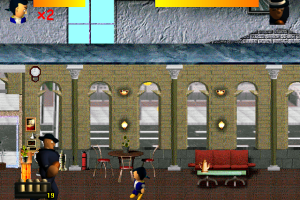
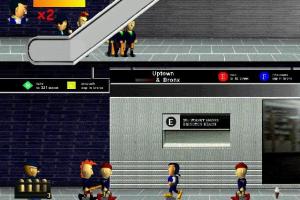
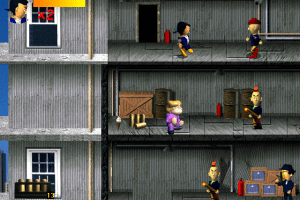
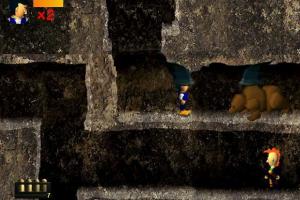
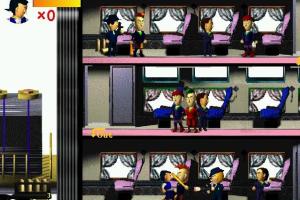
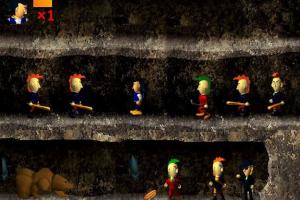
How to Play
Notes:
- Even though the game was developed in South Korea, you can easily install & play it, because the installer is on English and in-game menu & text is on English too
- The game can be played on Windows 7, to do that do the next: after you installed the game, replace exe-file in game folder with exe-file from the disc, select Compatibility Mode with Windows 98/ME (right click on exe-file -> Properties), and mount the ISO image in the first drive in your system
- At the launch the game will show the window with message on Korean, press "No". Always press "No", because if you press "Yes", the game will run with graphical glitches. That's relevant to all versions of Windows OS
 Korean
  English







Comments and reviews
No comment nor review for this game at the moment.