





- Export saves: export the savegame files from your browser, so you can switch to another browser or computer. You can also use them in an emulator installed on your computer.
- Import saves: import savegames that you exported before with the Export saves button.
- Download disk: export the whole game from your browser, with all your savegames. Useful to switch to an emulator installed on your computer.
- Reset game files: if you somehow messed up the game files, you can reset them to an exact copy of the original.
- Reset saves: delete all savegames from your browser. We recommend that you export them first: there is no turning back!
Jordan vs Bird: One on One - Play Online
DOS - 1988
Also available on: Commodore 64 - Genesis
For small DOS games like Jordan vs Bird: One on One, you can play online immediately with your browser (Chrome, Firefox, Safari, Edge, Opera...). This feature is experimental, the game may not work properly.
Warning: game save should work, but you should try it early! Also, be careful to select the right game executable in the list above.
Similar games
4.9/5 - 7 votes
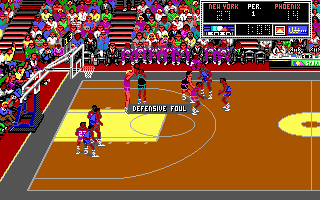
Magic Johnson's Fast Break DOS, Commodore 64, Amiga, MSX, ZX Spectrum, Amstrad CPC, Arcade
1989
4.4/5 - 19 votes
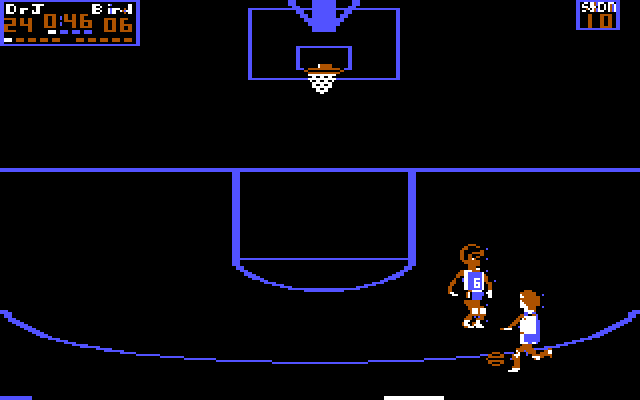
One-on-One PC Booter, Commodore 64, ZX Spectrum, Atari 7800, Atari 8-bit, ColecoVision, Apple II, TRS-80 CoCo
1984
4.2/5 - 39 votes
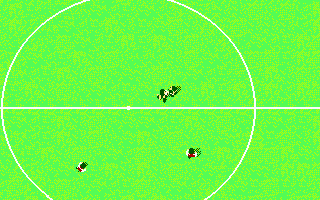
Kick Off 2 DOS, Commodore 64, Amiga, ZX Spectrum, Amstrad CPC, Atari ST, Sharp X68000
1990
4.3/5 - 290 votes
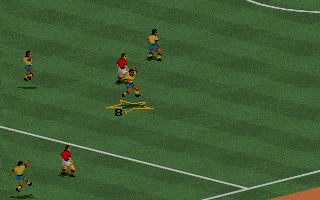
FIFA International Soccer DOS, Genesis, SEGA Master System, Game Gear, Amiga, SEGA CD
1994
Comments and reviews
sonion sonion sonion sonion sonion sonion sonion sonion sonion sonion sonion sonion sonion sonion sonion sonion sonion sonion sonion
To run this game in the browser using DOSBox change the c: prompt path to the correct file path by doing the following:
At the c:\ type the line below (with a space between cd and jordan~1/oneono~1):
cd jordan~1/oneono~1
Then type the line below to run the game:
1on1.exe
This will run the game in the correct directory.
how do you get to the game
not work.... dosbox can't laudh the game...
In-browser DosBox script fails by not changing to the correct path, before executable is attempted to run.
game runs, but you need to fix the startup script is it doesn't automatically change DIR path
No comment nor review for this game at the moment.