



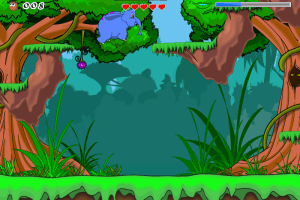
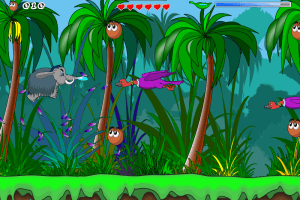
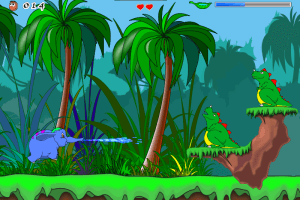
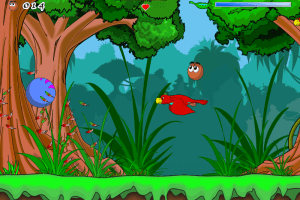
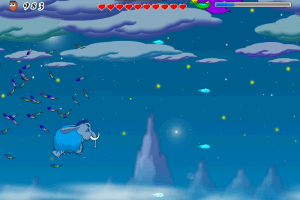
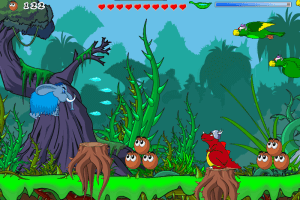
How to Play
Notes:
- After you installed the game - enter serial code 99999999999999999999999999999999890978 to unlock the full game
- If you have troubles with the game on Windows 7 or newer OS - use the fix, put audiere.dll file in game folder
- The game was released in retail in Russia, on CDs. CD with Russian version of the game includes the catalog of game publisher for 100 MB, that's why it has bigger size. If you plan to play Russian version - use attached NoCD by KRBDZSKL
 English
  Russian






Comments and reviews
Can’t get this game to work on my windows 11 even when I use compatibility mode and launch with windows 7, xp, etc settings, and even when I put the audiere.dll in the same folder as the game’s .exe. Anyone knows what’s going on or have any idea how to fix it?
In the win 10, you're need to switch compability mode to Windows 7 to run the game, after registered it.
No comment nor review for this game at the moment.