
- Export saves: export the savegame files from your browser, so you can switch to another browser or computer. You can also use them in an emulator installed on your computer.
- Import saves: import savegames that you exported before with the Export saves button.
- Download disk: export the whole game from your browser, with all your savegames. Useful to switch to an emulator installed on your computer.
- Reset game files: if you somehow messed up the game files, you can reset them to an exact copy of the original.
- Reset saves: delete all savegames from your browser. We recommend that you export them first: there is no turning back!
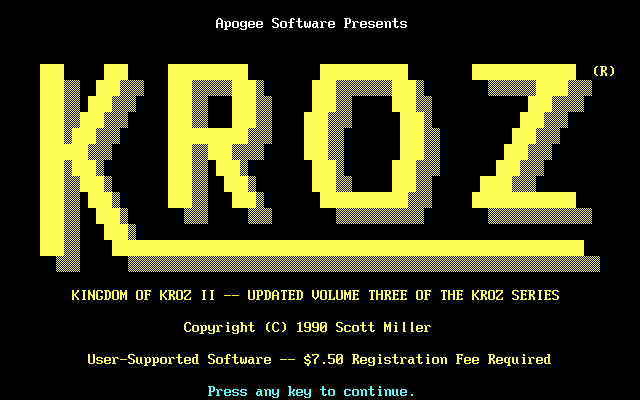
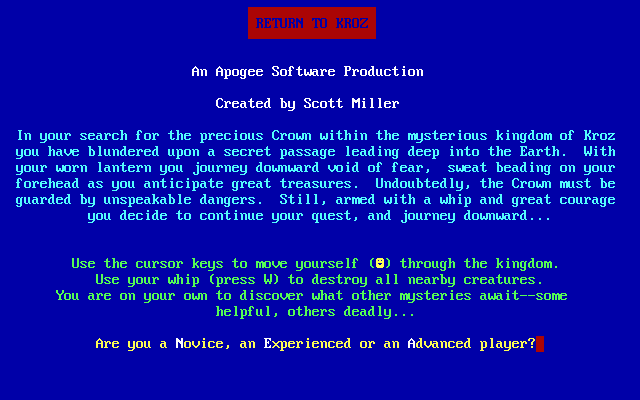
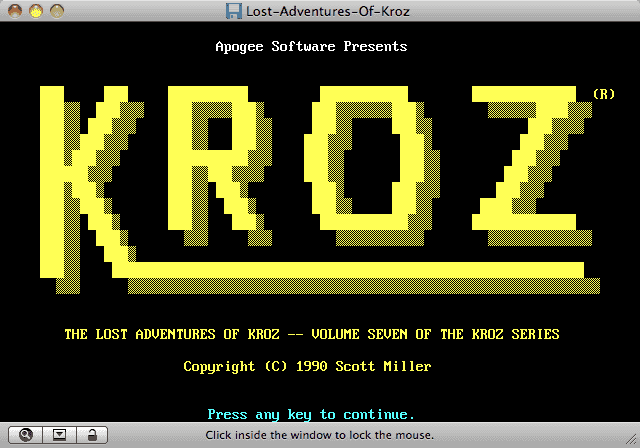
Kingdom of Kroz - Play Online
DOS - 1988
For small DOS games like Kingdom of Kroz, you can play online immediately with your browser (Chrome, Firefox, Safari, Edge, Opera...). This feature is experimental, the game may not work properly.
Warning: game save should work, but you should try it early! Also, be careful to select the right game executable in the list above.
Similar games
4.6/5 - 833 votes
Prince of Persia DOS, Mac, Genesis, SEGA Master System, Game Gear, Amiga, Amstrad CPC, Atari ST, Apple II, FM Towns, PC-98, SAM Coupé, SEGA CD, Sharp X68000, TurboGrafx CD
1990

4.4/5 - 174 votes
Donkey Kong PC Booter, Atari 2600, Commodore 64, MSX, Atari 7800, Amstrad CPC, Intellivision, Atari 8-bit, ColecoVision, Apple II, VIC-20
1983
Comments and reviews
Oh look: If the game is too fast or too slow, try hitting CTRL-F11 (slower) and CTRL-F12 (faster).
Yes it's much faster. The code is meant to run on a much slower processor. This is a problem with many older games.
Sry, it technically works but is unplayable realistically.
It's a lot faster than I remember. It's been almost 35 years since I played it though. Maybe I'm just old an slow. LOL
No comment nor review for this game at the moment.