

How to Play
In order to run Lam-Mal you will need a NEC PC-9801 emulator. The best one available on web right now is Neko Project II: https://simk98.github.io/np21w/download.html
The site is in Japanese, but don't worry, if you download the latest release the actual program will be in English. Once you have configured the emulator, open the archive with the game.
You will notice that you have 4 .hdm files with discs in numerical order. Open Neko Project II and in the upper menu select FDD1, then open the first disc file. Next, reset the emulator by pressing 'emulate' and then 'reset'.
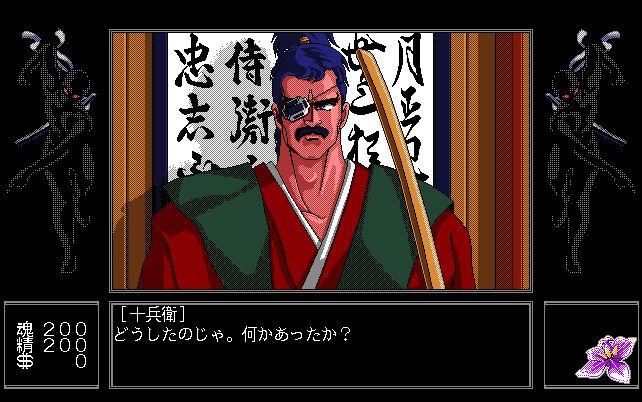
Now the game will launch and after the developer's intro you will see a purple message in Japanese. At this stage in the upper menu select FDD2 and open the second disk. Now click on the purple message and the game should start running. At some point the game will ask you for the next disk. Press on FDD2 again and open the next disc file.
 Japanese







Comments and reviews
No comment nor review for this game at the moment.