




- Export saves: export the savegame files from your browser, so you can switch to another browser or computer. You can also use them in an emulator installed on your computer.
- Import saves: import savegames that you exported before with the Export saves button.
- Download disk: export the whole game from your browser, with all your savegames. Useful to switch to an emulator installed on your computer.
- Reset game files: if you somehow messed up the game files, you can reset them to an exact copy of the original.
- Reset saves: delete all savegames from your browser. We recommend that you export them first: there is no turning back!
Larn - Play Online
DOS - 1986
For small DOS games like Larn, you can play online immediately with your browser (Chrome, Firefox, Safari, Edge, Opera...). This feature is experimental, the game may not work properly.
Warning: game save should work, but you should try it early! Also, be careful to select the right game executable in the list above.
Similar games
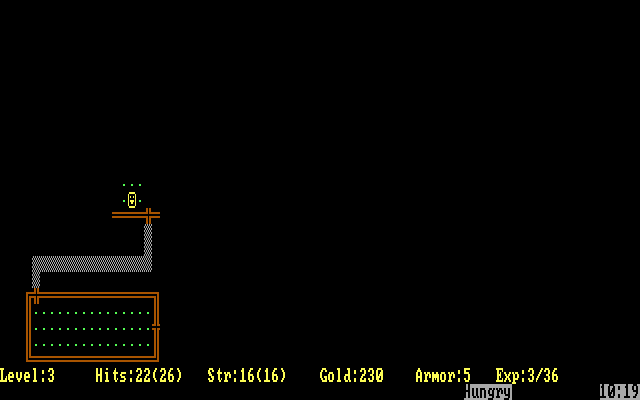
4.5/5 - 116 votes
Rogue DOS, Mac, Commodore 64, Amiga, ZX Spectrum, Amstrad CPC, Atari 8-bit, Atari ST
1984
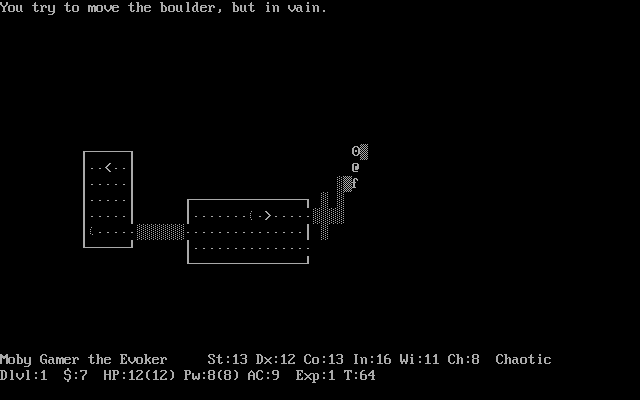
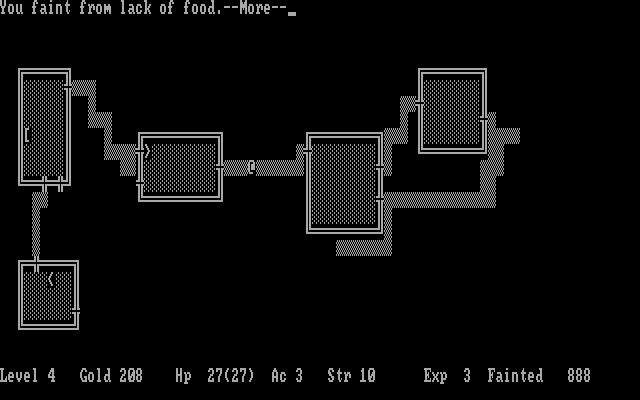
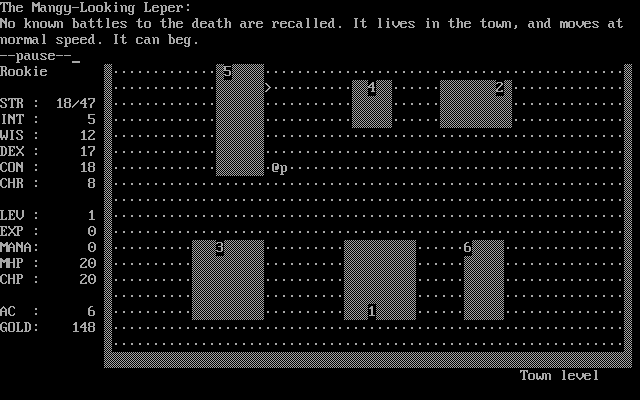
4.6/5 - 140 votes
Dungeon Master DOS, Amiga, Atari ST, Apple IIgs, FM Towns, PC-98, Sharp X68000
1992
Comments and reviews
The preceding comment lacks critical information (the comment feature seems to alter certain character-sequences). After "echo keypad" and before "larn.opt" there should be two greater-than symbols in a row.
echo keypad larn.opt
echo keypad » larn.opt
echo keypad [greater-than][greater-than] larn.opt
Quit the game as soon as it starts (capital Q -- [SHIFT]-[Q]). At the command-line prompt, enter the following command --
echo keypad larn.opt
This will append a line, containing "keypad," at the end of the larn.opt file. Then run Larn (the Larn123.exe can be run by entering "larn123" at the command-line prompt). This will allow the keypad to be used to move around rather than the H/J/K/L keys.
In like manner, more options can be appended, if desired. I like "graphics: 177 250" as well as "bold-objects" and "highlight-objects" and well as "prompt-on-objects" and others to taste (see documentation).
Larn uses H/J/K/L keys for movement - just like in the "vim" editor. The programmer who wrote vim did it on a ADM-3A computer. If you look at a picture of the keyboard of an ADM-3A (search for "adm-3a keyboard"), the arrow keys on that computer's keyboard are printed on the H, J, K, and L keys.
I remember playing this, but having problems with using browser.
I downloaded DOSBOx and got Larn running under that...everything is fine, except using the keypad for movement doesn't work, and using the letters for movement is badly mapped for a QWERTY keyboard. I can only assume the author used something other than QWERTY for movement keys.
Too bad, was looking forward to playing it more.
No comment nor review for this game at the moment.