You are on the beta version of My Abandonware. The live site is still myabandonware.com. Your favorites and ratings here are copied to the live site. Comments and other changes are not — we delete them every morning at 08:00 Paris time, when this site goes down for about an hour. Leave feedback through this link to Pastel (email required).
The beta goes down at 08:00 Paris time, in a few minutes. We rebuild the database from the live site. It comes back in about an hour.
"In many instances, when installing software (in my case Surfer 7), there is a missing file (SETUP.LID) that send a Windows error (in my case W8.1) Error 105, stating 'Setup is unable to find installation languages in D:\Surfer7\Setup.lid file'...'Error 105'...
To avoid such a problem, just copy the following in Notepad:
[Languages] key0=0009 Default=0009 count=1
Then, save the file as Setup.lid (make sure it does not keep the .txt extension) in the folder where the 'setup.exe' file is in. That should work for most cases."
In order to do this you must save a file where the game Setup.exe is located, as specified above. Therefore, you when you mount the ISO image it's a good idea to make a folder somewhere and copy all the individual files and folders from the ISO to your new location, that way you will have no problems adding the new "Setup.lid" file.
I have tried this and it solved the Error 105 problem. Unfortunately, for me on Windows 10, the installer still doesn't like Windows 10 and fails to execute, probably related to being a 32 bit executable.
At least we are one step closer to running this game on Windows 10.
0
Clip19 Jul. 2021
Doesn't want to install on Win 10. Under both Win 95 and Win 98 Compatibility modes run as Admin the Setup gives the message:
"Setup was unable to find installation languages in F:\ SETUP.LID file.
Error 105"
-1
No comment nor review for this game at the moment.




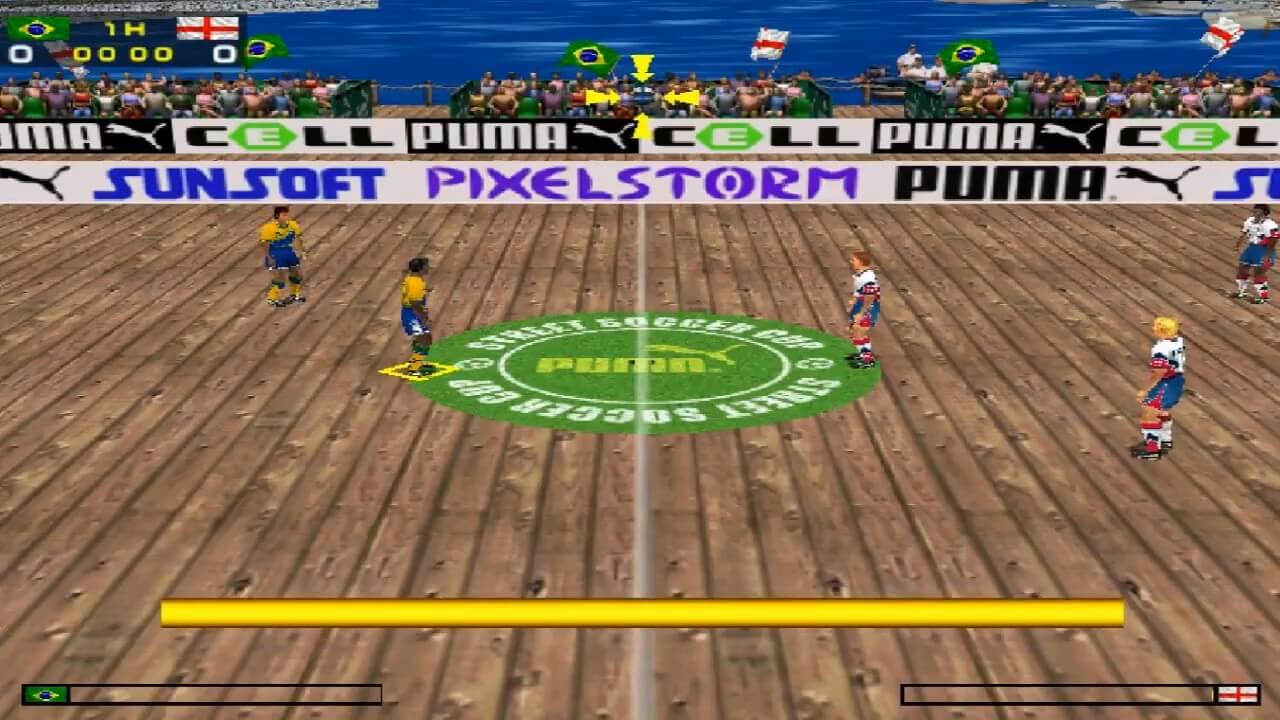


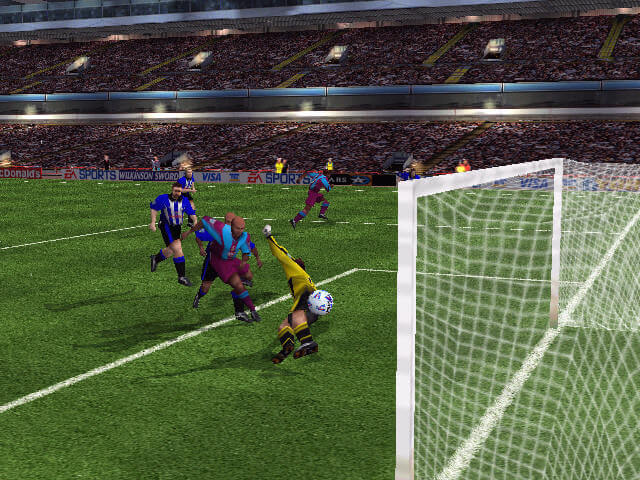



 English
  German
  Italian




Comments and reviews
dgvodoo in the folder game instaled working
Simplified Chinese :
https://archive.org/details/puma_20250803
The game is in Italian, not in english, only the installation is multilingual.
I have found a solution to the Error 105 problem here:
https://forums.techguy.org/threads/error-105-setup-lid.1197335/
User hberaldi writes:
"In many instances, when installing software (in my case Surfer 7), there is a missing file (SETUP.LID) that send a Windows error (in my case W8.1) Error 105, stating 'Setup is unable to find installation languages in D:\Surfer7\Setup.lid file'...'Error 105'...
To avoid such a problem, just copy the following in Notepad:
[Languages]
key0=0009
Default=0009
count=1
Then, save the file as Setup.lid (make sure it does not keep the .txt extension) in the folder where the 'setup.exe' file is in. That should work for most cases."
In order to do this you must save a file where the game Setup.exe is located, as specified above. Therefore, you when you mount the ISO image it's a good idea to make a folder somewhere and copy all the individual files and folders from the ISO to your new location, that way you will have no problems adding the new "Setup.lid" file.
I have tried this and it solved the Error 105 problem. Unfortunately, for me on Windows 10, the installer still doesn't like Windows 10 and fails to execute, probably related to being a 32 bit executable.
At least we are one step closer to running this game on Windows 10.
Doesn't want to install on Win 10.
Under both Win 95 and Win 98 Compatibility modes run as Admin the Setup gives the message:
"Setup was unable to find installation languages in F:\ SETUP.LID file.
Error 105"
No comment nor review for this game at the moment.