



- Export saves: export the savegame files from your browser, so you can switch to another browser or computer. You can also use them in an emulator installed on your computer.
- Import saves: import savegames that you exported before with the Export saves button.
- Download disk: export the whole game from your browser, with all your savegames. Useful to switch to an emulator installed on your computer.
- Reset game files: if you somehow messed up the game files, you can reset them to an exact copy of the original.
- Reset saves: delete all savegames from your browser. We recommend that you export them first: there is no turning back!
Rocky's Boots - Play Online
DOS - 1984
Also available on: Commodore 64
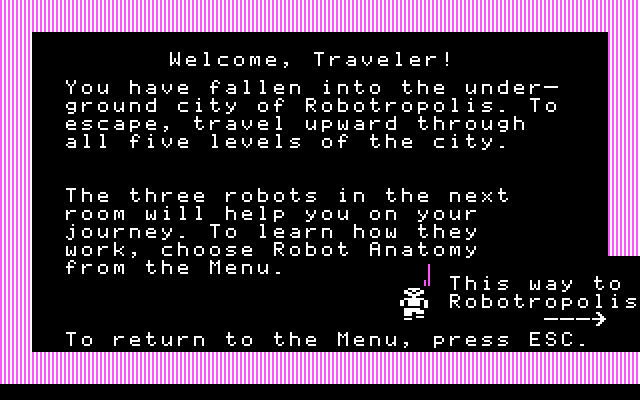
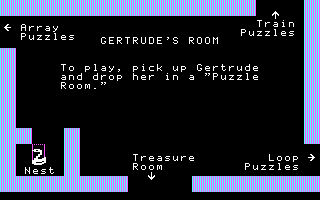
For small DOS games like Rocky's Boots, you can play online immediately with your browser (Chrome, Firefox, Safari, Edge, Opera...). This feature is experimental, the game may not work properly.
Warning: game save should work, but you should try it early! Also, be careful to select the right game executable in the list above.
Similar games
Comments and reviews
It's numlock turned on or off that enables fine movement on the number pad.
even after recomendations fine movement still not working.
THANK YOU SLOPPYJOES!!!
I just spent the last hour and a half trying everything I possibly could think of trying to get the fine movement to work. Including downloading different versions of DOSBox, changing the keyboard mapping (but first learning how to change the keyboard mapping), and IRONICALLY enough trying both shift keys at the same time. Does not work in the DOSBox version, but I can verify it does work for the online version (also using a Chrome browser and Win10). I can also verify that this workaround does not work in Firefox browsers. Again, thank you so much! Now... off to relive my childhood :)
FINE MOVEMENT ENABLED: The game tells you to to "shift+arrow key". This does not work in the emulator. However, I found a workaround.
While playing the game, within the emulator, press the left and right shift keys at the same time. For some reason, this toggles a setting, and enables fine movement if you use the number pad arrows instead of the regular arrows. So use the number pad (8,4,6,2) arrows for fine movement, and the regular arrows for normal movement.
I do not know why pressing both shift keys simultaneously enables this workaround. This has been tested on two different computers running Windows 10, Chrome browser.
Shift-Arrow fine KB movements not enabled.
Impossible to play.
Shift + Arrow key doesn't work, and is needed to play the game.
CONFIRMED. I WILL NEVER BE FREE
Shift doesn't enable fine movement. Running Chrome 65.0.3325.209 (Official Build) (64-bit).
No comment nor review for this game at the moment.