



- Export saves: export the savegame files from your browser, so you can switch to another browser or computer. You can also use them in an emulator installed on your computer.
- Import saves: import savegames that you exported before with the Export saves button.
- Download disk: export the whole game from your browser, with all your savegames. Useful to switch to an emulator installed on your computer.
- Reset game files: if you somehow messed up the game files, you can reset them to an exact copy of the original.
- Reset saves: delete all savegames from your browser. We recommend that you export them first: there is no turning back!
Shamus - Play Online
PC Booter - 1984
For small DOS games like Shamus, you can play online immediately with your browser (Chrome, Firefox, Safari, Edge, Opera...). This feature is experimental, the game may not work properly.
Warning: game save should work, but you should try it early! Also, be careful to select the right game executable in the list above.
Similar games
4.2/5 - 28 votes
Defender PC Booter, Atari 2600, Commodore 64, Intellivision, Atari 8-bit, ColecoVision, Apple II, VIC-20, Arcade, Adventure Vision
1983
4.4/5 - 61 votes
Frogger PC Booter, Mac, Atari 2600, Genesis, Commodore 64, MSX, Intellivision, Atari 8-bit, ColecoVision, Odyssey 2, Apple II, VIC-20, ZX81, Arcade, J2ME, Dragon 32/64, Gakken Compact Vision TV Boy
1983
4.2/5 - 27 votes
Robotron: 2084 PC Booter, Commodore 64, Atari 7800, Atari 8-bit, Apple II, Lynx, VIC-20, Arcade, BBC Micro, Electron
1983
4.4/5 - 106 votes
Ms. Pac-Man PC Booter, Atari 2600, Genesis, Commodore 64, SEGA Master System, Game Gear, ZX Spectrum, Atari 7800, Atari 8-bit, Apple II, Lynx, VIC-20, Arcade, iPod Classic
1984
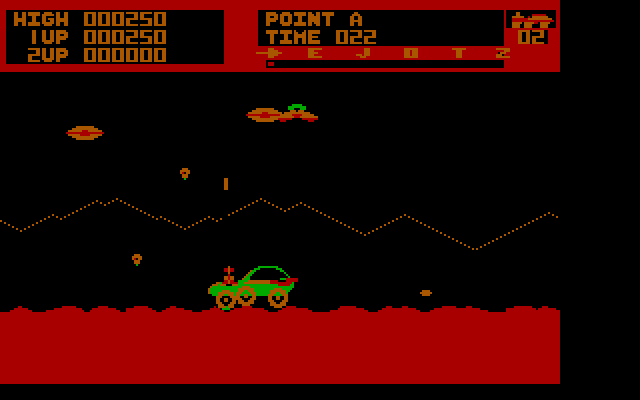
4.2/5 - 52 votes
Moon Patrol PC Booter, Atari 2600, Commodore 64, MSX, Atari 8-bit, Atari ST, Apple II, VIC-20, Arcade, Sord M5
1984
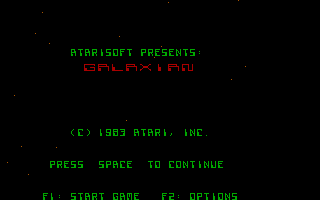
4.3/5 - 55 votes
Galaxian PC Booter, Atari 2600, Commodore 64, MSX, ZX Spectrum, Atari 8-bit, ColecoVision, Apple II, VIC-20, Arcade, PC-88
1983
Comments and reviews
how do you resolve the sticky key issue for this game? it keep moving even after I stop pressing the arrow key.
Shooting:
alt+arrow key
How do you shoot? I started pressing on the space bar, I imagine that was from memory but nothing. BTW thank you!
alt fires
haven't played this game since my dad pulled out his old Atari, and i cant remember if you have to pick up the knives, or if you have an unlimited supply. whatever the case, i dont know which key to press, i've tried them all.
No comment nor review for this game at the moment.