











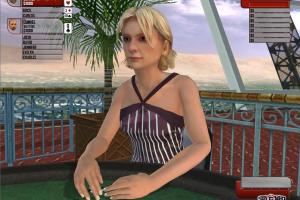





How to Play
Notes:
- To install the game, use the utility for mounting disc image files, like WinCDEmu, UltraISO, Alcohol 52%/Alcohol 120% or Daemon Tools Lite. After you installed the game, install the patch, then use NoCD, simply copy Stacked.exe from the archive and put in game folder, agree to replace original file. If the game doesn't work - run it in compatibility mode with older version of Windows (Windows 98/ME, Windows 2000, XP, etc.)
- The game works on DirectX 9, so if you're using Windows 8, 8.1, 10 or 11 - you need to enable DirectPlay: Go to Control Panel, and select 'Programs'. Select 'Turn Windows features on and off', click on 'Legacy Components' and check the box 'DirectPlay'. Select OK, once the installation is done, restart your computer
- The game has been tested on Windows 7 64-bit and Windows 10, works with no problem. If the game stucks when you exit from it - just "kill" the process in Task Manager (Ctrl+Alt+Del by default)
 English





Comments and reviews
No comment nor review for this game at the moment.