




- Export saves: export the savegame files from your browser, so you can switch to another browser or computer. You can also use them in an emulator installed on your computer.
- Import saves: import savegames that you exported before with the Export saves button.
- Download disk: export the whole game from your browser, with all your savegames. Useful to switch to an emulator installed on your computer.
- Reset game files: if you somehow messed up the game files, you can reset them to an exact copy of the original.
- Reset saves: delete all savegames from your browser. We recommend that you export them first: there is no turning back!
Striker - Play Online
DOS - 1993
For small DOS games like Striker, you can play online immediately with your browser (Chrome, Firefox, Safari, Edge, Opera...). This feature is experimental, the game may not work properly.
Warning: game save should work, but you should try it early! Also, be careful to select the right game executable in the list above.
Similar games
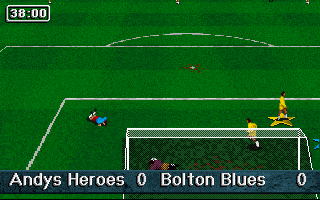

4.3/5 - 290 votes
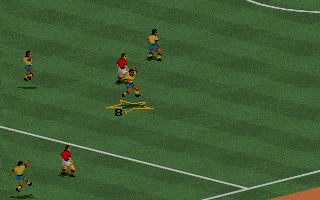
FIFA International Soccer DOS, Genesis, SEGA Master System, Game Gear, Amiga, SEGA CD
1994
4.3/5 - 20 votes
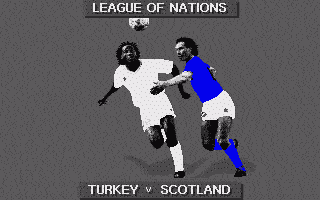
Sensible Soccer: European Champions - 92/93 Edition DOS, Amiga, Atari ST, Amiga CD32
1993
Comments and reviews
and better if u chose same speed for everybody, letting yours skills with the controls to make de difference
Best football/soccer game ever. U can get total control of where u wanna kick when u kick towards the goal unlike modern games with 1 "kick" button. Same freedom when u want to pass thanks to the only one pass/kick to goal button that actually just kicks aimed at where the player is aiming. Bether playing without autokeeper to avoid IA controlling your goalkeeper.
No comment nor review for this game at the moment.