


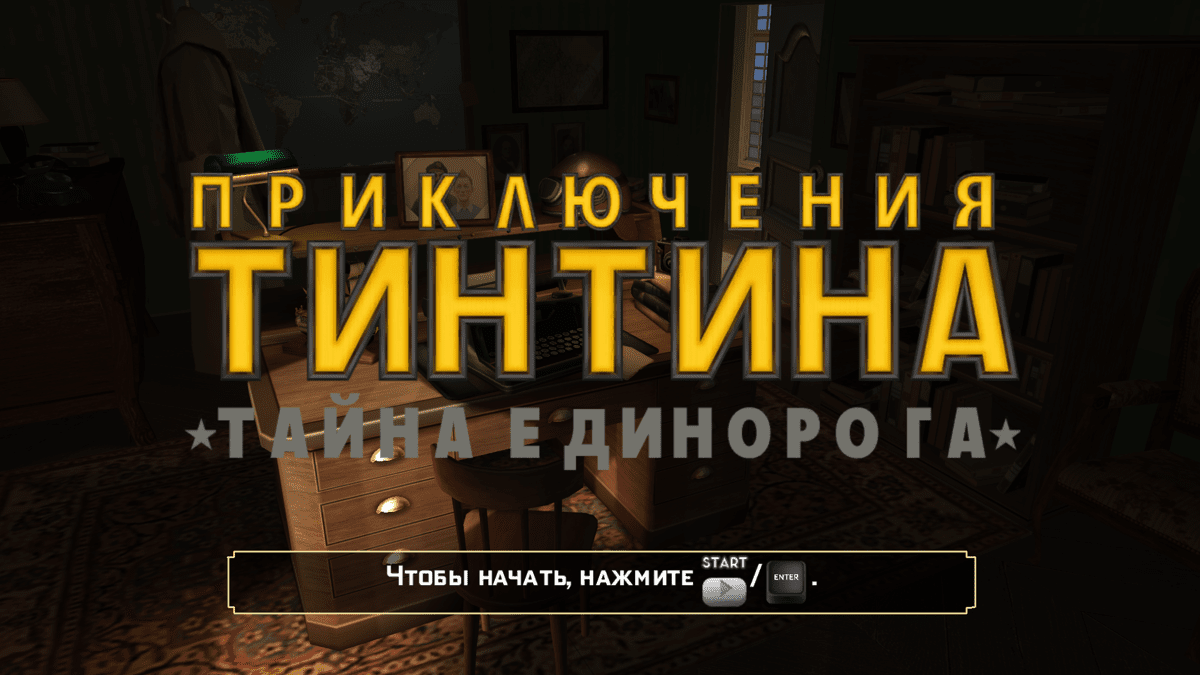

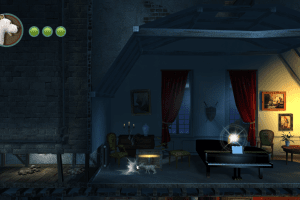

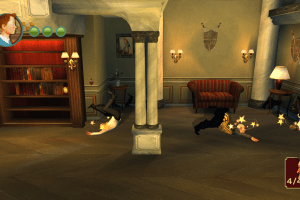
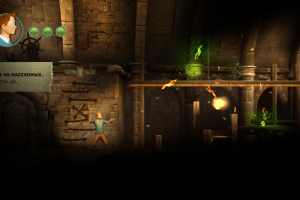
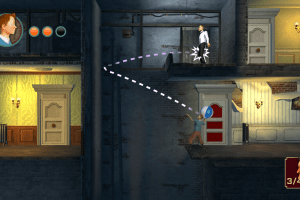
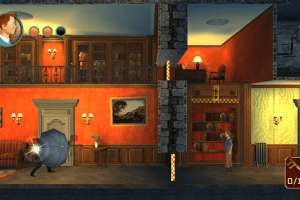
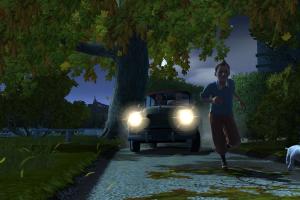

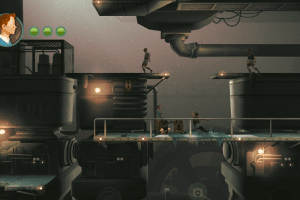

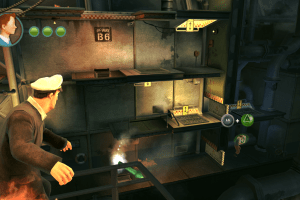
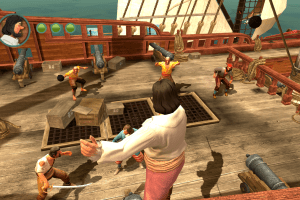
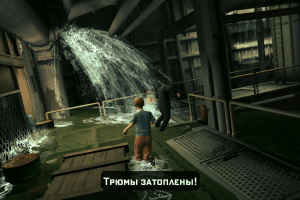
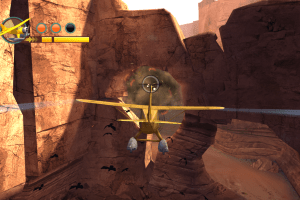

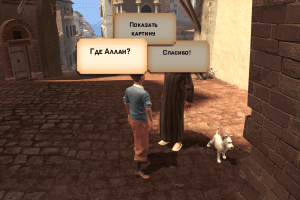
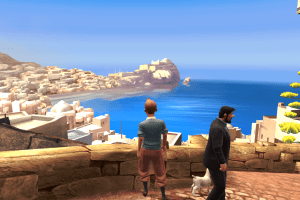
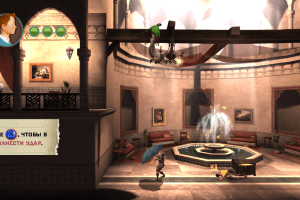
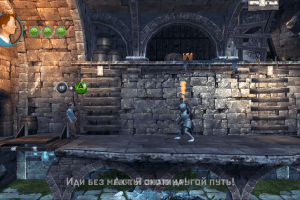
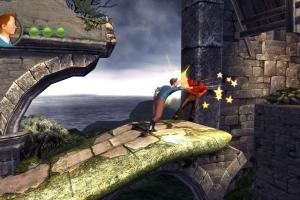
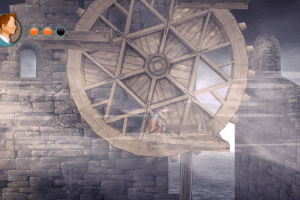

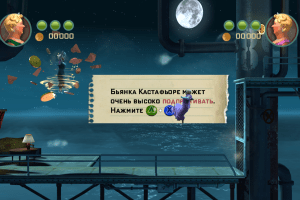

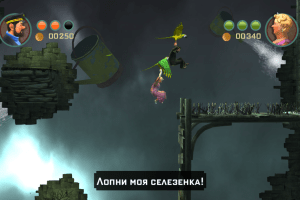
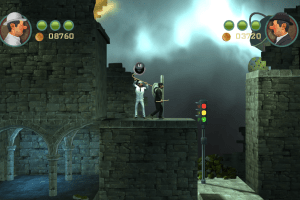
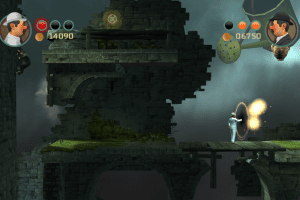
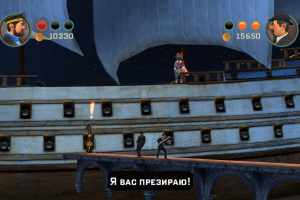
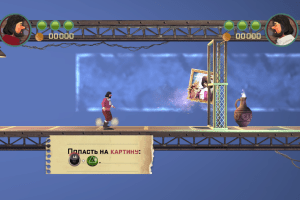
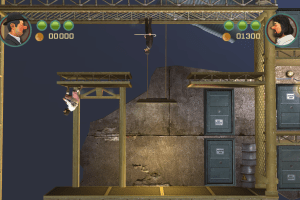
How to Play
NoDVD showed few generic warnings on VirusTotal, it is safe to use, here's the scan report. All warnings are generic, about suspicious/unsafe file, just add the files to antivirus exceptions if your antivirus blocks it
The game with NoDVD has been tested on Windows 7 64-bi, Windows 8.1 and Windows 10, it works fine, the game supports widescreen resolutions up to 4k. You may experience some small troubles when you play the game on modern systems, check our Guide and Notes for details
Install & play guide:
- Mount the ISO image with disc image utility, like WinCDEmu, UltraISO, Alcohol 52%/Alcohol 120% or Daemon Tools Lite, etc. Or, if you have WinRAR installed, extract the files from ISO image
- Install the game (if autorun doesn't work - simply launch the installation from Setup.exe inside the disc). It is recommended to install the game not in default path, but in some other, non-system folder, like
C:/Games/The Adventures of Tintin Game - After you installed the game - install NoDVD, simply copy the files from the archive and put it into game folder, agree to replace original file
- NoDVD is required because the game requires an activation with a serial key! Only if you don't have an actual serial key, without NoDVD you won't be able to launch the game
- Open the directory with installed game and find Tintin.exe. Right click on Tintin.exe -> Properties -> Compatibility -> Set "Run this app in compatibility mode with Windows 7" and "Run as administrator"
- Launch the game's launcher (Launcher.exe), configure the settings and play. If the game doesn't work in compatibility mode with Windows 7 - try to launch it in compatibility mode with other version of Windows (Windows XP SP3, Vista, etc.)
Multilingual version of the game has translations for 12 languages: English, French, German, Spanish, Italian, Dutch, Portuguese, Swedish, Norwegian, Danish, Finnish and Polish languages. The language can be selected in the launcher (Launcher.exe)
Notes:
- If the installation doesn't start - try to launch Setup.exe in compatibility mode with old version of Windows (98, 2000 or XP)
- It is recommended to install all versions of Microsoft Visual C++ Redistributable and NET Framework for the correct work of the game. Also it is recommended to install K-Lite Codec Pack for the correct work of in-game videos
- The game works on DirectX 9, so if you're using Windows 8, 8.1, 10 or 11 - you need to enable DirectPlay: Go to Control Panel, and select 'Programs'. Select 'Turn Windows features on and off', click on 'Legacy Components' and check the box 'DirectPlay'. Select OK, once the installation is done, restart your computer
- The game installer also automatically installs Uplay client, you can delete it if you want, since it is not required if you use NoDVD
- NoDVD is required because the game requires an activation with a serial key! Only if you don't have an actual serial key, without NoDVD you won't be able to launch the game. Also, the game used Tages DRM protection, which doesn't work correctly on modern systems. NoDVD "cracks" DRM protection and allows to run the game without the disc and serial key. If you see an error that there's not enough space on the hard drive when you copy NoDVD files - re-install the game in non-system folder, like
D:/Games/The Adventures of Tintin Game, Windows Protection may block copying of files to system folders (likeC:/Program FilesorC:/Windows) - Always run the game as administrator, to prevent random crashes! Make sure to check the box "Run as administrator" in Properties of Tintin.exe file
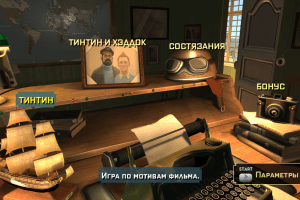
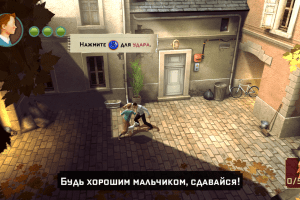
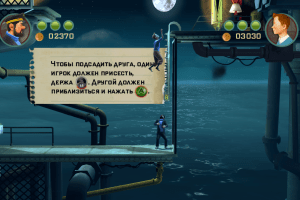
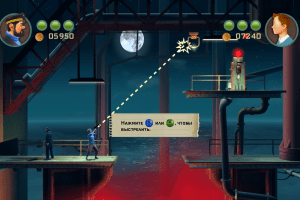
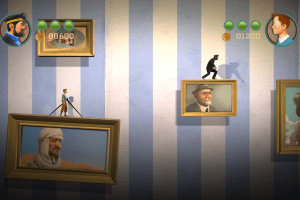
- The game a separate local co-op mode for two players on one computer. Cooperative campaign is called "Tintin and Haddock" and can be started in main menu
- If you have problem with broken sound effects or disappearing sound - first try to change the sound settings. If it didn't work - set sound quality to 24 bit, 48000 Hz or 24 bit, 44100 Hz. Read this guide how to do that
- If you get an error "You must specify big file to load" on the startup - run the game's launcher (Launcher.exe) and configure the settings, then run Tintin.exe as an administrator
- The game has no framerate cap, so if the game works too fast on your system, enable Vsync in game's launcher or in control panel of your video card. If it didn't help - use one of framerate limit utilities
- The game supports all XInput-compatible controllers, so it should work fine with Xbox gamepads or similar ones. But the game may not recognize other models of gamepads. If the game doesn't recognize your gamepad - use additional tools that can emulate XInput controllers, like x360ce
- Don't forget to check PCGamingWiki if you have troubles!


 Russian





Comments and reviews
The files in gamecopyworld isnt working for me
You can fix the serial key issue from gamecopyworld
How download NODVD patch??
how can ifound serialkey
I want serial key
nao achei o numero de serie
thanks dont need keycode replace exe file with no cd file
@Courier
what is the serial number
serial key please
Whats the serial key for this one
@frosimas Start the game exclusively through the launcher.
Regarding the error "You must specify big file to load" on the startup of the game.. I tried configuring the settings from the launcher, changed the compatibility on every windows, played with audio settings, found different direct x 9 and placed it in the support folder, and NOTHING WORKSS.. if anyone knows any fix, please leave it by
help i cant find the serialnumber
Hi, the setup show game is already installed, but I deleted it file directly 😕
No comment nor review for this game at the moment.