




- Export saves: export the savegame files from your browser, so you can switch to another browser or computer. You can also use them in an emulator installed on your computer.
- Import saves: import savegames that you exported before with the Export saves button.
- Download disk: export the whole game from your browser, with all your savegames. Useful to switch to an emulator installed on your computer.
- Reset game files: if you somehow messed up the game files, you can reset them to an exact copy of the original.
- Reset saves: delete all savegames from your browser. We recommend that you export them first: there is no turning back!
The Lurking Horror - Play Online
DOS - 1987
For small DOS games like The Lurking Horror, you can play online immediately with your browser (Chrome, Firefox, Safari, Edge, Opera...). This feature is experimental, the game may not work properly.
Warning: game save should work, but you should try it early! Also, be careful to select the right game executable in the list above.

 English
 Similar games
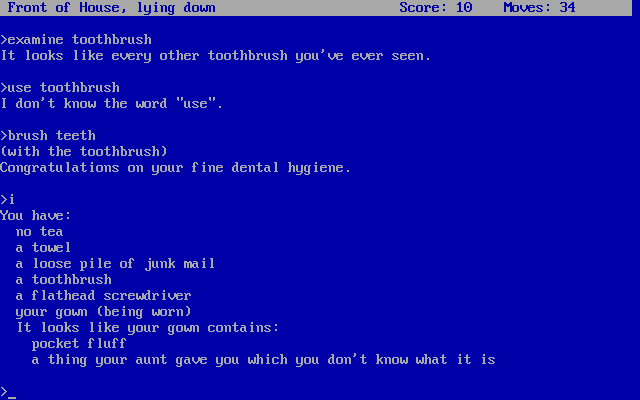
4.4/5 - 131 votes
The Hitchhiker's Guide to the Galaxy DOS, Mac, Commodore 64, Amiga, Amstrad CPC, Atari 8-bit, Apple II
1984
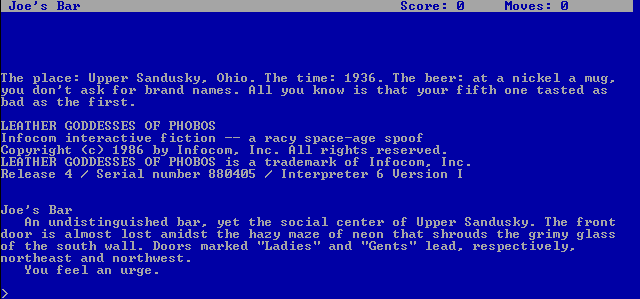
4.1/5 - 35 votes
Leather Goddesses Of Phobos DOS, Mac, Commodore 64, Amiga, Amstrad CPC, Atari 8-bit, Atari ST, Apple II
1986
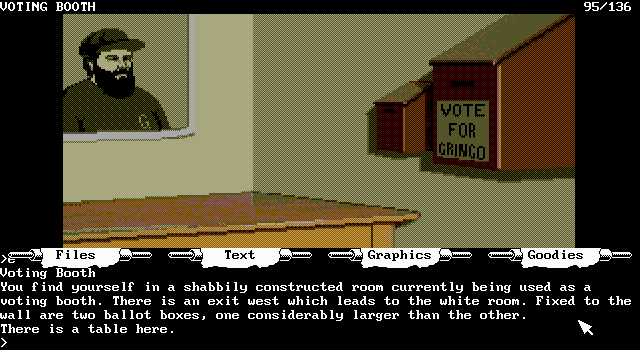
4.1/5 - 22 votes
The Pawn DOS, Mac, Commodore 64, Amiga, ZX Spectrum, Amstrad CPC, Atari 8-bit, Atari ST, Apple II
1988
Comments and reviews
I tried everything I could,buuut stttttttillll can't play it with downloaded apps.
Hannah, make sure to select lurking.bat in the game executable dropdown box before hitting Start
i cant get on the actual game how do i DO it!!
http://infocom.elsewhere.org/gallery/lurking/lurking.html
for the feelies included originally included in the box. The last page of the Guide for Freshmen has the login and password
Whats the pc password?
Lixxie, the command to reload a save is "restore"
Okay, stupid question, but I have no idea how to reload a save. I know what my save was called, but I just don't know th command I'm supposed to type in.
wlLKRMuQ
Pewdiepie plays this and its so funny
No comment nor review for this game at the moment.