




- Export saves: export the savegame files from your browser, so you can switch to another browser or computer. You can also use them in an emulator installed on your computer.
- Import saves: import savegames that you exported before with the Export saves button.
- Download disk: export the whole game from your browser, with all your savegames. Useful to switch to an emulator installed on your computer.
- Reset game files: if you somehow messed up the game files, you can reset them to an exact copy of the original.
- Reset saves: delete all savegames from your browser. We recommend that you export them first: there is no turning back!
The Manager - Play Online
DOS - 1992
Also available on: Amiga
For small DOS games like The Manager, you can play online immediately with your browser (Chrome, Firefox, Safari, Edge, Opera...). This feature is experimental, the game may not work properly.
Warning: game save should work, but you should try it early! Also, be careful to select the right game executable in the list above.

 English
  German
Similar games

4.5/5 - 1441 votes
Sid Meier's Civilization DOS, Windows 3.x, Mac, SEGA Saturn, Amiga, Atari ST
1991

Comments and reviews
Non mi fa mettere la squadra perchè
I love this came
I’m a huge fan of you
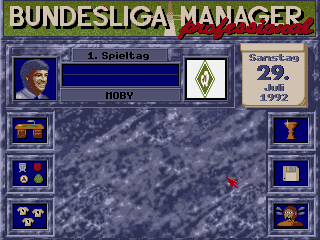
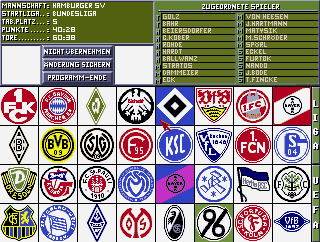
Select the image of the manager you want to be, and then enter your name. Select the black box, then select a team. If you can't select a team, choose a lower level team.
Once done, right click anywhere to proceed.
i can't pick the team after writing my name, clicking on black square does nothing.
pourquoi ont est obliger de faire le championnat anglais , j'aimerais faire le français mais pas possible de changer coment faire ?
on ne sait pas installer le jeux ?
No comment nor review for this game at the moment.