



- Export saves: export the savegame files from your browser, so you can switch to another browser or computer. You can also use them in an emulator installed on your computer.
- Import saves: import savegames that you exported before with the Export saves button.
- Download disk: export the whole game from your browser, with all your savegames. Useful to switch to an emulator installed on your computer.
- Reset game files: if you somehow messed up the game files, you can reset them to an exact copy of the original.
- Reset saves: delete all savegames from your browser. We recommend that you export them first: there is no turning back!
Time and Magik: The Trilogy - Play Online
DOS - 1988
Also available on: BBC Micro - ZX Spectrum
For small DOS games like Time and Magik: The Trilogy, you can play online immediately with your browser (Chrome, Firefox, Safari, Edge, Opera...). This feature is experimental, the game may not work properly.
Warning: game save should work, but you should try it early! Also, be careful to select the right game executable in the list above.
Similar games
4.5/5 - 25 votes
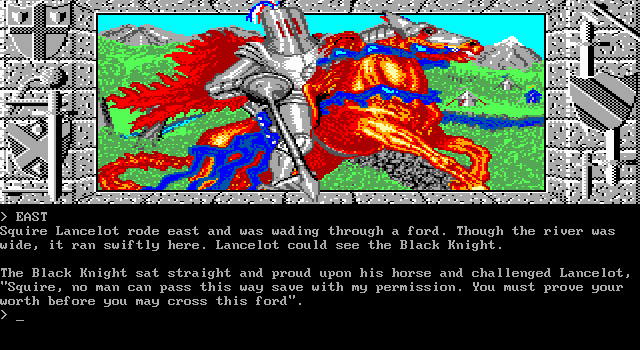
Lancelot DOS, Mac, Commodore 64, Amiga, ZX Spectrum, Amstrad CPC, Atari 8-bit, Atari ST, BBC Micro
1988
4.6/5 - 140 votes
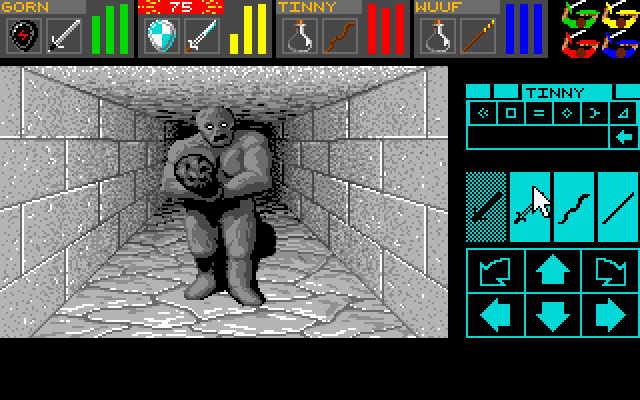
Dungeon Master DOS, Amiga, Atari ST, Apple IIgs, FM Towns, PC-98, Sharp X68000
1992
4.1/5 - 22 votes
The Pawn DOS, Mac, Commodore 64, Amiga, ZX Spectrum, Amstrad CPC, Atari 8-bit, Atari ST, Apple II
1988
4.4/5 - 40 votes
The Fellowship of The Ring DOS, Mac, Commodore 64, ZX Spectrum, Amstrad CPC, Apple II, BBC Micro
1986
Comments and reviews
Works on DOSBox 0.74
After downloading, drag winpatch onto DOSBox icon - this patches menu.exe
Then run menu.exe
If you're running from here in browser (rather than from download) - make sure you're running menu.exe NOT aint.exe (which is what is defaults to, and which causes an error)
Try to launch it in DOSBOX. tells you bad parameter..let it auto launch in browser. Bad parameter. This ones just busted, which is a shame, Ive been looking for a working version of this since 95 =(
No comment nor review for this game at the moment.