




- Export saves: export the savegame files from your browser, so you can switch to another browser or computer. You can also use them in an emulator installed on your computer.
- Import saves: import savegames that you exported before with the Export saves button.
- Download disk: export the whole game from your browser, with all your savegames. Useful to switch to an emulator installed on your computer.
- Reset game files: if you somehow messed up the game files, you can reset them to an exact copy of the original.
- Reset saves: delete all savegames from your browser. We recommend that you export them first: there is no turning back!
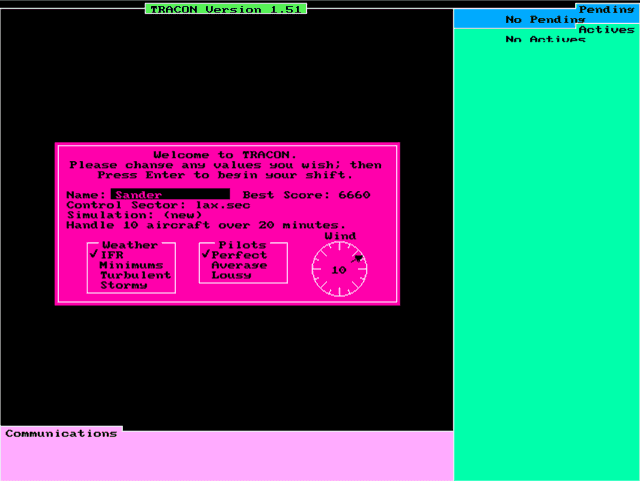
Tracon II - Play Online
DOS - 1990
Also available on: Amiga
For small DOS games like Tracon II, you can play online immediately with your browser (Chrome, Firefox, Safari, Edge, Opera...). This feature is experimental, the game may not work properly.
Warning: game save should work, but you should try it early! Also, be careful to select the right game executable in the list above.
Similar games

Comments and reviews
Hello,
I created a Google Drive repository of extra sectors for this game. At the time of this writing, there currently is only 1 sector (LTBA/Istanbul), but as I make more, they will be posted there. The link is https://drive.google.com/drive/folders/1eVwLsZAHUixm2725-ZSxk-TeX3_-Jeil?usp=sharing
How do I change the position of the aircraft data tags on the screen?
Sometimes the keyboard commands stop working in the middle of a game. Reloading the game in a new window usually solves the problem.
Used to play this every day when i worked on the DEW line, on a 386 laptop with a red mono screen. As much fun now as it was back then, tho it this interface doesnt allow me to use the keypad. Still remember the quick keys.
No comment nor review for this game at the moment.