




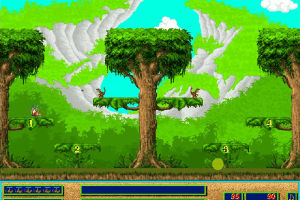
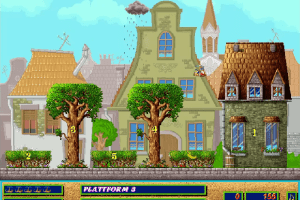
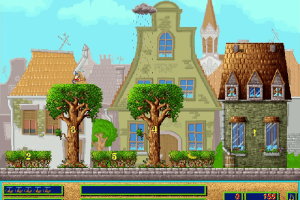
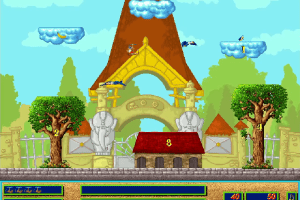
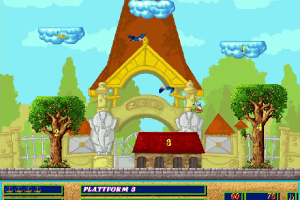
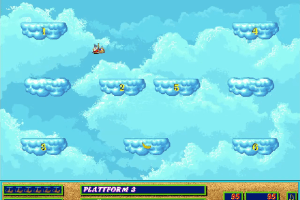
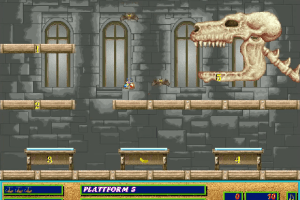
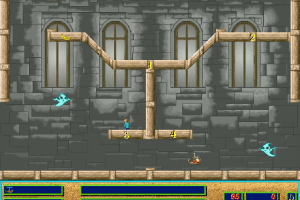
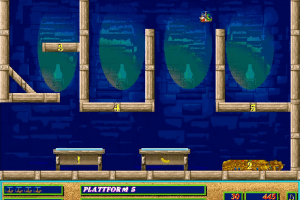
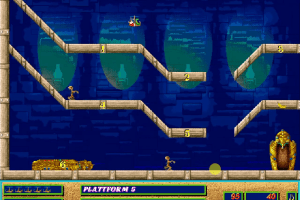
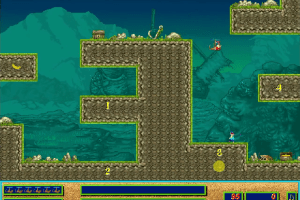
How to Play
Notes:
- The game install & works fine on 16-bit and 32-bit systems - Windows 98, 2000, XP, Vista, even Windows 7 32-bit. But the installer of the game doesn't work on 64-bit systems, use extra tools like winevdm to run the installer on 64-bit systems
- The game doesn't work on Windows 10 & 11, so the best variant to play the game on modern systems is to use Virtual Machine, for example VirtualBox or DOSBox. The game should work fine in DOSBox-X + Windows 3.1. If you have choppy sound effects in the game when you run it in DOSBox-X, do the next: open the WAVEMIX.INI file in the (emulated) Windows folder and find the line
;WaveBlockLen=in the[default]section; rremove the semicolon and enterWaveBlockLen=1024(or higher). If the MIDI soundtrack plays only from the one audio speaker, briefly open Optionsmenü in the game, it seems it fixes it. But better open Windows 3.1 MIDI Mapper and set the output from"SB16 Ext Synth"to"SB16 All MIDI"and configure FluidSynth in DOSBox with a suitable soundfont. Check this thread for more details how to run the game in DOSBox-X + Windows 3.1
 German





Comments and reviews
No comment nor review for this game at the moment.