



- Export saves: export the savegame files from your browser, so you can switch to another browser or computer. You can also use them in an emulator installed on your computer.
- Import saves: import savegames that you exported before with the Export saves button.
- Download disk: export the whole game from your browser, with all your savegames. Useful to switch to an emulator installed on your computer.
- Reset game files: if you somehow messed up the game files, you can reset them to an exact copy of the original.
- Reset saves: delete all savegames from your browser. We recommend that you export them first: there is no turning back!
Vermeer - Play Online
DOS - 1988
For small DOS games like Vermeer, you can play online immediately with your browser (Chrome, Firefox, Safari, Edge, Opera...). This feature is experimental, the game may not work properly.
Warning: game save should work, but you should try it early! Also, be careful to select the right game executable in the list above.
Similar games

Comments and reviews
Wie kann man denn den Spielstand abspeichern? Bei mir kommt dann immer die Info, dass ich eine Diskette einlegen soll. Dann werd ich ins Dos geschmissen.
sehr schönes spiel, wünschte es gäbe ein 2022ér remake!
Gruß an ERNI, AxG und DER_ZERHACKER
Thanks for bringing back childhood memories! It was awesome to play the game. I still have the original box and disks in my shelf. But I´m pretty sure, they don´t work anymore. But here the game was rock stable. ONLY! If you try to save the game, it crushes. And sound would be nice, too. ;-)
But anyway it was great fun to play it again on a new machine, that was never designed for it. Thanks to everybody who made this great experience possible!!! ;-)
@Paule: Das Saatgut kauft man im Markt.
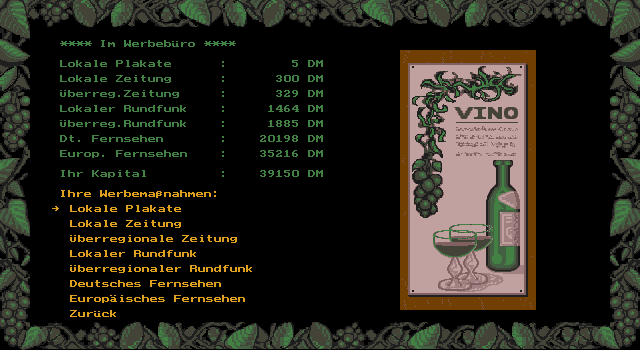
Ich habe Vermeer damals gesuchtet nur leider ist es schon soooo lange her das ich nicht mehr weiß wo ich das sootgut für meine plantagen hehr bekomme. kann mir jemand helfen
Endlich wieder vermeer, gut umgesetzt. läuft auf E besser als auf Mozilla
No comment nor review for this game at the moment.