





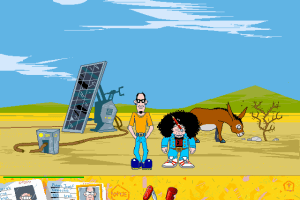
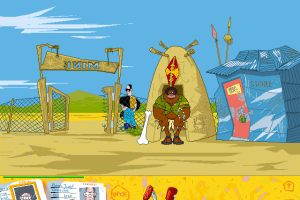
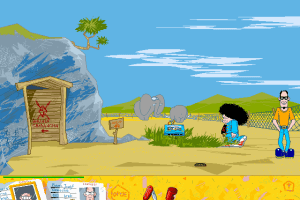
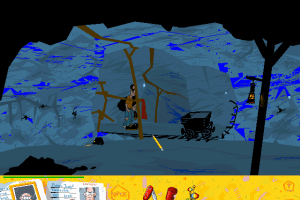
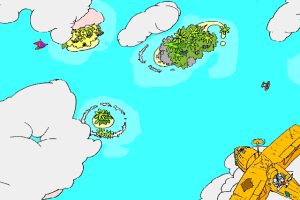
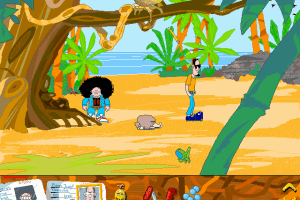
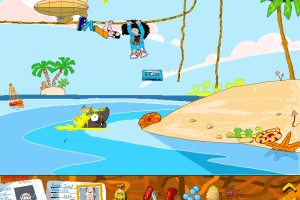
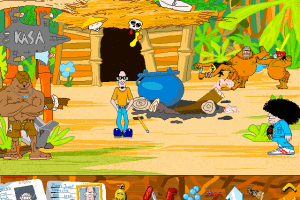
How to Play
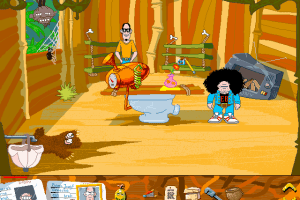
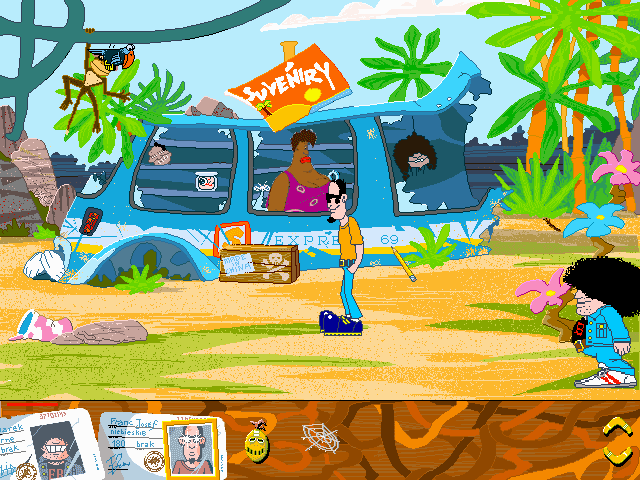
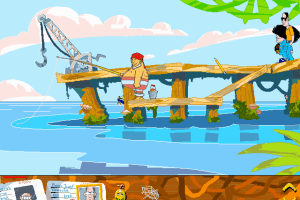
To play the game on Windows XP or newer, use the NoCD-fix by olesio that fixes the crashes of the game and graphics issues and allows to run the game without CD. To use it copy the files from the archive to game folder, replacing the files. To be able to watch in-game cutscenes, run wymagane_kodeki_dla_gry_wacki_uruchom.exe to install the required video codecs, then run wacki.exe in compatibility mode with Windows XP (SP2 or SP3). On Windows 10, the required codecs probably won't install, also, to fix the graphics issues you will need to use WineD3D instead of ddraw.dll that comes with the fix
 Polish






Comments and reviews
No comment nor review for this game at the moment.