


- Export saves: export the savegame files from your browser, so you can switch to another browser or computer. You can also use them in an emulator installed on your computer.
- Import saves: import savegames that you exported before with the Export saves button.
- Download disk: export the whole game from your browser, with all your savegames. Useful to switch to an emulator installed on your computer.
- Reset game files: if you somehow messed up the game files, you can reset them to an exact copy of the original.
- Reset saves: delete all savegames from your browser. We recommend that you export them first: there is no turning back!
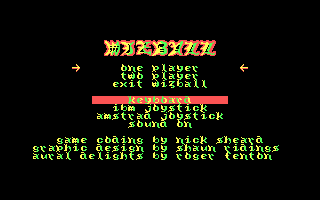
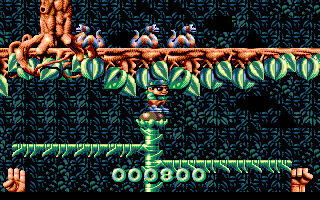
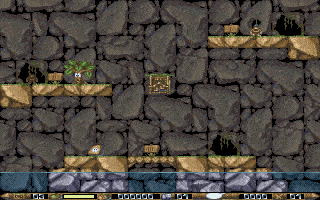
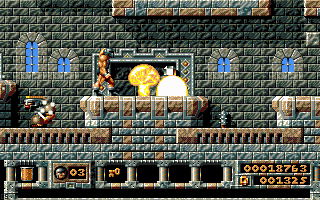
Wizkid: The Story of Wizball II - Play Online
DOS - 1992
For small DOS games like Wizkid: The Story of Wizball II, you can play online immediately with your browser (Chrome, Firefox, Safari, Edge, Opera...). This feature is experimental, the game may not work properly.
Warning: game save should work, but you should try it early! Also, be careful to select the right game executable in the list above.
Similar games
4.2/5 - 17 votes
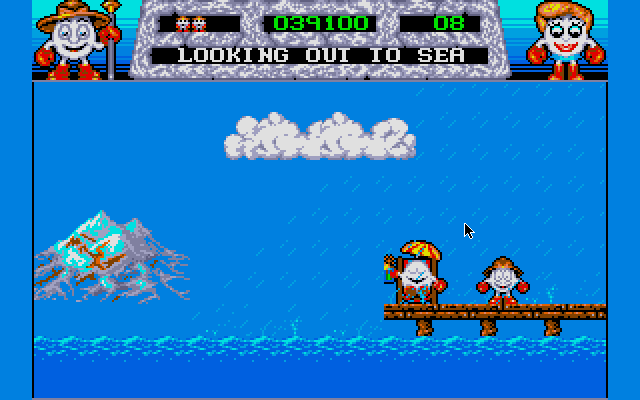
Fantasy World Dizzy DOS, Commodore 64, Amiga, ZX Spectrum, Amstrad CPC, Atari ST
1991
Comments and reviews
If anyone has trouble with the crash at the jailhouse level - turning the music off fixed it for me.
I’m obsessed with playing this Although every time I get to the jailhouse level it logs out :-( can this be fixed? Thanks
I cannot thank you enough for this! I spent hours on this as a kid...(aged around 3/4) and I seemed to play better then than I do now, maybe its the lack of joystick! This game for me was one of my favs so Im so happy I get to play it again. Also learnt the condom machine isnt a bubble gum machine!! Anyways thanks again...All I need to do now is figure out how to get the sound working!
No comment nor review for this game at the moment.