



The Atari 2600 (1977) brought video games into the home and set the shape of the console for everyone after it. Its successor the Atari 7800 (1986) came too late to beat the NES, but it played almost every 2600 cartridge as well.
We have about 450 Atari 2600 games and about 50 Atari 7800 games on My Abandonware. They are small cartridge files, a few KB each, up to 90 KB for the 7800.
Atari 2600 and 7800 emulators
Stella is the 2600 emulator, free and on every system, and it needs no BIOS. For 7800 games, use BupSystem on Windows.
- Stella (Windows, Mac, Linux): the reference 2600 emulator, open source since 1996 and still updated. It finds the cartridge type and the TV format by itself. Recommended.
- BupSystem (Windows): an Atari 7800 emulator. It works with no setup. Recommended for 7800 games. In October 2026, it is closed source and runs only on Windows.
- A7800 (Windows, Mac, Linux): an Atari 7800 emulator built on MAME. It is tedious to run, as you can expect from a MAME fork.
- ProSystem (Windows) is the older 7800 emulator, also a RetroArch core. MAME runs both consoles too, see our page about multi-system emulators.
Running the games
Stella opens on a list of files. Go to the folder where you saved the game and open it. Stella reads our zip as it is, so you do not need to unzip it.
The list shows the game under its real name, not the file name. A panel next to the list gives the maker, the controllers and the cartridge type.
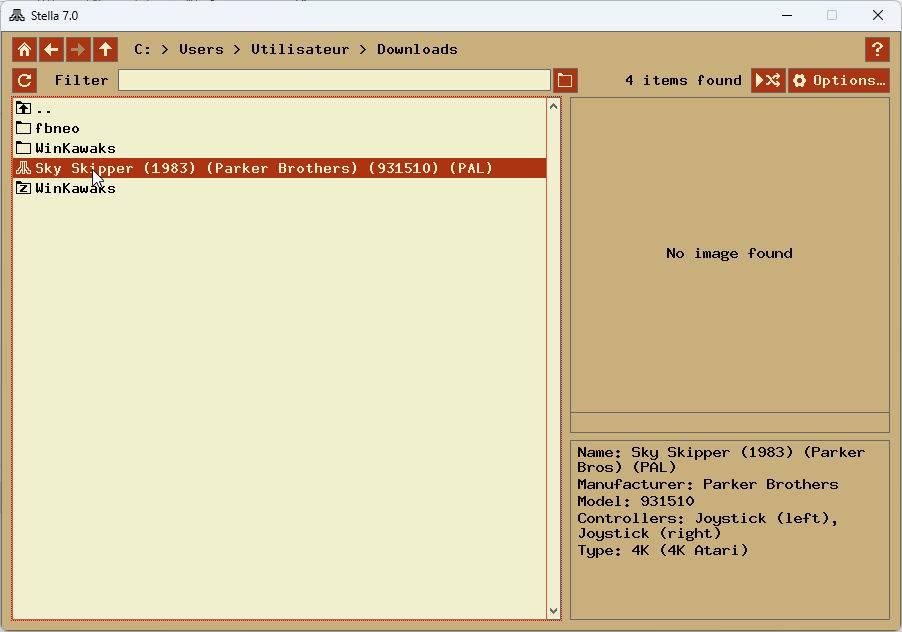
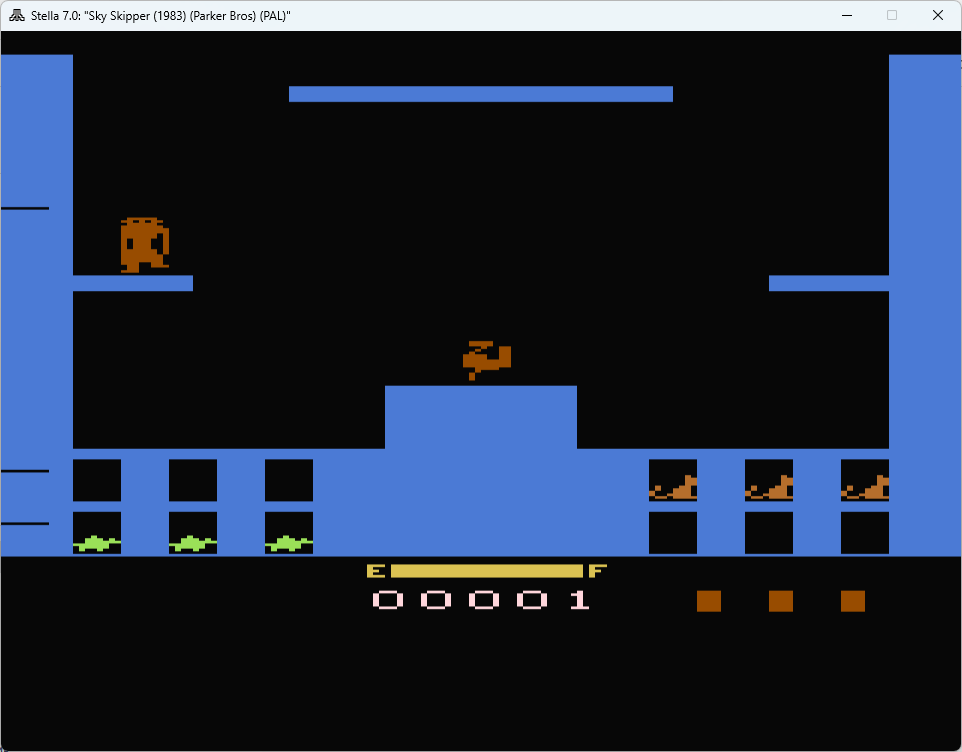
Sky Skipper in Stella: our zip in the file list, with its panel, then the game.
For a 7800 game, unzip it first: BupSystem does not read the zip. In BupSystem, select Game > Open, then the .a78 file. The game starts.
Cartridge files carry no name for their console: a 2600 file often ends in .a26 or .bin, a 7800 file in .a78. If Stella says a file is unsupported, it is probably a 7800 game. Open it in BupSystem instead.
Stella finds by itself how a cartridge is built and whether the game was made for a 50 Hz (Europe) or 60 Hz (America) television. If the picture rolls or the game runs too fast, set the TV format by hand in its options.
The console switches
The 2600 had no menus. You chose the game mode and the difficulty with switches on the console itself, and the emulator maps them to the function keys.
- F1: Select, which changes the game mode. Most cartridges hold several games or variations.
- F2: Reset, which starts the game. Many games do nothing until you press it.
- F3 and F4: colour or black and white television.
- F5 to F8: the two difficulty switches, left and right, each on A or B.
- Alt and Enter: fullscreen.
If a game seems stuck on its title screen, press F2. If it is far too hard, the difficulty switches are the usual reason.
Paddles and other controllers
Many 2600 games are played with paddles, a wheel with one button, and some need a driving controller or a light gun. The emulator turns your mouse into these controllers.
In Stella, the mouse acts as the paddle by default: move it left and right, and click to fire. Games like Kaboom!, Breakout and Warlords are unplayable with a joystick, so keep the mouse for them. A gamepad works well for the rest.
The 7800 BIOS
Atari 7800 games run without a BIOS in most emulators, but the real console showed an Atari screen at startup, and a few games check it. Add the BIOS if a game refuses to start.
The files are 7800 BIOS (U).rom for America and 7800 BIOS (E).rom for Europe. A second optional file, the High Score Cartridge, saves the best scores of the games that supported it. See our page about BIOS files to get them.
I need help!
We do not provide support for running abandonware games. The Atari community has kept these consoles alive for forty years.
Ask on the Atari 2600 forum of AtariAge, where the authors of these emulators also write. AtariMania lists the games with their controllers and settings.
Checked in October 2026 against each emulator's own documentation and, where it exists, its source code. Game counts and file sizes come from our own catalogue. These guides were drafted with the help of an AI assistant and checked by hand before publishing. If something here is out of date, tell us.