You are on the beta version of My Abandonware. The live site is still myabandonware.com. Your favorites and ratings here are copied to the live site. Comments and other changes are not — we delete them every morning at 08:00 Paris time, when this site goes down for about an hour. Leave feedback through this link to Pastel (email required).
The beta goes down at 08:00 Paris time, in a few minutes. We rebuild the database from the live site. It comes back in about an hour.
Hey, So I followed the instructions CHOKOSNAP gave and I will go through the process for what I did to get it running! First: I mounted the ISO, then I used OTVDM (https://github.com/otya128/winevdm/releases/tag/v0.9.0) when using the OTVDM you can hover the CDSetup.exe from the ISO Mount over the OTVDM.exe (don't forget to let go when it's over it aha) and It'll open the program to start the download process for 3D Frog Frenzy.. ALSO Do not forget to put it in 640 x 480 in compatibility! You should be good to go after all that! Don't forget to press 2 and 4 to fill up the screen if the screen is small!
0
Kareem03 Jul. 2025
How to run the ISO?
-3
satan66619 Feb. 2025
does this download actualy work, i assume based on the comments that it doesnt . i would love to have this game again if theres any other downloads that are legit let me know. ill try myself
2
amb26 Jan. 2025
im confused on how to open this game.. i can't find the .exe file to open it
3
FrikiX03 Oct. 2024
@CHOKOSNAP You're awesome, thanks for your help!
-1
CHOKOSNAP29 Apr. 2024
Top comment
Steps for Windows 11: - Run the 16-bit installer with otvdm - Set "Run in 640 x 480" in compatibility - Run the game - If the screen is small, press 2 and 4 repeatedly until it fills up
7
ChainchompDX16 Feb. 2023
Tryin to figure out if I can just use scummvm for this
-1
g=g23 Aug. 2022
The iso is not working...
1
No comment nor review for this game at the moment.






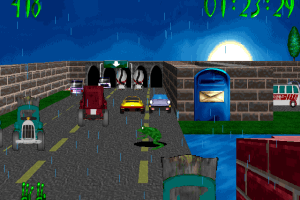
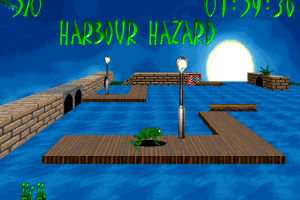
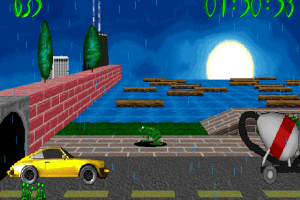
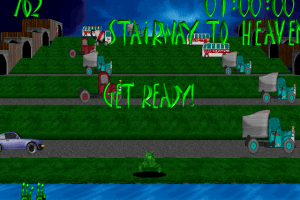


 English



Comments and reviews
Hey, So I followed the instructions CHOKOSNAP gave and I will go through the process for what I did to get it running! First: I mounted the ISO, then I used OTVDM (https://github.com/otya128/winevdm/releases/tag/v0.9.0) when using the OTVDM you can hover the CDSetup.exe from the ISO Mount over the OTVDM.exe (don't forget to let go when it's over it aha) and It'll open the program to start the download process for 3D Frog Frenzy.. ALSO Do not forget to put it in 640 x 480 in compatibility! You should be good to go after all that! Don't forget to press 2 and 4 to fill up the screen if the screen is small!
How to run the ISO?
does this download actualy work, i assume based on the comments that it doesnt . i would love to have this game again if theres any other downloads that are legit let me know. ill try myself
im confused on how to open this game.. i can't find the .exe file to open it
@CHOKOSNAP
You're awesome, thanks for your help!
Steps for Windows 11:
- Run the 16-bit installer with otvdm
- Set "Run in 640 x 480" in compatibility
- Run the game
- If the screen is small, press 2 and 4 repeatedly until it fills up
Tryin to figure out if I can just use scummvm for this
The iso is not working...
No comment nor review for this game at the moment.