


How to Play
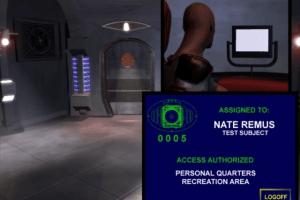
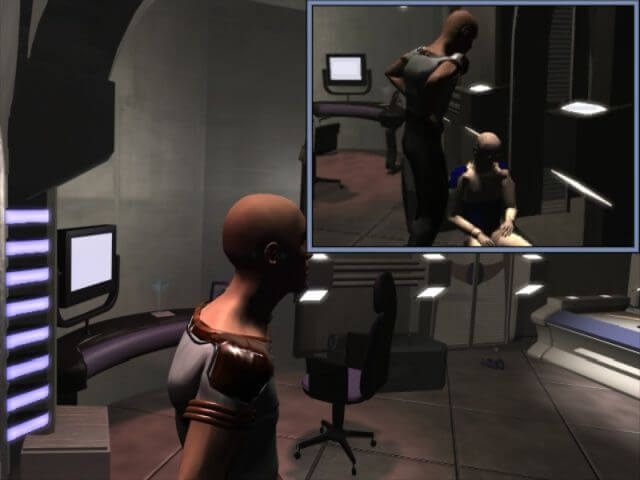
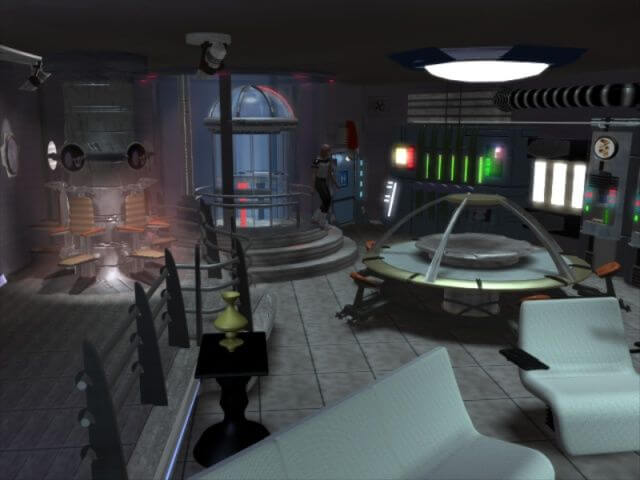
Game works on modern systems, tested on Windows 7 and Windows 10. Simply mount ISO file with mounting utility like Daemon Tools Lite, WinCDEmu, UltraISO, etc. or extract it with WinRAR, and click on ARA.exe, it is recommended to run the game in 640x480 mode (right click on ARA.exe - Properties).
As alternative - you can run the game by creating .bat file with next specs: reschange.exe -force -width=640 -height=480 -depth=32 -refresh=max Ara.exe
If in-game videos doesn't work - install Cinepak codec (available in Download section). If you have installed K-Lite Codec Pack - disable Cinepak in K-Lite Configuration and install Cinepak separately, then in-game videos should work (it happens because K-Lite doesn't have own Cinepak codec, K-Lite decodes all Cinepak videos through ffdshow)
 English







Comments and reviews
No comment nor review for this game at the moment.