


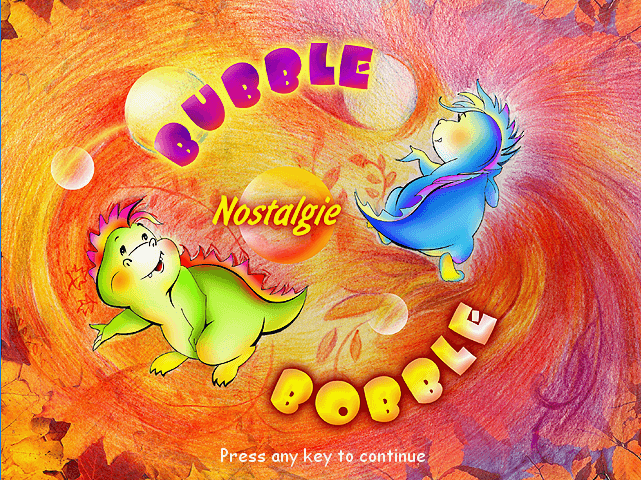
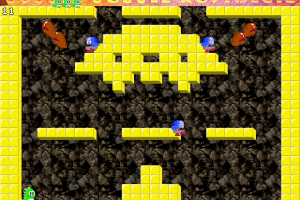
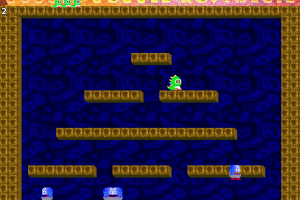
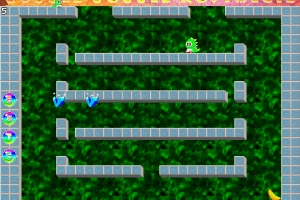
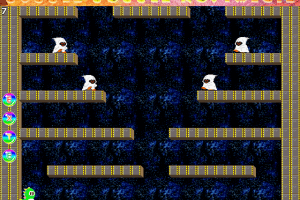
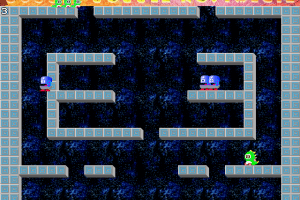
How to Play
The game doesn't work on Windows 7 or newer OS correctly, use dgVoodoo utility to play the game on modern systems (copy dll-files from MS/x86 folder & dgVoodoo.conf and dgVoodooCpl.exe in the game directory, then launch dgVoodooCpl and set the settings like in these examples: example 1, example 2). Also, run the game in compatibility mode with Windows XP SP3 and as administrator
 English
  Russian






Comments and reviews
Thank you!!! this was my childhood fav and i can play this today thanks to you :)
Anax,
the game works well with the dgvooddoo utility but your initial web browsers will say it's a virus. I scanned with Bitdefender and no virus detected in the unzipped folder.
Hi there! If anyone has downloaded this game, could you please tell me about the following?
1. Is this the full version or the demo?
2. Did you encounter any compatibility issues - is it safe to use the aforementioned dll files and dgvoodooutility to enhance the game's performance?
3. Is the game a virus or not? (If the game is flagged as suspicious by one or more anti - virus programs on VirusTotal, I'd like to know if possible)
Thank you in advance!!
No comment nor review for this game at the moment.