





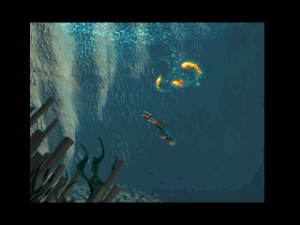
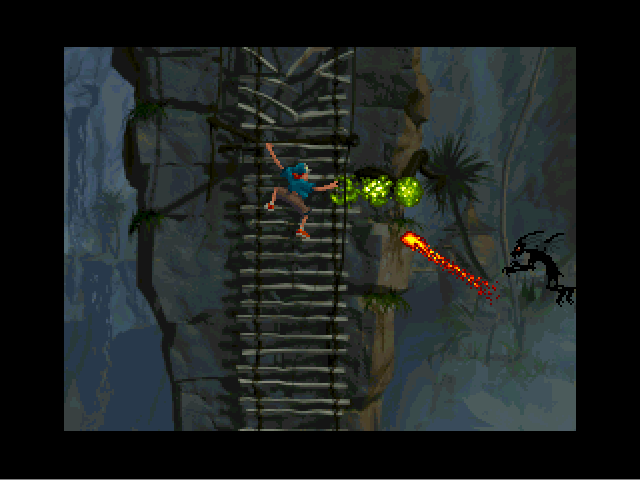
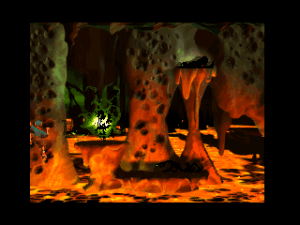
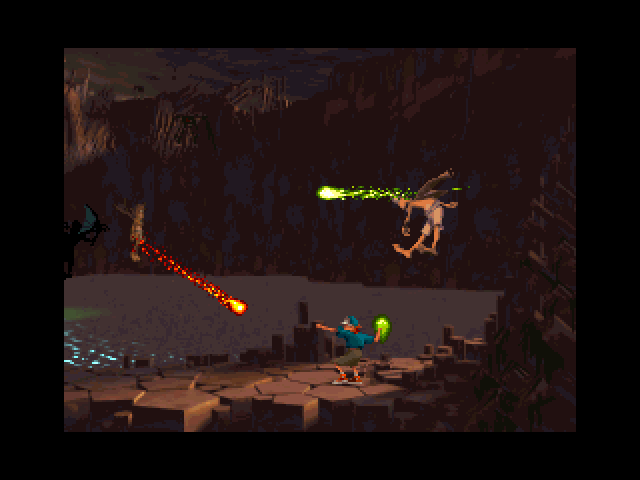
Heart of Darkness is an excellent, but little known, platform adventure game Last PC game by Eric Chahi, designer of sleeper hit Out of this World (OOTW). Under development for over five years, Heart of Darkness features the same surreal, stranger-in-a-strange-land setup as OOTW, but it is decidedly much more light-hearted in tone-perhaps to appeal to younger gamers.
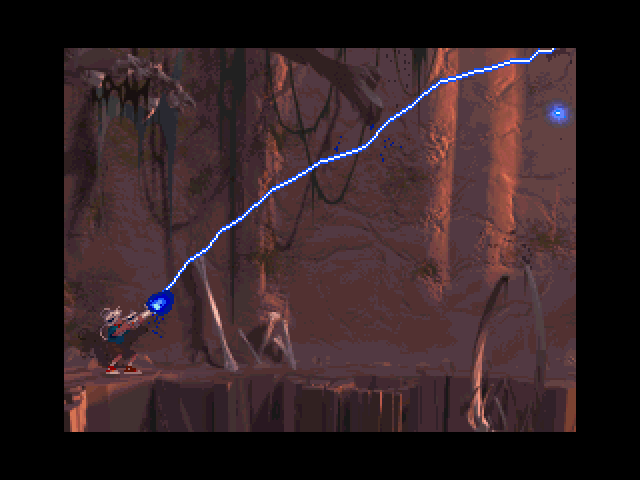
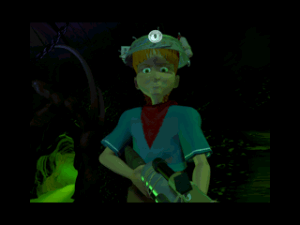
You are Andy, a Dennis the Menace wannabe whose greatest fear is the dark. After an eclipse of the sun whisks away your beloved dog, Whiskey, you quickly fly off into another dimension in a homemade spaceship you built. Yes, it is far-fetched, and yes, it makes little sense. But since most of us don't play platform games for good stories, this is somewhat forgivable. Armed with a trusty laser gun, you must blast screen after screen of unspeakable horrors to find your dog.
While it sounds simple, Heart of Darkness is much, much more difficult than OOTW. Even side-scroller veterans will find themselves dying more than usual after only a few minutes of play. This is a game that requires patience, flawless reflexes, and lots of trial and error to complete. Although you have virtually unlimited lives, you will have to start over either at the beginning of the level or certain "restarting points" when you die. These points are few and far between, and there is no telling where you will restart. This leads to hours of backtracking and grinding teeth, and you may be too frustrated to play it through to the ending.
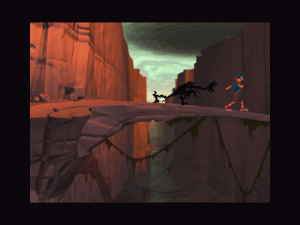
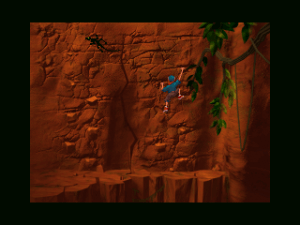
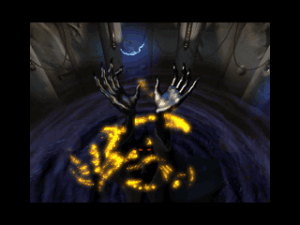
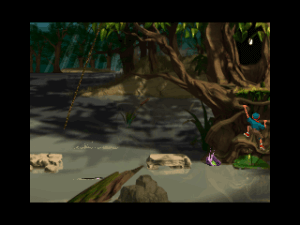
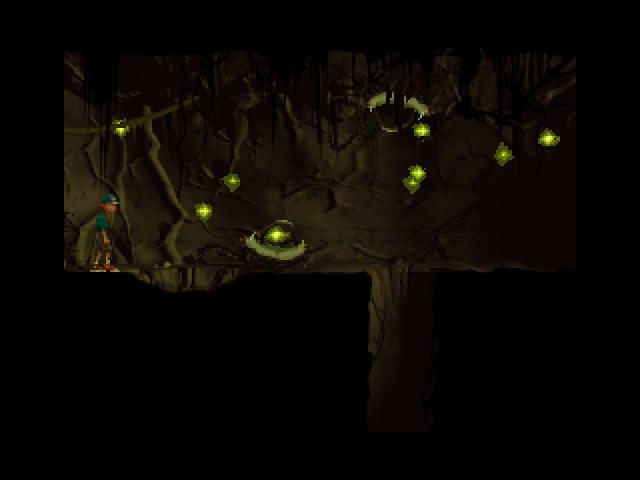
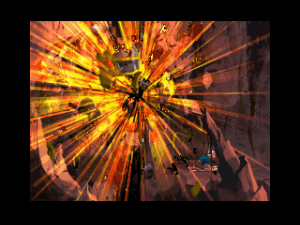
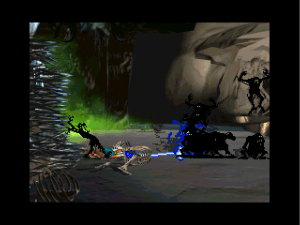
Fortunately, Andy has the ability to run, double-jump, and shoot his way through multiple screens, and the action is more thought-out than other platformers. Rather than mindlessly jumping for coins or power-ups, this is a true action adventure, and survival relies on wit as well as reflexes. Light and shadow, along with subtle audio cues, play major roles in the game, as seemingly innocent reflections come to life. Though the enemies are cartoony, several of them are quite disturbing, and this probably isn't the best game to give your kids. After all, Andy gets beaten, snapped in two, swallowed whole, torn apart, immolated, and crushed in a variety of grisly fashions.
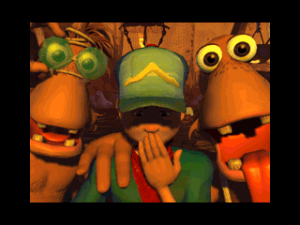
Though the quality of the animation is quite good, it's not entirely smooth. Jumps and other split-second moves are way too fiddly. This problem carries over into the game's poorly compressed cutscenes. Even though the cinematics have been rendered with the utmost attention to detail, they also suffer from a choppy frame-rate and poor resolution -- and just like the rest of the game, it's not even full-screen! But the upside is that those five-year-old graphics translate into five-year-old system requirements - the game runs smoothly on a 486/66 and a dual-speed CD-ROM drive, as long as you've got Windows 95.
Overall, if you're a big fan of action adventures in the style of Out of this World or Abe's Oddyssee, you will probably enjoy Heart of Darkness. Be warned, though, this game is extremely difficult for all but the most dexterous gamers. Make sure you know what you are getting into before you buy this brutal game. Thumbs up!
Review By HOTUD
 English
  German
  French
  Italian
  Japanese







Comments and reviews
For those of you getting the: "Application was unable to start correctly 0xc000007b" error message, try just downloading the SDL2-2.26.1-win32-x86.zip version from: https://github.com/libsdl-org/SDL/releases/tag/release-2.26.1
Thank you my friend. You're a friend.
i get "Application was unable to start correctly 0xc000007b"
error with Hode and SDL2.dll
A korean version also exists under the title: 앤디: 어둠을 뚫고서
But there is almost nothing to find about it.
I've tried all the comments before and can't get this to work :(
Starts up and the first cut scene plays but as soon as the gameplay is supposed to start it cuts out and goes back to my desktop. Any ideas?
Either I'm dumb or can someone please help me find where "HODWin32.exe" is located at to play on windows 11?
The game work but i have difficulties with controls, i can't do what i want.
I use a xbox360 controler that i have for a while.
The keybord does seems to work better
A masterpiece that keep a little place in my heart
Great game and (surprisingly) ISO version runs on Windows 10 without any additional tinkering.
My peixoto patch does not start, that is, this program does not start. It was just interesting to try what this patch does.
I installed it then my mouse started to move on its own and my win alt-tabbed my apps ...
Windows 11 (19.1.2025)
Guys, let's simplify this as much as possible without inventing anything.
1. Download "ISO version 1.1" and install on your PC.
2. Download HODE (http://cyxdown.free.fr/hode/) (its file hode-0.2.9-win32.zip) and then extract those files directly to the root folder of the game (folder where is "HODWin32.exe").
3. Download SDL2 (https://github.com/libsdl-org/SDL/releases/tag/release-2.30.11) (choose file SDL2-2.30.11-win32-x86.zip) and then extract those files directly to the root folder of the game (folder where is "HODWin32.exe").
4. Copy "HOD.PAF" from the ISO to the root folder of the game (folder where is "HODWin32.exe").
5. Click "hode.exe" and play the game with the cutscenes.
Even after changing the keyboard settings in HODWin32.exe and unmounting, the hode.exe settings remain unchanged even though the save state is identical between them. Is there any fix?
Run the game with hode.exe.
The game is released in italian too, i have that iso but following the procedure you said it crashes on the initial loading (i'm on win10)
PEPPERMINT wrote: "Run 'HODWin32.exe' (from direcory CEFALUS solution)"
Can you explain it more clearly? the HODWIN32.exe at which directory? I run this file but nothing happen.
Quart wrote: "For some reason, I can't change the controls. I go to the Options menu, I can select Difficulty and Sound but when I push left for controls nothing happens. Anyone else experiencing this?"
The 'hode.exe' solution as explaind by CEFALU (kudo's for that!) makes it possible to run the game on Windows 10/11 included the cutscenes. Unfortunately the 'hode.exe' workaround doesn't let you change the keyboard settings.
To change keyboard settings do the following steps.
- Mount the game iso (only required for changing settings)
- Run 'HODWin32.exe' (from direcory CEFALUS solution)
- Change keyboard settings
- Exit game from menu
- Unmount game iso
- Run game with 'hode.exe'
Good luck!
i cant find the hode.ini file anywhere.
Thanks Cefalü, your method works like a charm, if someone still have problem starting the game then make sure the directory name contains the underscores like the original rip version.
For some reason, I can't change the controls. I go to the Options menu, I can select Difficulty and Sound but when I push left for controls nothing happens. Anyone else experiencing this?
Yo, I read the comments and by combining various solutions I found how to make it work without too much effort on Windows 11 with cutscenes.
1) Download Hode, a rewrite of the engine. http://cyxdown.free.fr/hode/.
hode-0.2.9-win32.zip is the file you need, at the bottom of the page.
Extract the files into a folder.
2) Download the x86 version of SDL2.dll.
https://github.com/libsdl-org/SDL/releases/tag/release-2.26.1.
Extract the files into the same folder with Hode files.
3) Download both RIP and ISO versions of the game.
Extract the folder of the RIP version and put it in the folder with Hode files.
Now, open the extracted folder and go to paf folder. Delete hod.paf.
Open the ISO version, go to paf folder, copy hod.paf and paste in the paf folder of the RIP version.
4) The game will run faster, if you want the original game speed open hode.ini and change the frame duration from 50 to 80. Also in the game an image smoothing algorithm is applied, if you want something more faithful to the original graphics try to change it through the hode.ini file in the scaling algorithm option.
5) Run the game with hode.exe.
Have fun!
If you get a (0xc000007b) error with hode, be sure to use a x86 version of SDL2.dll
The one in JEZZE's comment worked fine for me
I kind of wonder if it is just better to play the PlayStation version.
If the game runs too fast edit hode.ini and change frame duration from 50ms to 80ms. 80 is default for original game. No idea why new engine creators changed that.
If you'd like to change graphics to look more like an original game then tinker with scaling options in .ini file. I personally found scale algoritm 'nearest' to give the the most acurate (pixelated) result.
If you're struggling to install the game
1. Install the game from cd or iso
2. Copy hod.paf & SDL2.dll & hode win32 files to the game main directory
3. edit hode.ini to change settings (optional)
4. run hode.exe
p.s.
to run the game on full screen edit the file hode.ini and set where it says full screen from False to True
@THATONEGUYREMEMBER?
Thanks for your help, I was able to follow your instructions and get it to work with cut scenes (by running hode.exe).
Regarding the speed too fast issue, I think I was able to resolve it: nvidia control panel you can set maximum fps for any game, see more details:
https://www.youtube.com/watch?v=2-VeaCDZ65A&ab_channel=SlurpTech
https://www.reddit.com/r/pcmasterrace/comments/q1a949/help_old_video_game_running_too_fast_on_windows_10/
I've just found another issue.
All the sound effects of Andy play only through the left channel.
The rest is in stereo.
SUCCESSFULLY INSTALLED THE GAME ON WINDOWS 10, WITH CUT SCENES. JUST ONE ISSUE!
I've installed the game following some suggestions in the comments and I can play the game with the cut scenes etc. (to contribute back into this community I'll list what I've done below)
However, the game seems to run faster than the intended speed which, I think with my limited knowledge, might have something to do with how the emulator or my computer interprets the frame rate. But I'm of course not at all sure why it's running this way.
I'm already very very grateful that the game is running but it would be awesome if someone could tell me how to fix this issue.
Successfully running the game on a Windows 10 system. This is how I did it:
-Downloaded the ISO version and installed it without the use of PowerISO or any other additional software.
-Installed DirectX just to be sure.
-Rebooted my computer just to be sure.
-Downloaded the RIP version and pasted all the files in the installation folder (the folder where the ISO version installed all the files). Didn't overwrite anything.
-Downloaded HODE via this link: http://cyxdown.free.fr/hode/
I downloaded the Win32 executable and the source code and pasted all the contents of both downloads in the Heart of Darkness folder without creating a new folder for it.
-Downloaded SDL (x86 version) through this link:
https://libsdl.org/download-2.0.php
I pasted the file in the same folder as I did the HODE files.
-I opened the ISO download with PowerISO and copied the following files to the same folder as HODE and SDL:
-HOD.paf from folder 'paf', allow overwriting
-the entire folder 'bin'
Once I've done all of this I was able to play the game WITH the cut scenes. The only issue I have, as stated earlier, is that the game is running too fast.
Hope someone can help me out with that.
Thanks!
how do i download heart of darkness?
on 64bit machines try to change the Data Execution Prevention (www.top-windows-tutorials.com/dep-settings.html)
I have the original disc for this and the playstation version. In all honesty rather just play the playstation version. The cutscenes and backgrounds are higher resolution and it just runs without flaw.
I've followed ALL the suggestions in the below comments, and NOTHING makes these damn cutscenes work. What am I doing wrong?
had this game on ps1 as a kid and never for to goddamn life of me could i ever get passed the first screen XD
I downloaded both the RIP and ISO versions. I followed Miankot's suggestions but the executable didn't work. Then I did the following steps:
- Downloaded the HODE source code as Sahus mentioned, and copy-pasted all the source code files into the RIP folder.
- Downloaded the HODE Win32 executable and took its .exe and placed it in the RIP folder.
- Downloaded the x86 version of the SDL2.dll as Jezze mentioned, and also placed it in the RIP folder.
I don't know if the above is the right way, but the game worked, complete with cinematics and movie sequences/transitions. It auto-saves progress normally. However the ESC button doesn't bring me back to the main menu, it straight closes the .exe. Also, when I access Options, I cannot access Controls and I cannot change difficulty level. But everything else works normally.
Ok here I am...
Jezze is right all along expect for supporting the cinematics... :(
BUT:
1-installing the game
2-Copy/Paste "hode-0.2.9-win32" into the instal folder of the game
3-Copy/Paste the SDL2.dll into the instal folder of the game
makes it work on my Win10!
just missing the cinematics now... Cheers!
Ok so I did Miankot's instructions but I cant figure out how to run it now that I'm done.
HODE (http://cyxdown.free.fr/hode/) a rewrite of the game's engine works perfectly on Windows 10. No need to mount the ISO and it supports the video sequences. Just place the hod.paf in the same folder, not in a sub-folder. The hode.exe required the x86 version of the SDL2.dll (https://libsdl.org/download-2.0.php).
I have an UN opened heart of darkness that still has the plastic seal on the Box. How much is that worth?
So what is the last file i should press to start the game!?
and is it on iso or rip!?
i did all the steps in the 2nd comment
You can use source code of the game http://cyxdown.free.fr/hode/ to play it on modern machines
To play this game with cutscenes:
1. Download both RIP and ISO
2. Extract RIP contents to whatever directory you like
3. Mount ISO (or extract contents) and copy the HOD.paf file from paf folder. Paste it into the paf folder of the RIP version.
4. Copy the contents of bin folder from ISO and paste it in folder of RIP version. Allow overwriting.
5. Run HOD.REG from RIP folder.
You can now play game with cutscenes without mounting iso.
Note: If it still still doesnt work, try running hod.1.reg from folder as well. Also I highly recommend peixoto patch if you are getting graphical issues.
Belli i video! il gioco non e lungo,ma fa molto male ad Andy.
The Rip version says I need the CD rom, very frustrating
no cutscenes :( any idea on how can i fix it?
For those who can't run the game just change the compability to Windows XP (Service Pack 2) it worked for me.
I got this to run but i have no cutscenes (ISO Version)
It supposed to have cutscenes right?
Can't run the gmae from the full iso. I can only run the rip version but then I lose all the cutscenes.
I've even tried on a win 98 virtual box
Any suggestions
do i need an emulator to play heart of darkness?
you can't play if you don't have the emulator or disk? what is this crap???
Good website, good games and now its back to play them...
non va, quando schiaccio "start game" mi si chiude la finestra, qualcuno può aiutarmi?
Works perfectly!
this is a decent game. Its got a good story and the puzzles are tricky. it can get violent at times though but not too violent.ex. ripped to pieces by shadows. 7 stars out of 10
No comment nor review for this game at the moment.