



Many of the files was presented by Harry Potter Games Archive Project, we want to thank the participants of that project. The game still has active fan community, so you can find many mods and fan fixes for the game, on ModDB, fansites like HP Games or Harry Potter Modding server on Discord.
Vintage Review
For the first time since the 1970s, there has arisen a marketing force terrifying enough in its inertia to rock the house of LucasArts to its core. Yes indeed, Harry Potter has arrived, and backed by the omnipotent J.K.Rowling has burst on to the gaming market with the force of... well, a million eager children's piggy banks. And that's not even beginning to mention the countless hordes of adults who either pretend to read it to be with their kids, or just admit that they're damn good books.
The game versions of the best-selling novels certainly have a lot to live up to, not least since they're game adaptations of film adaptations of books - not a genre that has the best pedigree. This hasn't stopped them rocketing into the number one slot in the all-format charts in the UK, and in fact, it's not even a matter of concern, because the PC version at least is really very good indeed.
The title loosely follows the plot of the film; and when we say loosely, we really mean it, as the best you get is a brief plot reminder to keep you rolling along. Those who haven't either read the books or seen the film are going to be mightily confused. Our best advice is to settle down and read the lot - we promise you won't regret it. You start with your lessons at Hogwarts school for witches and wizards before rocketing straight to the end of the story with a quick stop-off for dragon rescuing in the middle.
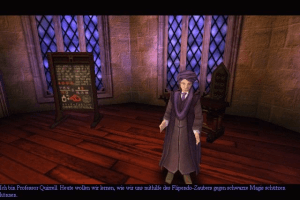
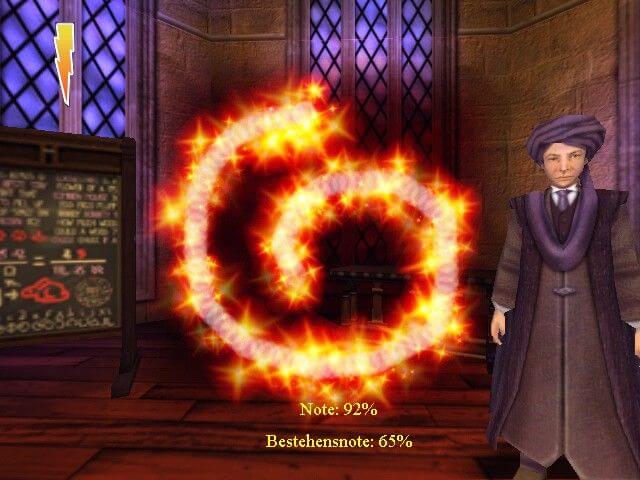
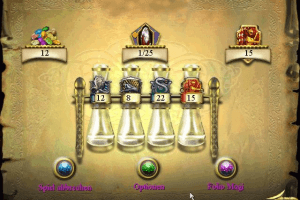
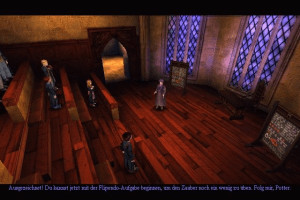
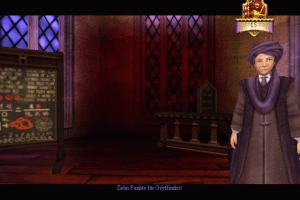
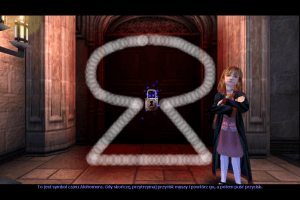
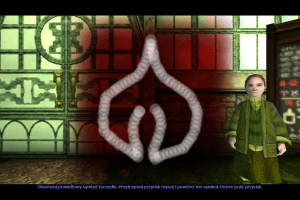
The roller-coaster nature of the game's plot development is a bit of a pity, since it's really excellent entertainment, but essentially leads to a rather short game. You begin with your first lessons during which you learn a number of useful spells by tracing your mouse over a shape onscreen - the more accurate you are, the more points go to your schoolhouse, Gryffindor. The house-points are totalled up on your options screen; nice teachers give them for success, and according to tradition, nasty professor Snape takes them away in a desultory fashion.
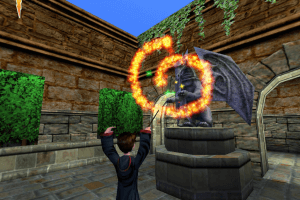
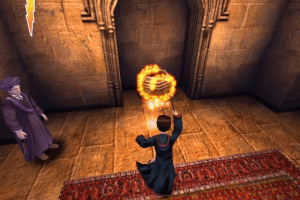
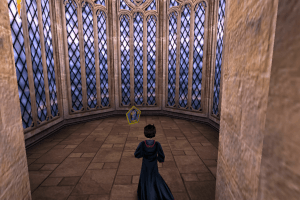
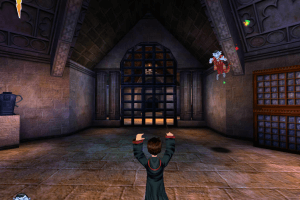
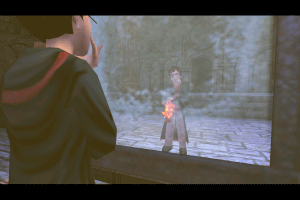
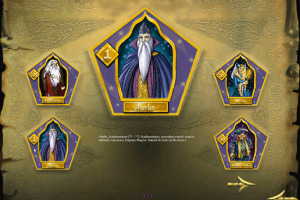
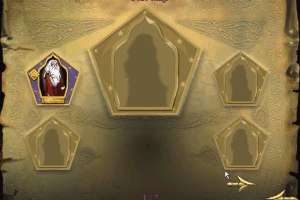
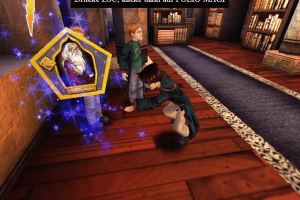
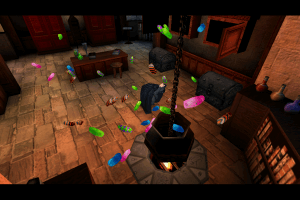
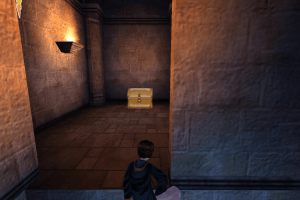
Once the spell is learnt, you can use it in the game. Each class contains a challenge that you as Harry are sent on. You're only able to succeed if you use your spells correctly, which is simpler than it might sound. Taking up the spellcasting stance with the press of a button, you can direct your wand to the objects around you. If it's 'spellable', then the spell icon shows up and you can cast upon it. This will either open the pathway, gain you some Bertie Bott's Every Flavor Beans, a collectable Wizard Card, one of the challenge stars needed to complete the task or give you a chocolate frog to restore your health. If you manage to find 24 of the cards, and 250 of the beans through unlocking secret areas, you unlock a special secret wizard card. We'd give you more info but we missed the secret area in the Quidditch lesson - bah!
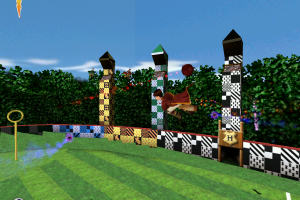
This brings us neatly to the flying broomstick game. Starting with a quick lesson with Zoe Wannamaker (or rather, her digital equivalent), you're quickly spotted as a star Quidditch player, and promoted to the house team! Through this convenient plot device, you're propelled into an all-star match against the other houses. As the seeker, your task is to zoom around the pitch and pick up the snitch, a tiny golden ball with wings, to clinch the match. In fact, it's probably the trickiest part of the game, and certainly the most fun, which is why the title includes a separate Quidditch league where the enlightened player can zoom and swoop to their heart's content to build their way up the league. You can even have private tuition with the Quidditch teacher to improve your lacking broomstick skills.
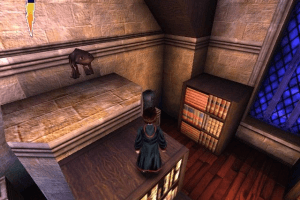
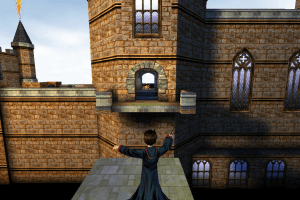
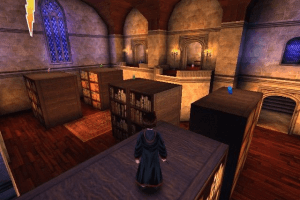
Control has been simplified to appeal to all ages, but this leaves you feeling a little bit clumsy. You can move back and forwards, turn left and right, jump, and use a spell, with the mouse being indicated as the sensible way to look around. However mouse control is incredibly awkward, so we ended up moving around with the arrow keys - the lack of a strafe only causing occasional annoyance. Much of the game is platform-style, not dissimilar to a certain Ms Croft's escapades. The way Harry grabs the edge of blocks and bookcases and hauls himself up with a grunt is a dead ringer for the anatomically impossible heroine. What's a bit silly is that the game includes the ability to enable an 'autojump' function. Yes, that's just what it sounds like - we heartily recommend people leave it off since it not only takes away any difficulty from the platform sections, but also reduces the fun quota to near zero.
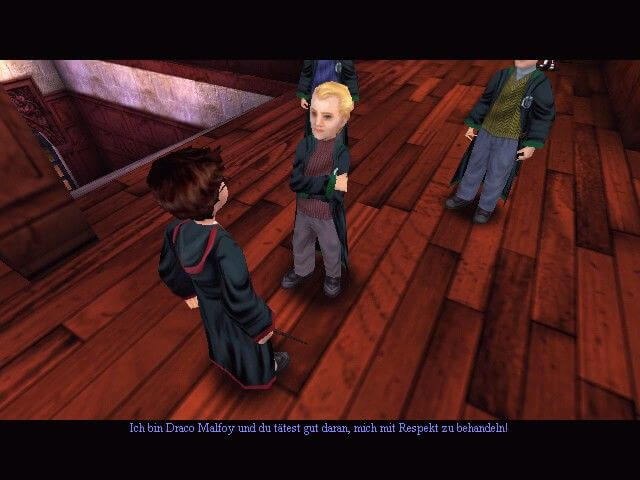
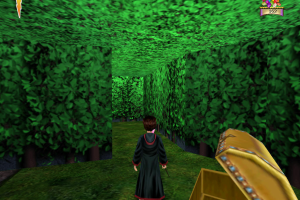
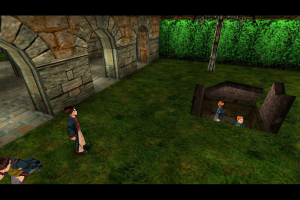
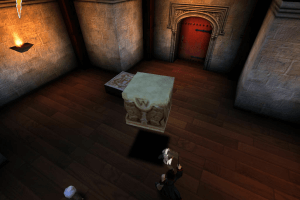
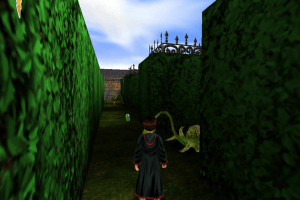
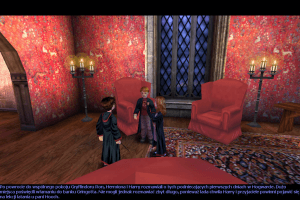
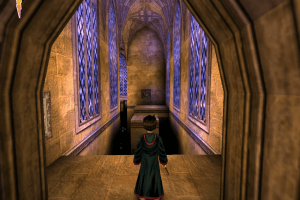
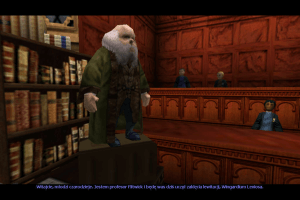
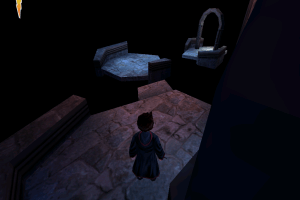
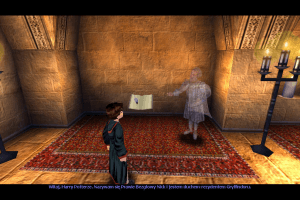
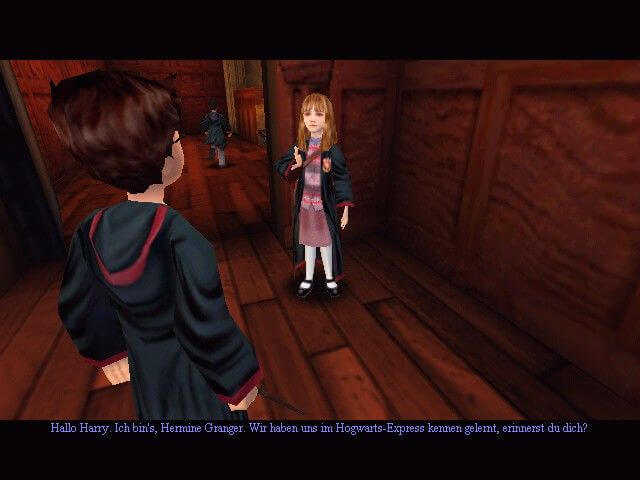
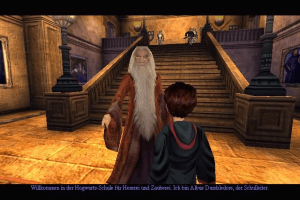
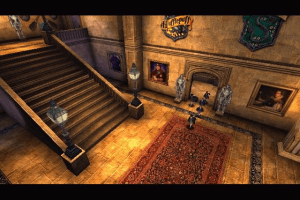
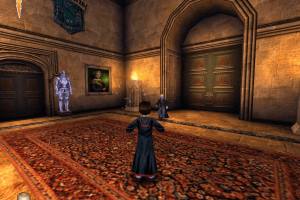
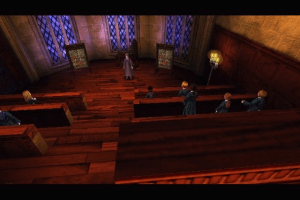
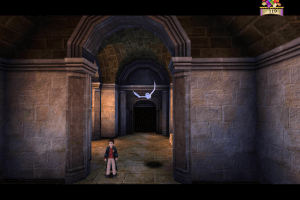
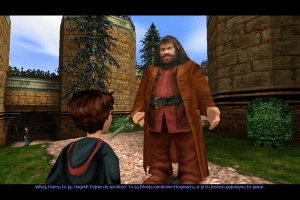
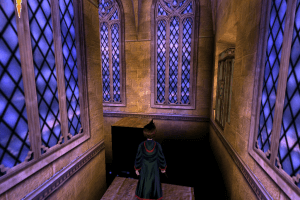
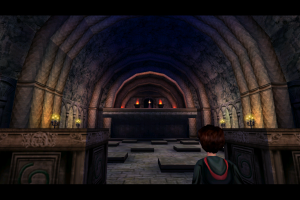
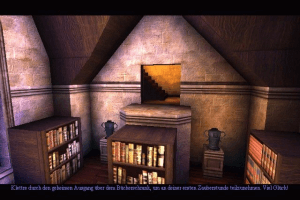
The game has its fair share of puzzles, although they're not overly taxing, being aimed at an age group with a large span of years. They're made with style, however, as is much of the game itself. Graphically, it's a feast for the eyes, with convincing representations of the film's heroes, heroines, villains and bit-parts all reproduced. Hogwarts itself looks wonderful, just the sort of place to make kids and adults alike wish that they'd been the ones who'd been picked for wizard school. Likewise, the voices are excellently done. Mimicking the film's cast to perfection, the game is truly immersive - sadly this just heightens the disappointment when you reach the game's ending so quickly.
For a film conversion, Harry Potter and the Philosopher's Stone manages, thankfully, to live up to the hype. It's an excellent title for kids of all ages (yes, even the grown up ones), with a fantastic mixture of gaming genres contained within. Alas, a slightly ropy control system, and disappointing length let us down on what is otherwise a truly enjoyable experience. Flipendo!
Review By GamesDomain
 English
  Spanish
  French
  German
  Dutch
Dutch  Swedish
  Norwegian
  Danish
  Finnish
  Italian
  Portuguese
  Japanese
  Korean
  Polish
  Russian
  Thai
Thai  Chinese
  Traditional Chinese





 Czech
Czech  Slovak
  Turkish


Comments and reviews
Whenever i try to install the noCd patch my windows defender flags it as a virus or trojan horse. What should I do?
For the Linux and Steam Deck users - https://github.com/lozza/Harry-Potter-Sorcerers-Stone-Linux-AppImage
no trae el noCD y el juego no funciona, como hago?
ES UN JUEGO EXPLENDIDO Y PARA MI SOFISTICADO
flipendo! flipendo!
can't setup CD launcher in Win11 25H2 by InstallShield compatable questions. (Happens in games before 2002 as well)
I can't play it
it works thanks great game fix for myabondonware-https://www.youtube.com/watch?v=YdUVJnoGF00
I cant stand when people put PC games in bin/cue format. Do you use your hand to wipe too?
I was unable to get past the flipendo class. no matter what I tried, I could not get above ~30%. I tried lowering my dpi, mouse speed in settings, nothing worked. I used the magipack version. I double checked and dgvoodo was set to 60fps.
Flying lessons and Quidditch are not unlocked in the main menu. Help
Widescreen for Europe doesn't work for german. It always chances the Language inti italian.
On the MagiPack versions of 1-3 does anyone know how to find your save files for transferring to another PC?
Snape dies at the end
Why was the LGU repack removed
What normal english files do I need to download this game without any other extras?
for windows
Widescreen patch file does not exist....
This is totally different than the Playstation version. For example, the great hall where you first start has two doors on the right, not just one. And the story progression is much different. Like, aren't you supposed to rescue Hedwig first? Totally confused.
Listen everyone, if you're having trouble with this, go to the PCGamingWiki. It has all the answers you're looking for. The full documentation, it was made for stuff like this.
How do i change the language. installation works but cant seem to find the language options. the scandinavian version doesnt work when im trying to download
Is not working at all and is not even letting me delete the files or uninstall the fking program... damn you
Please put them in hindi language
Hello friends, this is a game from my childhood that I have been wanting to play again for a long time, what I don't know is if the languages can be changed here.
When I played it it was translated into Spanish but you can change the language of the game, right?
gaem huyền thoại
Can i play the 2003 re- release on my pc and just connect a controller or how am i going to play it ????? please help me
So I got a little nostalgic and decided there was no way I was gonna get my old CD copies to run. Thankfully, My Abandonware comes in clutch again but as is par the course I ran into 2 major issues, luckily, I figured out what the solutions were and I think they'd benefit you in the future.
1. If you can't seem to move your mouse once the game boots up and it's stuck to the left hand side of the screen, disable capture mouse in the *General tab* of the *dgVoodoo Control Panel* (accessible through the *System* folder)
2. The biggest issue I came across was that I wasn't able to pass the Flipendo lesson because the % Bar wasn't filling up despite the fact I was tracing the spell perfectly. To rectify this, just check the box in the *DirectX tab* marked *Disable and passthru to real DirectX*. Why this issue is present I'm not too sure, I suspected it was to do with frames but whatever it was this should solve the issue.
These games were a huge part of my childhood so I hope I've helped any fellow Potter fans relive those memories, enjoy :)
I downloaded WinCDEmu and then downloaded the magipack one. I was a bit confused at first and trying to run it from the desktop icon didn't work. I went into the game folder and found the hp.exe and ran as administrator and it ran FLAWLESSLY. I only played for about 20 minutes or so but it was perfect. I'm just so happy
Can i download the game here or do i have to buy the game disc or is this here the full game
Magipack launches no problem in windowed without the fixes. needs a game resolution to beat the class minigame.
i just want to know hows is the game
ARBITER's solutuion for the mouse worked on my machine as well. Clean install no mouse patch installed
I don't know if this is the best solution for the Harry Potter Collection, but the mouse works. For Chamber of Secrets and Philosopher's Stone, I allowed editing permission for dgVoodoo.exe, ran it, and disabled the capture mouse setting. The mouse seemed to be spinning while the setting was on.
hi there!
I installed the game with the help of the "repack by Magipack" and it works great.
my only problem is during the game - in the part where harry and malfoy fight, and harry needs to throw stuff at him. on the screen it says to use the space bar but it doesnt work. I tried to change the controllers and it didnt work. also pressed on every other button and it didnt work... any thoughts on what can I do to make it work?
thank you!
So I tried downloading the NOCD thing and put it in the system folder, changed compatibility settings, run as admin, all that, so then when I go to run the application, a window opens that says, "Do you want to allow this app from an unknown publisher make changes to your device?" And I click "Yes" and then the window closes and nothing happens. Nothing opens. Nothing.
Haris, I followed the instructions and made three working games with mods on the US 2003, EU (Eng) and RU versions. At each stage, check if the game is working.
First, mount the disc image, enter the serial code (for your game version), install the game, then paste the NOCD (for your game version) into the System folder. In the settings of the .exe file, select compatibility with Windows98/XP, as well as run as an administrator.
Second, install the Mouse fix and strafing mod, for this you need to copy all the .u files to the "System" folder. Warning! The "Source" folder and the files in it do not need to be copied.
Third, install Widescreen-Patch (for your version of the game) and then Widescreen fix for AdamJD mod. Warning! For the EU version, you need to copy all files with the extension .dll and .u from the "For European (Italian release) version" folder and paste them into the "System" folder, and then install the Widescreen fix for AdamJD mod.
Fourth, install the Harry Potter Settings Tool in the "System" folder and set the resolution for the game in it. Install the DirectX 11 Renderer by following the instructions on pcgamingwiki.com
Fifth, install ESRGAN Upscale Pack, for this you just need to copy the files to the folder with the game, after that also install ESRGAN Upscaled Main Menu (Multilanguage) v2 and Upscaled Colored Intro.
You can also use dgVoodoo utility and other fixes presented on this site.
I also downloaded the Harry Potter connection I can't use/ move my mouse also downloaded the mouse Patch but it is still not working. Am I downloading it wrong or are there other alternatives please tell me. Help!
I downloaded the repack by Magipack, and it seems to be running smoothly more or less. Problem I noticed is the spell puzzles are broken. They're supposed to base the completion percentage by how accurately the puzzle is traced within the time frame but this download seems to be factoring how quickly the tracing is completed as well such that it's almost impossible. I've looked online and the original puzzle was never like this. Does anybody have a clue on how to fix this?
I have problems moving the mouse when I start the game (I installed the Harry Potter Collection).
Does anyone have a trick for that?
I am running this on Linux Pop_OS using WINE. Works great!
Hey everyone, I've had a project for a few years now making new installers for old PC games; Harry Potter Classic Collection (Chamber of Secrets + Philosopher's Stone + Prisoner of Azkaban) are three of the games I've restored
Come check out Legacy Gamer's Union on Discord for this game and plenty of others that actually work on Windows 10/11
discord.gg/invite/wF3zJPDVQg
I need help pleaseeee
when I click on the game to install it an error pops up saying....
error extracting support files:
catastrophic failure
what do i doooooo
i cant open it with widows 7
If you see BIN/CUE or MDF/MDS files - that means it is disc image and you need utility for mounting disc image files, like Daemon Tools Lite. However, if you don't know how to use it - you can download Installer or repack by Magipack, both is coming in .EXE format, you just need to launch the installation
Why there is only bin file in the zip folder? bin file and video file nothing else
@ARNOLD Did you download European version, it has English, French & German languages? Also, make sure to select German language in installer. I checked that version just right now, it has full English, French and German localizations
The classic games are a thousad times better than HOGWARTS LEGACY.-
Hey dudes, i cant run the game in German, only in english. Please help me.
Play the PS1 version this one doesn't have PS1 hagrid
We have updated the game, added many new languages (all sorted out) plus all required fixes and patches to make the game work on modern systems. We wrote detailed guide how to install fixes, don't forget to check it
Id like to play the first three HP games again and since its for nostalgia reasons I would like to play them in german, however before even downloading anything Im confused. What do I have to download to get the german version and are additional steps required to get it to run despite what has already been commented
I had to run hp.exe -windowed to get it to work
After the instalation being succeded, you should take a look on this page:
https://www.pcgamingwiki.com/wiki/Harry_Potter_and_the_Philosopher%27s_Stone
This link will tell how to fix the game for windows 8/10/11 to support modern computers issues, if it is too fast, if you want to change the game resolution but you can't inside the game menu, how to support widescreen monitors and many other issues.
i did everything mentioned including replacing the exe but i keep getting starting error
I tried to follow other comments directions but i cant switch the hp.exe with the other hp.exe. it says i can't do that and then it says starting error if I try to open it
3 hours trying to set this crap up and its still not working
To add to ProjUltra and The Dude:
I had to swap my installed HP.exe with the Hp.exe found in the "No-CD" folder. Swapping with the HP.exe found in HARRY_POTTER_US_ System was not working for me. Maybe that's what was implied by ProjUltra all along, but it took me a while to figure that out so thought I'd post clarification.
Otherwise with The Dudes addition as well, I got it running. Thanks
PROJULTRA 2022-08-01
"I got my game to work with the following steps:
1. I downloaded both the misc extra file with the serial key, and the installer.
2. I extracted the zip folder into a folder I made for this, it contained a HP1.exe file and a HP1.zip file.
3. I extracted the HP1 zip file and opened it up, I then went into HARRY_POTTER_US_ and the ran the AutoRun.exe file. I let it install, and when presented with the serial key, I used the key provided in the text file:
0901-7014788-4117807-0206
4. When I went to play the game it told me I needed to run it in administrator mode. I realised that it was a shortcut, so I right clicked and Opened File location where I was presented with a HP.exe.
5. I deleted that HP.exe and replaced it with the one in the initial folder I extracted the zip file to. I ran that, and the game runs for me now."
Guys this worked for me too, credit to op. I will add to this and say that the .exe file he mentions is inside the installer download folder. If you use the iso and serial key, also download that installer version and swap it's .exe file in. Run as admin and you're good.
I got my game to work with the following steps:
1. I downloaded both the misc extra file with the serial key, and the installer.
2. I extracted the zip folder into a folder I made for this, it contained a HP1.exe file and a HP1.zip file.
3. I extracted the HP1 zip file and opened it up, I then went into HARRY_POTTER_US_ and the ran the AutoRun.exe file. I let it install, and when presented with the serial key, I used the key provided in the text file:
0901-7014788-4117807-0206
4. When I went to play the game it told me I needed to run it in administrator mode. I realised that it was a shortcut, so I right clicked and Opened File location where I was presented with a HP.exe.
5. I deleted that HP.exe and replaced it with the one in the initial folder I extracted the zip file to. I ran that, and the game runs for me now.
I've tried just about everything. Mounted it on the ISO, ran as administrator, tried to download the cracks but it contained malware. Watched several tutorials. Nothing worked for me. Honestly, just buy an older computer if you want to play older games.
You need to copy the crack and paste it in the system folder where the game has been installed.
Download the crack from this site -
https://archive.org/details/harry-potter-pc-games-no-cd-cracks
doesn't work on win 10 sadly....
I really like HP!
THIS IS TURNING OUT TO BE A COMPLETE F******* WASTE OF MY TIME!!! Installed the game, did what I was supposed to do. Went to play it, and what do you know, NOT A THING HAPPENED. All that I got was "Please login with administrative privileges and try again." BTW THERE WAS NO CRACK IN THE ISO!!!
I downloaded the game from this site and install the game. But it doesn't work and I can play it.
when i dld it it says play i click run as administrator but it dosent play
Hey all, I Installed the game, did the serial code, but when i try to play its asking me to log in with admin :( plz halp!
"S: Not sure if anybody still looks at this page... but when I try to install it is asking for the second disc containing a certain file, and it gives me an error when I select the folder containing that file... so I am not having luck with installation... help would be appreciated."
Hey there, yes. It's best to start over and do a clean installation. There isn't a second disc, that is only an error.
Please see my comments on this thread regarding uninstalling and starting over for a clean installation:
https://oldgamesdownload.com/harry-potter-and-the-philosophers-stone/
And if you need any further help, please ping us in the Harry Potter Games Archive Project Discord server.
—HP_Archivist, Project Lead
Harry Potter Games Archive Project
Not sure if anybody still looks at this page... but when I try to install it is asking for the second disc containing a certain file, and it gives me an error when I select the folder containing that file... so I am not having luck with installation... help would be appreciated.
I love this game
Hi,
After downloading the software going through all the steps etc. When i click on either the autorun launcher or the desktop shortcut it just takes me to the harry potter start up, I press play then it asks me if I want to make changes to my device - I press yes and nothing happens. Any ideas?
Thanks.
how to get harry potter and the sorcerers stone on windows 10
Installed game. Asking me to log in with admin
Harry Potter games and related ephemeral materials.
The Harry Potter Games Archive Project:
https://archive.org/details/@harry_potter_archive
https://archive.org/details/@hubz?and%5B%5D=Potter
To get the oldest Harry Potter PC games running on modern hardware and without physical media you will need the no-cd cracks which have been archived at the following link. There are instructions in the form of readme.txt files.
https://archive.org/details/harry-potter-pc-games-no-cd-cracks
There is a sizable and active community on Discord
Archive Project
https://discord.gg/F7354xe
Gaming Alexandria
https://discord.gg/4PHGAd9
Harry Potter Modding
https://discord.gg/5KFeb48
Hope this helps!
-HP_Archivist,
Project Lead
I am able to install the game in my pc windows 7 but when I tried to run the game it says please insert the correct CD ROM,select ok and restart the application.....please help me
Can't uninstall it...
This persistence annoys us.
CROAK
what is Zip or as postal code??
Im sure it's not going to work, but I will try it.
This is the security code to the game, i got it form the misc. link.
Harry_Potter_And_The_Sorcerers_Stone_CD_Key
=================================
0901-7014788-4117807-0206
@TY: Did you use the method from MaxG's tutorials for HP 1 and HP 2?
Hi Guys, I got everything downloaded and the game runs the menu screen but when I click "Play" it says, "Please login with administrator privileges and try again".
Anyone know how I can get past that?
Thanks!
Hi guys, I managed to run the game on win10 from another abandonware website (french version)
I used the automatic version, the game is speeded up but it works, they added a 'plugin' or another program to make it work I guess, maybe that can help create an english version that works correctly on win10
here is the link : https://www.abandonware-france.org/ltf_abandon/ltf_jeu.php?id=3016
btw tried it on a virtual machine under XP, I could start the game but the mouse pointer did not work correctly
Hey everyone! There is a preservation project for these games.
With an active Discord community as well, archival resources below for the project.
https://archive.org/details/@harry_potter_archive
https://archive.org/details/@hubz?tab=uploads
Hello guys, I managed to run this game thanks to this article, no VM needed:
https://www.pcgamingwiki.com/wiki/Harry_Potter_and_the_Philosopher%27s_Stone
There is a lot of possible issues, in my case (I have windows 7) This section was important:
https://www.pcgamingwiki.com/wiki/Harry_Potter_and_the_Philosopher%27s_Stone#Fails_to_start_on_Windows_8.1_and_earlier
What I did, I created bat file in the folder of the game which helped me to run it. As described in the article, DRM that they used back then is now a security hole. This bat file effectively reopens the security hole, starts the game, and then patches the vulnerability again after 1 second. You'll likely need to run the script in Administrator mode. You can experiment with different timings if 1 second turns out to be too short on your system.
Anyway, my bat file that works for me is:
@echo off
sc config secdrv start= demand & sc start secdrv
start C:\"Program Files (x86)"\"EA Games"\"Harry Potter"\System\HP.exe
timeout /NOBREAK /T 1
sc stop secdrv & sc config secdrv start= disabled
@echo on
Has anyone gotten the iso to work? I don't know jack about virtual machines so I'd like to just play it in windows 10
Disabled the RIP for now, will scan it later
it always says "login with admin privileges and try again" any tips?
The .iso version doesn't run in Windows 10 alone, regardless of compatibility or admin mode. It likely needs to be played through a VM.
The rip version is flagged by multiple sources as a trojan and does not appear safe to run.
Ugh, it just won't run :( I have the same problem as Joe
The game runs but the screen is tiny and the mouse pointer does not move in sync with actual movement. I am running the game inside an Windows XP virtual machine. Any suggestions on how to fix this?
Asked for CD code, installed correctly, ISO is mounted, running in compatibility and administrator mode but it's just not running...
While the game itself is simple good fun, I just can't help but admire the textures and use of lighting, something to expect from a triple-a using the Unreal engine.
Fun Fact: looking into the files you can find content that neer quite made it (likely due to time constraints) like the dreadful Dursleys and the eightball launcher from Unreal.
Nevermind, I found it. Thanks for this game, it's one of my childhood favorites!
It's asking me for the CD code :(
No comment nor review for this game at the moment.