

You are on the beta version of My Abandonware. The live site is still myabandonware.com. Your favorites and ratings here are copied to the live site. Comments and other changes are not — we delete them every morning at 08:00 Paris time, when this site goes down for about an hour. Leave feedback through this link to Pastel (email required).

Search more than 30000 retro games
/ Genres / Action / Harry Potter and the Deathly Hallows: Part 1

Harry Potter and the Deathly Hallows: Part 1

Windows - 2010

Description from the publisher:

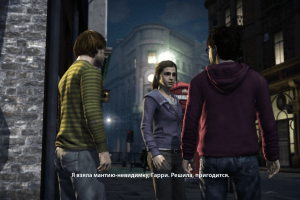
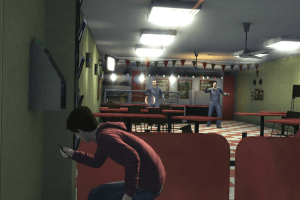
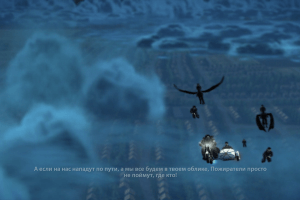
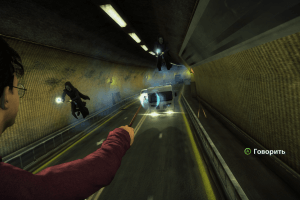
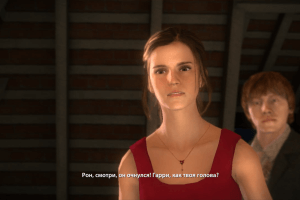
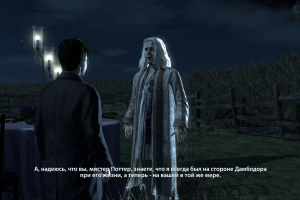
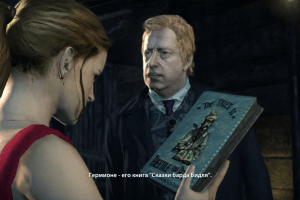
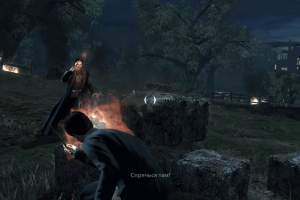
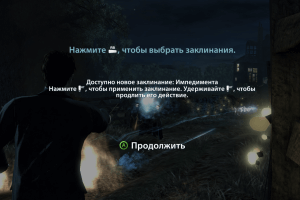
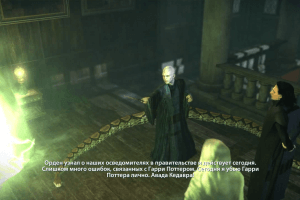
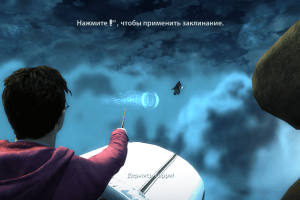
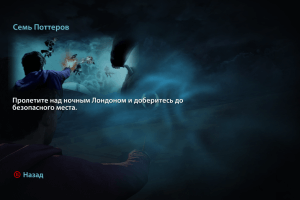
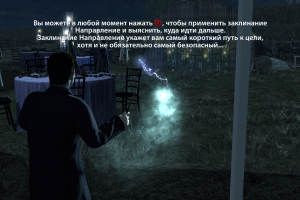
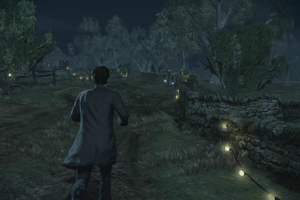
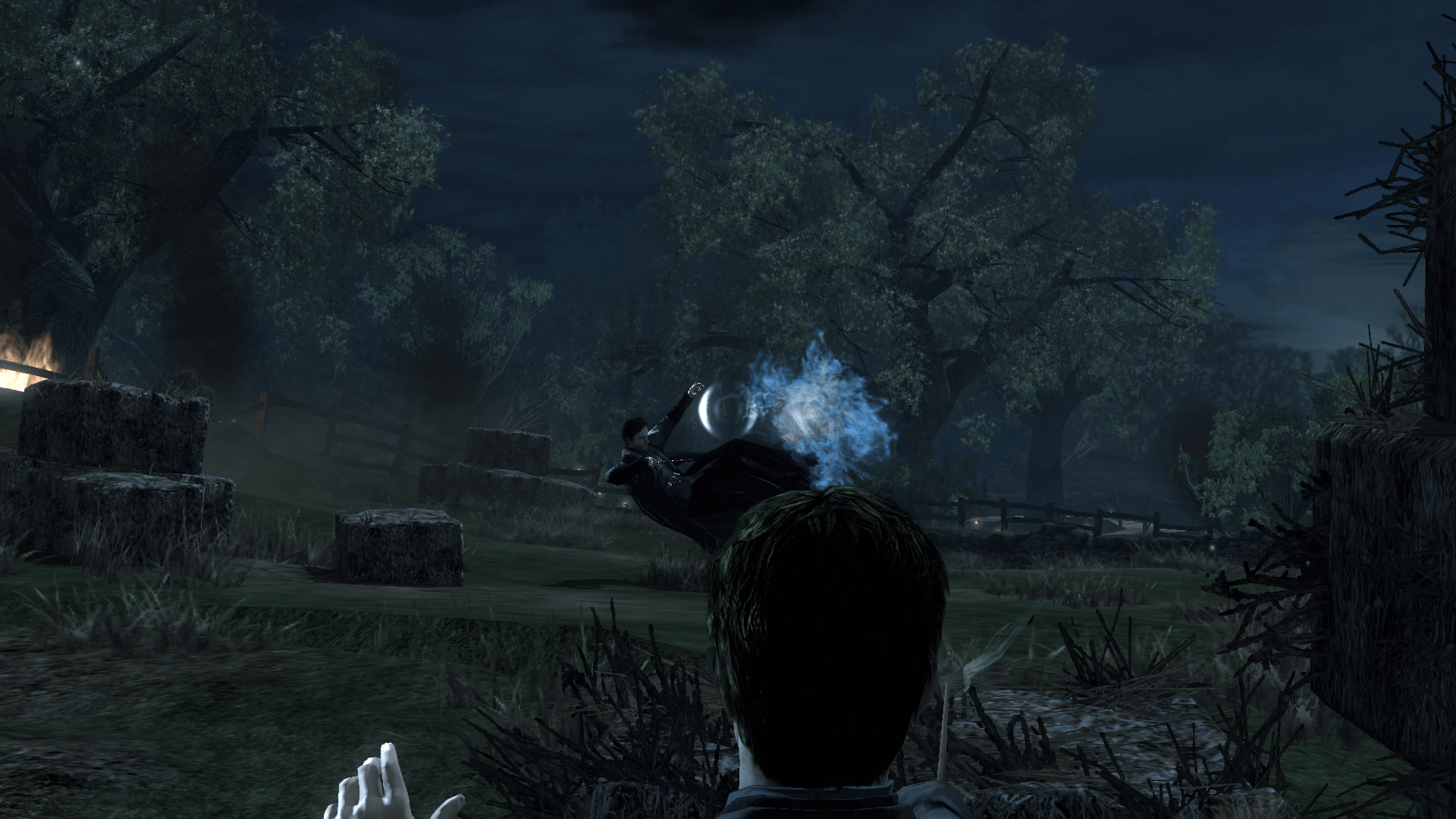
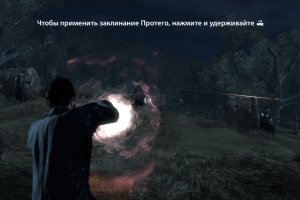
The time for learning is over. The time to meet your destiny has arrived. The Harry Potter saga builds to its thrilling conclusion in this game based on Harry Potter and the Deathly Hallows, Part I. The stakes have never been higher for Harry, and Deathly Hallows takes the franchise in a new direction centered on furious wand-based combat. You're on the run right from the start in a desperate quest to destroy Voldemort's Horcruxes. Battle Dementors, Death Eaters, and other powerful enemies with only your wand to help you. Use potions, your Invisibility Cloak, and more while you stare down your destiny as the only one who can defeat Voldemort

Many of the files was presented by Harry Potter Games Archive Project, we want to thank the participants of that project
How to Play

The game with NoDVD has been tested on Windows 7 64-bit and Windows 10, works okay, the game supports widescreen

Install & play guide:

  • Mount the disc image. You will need the utility for mounting disc image files, like WinCDEmu, UltraISO, Alcohol 52%/Alcohol 120% or Daemon Tools Lite
  • Install the game (if autorun doesn't work - simply launch the installation from Setup.exe inside the disc, run as administrator)
  • Also it is recommended to install DirectX from the disc (if you're using Windows 10 - enable DirectPlay, read this or this guide how to do it)
  • After you installed the game - install NoDVD (simply copy hp7.exe from the archive and put it into Harry Potter and the Deathly Hallows: Part 1/pc folder, agree to replace original file)
  • Open the Harry Potter and the Deathly Hallows: Part 1/pc folder and find hp7.exe. Right click on hp7.exe - Properties - Compatibility - Set "Run this app in compatibility mode with Windows XP SP3" and "Run as administrator"
  • Launch the game and play. If the game doesn't work - try to launch the game in compatibility mode with old versions of Windows (98, 2000, WinXP or Vista)

Notes:

  • If the installation doesn't start - try to launch Setup.exe in compatibility mode with old version of Windows (98, 2000 or XP) and as administrator
  • NoDVD is required for the launch because the game is using SecuROM DRM protection, which doesn't work on modern systems. That NoDVD "breaks" DRM protection and allows the game to work on modern systems
  • It is recommended to install all versions of Microsoft Visual C++ Redistributable for the correct work of the game
  • The game works on DirectX 9, so if you're using Windows 8, 8.1, 10 or 11 - you need to enable DirectPlay: Go to Control Panel, and select 'Programs'. Select 'Turn Windows features on and off', click on 'Legacy Components' and check the box 'DirectPlay'. Select OK, once the installation is done, restart your computer
  • The game has full localizations for 7 languages: English, French, German, Italian, Spanish, Polish & Russian. By default the game installs only on your system's language (i.e. if you have Windows with French interface - the game will be French only). But if you want to play on different language - you can change the language by registry edit:
  1. Press Windows+R and type "regedit.exe"
  2. Go to HKEY_LOCAL_MACHINE/SOFTWARE/Wow6432Node/Electronic Arts/Harry Potter and the Deathly Hallows Part 1
  3. Change the values of Language and Locale to your desired language (for example, fr for French language). Supported locales: de, en, es, fr, it, pl, ru
  4. Also, you have to copy the language file from the DVD to your installation path
  • If the game shows error "d3dx9_37.dll is missed" - simply download that dll and put it in game folder, next to exe-file
  • For users of Windows 64-bit systems: if the game doesn't work after you launched it - open Task Manager (Ctrl+Alt+Del by default) and check for processes hp7.exe and rundll32.exe. Close hp7.exe but don't touch rundll32.exe (it's a Windows app for running old apps from 32-bit operational systems, most old games running through rundll32.exe). Now try to launch the game again, it must work. Don't forget to close rundll32.exe process in Task Manager after finishing playing
  • Don't forget to check PCGamingWiki page if you have troubles

Comments and reviews

HybridAvenger 22 Aug. 2026

My PC Found a Trojan in The Repack just wanted to let ye know

2
Paolino 30 Dec. 2025

Codice di installazione

-4
AAYUSH YADAV 01 Mar. 2025

Very nice movie

0
MRN 25 Feb. 2025

what is the code

-3
tomside568 31 Jan. 2025

When trying to extract the noCD hp7.exe to the game folder on widnows 11, a quick window flashed up saying extracting and when i try to open up the .exe file it says i need the cd. Any help on how to fix?

2
pearl 30 Aug. 2024

Can't copy from "Razor 1911" to "pc" as it appears that there is no more space in the Harry Potter disk and without this when i open the game nothing happens, any ideas?

3
RandalMcdaniels 12 Aug. 2024

The repack by RG catalyst wont work on win10, even if you bypass/disable all your antivirus stuff it will still halt 30% of the way through the install itself and the antivirus will stop you with no option to click "learn more" and continue anyways. Right now im downloading the full ISO version hopefully i can get that working

1
Atik 11 Mar. 2024

Unfortunately my windows declarre the game as threat .please help...

-6
Vereor360 15 Jan. 2024

Nevermind, I downloaded the ISO one and it didn't come up with anything. It was also very easy to set up thanks to you guys and so far it works perfectly

0
Vereor360 15 Jan. 2024

So, I downloaded the repack version for both Deathly Hallows 1 and 2, and my anti-virus found 1 virus on both. Could it be a false positive?

0
mrwolffy 06 Nov. 2023

i downloaded game but i dont see the razor 1991 folder help

0
Ayob 15 Oct. 2023

While installing the game it said failed to start precomp.exe what should I do how can I correct the proplem

0
Marcom 10 Oct. 2023

What's the CD Key?

3
admin 20 Apr. 2023
Admin

@VERONICA Check in C:/Program Files (x86) then. Also, if you have desktop shortcut - right click on it and select "File location/File path", and Windows will open the directory with installed game.

If you still can't figure out how to make it work - just install repack by R.G. Catalyst, you just need to install it and then it is ready to play. That repack features full English & Russian localizations (to select English version click on small "EN" button in the installer)

-1
VERONICA 20 Apr. 2023

What if I installed the game from NoDVD and I didn't have "Electronic Arts" folder in Program files? What did I do wrong? Maybe I installed the game in a wrong way.

0
admin 16 Apr. 2023
Admin

@VERONICA Are you trying to put NoDVD inside disc in virtual drive? You need to put it in "pc" folder inside directory with installed game (by default it is C:/Program Files/Electronic Arts/Harry Potter and the Deathly Hallows (TM) – Part 1/pc), not in "pc" folder inside the disc

0
Veronica 15 Apr. 2023

The guide didn't work for me. I followed the required steps to install the game but, as BERNASQPH pointed out, there isn't enough space to copy and paste this hp7 file to "PC". What can I do in this situation? Can someone help me?

0
admin 19 Mar. 2023
Admin

We have updated the game, added clean ISO image of original DVD and instruction how to launch the game on modern systems

0
DARKHOLME98 14 Feb. 2023

It really works thanks!!

1
BERNASQPH 28 Jan. 2023

Can't copy from "Razor 1911" to "pc" as it appears that there is no more space in the Harry Potter disk and without this when i open the game nothing happens, any ideas?

2
SpunkyToad 24 Jan. 2023

I had a weird install. I don't see the HP7 executable.

-2
Who? 10 Jan. 2023

Use the keygen in the Razor 1911 folder

0
Patrick 21 Dec. 2022

For game work you have to extract and replace setup file ''hp7'' from Razor 1911 to the folder ''pc'' where you installed the game, that worked for me

1
HeavysetAphid59 18 Dec. 2022

The game did not work, after I installed everything and typed in the serial number, the game kept asking me to insert the game disc

2
Zharrax 26 Sep. 2022

Serial Code is: KTEE-6RQP-W5Y2-43B6-1911

4

No comment nor review for this game at the moment.

Comments posted on the beta are not kept. We delete them at 08:00 Paris time and they never reach the live site. Post on myabandonware.com if you want your comment to stay.

Downloads

Windows version
ISO Version of original DVD (Multi-language)
English French German Italian Spanish Polish Russian
6.8 GB
Repack by R.G.Catalyst (English & Russian languages)
United Kingdom English
Russia Russian
2.9 GB

Extras

Misc Misc 1
Serial keys
Windows 180 B English English
NoCD NoCD 1
NoDVD
Windows 1 MB English English

Similar games

Harry Potter and the Deathly Hallows: Part 2
4.3/5 - 105 votes
Harry Potter and the Deathly Hallows: Part 2
Windows
2011
Harry Potter and the Half-Blood Prince
4.4/5 - 241 votes
Harry Potter and the Half-Blood Prince
Windows
2009
Harry Potter and the Order of the Phoenix
4.5/5 - 207 votes
Harry Potter and the Order of the Phoenix
Windows, Mac
2007
Harry Potter and the Sorcerer's Stone
4.3/5 - 726 votes
Harry Potter and the Sorcerer's Stone
Windows, Mac
2001
Harry Potter and the Prisoner of Azkaban
4.5/5 - 258 votes
Harry Potter and the Prisoner of Azkaban
Windows
2004
Harry Potter and the Chamber of Secrets
4.4/5 - 376 votes
Harry Potter and the Chamber of Secrets
Windows, Mac
2002