How to Play
Both NoDVDs showed minor warning ratio on VirusTotal: 6 warnings for first one and 5 warnings for second. It is safe to use, all warnings about unsafe/possibly malicious file
The game version 1.1 with NoDVD and Xliveless has been tested on Windows 7 64-bit and Windows 10, works fine. The game supports widescreen and ultra-high resolutions up to 4k. Launch of this game on modern systems is a bit troublesome, so check our Guide and Notes
Install & play guide:
- Mount the disc image. You will need the utility for mounting disc image files, like WinCDEmu, UltraISO, Alcohol 52%/Alcohol 120% or Daemon Tools Lite
- Install the game (if autorun doesn't work - simply launch the installation from Setup.exe inside the disc)
- It is recommended to install the game not in default path but in some other folder, like
C:/Games/Quantum of Solace - The installer will automatically install Games for Windows Live software
- Also it is recommended to install DirectX 9 from the disc (if you're using Windows 10 - enable DirectPlay, read this or this guide how to do it)
- After you installed the game - install the patch version 1.1
- After that install NoDVD (simply copy JB_Launcher_s.exe from the archive and put it into directory with installed game, agree to replace original file)
- Optionally install Xliveless if you want to disable GFWL (copy files from the archive and put it into directory with installed game)
- Open the directory with the game and find JB_Launcher_s.exe and JB_LiveEngine_s.exe. Right click on both exe-files - Properties - Compatibility - Set "Run this app in compatibility mode with Windows Vista" and "Run as administrator"
- Launch the game and play. If the game doesn't work in compatibility mode with Windows Vista - try to launch it in compatibility mode with Windows XP Service Pack 3
Notes:
- If the installation doesn't start - try to launch Setup.exe in compatibility mode with old version of Windows (98, 2000 or XP)
- It is recommended to install the game not in default path but in some other folder, like
C:/Games/Quantum of Solace - NoDVD is required for the launch because the game is using SafeDisc DRM protection and GFWL, which doesn't work correctly on modern systems. That NoDVD "breaks" DRM protection and allows the game to work on modern systems
- NoDVD supposed to work with all language versions. If the first NoDVD doesn't work - try to use NoDVD for Polish version, it must work with other versions too
- If you want to disable GFWL - use Xliveless, simply put the files from the archive in game folder
- If you don't want to use Xliveless or it didn't work - install the latest version of Games for Windows - LIVE software and create local profile: launch the game and press Home button, to access GFWL panel, then follow the steps in this guide
- The game works on DirectX 9, so if you're using Windows 8, 8.1, 10 or 11 - you need to enable DirectPlay: Go to Control Panel, and select 'Programs'. Select 'Turn Windows features on and off', click on 'Legacy Components' and check the box 'DirectPlay'. Select OK, once the installation is done, restart your computer
- It is recommended to install all versions of Microsoft Visual C++ Redistributable for the correct work of the game
- Also it is recommended to install RAD Video Tools and K-Lite Codec Pack for the correct work of the game
- By default the game runs at 30 FPS and 65° FOV (Field of View). If you want to unlock the framerate and change FOV - use FOV and FPS unlocker by SuicideMachine. To use it run the game first, then run the tool and change the settings to desired
- Don't forget to check PCGamingWiki page if you have troubles



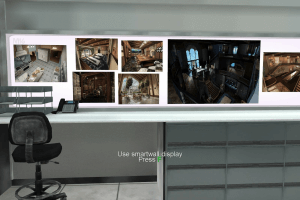
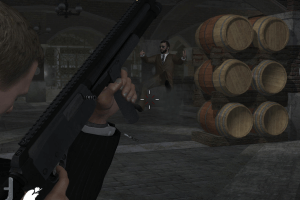
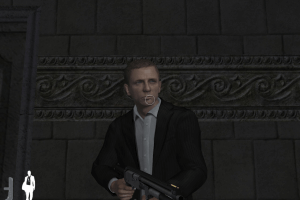
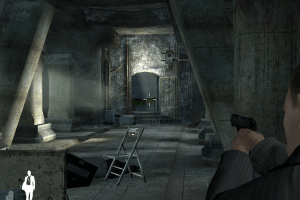
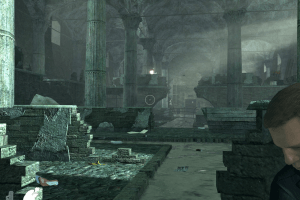
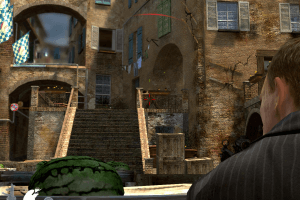
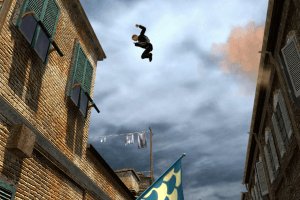
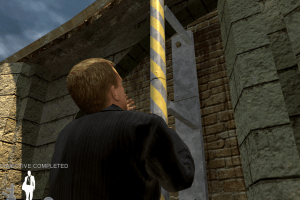
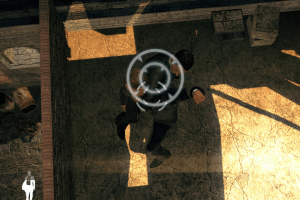
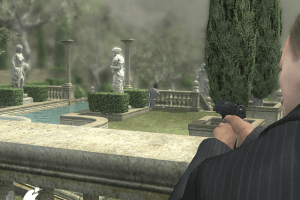
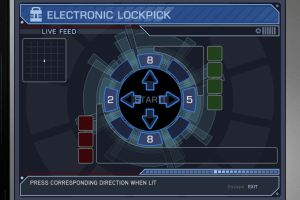
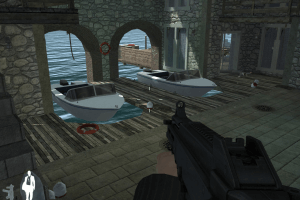
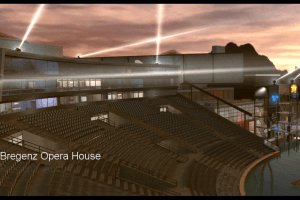
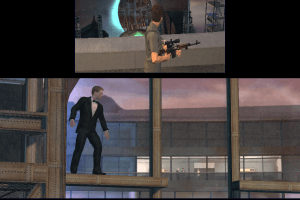
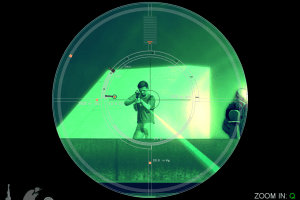
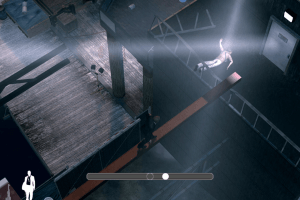
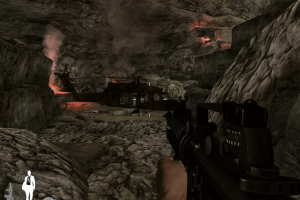
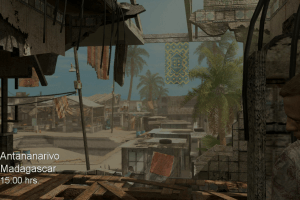
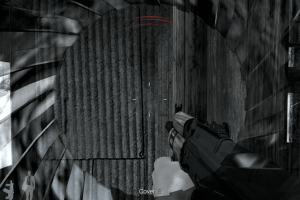

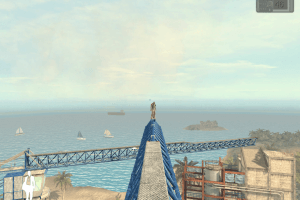
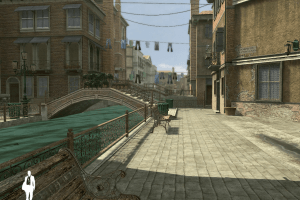
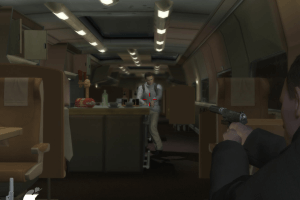
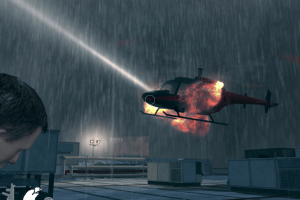
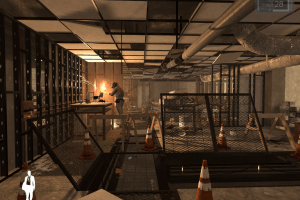
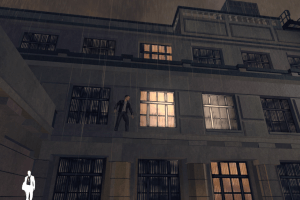
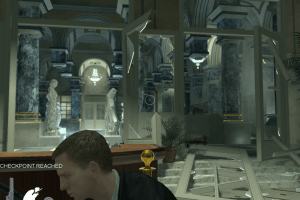
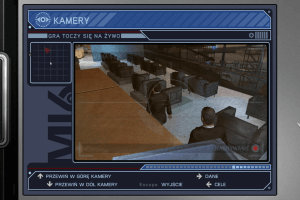
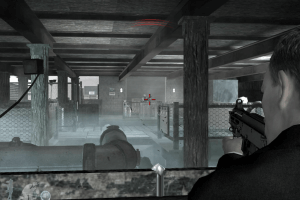
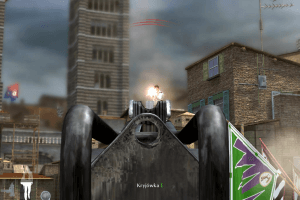
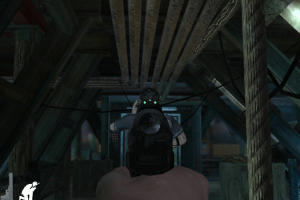
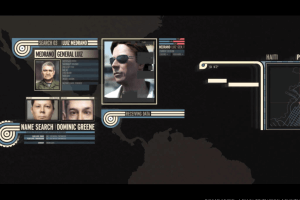
 English
  French


 Russian





Comments and reviews
بتذكر حالي لما نزلتها سنة الفين و تسعطاش و لعبتها ههههه
The ElAmigos repack is confirmed working. I made a Dual Layer DVD from the ISO, it self boots, walks you though the installation. (The installation was extremely slow.) Once it was finally done, double clicked the desktop icon and the game plays great on my Pentium 4, 3.4gb processor, Nvidia 6800GT graphics card. Thanks for a nice clean repack.
The Something of Boris
ordaki bütün(elamigos dişinda) indirme linlerini denedim fakat almanca versiyonu dişinda hepsi 160 kb indirme hızından yukarı çıkamıyo buda 9 10 saatlere çıkıyo indirme süresi adim bunu düzeldirse çok iyi olur
The game is broken. I downloaded a repack by ElAmigos from here and right in the main menu, there is a giant orange square floating around the screen, obscuring the menu and I'm unable to see the menu itself.
Loved this game as a kid. Had been wanting to play it for years and finally with this PC I can actually download it. I'm very glad there's still people out there who also liked this game.
does this game work?
I am facing a problem
When I try open the game it says "Please insert the correct DVD-ROM, select OK and restart application"
what do I do?
Quandale
You need here
https://archive.org/details/007-qos
and here
https://community.pcgamingwiki.com/files/file/1012-microsoft-games-for-windows-live/
Just install All From the GFWL Setup First,
Hello,
I never Install Nvidia Physix,
bud i have Unreal Tournament 3
Quantum of Solace have no Nvidia Physix
i get this error when i try to run the game
Error during initialization:
unable to load bus file [soundaliases/bus.def].
please help
Play This Game, bud Standard not with the FPS Unlocker.
Wow
okay so i installed the game via the iso and now?
i can't find how to patch to 1.1?
and where is the no cd crack? i went to data/main/ and copyed the .exe launcher but it still says insert the disk.
The ElAmigo repack works without any additional tweaking on Windows 11 x64, and the FOV/FPS tool linked below works perfectly (and makes the game even better). The repack also has Xliveless included and will ask you to create a dummy account name during install.
@Ashfaqur, the concept is to take CD or DVD disk and "pack" it into one file that can be "mounted" in special software which will emulate putting it into virtual disk station you don't physically have. This is to allow games to be installed properly as if you'd put the physical copy into CD/DVD reader. If you're using newer version of Windows, the system allows to do this without additional software, but honestly, I don't know how well it works with using disk images for gaming.
https://www.pcmag.com/how-to/install-a-software-program-from-an-iso-file - here's and example on how to use disk image file (.iso) using Windows system.
I get the error *Please insert the correct DVD-ROM, select OK and restart application*
when I try to launch it.
Hello, I want to ask that, why most of the games in this website are uploaded in CD format? I don't even understand the installation process of CD format games.
how do i play it??
it loads then goes off for me
Whenever I try running the ElAmigos version, I always get the "Savedevice PC" error. Help?
Re-install the game in non-system folder, like C:/Games/Quantum of Solace. Better to install from ISO image of DVD.
Don't forget to install patches and NoDVD.
Then run the game in compatibility mode with old Windows, like 95 or 98, try different variants.
Also, make sure that you installed Microsoft Visual C++ Redistributables, especially old versions
Error during initialization:
unable to load bus file [soundaliases/bus.def].
This is the error I got.
Tried to use DSOAL Which you mentioned, but same error.
@DIS Uploaded new version of FOV/FPS Unlocker, thanks
@GUEST What error, be more specific? If you see DirectSound error - it is common trouble on Windows 11, install OpenAL https://openal.org/downloads/ and then DSOAL https://community.pcgamingwiki.com/files/file/1363-dsoal , that will make DirectSound to work through OpenAL sound system.
Here's the guide how to install DSOAL https://www.ixbt.com/live/games/kak-aktivirovat-eax-dlya-staryh-igr-v-windows-10.html (it's on Russian, use translator)
When I tried to play there was a error like idk something called soundbus or whatever it is. It was repack from the Elamigos downloaded from this website.
If your FPS or FOV unlocker tool isn't working or is only working in the main menu it is due to it being the 1.0 version. The one on the download is 1.0 as of (D27/M08/YYYY2023)
This https://github.com/SuiMachine/Quantum-of-Solace-Tool/releases/tag/1.2.0
the link above is the 1.2.0 version, it will work with 1.1 patched game and the ElAmigo version and NO-CD 1.0 and 1.1.
Please can the link be changed to the 1.2.0 version or added alongside the 1.0
Thank you
@DONUT1321 Because the game is using SafeDisc DRM, and it doesn't work on Windows 8 and newer. The game won't recognize the disc even if you have physical disc in CD-ROM, that's why you need to use NoDVD
Why can't you just mount the ISOs using Windows Explorer in versions 8 and above? Would the ISO still being mounted fool the program into thinking there's physical disc in a drive?
The Suantum of Quolace...
We updated the game, uploaded ISO image of original DVDs, for different languages, plus patch and few fixes. Also, we replaced old DODI repack for ElAmigos repack, since many users had troubles with old repack
good game but does not really work but still nice to play
is error pls fix that
What is a dotty repack how do i use it
Will blood stone ever be added? I would love to play that on PC, but it’s no longer on Steam
Alguno tiene experiencia de jugar con joystick?
Man, I cannot get this download to finish. It always fails. Only game I've had an issue with here. I wish this site had torrents sometimes.
@Bro it is a false alert, any game from here that gets flagged as malware is a false alarm
For some reason it detects malware for me.Is it a false alert?
DODI specializes in making larger games much smaller to download leading to less usage on the end users side witch is very nice, DODI is very legit more then most others :)
demo runs fine, once it finishes installing run it from the desktop icon, it's only the first mission but it's fun nonetheless.
DODI repack?
I like this game
I got the game for the PC when it was released. I don't remember if it was physical version or from some online store.
What I do remember was the terrible mouse controls, especially some time of acceleration you couldn't turn off.
I had to stop playing after a couple of levels. Never tried it with a gamepad.
Cool game though.
No comment nor review for this game at the moment.