



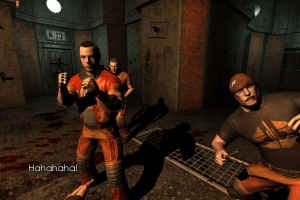
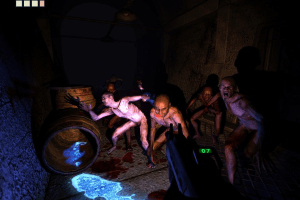
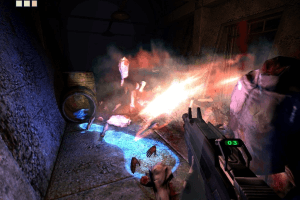
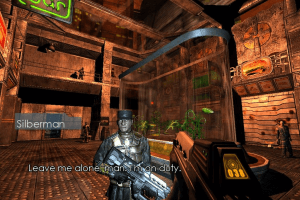
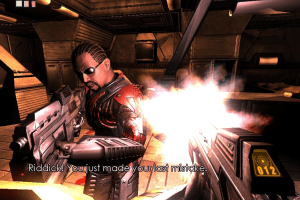
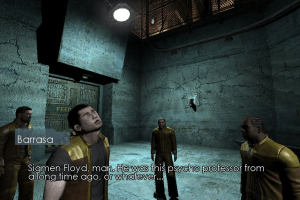
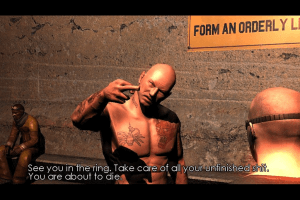
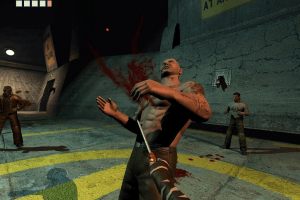
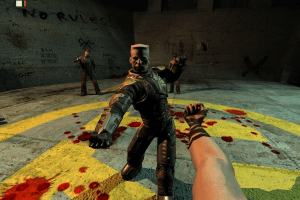
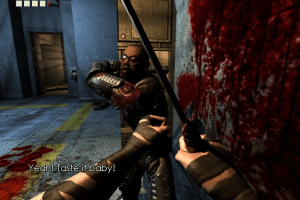
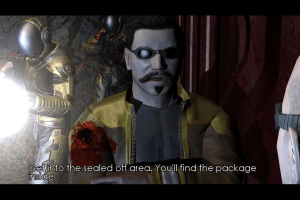
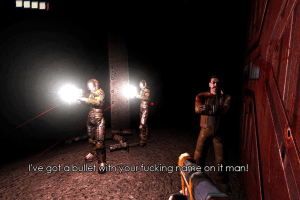
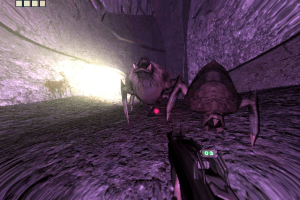
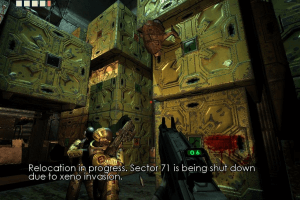
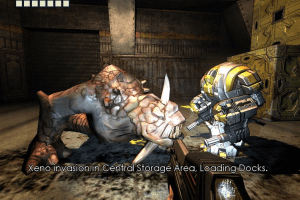
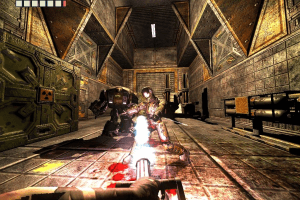
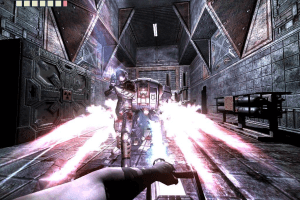
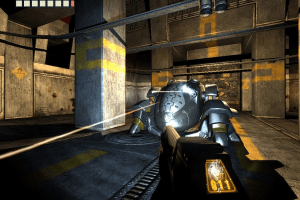
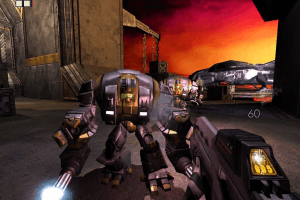
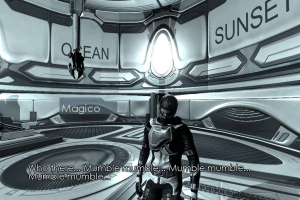
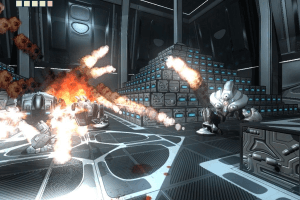
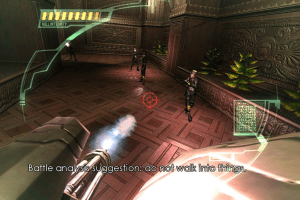
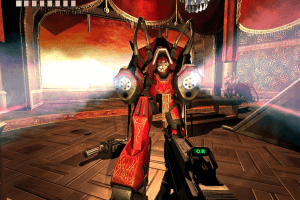
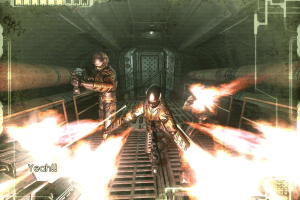
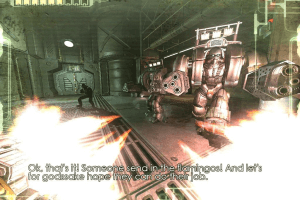
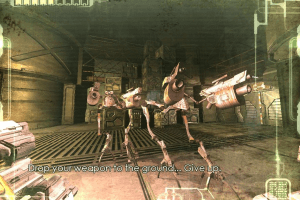
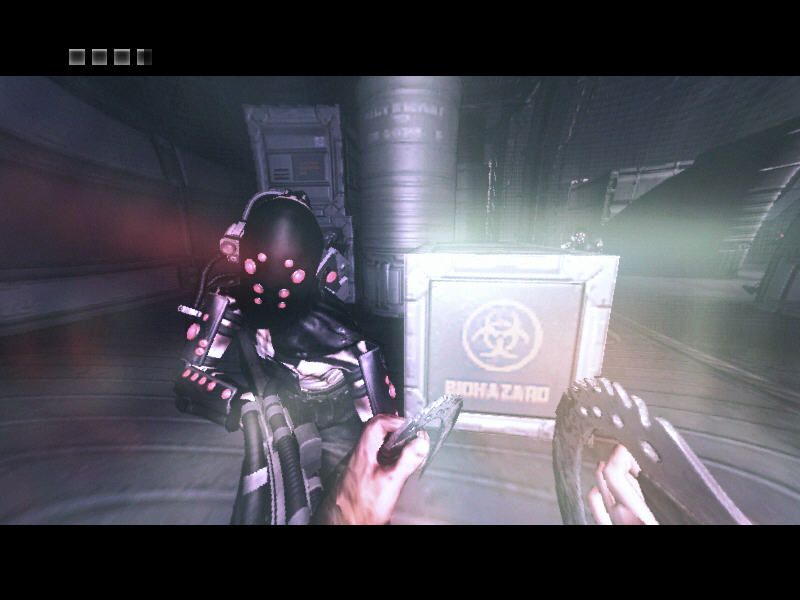
The Chronicles of Riddick: Escape from Butcher Bay - Developer's Cut is a Windows port of original Escape from Butcher Bay that adds supports for higher resolutions, new game content, including new level where Riddick steals mechanized riot armor, and special Commentary Mode with developers' commentaries about the game
How to Play
The game version 1.1 with NoCD has been tested on Windows 7 64-bit, Windows 10 and Windows 11, works fine. The game supports widescreen and high resolutions up to 4K. You may experience some small troubles when you play the game on modern systems, check our Guide and Notes for details
Install & play guide:
- Mount the disc image. You will need the utility for mounting disc image files, like WinCDEmu, UltraISO, Alcohol 52%/Alcohol 120% or Daemon Tools Lite
- Install the game. It is recommended to install the game not in default path but in some other, non-system folder, like
C:/Games/Riddick EFBB, so you won't have troubles with fixes - Skip online registration at the end, click "No" when the installer will ask if you want to register the game
- Once you installed the game - install the patch version 1.1
- After that use NoCD for version 1.1, simply copy files from the archive and put them in the folders inside
Riddick EFBB/Systemdirectory, agree to replace the original files. NoCD is required only if you run 32-bit executable, 64-bit executable is DRM-Free - Open the game folder and find Riddick.exe. Right click on Riddick.exe -> Properties -> Compatibility -> Set "Run this app in Compatibility mode with Windows XP" and "Run as Administrator"
- Launch the game and play. If the game doesn't work in compatibility mode with Windows XP - try to launch it in Compatibility mode with other version of Windows (Windows 95, 98, 2000, etc.)
We also highly recommend to use TCoRFix by Nezarn that resolves many old issues of the game, such as a startup crash, OpenGL extension limit on Nvidia GPUs, fixes flickering in Eyeshine mode, makes Shader Model 2.0++ available for AMD GPUs, and many other problems that was making the game unplayable on some modern machines. TCoRFix have some small issues such as flickering fix making some in-game shadow to disappear, or visual effects issues on 64-bit executable (luckily there's no such issues on 32-bit executable), but the author may release new versions of the fix, we recommend to check GitHub page for possible updates
Notes:
- If the installation doesn't start - try to launch Setup.exe in compatibility mode with old version of Windows (98, 2000 or XP)
- It is recommended to install all versions of Microsoft Visual C++ Redistributable and NET Framework for the correct work of the game. Also it is recommended to install K-Lite Codec Pack for the correct work of in-game videos
- NoCD is required if you run 32-bit executables, because they are protected with SecuROM DRM, which may have issues on modern systems. NoCD "cracks" DRM protection and allows to run the game without the disc. If you see the error that there's not enough space on the hard drive when you copy NoCD files - re-install the game in non-system folder, like
D:/Games/Riddick EFBB, Windows Protection may block copying of files to system folders (likeC:/Program FilesorC:/Windows). 64-bit executables are DRM-Free, they are located inRiddick EFBB/System/Win64_AMD64folder - The game has full audio & text on English language, plus text localizations for French and German languages (menu & subtitles). You can easily change the language of installed game, to do that open Environment.cfg and change
LANGUAGE=EN(orLANGUAGE=US, depends on version) toLANGUAGE=Frefor French language, orLANGUAGE=Gerfor German language. That method works on US, European and French/German releases - If the game doesn't run from desktop shortcut or Riddick.exe - go to
Riddick EFBB/Systemdirectory. There's 4 folders - 3 folders for 32-bit systems andWin64_AMD64for 64-bit systems. Try to run the game directly from one of executables, in Compatibility mode with Windows XP (or other old Windows OS) and as Administrator - On modern graphics cards the game may crash on start-up, especially if you have Nvidia GPU. That crash happens due to improper limits for OpenGL extensions set in the modern drivers for this game, use TCoRFix to resolve that issue. With TCoRFix you don't need to use any of methods below, but we added them just in case
- If for some reason you don't want to use TCoRFix or TCoRFix doesn't work, try this method: go to
Riddick EFBB/System/Win64_AMD64folder and rename SbzEngine.exe to quake3.exe. After that run the game directly from that quake3.exe, it should work; if it didn't work - try to rename it to mohaa.exe and run again. Additionally, if you have Nvidia GPU, run the game through Nvidia Profile Inspector and in "Common" tab setExtension Limit = ONorExtension Limit = 0x00001B58(watch this video or read this guide, we also added Nvidia Profile Inspector with guide in Downloads). Alternative method - rename executable file back to SbzEngine.exe and use the fix by beha_r, simply copy files from the archive and put them in the folders insideRiddick EFBB/Systemdirectory - If you have the problem with flickering/glowing textures when you use Eyeshine mechanic in the game (Q key by default), use TCoRFix, it resolves that issue. That issue is related to Shader Model 2.0++ and may happen on modern GPUs. If the fix doesn't work or you don't want to use it, then in game Options change Shader Model 2.0++ to any other, like Shader Model 1.5, there should be no flickering/glowing textures on other Shader Models
- There's a common bug with twitchy mouse movement if the mouse polling rate exceeds 125 Hz. The solution is to lower the polling rate of your mouse to 125 Hz or lower, in the mouse drivers. Alternatively, you can use dxwrapper utility to fix that issue, follow this guide; however, that method will work only with 32-bit executable
- The game has full controller support, it should work fine with any type of gamepads. The game was tested with Xbox One gamepad so it should work with no problem with any XInput-type gamepad. If the game doesn't recognize your controller - try using one of the additional tools from PCGamingWiki guide for controllers
- The game supports widescreen and high resolutions up to Ultra HD 4K, but on any resolution above 1920x1080 render top left part of the image with the rest being cut off by display borders. Use TCoRFix to fix this issue
- If you want to enable Anti-aliasing in the game, you will need to edit config-files, follow this guide. However, that method doesn't work on AMD GPUs, if you have AMD graphics card, use SSAA or Downsampling instead
- For whatever reason the game engine doesn't have support for 2560x1600 resolution, check this thread for details. But if you have 2560x1600 display and want to play the game in Fullscreen - you can try to run the game with Fullscreensizer tool. First edit Environment.cfg and change
VID_MODE=to one of supported screen resolutions, after that run the game and Fullscreensizer. Here's the guide with instructions, it is the guide for the next Riddick game, but it should work with EFBB too, since both games use the same engine - The game doesn't support ultra-wide screens, but if you have Nvidia graphics card, you can run the game in ultra-wide screen resolution with Nvidia Profile Inspector utility. Read this guide for instruction
- It is possible to play the game on Linux, the easiest variant would be to use Batocera app. Batocera app can be launched on many different devices, including handheld consoles. You can find the files of the game pre-configured for Batocera client in this archive
- Don't forget to check PCGamingWiki if you have troubles, it is very useful!
Downloads
Windows version
 English
  French
  German
  Polish





 Czech
Czech  Spanish
  Hungarian
  Portuguese (Brazil)
  Russian





Comments and reviews
ظبتت عندي بدون سي دي طخ عينه
بتصفح العاب و بلعب العاب من ورا العرب و هم فقط قاعدين على تيك توك و لايكي
Still looks good in 2026
Magipacks version DOES NOT work ok XP. Making the 5 CDs was a waste of time because the folders that you replace for the NoCD are all missing the dll that the program looks for. The dlls are in the original folders, but those look for a CD. This is NOT a NoCD at all. Just a bunch of empty folders with just the engine in them.
its not worth playing a game like this just look at the map design. 15 miles of indoor square rooms that have no basis in reality. I want to explore churches, cathedrals, campuses, basements, hotels. This game BLOWS
im not happy with this games field of view, its very strange
@piperseesall
1. About NoCDs - they showed few generic warnings but files are totally safe, we check the files before uploading. Also, if you play on 64-bit system, you don't even need to use NoCD, because 64-bit executables are DRM-Free, check the Notes on this page
2. About BIN/CUE images - it is the disc images, you need a special utility like Daemon Tools Lite or WinCDEmu to open it. DVD release is presented in ISO format, DVD release has the exact same files as 5 CD release. Or you can download repack by Magipack, it has a simple installer (but doesn't feature TCoRFix though)
3. We uploaded Dark Athena today, so now you can download it from our website
https://www.myabandonware.com/game/the-chronicles-of-riddick-assault-on-dark-athena-zyt
if you want the version that has Assault on Dark Athena then go to archive dot org.
don't bother trying to download the 5 disk version, it's in .CUE and .BIN format and not as an ISO so there is really no way to install those as far as i can tell?
the no_cd cracks were flagged as dangerous by my downloader.
What about The Chronicles of Riddick: Assault on Dark Athena?
Why is it missing?
Cant get the controller to bind
Small update: we edited the guide a little and added a very useful TCoRFix by Nezarn that resolves a lot of many issues of the game on modern systems. We highly recommend to use it if the game crashes on your system or you have graphical glitches
I installed the repack version, but when I open it the screen starts flashing then it goes black with audio playing. Does anyone know how to fix this? thanks in advance.
for some reason i can't get Shader Mode 2.0++ to be active just regular 2.0 how can i force it to be activated
Are there shemale mods for this?
Go here for the more complete version of the game, Assault on Dark Athena.
https://archive.org/details/the-chronicles-of-riddick-assault-on-dark-athena-el-amigos-update-1.1
[MagiPack]
The game can run on unlocked framerates pretty well.
I had to set my mouse's polling rate to 125Hz to fix the buggy movement.
Shader Mode 2.0++ causes flickery lighting for me on an Nvidia card; it's best to leave it on Auto.
Playable from start to finish.
Random crash could happen when interacting with an NPC.
You can also set MagiPack to German or French. Simply open the file Enviroment.cfg (its in the main gamefolder) with a text editor. In the first line, it says LANGUAGE=Us. Instead of Us, just write Ger for German subtitles and menu language, and Fr for French.
Repack by MagiPack works on win7 and imo its a great game.
admosphere 9.9/10
@thomas @unreal
While it didn't work for me i kinda found a work around.
My logitech mouse G402 has an low Report Rate during small movements.
Therefore i just reduced the dpi to
Anyone found a fix for the inventory crash?
Okay, so I finally got this to run on Linux, more specifically Pop!_OS 22.04. Here's what I did.
I extracted the .ISO file, ran the setup with Wine. Once installed, I installed the patch (v1.1) with Wine also. Then I put in the "Fix by beha_r " into the game installation folder.
After all of this I added the game on Lutris "Add locally installed game" and selected "(WhereYourGameIs)/The Chronicles of Riddick - Escape From Butcher Bay/System/Win64_AMD64/SbzEngine.exe" As the executable.
Then in Runner Option I selected Proton GE 9.6 (or you can just go with latest).
Then it all ran beautifully!
Just finished a playthru, the game is great. I escaped from Butcher Bay! I used the magipack version with no problems, thanks!
@thomas i have Logitech mouse, and i had to reduce Report Rate from 1000 to 125 to fix mouse look issue.
So I have an issue, perhaps somebody else has encountered it, that the whole screen flickers and freezes and makes it difficult to look around smoothly which really disprupts the game. Does anyone know how i fix that? Its a few years old computer with nvidia card, i got the magipack version working ( the dvd version dindt want to start up past the initial start up screen) I installed the game in a different directory from default but didnt patch or anything since it already is as far as i know. Id appreciate input, i havent seen this bug adressed
Played it and didn't liked it. Because, first of all I had no idea where to go. And second, enemies most of the time are too freaking bullet spongy and takes too damn long to take down.
faverite game when it was new
anyway to fix the game stuttering so bad??
i cant move an inch without getting stuttered
Confirmed.. Repack by MagiPack Works On Steam OS. I Have Fully Installed This On Steam Deck, Installed Fixes, Ran With Proton, In Gaming Mode, And Works Great, Just Need To Customize Manually The Artwork Work, Music Themes, And Controls, And Works Flawlessly. You did FANTASTIC On This Repack. Now Please Do The EXACT Same For The Chronicles of Riddick: Assault on Dark Athena With A Repack As Well.
Anyone Know If This Works On Steam Deck OS Yet?.
@HENRY try to change Shader Model in settings. Choose another setting instead of default Shader Model 2.0++
Windows 7... I've tried several resolutions and see a white rectangle covering most of the screen during gameplay...
Anything higher than 1920x1080 and the game squishes
Running this on Windows 11 12800HX, 3070ti, 64gb ram DDR5 and it works perfect from the Repack by MagiPack English version 2.6 GB, using this on an external NVME.
Just download repack by Magipack, it is simple installer.
If you want to install the game from original discs - download disc images for retail releases, on 5 CDs or 1 DVD
how to download this game im new here someone plz teach me..im game lover
Thanks, it works on my Win10 gaming PC.
Although the maximum resolution is 1920 x 1200 as anything bigger than 1200 will squish the game's appearance/display.
I have 3440 x 1440 Acer Predator x34p gaming monitor.
No, it isn't on GOG, it used to be, but it wasn't the original version, instead it was the remastered one that was bundled with the second game, "Assault on Dark Athena".
Repack should be enough, it includes the whole game. Also, if you get any troubles - don't forget to check Notes on this page and on PCGamingWiki.
CD and DVD versions are disc images of original retail versions, for people who prefer to install from original discs
On a windows 1o machine, downloading the Repack by MagiPack only it's enough?
Or do I need to get all those other patches?
Thanks in advance
We have updated the game, added version on 5 CDs, in addition to DVD version, plus some patches and fixes
is there any way to request Dark Athena be on this site? its also abandoned and frankly a better version of Butcher Bay WITH a whole second campaign
my game favorit
i am love its game
Look for the GOG delisted version of The Chronicles of Riddick: Assault on Dark Athena. It includes Butcher Bay inside the newer game and started straight up on my Ryzen / Win 10 machine.
I tried Peodr suggestion,with Nvidia Inspector. after a little tinkering i got it to work, thx to my www community
Works like charm, thanks! Windows 10. Really nice game. Thanks!
For those trying to get this to run on a modern system, I would suggest using Wine on Linux to do so. Bypasses all the issues of running this thing on a Windows machine.
The only issue I had was Wine not correctly telling Riddick that it was using OpenGL 1.4 The following Commandline in a Shell script solves that
MESA_GL_VERSION_OVERRIDE=4.5 wine 'MyPath/Riddick EFBB/System/Win32_x86_SSE2/SbzEngine.exe'
Is this the one that was also released for the OG Xbox and got very positive reviews back then? I always wanted to play it but since I didn't have neither an Xbox nor a compatible PC at the time I didn't get to do it. I remember how big of a surprise it was when this game was released because nobody was expecting a game adaptation of the Riddick franchise to be this good, specially since the sequel movie was bad and game adaptations in general tend to be disappointing. I'll definitely check this one out.
If you go to explore the CD there is a folder called HOODLUM. i'm assuming you copy the SbzEngine files over from the HOODLUM folder to the respective system folders where you downloaded the game.
e.g. C:\Program Files\Starbreeze Studios\Riddick EFBB\System
Great! Thanks a lot! Nice memories about this GAME!
i just have a quick question for whoever downloaded the game from here, is the no cd patch already in the game's folders? or do you have to get it seperatly?
great game, those graphics still look sweet
' wanna live? get a shiv '
@Marsh this is the og Butcher Bay, not the enhanced edition. Dark Athena is not included.
.
Game keeps crashing on start, what is wrong?
Ford this include dark athena?
This game will never work on every PC in the world.
Brutal, game, is a great game for Riddick fans.
Is there some kind of no cd patch anyone has found? I looked online and found that the director's cut sometimes isn't recognised as a genuine copy of the game by its inbuilt DRM
No comment nor review for this game at the moment.