You are on the beta version of My Abandonware. The live site is still myabandonware.com. Your favorites and ratings here are copied to the live site. Comments and other changes are not — we delete them every morning at 08:00 Paris time, when this site goes down for about an hour. Leave feedback through this link to Pastel (email required).
The beta goes down at 08:00 Paris time, in a few minutes. We rebuild the database from the live site. It comes back in about an hour.
Thanks to all who left installation instructions. They are always appreciated.
1
deltaplayerxd23 Apr. 2026
the download is very very very very very very very long
3
deltaplayerxd21 Apr. 2026
im not play this game but NEED to this gamer work
2
Jothsi Medel Medel10 Dec. 2025
Isn't it work for disk 1234 from Japanese?? i already download that game since i was 9
0
Anonymous14 Oct. 2025
It worked for me in Windows 11 doing this: 1. Downloaded the iso file 2. Converted Disc 4 mdf image to iso image 3. Mounted Disc 1 and started installation. When the installer asked the next disc, just unmounted and mounted the next disc until disc 4. 4. Installed Patch 1.52 5. Downloaded NOCD 1.52 and replaced the file in the installation folder with the file from NOCD.
Worked fine without any issues.
5
Synsin29 Aug. 2025
Nevermind I got it to work.
0
Synisin29 Aug. 2025
Installed all discs, hit play, and it closed out and nothing happened. Running Windows 11.
-5
Doze25 Aug. 2025
I just got the game working, but i can't save, when the first save screen pop up i press to select a slot and it brings me to a continue screen, that those nothing. Any fix ?
2
KASUMI6524 Jun. 2025
European multilanguages CD : https://archive.org/download/redump_pc_E/Enter%20the%20Matrix%20%28Europe%29%20%28En%2CFr%2CDe%2CEs%2CIt%2CPt%29%20%28Disc%201%29.7z https://archive.org/download/redump_pc_E/Enter%20the%20Matrix%20%28Europe%29%20%28En%2CFr%2CDe%2CEs%2CIt%2CPt%29%20%28Disc%202%29.7z https://archive.org/download/redump_pc_E/Enter%20the%20Matrix%20%28Europe%29%20%28En%2CFr%2CDe%2CEs%2CIt%2CPt%29%20%28Disc%203%29.7z https://archive.org/download/redump_pc_E/Enter%20the%20Matrix%20%28Europe%29%20%28En%2CFr%2CDe%2CEs%2CIt%2CPt%29%20%28Disc%204%29%20%28Play%20Disc%29.7z
Polish CD : https://archive.org/download/redump_pc_E/Enter%20the%20Matrix%20%28Poland%29%20%28Disc%201%29.7z https://archive.org/download/redump_pc_E/Enter%20the%20Matrix%20%28Poland%29%20%28Disc%202%29.7z https://archive.org/download/redump_pc_E/Enter%20the%20Matrix%20%28Poland%29%20%28Disc%203%29.7z https://archive.org/download/redump_pc_E/Enter%20the%20Matrix%20%28Poland%29%20%28Disc%204%29%20%28Play%20Disc%29.7z
Polish DVD : https://archive.org/details/enter_the_matrix_pl
Japanese : https://archive.org/download/redump_pc_E/Enter%20the%20Matrix%20%28Japan%29%20%28Disc%201%29.7z https://archive.org/download/redump_pc_E/Enter%20the%20Matrix%20%28Japan%29%20%28Disc%202%29.7z https://archive.org/download/redump_pc_E/Enter%20the%20Matrix%20%28Japan%29%20%28Disc%203%29.7z https://archive.org/download/redump_pc_E/Enter%20the%20Matrix%20%28Japan%29%20%28Disc%204%29%20%28Play%20Disc%29.7z
1
V3N0M24 May. 2025
For anyone wondering how to get this to work on Windows 11 in high resolution.
1. Install using methods described bellow (mount 4th disk with WinCDEmu). 2. Install patch 1.2 , Win 11 won't work without it. 3. Get dgVoodoo2 and copy the files from folder MS/x86 into the game's folder. 4. Copy dgVoodoo.conf and dgVoodooCpl.exe into the game's folder. 5. Run dgVoodooCpl and set Appearance to Windowed Stretched, 4:3 Aspect Ratio 6. In the dgVoodooCpl control panel go to DirectX and set your preferred resolution and Antialiasing to 8x. 7. Enjoy.
0
Seanna24 Apr. 2025
Anyone who recommends using DaemonTools should think twice, because DaemonTools, especially the free version, comes with malware that will install ALONG with the DaemonTools, and you will have NO OPTION to install it WITHOUT the MALWARE.
0
lil Learn14 Apr. 2025
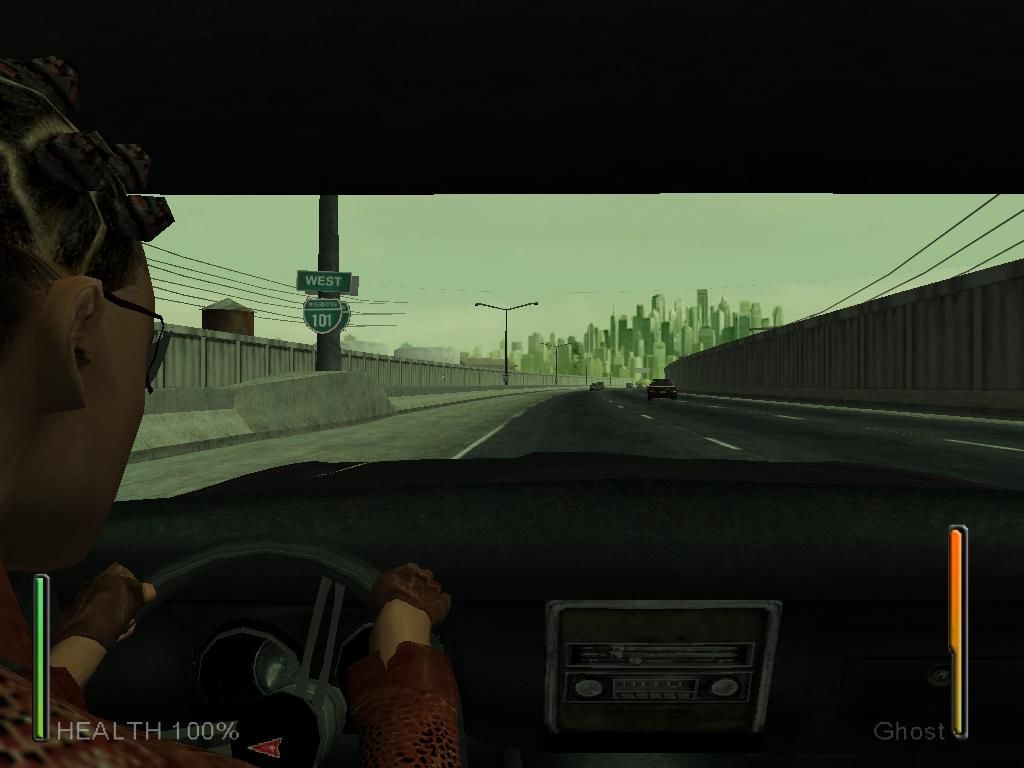
In the snapshots you can see the player playing as Trinity, anybody know how that is possible?
0
DaemoncCipher09 Apr. 2025
Disregard my other instructions regarding the Widescreen Fix stuff. I thought I tested of the game ran with it but I didn't. MatrixOptions.exe will open but not the game itself.
So you can install with my instruction but you are free to install 1.52 or 1.2 it doesn't matter as I can't get either to run with Widescreen Fix at least on Win 11 24H2.
-1
DaemoncCipher09 Apr. 2025
I'm on Win 11 24h2 and this install method worked for me and with capability to use Widescreen Fix.
1.After downloading the ISOs mount 1, 2 and 3 by right clicking and selecting "Mount" on each ISO file.
2. For the fourth image file you need to mount you need to get a program that can mount an mdf file. I recommend getting WinCDEmu as it is free, open source and lightweight.
I very much do not recommend Daemon Tools as the free version is bundled with malicious software you cannot choose to not install with it.
3. Right click on the .mdf file in Enter_the_Matrix_CD4, hover over "Open With", select "Choose another app" and choose to open with "WinCDEmu mounter".
4. With all 4 image files mounted, double click the mounted "MATRIX_INST1" to start the setup. During installation it will ask you to direct the installer to each subsequent mounted image with lastly being #4 named "MATRIX_PLAY".
5. After the game is fully installed, download and apply patch 1.52 from this same page. Do NOT install patch 1.2 as it will not work with Widescreen Fix. I found a newer version of Widescreen Fix on the issues section of it's GitHub that is supposed to work with v1.2 but it still didn't work with it so don't bother. Patch 1.2 is newer than 1.52 but if you want Widescreen Fix to work you don't want 1.2.
6. Get and install the Widescreen Fix. You can links to it on the games PCGamingWiki page that there is a link to on this page or search with your chosen search engine for Widescreen Fix. It is on nexus mods but again that version also does not work with 1.2 only patch 1.52.
7. After all that you should be able to run the game as normal. No need for enabling any compatibility options for either Matrix.exe or MatrixOptions.exe. Open MatrixOptions.exe to change your setting and set your resolution which can now supports many widescreen options. Yo can select play from there.
0
Entity0118 Mar. 2025
Nevermind. I fixed it. Thank you.
0
Entity0118 Mar. 2025
When I try to open 3 Installations for 3 disks it works but the biggest problem is I can't open Play disk for some reason and I check the play disk properties and it's not a disk. it's an MDS file which is why I can't open it for some reason to play Enter the Matrix. I really need help please.
0
dr wvett fahrtz18 Nov. 2024
first off credit to loader and to millenium for his instruction on win10... heres my take..
download whole file, unzip and put it on your desktop
mount iso 1 with right click mount iso 2 mount iso 3
get the daemon tools, its fully required, no way to skip
go to the mount 1 and run the install exe
when prompted for disc 2, choose the already mounted disc 2 mount 2
same for disc 3 mount 3
once it hits the final one talking about the play cd, use the path and use the daemon tools and keep clicking both things over and over to get the 4th iso working with daemon during the end of the install
once its all good, you'll be fully running, just use the patch 1.2 only, and then go into the install folder properties of the exe and run compatible windows xp service pack 2 and run as administrator, then pin the exe itself to your task bar on windows 10 64 bit
i am playing it fully with saves and sound right now
im blown away, i havent played this game since 2002 nor did i know it still existed! i never knew it was on pc too, only xbox and ps2.. works fully and great!
11 17 2024 texas usa
2
Ben25 Aug. 2024
I wanted to add that this game will crash if you try to tab out, and it will not boot with media playing on a second monitor. If you crash it this way, you may need to also reboot.
0
xenoah8726 Jul. 2024
26th of July, 2024 Got the game installed and works fine now, I think anyway.. Mounted the 3 install disks with windows explorer Mounted the play disk FILE with DeamonTools Installed patch 1.2~ Run program in compatibility mode for windows service pack 2
Before I ran it in compatibility mode, the game had no sound ONLY during game play(sound worked fine for cutscenes), and saves didnt work. Changed to run in compatibility mode for xp service pack 2 and that seems to have fixed the sound issues and the save issues as well
1
Neo05 Jul. 2024
game doesn't start in compatibiity mode either. I installed the patch. Is there some other workaround?
1
Mic13 Jun. 2024
Hey everyone. Anyone who got that running on WIN11 ? Tried compatibility modes as well as latest update to version1.52. In both cases nothing happens when either calling Matrix.exe directly or using MatrixOptions.exe.
2
Tansis11 Apr. 2024
What Patch do I apply?
0
MENAB29 Mar. 2024
IT WORKS FINE, BUT I CANT GET IT TO SAVE THE PROGRESS!!!
1
Punker8711 Feb. 2024
Per your guide, Milennium_666, might you tell me how to access the settings regarding to the last instructions, run with co.patibility settings service pack 2 with admin privileges, can you explain how to do that?
Thanks
0
gynesis27 Aug. 2023
how to i get the disk for the installation
-1
mike11919 Jul. 2023
Игра довольно крутая,работает отлично,всё нравится,мощные драки,замедление времени,как и в фильме,всё по закону жанра.Игра радует меня несмотря на её возраст.К сожалению в некоторых миссиях она вылетает,например в миссии Попасть на тяжёлую линию в конце,как итог не могу идти дальше,спасут только сейвы.А так всё нормально
0
Bahumatneo09 May. 2023
i enjoyed this game but it really earned the moniker "A polished turd"
0
Legendary Boss12 Apr. 2023
Cant find iso file of disk 4
1
Neo kirby07 Apr. 2023
A good game now i need you to wake up
0
Aoi08 Mar. 2023
So to anyone who is looking at this game and thinks it may be a good play, but I recommend you (the reader) find the successor "Matrix Path Of Neo". Reason being "Enter The Matrix" in my experience is one of the worst games I've played, with the gameplay being very hit and miss and the entire production of this game was rushed to release and "Matrix Path Of Neo" is equally bad but it fixes what "Enter The Matrix" doesn't, while it's still flawed it has more content then "Enter The Matrix".
Cheers folks.
-3
A-00322 Nov. 2022
Everything was fine, until The Chase level. The game exists every time I tried both characters, same issue
2
SamboNZ24 Jul. 2022
Thanks LOLZORDZ your instructions worked great! (Win10 July 2022).
2
Mica11 Jun. 2022
I cant run the game without disk (fyzikal)
0
MaverickJ3w27 May. 2022
Does anyone know how to get the sound to work? The sound only works for me during the cut scenes, but not during the actual gameplay. Also had to install both patches, or at least v1.2 to get it to run. Running on windows 11 also. Had to download Daemon tools as someone suggested and mount the "discs" to get "disc 4" to install as well. But yea, if anyone can help me with the sound part that would be great, I just don't understand why the sound works during cut scenes but not actual gameplay. Other than that, works great.
1
Vinz21 Dec. 2021
Neither MILLENNIUM_666 or LOLZORDZ's method worked for me
I have Windows 10 and Matrix.exe was just shutting down every time
What worked for me was: - Fresh install the game - Install widescreen fix - Patch 1.52 - Install nocd Matrix.exe for patch 1.52 - Launch the game from MatrixOptions, don't touch anything except Resolution, 1920*1080 works - Don't run compatibility XP SP2 and admin mode, it just makes my .exe crash at start
If my method doesn't work, try the ones from MILLENNIUM_666 or LOLZORDZ and Enter The Matrix will run flawlessly on Windows 10
Back to some KungFu, cheers
1
lolzordz01 Nov. 2021
Worked flawlessly on Windows 10 with my 3840x1080 screen :-)
Stuff I did: - Download this - Convert Disc 4 to ISO with iat on Linux - Installed - Applied Patch 1.52 - Copied "fixed EXE" from a certain website to folder - Applied Widescreen Patch (not the one linked here, the one from github) - Started the game via MatrixOptions.exe (this seems to be important) - Don't use a controller!!! It doesn't work. You will either walk forward or backward all the time without any input. You have to use mouse and keyboard. Tried it with XBO, PS5 and Switch Pro Controllers and even my PS2 Controller via USB adapter.
Notes: Widescreen Patch does not want to work with Lutris on Linux, so i had to use my Windows 10 installation since I didn't want to debug and patch wine for playing this... but it works in 4:3 :/
I was 15 when this came out and bought it on day one because I was obsessed with Matrix. It didn't age well at all. Just played the driving stage with the f* airplane and I nearly rage quitted because of the clunky controls and the f* up physics.
-2
Gary25 Oct. 2021
Still unsuccessful on W10 after DX9 install and Millennium_666's guide,
-2
Nordomus26 Sep. 2021
Doesn't work on Windows 10 :(
0
undyingking01 Aug. 2021
where do i find the play disc ?
4
Bloopety28 Jul. 2021
This works. I couldn't get it to load until I installed the patch"1.2 for i845 chipset" and then it loaded fine. This was after installing the other patch (1.52), even though it says not to install both.
I had this on Gamecube as a kid and played it forever...
2
Paul Kersey02 Jun. 2021
Worked great for me!
0
admin14 Sep. 2020
Admin
RIP removed, please be specific if you get virus warning
3
VIRUS12 Sep. 2020
This installation was infected with Contebrew.A!ml which is a virus that constantly redirects your browser to other websites.
0
Nost22 Jun. 2020
Ahh! The memories - the best driver in the matrix MY *SS!!! She can barely steer! I remember I had to wait for about 20 minutes for her to turn around the car after she flipped it :\ oh...and the square sheels are the best! I guess in 2003 they didn't know how to draw a circle in game
-3
metalchickens06 Jun. 2020
I have the same issue as memento
0
memento16 Apr. 2020
I cant find the 1.2 patch. And game doesn't start, although i fix the compatibility. help?
2
Millennium_66624 Mar. 2020
Top comment
thx for this amazin title. WIN 10 ISTALLATION 1) download the ISO file of Enter The Matrix. 2) you have to download DaemonTools (https://www.daemon-tools.cc/ita/products/dtLite#page) for mount the mdf.file that is the Play Disk (disk 4) 3)mount the first iso (disk1) and run the istall, follow the istruction (it will ask to insert other disk, so mount other iso file that you find in the download folder). 4) when you have to mount the play disk (disk 4), don't panic. open the largest mdf. in the folder with DeamonTolls and all will works great. 5)istall 1.2 Patch 6) run with compatibility on "windows xp service pack2" and admin privileges 7) have fun!
cheers
20
kiwis06 Feb. 2020
Top comment
cant find the play disc, got stuck in the last step of installation
11
james20 Aug. 2019
why is this game running so bad im getting 8fps - 25fps
1
Messi20 Nov. 2018
Very very good app !.! Carry on your work and I personally thank you for this....!????
-3
gip est20 Nov. 2018
What an awesome game that was! too bad people never finish it or not play it anymore! its really nice good fun times with that kind of freedom, anyway have a good day!
1
Shadowbird01 Sep. 2018
Downloaded and installed this game, everything works well except the cut scenes has no sound, some help would be great.
0
No comment nor review for this game at the moment.





 Patch 2


 Japanese
  Polish
  Russian





 Czech
Czech 
Comments and reviews
I followed Anonymous' suggestion and the game installed okay. It works perfectly.
I'm very pleased to get this game.
AOI suggested trying the sequel ''Matrix Path of Neo'' which is also available on MyAbandonware:
https://www.myabandonware.com/game/the-matrix-path-of-neo-e36
Thanks to all who left installation instructions. They are always appreciated.
the download is very very very very very very very long
im not play this game but NEED to this gamer work
Isn't it work for disk 1234 from Japanese?? i already download that game since i was 9
It worked for me in Windows 11 doing this:
1. Downloaded the iso file
2. Converted Disc 4 mdf image to iso image
3. Mounted Disc 1 and started installation. When the installer asked the next disc, just unmounted and mounted the next disc until disc 4.
4. Installed Patch 1.52
5. Downloaded NOCD 1.52 and replaced the file in the installation folder with the file from NOCD.
Worked fine without any issues.
Nevermind I got it to work.
Installed all discs, hit play, and it closed out and nothing happened. Running Windows 11.
I just got the game working, but i can't save, when the first save screen pop up i press to select a slot and it brings me to a continue screen, that those nothing. Any fix ?
European multilanguages CD :
https://archive.org/download/redump_pc_E/Enter%20the%20Matrix%20%28Europe%29%20%28En%2CFr%2CDe%2CEs%2CIt%2CPt%29%20%28Disc%201%29.7z
https://archive.org/download/redump_pc_E/Enter%20the%20Matrix%20%28Europe%29%20%28En%2CFr%2CDe%2CEs%2CIt%2CPt%29%20%28Disc%202%29.7z
https://archive.org/download/redump_pc_E/Enter%20the%20Matrix%20%28Europe%29%20%28En%2CFr%2CDe%2CEs%2CIt%2CPt%29%20%28Disc%203%29.7z
https://archive.org/download/redump_pc_E/Enter%20the%20Matrix%20%28Europe%29%20%28En%2CFr%2CDe%2CEs%2CIt%2CPt%29%20%28Disc%204%29%20%28Play%20Disc%29.7z
Polish CD :
https://archive.org/download/redump_pc_E/Enter%20the%20Matrix%20%28Poland%29%20%28Disc%201%29.7z
https://archive.org/download/redump_pc_E/Enter%20the%20Matrix%20%28Poland%29%20%28Disc%202%29.7z
https://archive.org/download/redump_pc_E/Enter%20the%20Matrix%20%28Poland%29%20%28Disc%203%29.7z
https://archive.org/download/redump_pc_E/Enter%20the%20Matrix%20%28Poland%29%20%28Disc%204%29%20%28Play%20Disc%29.7z
Polish DVD :
https://archive.org/details/enter_the_matrix_pl
Japanese :
https://archive.org/download/redump_pc_E/Enter%20the%20Matrix%20%28Japan%29%20%28Disc%201%29.7z
https://archive.org/download/redump_pc_E/Enter%20the%20Matrix%20%28Japan%29%20%28Disc%202%29.7z
https://archive.org/download/redump_pc_E/Enter%20the%20Matrix%20%28Japan%29%20%28Disc%203%29.7z
https://archive.org/download/redump_pc_E/Enter%20the%20Matrix%20%28Japan%29%20%28Disc%204%29%20%28Play%20Disc%29.7z
For anyone wondering how to get this to work on Windows 11 in high resolution.
1. Install using methods described bellow (mount 4th disk with WinCDEmu).
2. Install patch 1.2 , Win 11 won't work without it.
3. Get dgVoodoo2 and copy the files from folder MS/x86 into the game's folder.
4. Copy dgVoodoo.conf and dgVoodooCpl.exe into the game's folder.
5. Run dgVoodooCpl and set Appearance to Windowed Stretched, 4:3 Aspect Ratio
6. In the dgVoodooCpl control panel go to DirectX and set your preferred resolution and Antialiasing to 8x.
7. Enjoy.
Anyone who recommends using DaemonTools should think twice, because DaemonTools, especially the free version, comes with malware that will install ALONG with the DaemonTools, and you will have NO OPTION to install it WITHOUT the MALWARE.
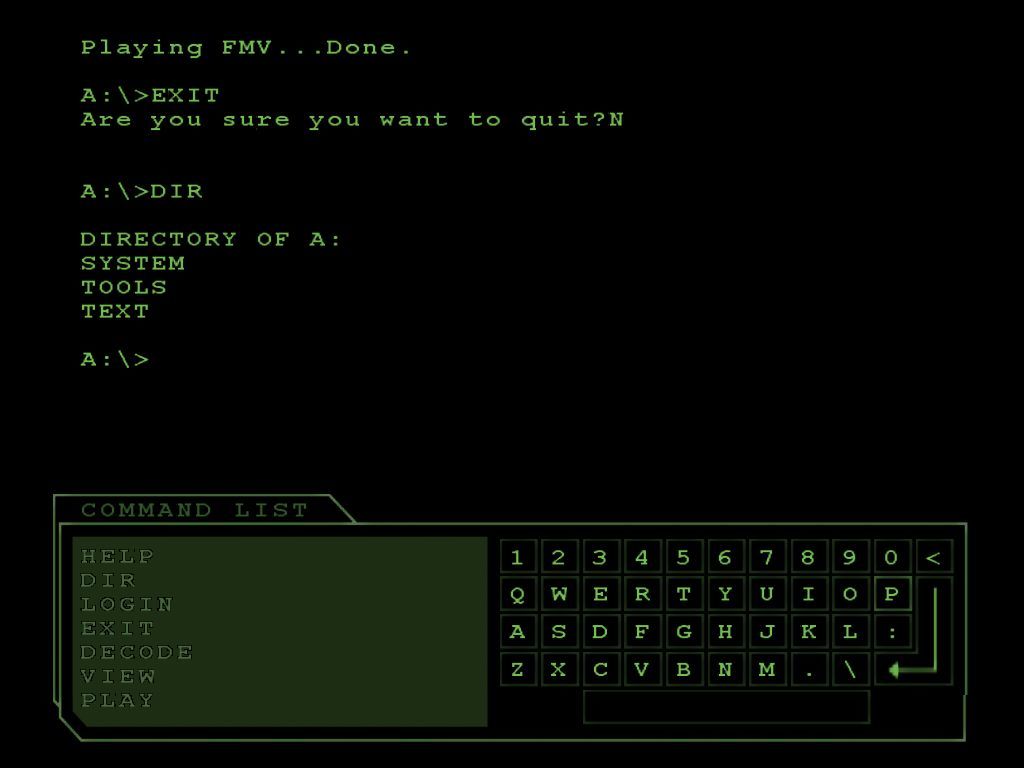
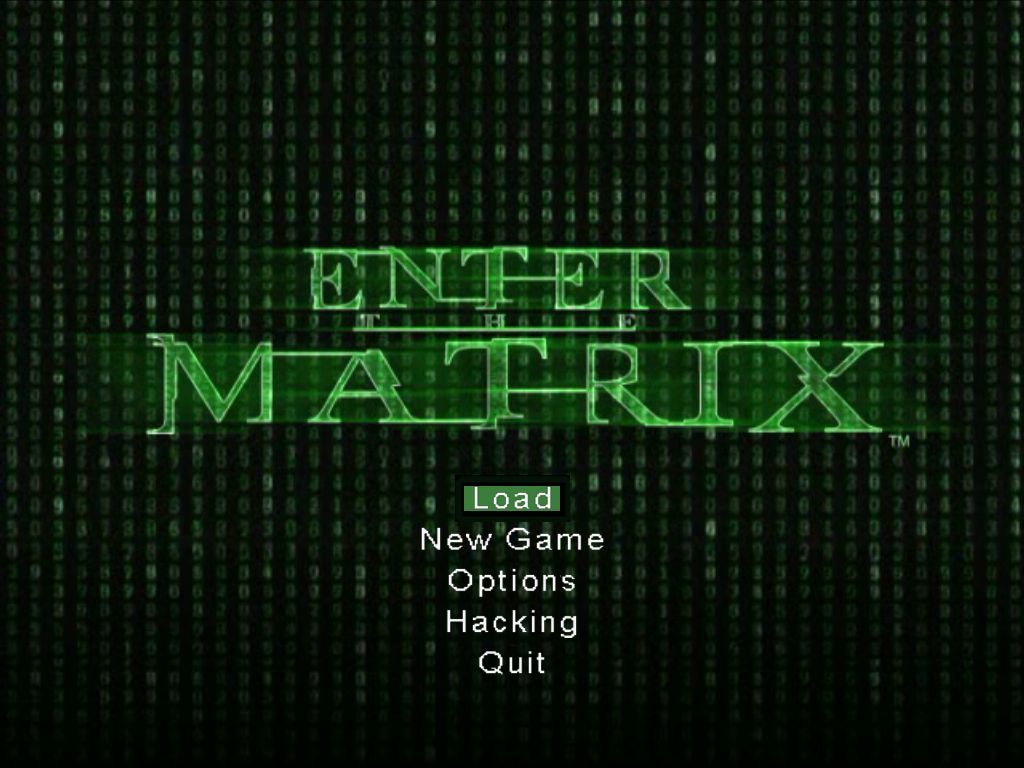
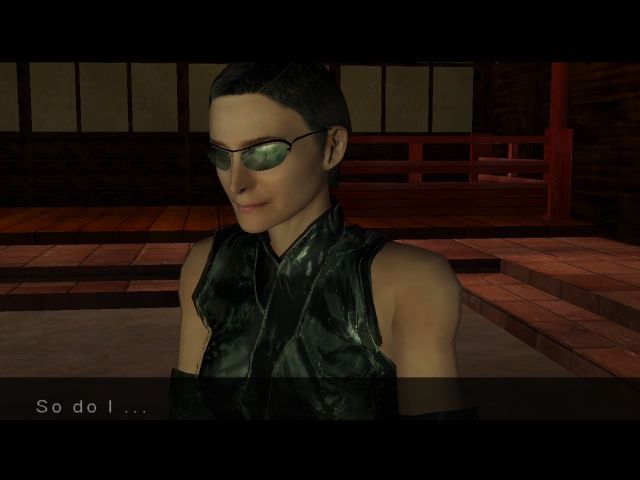
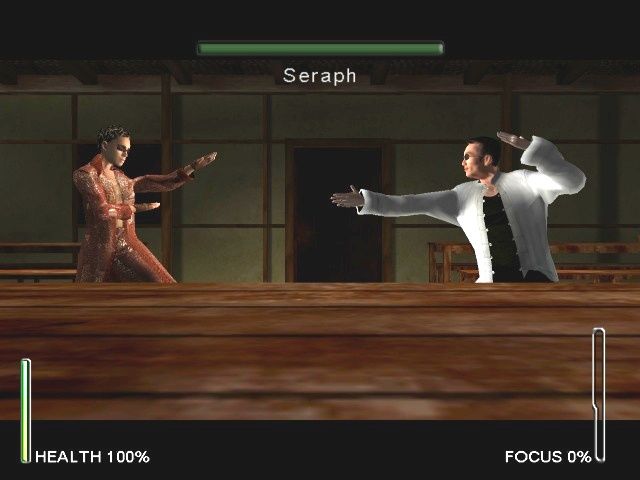
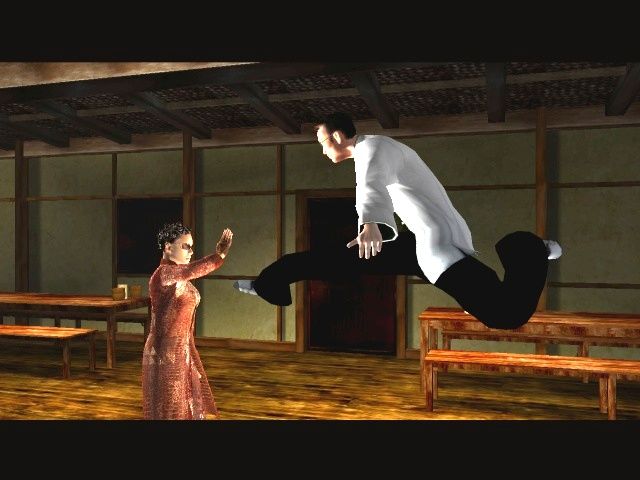
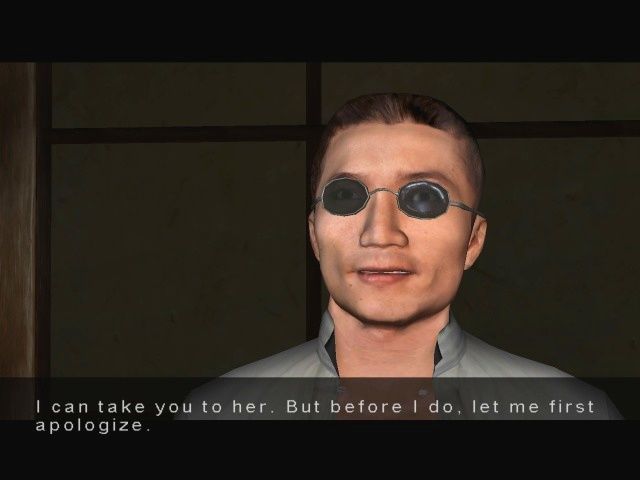
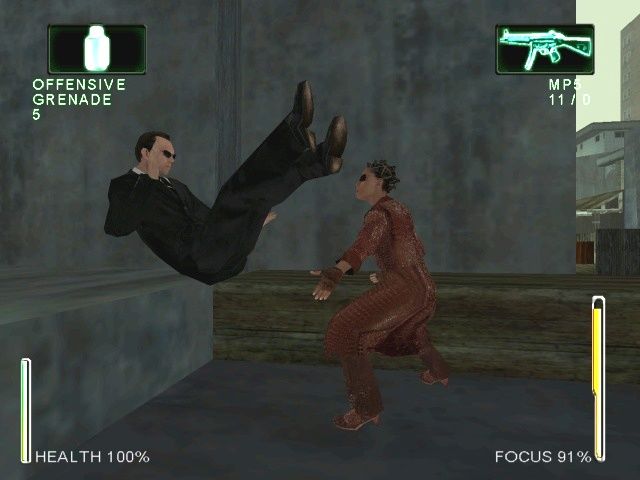
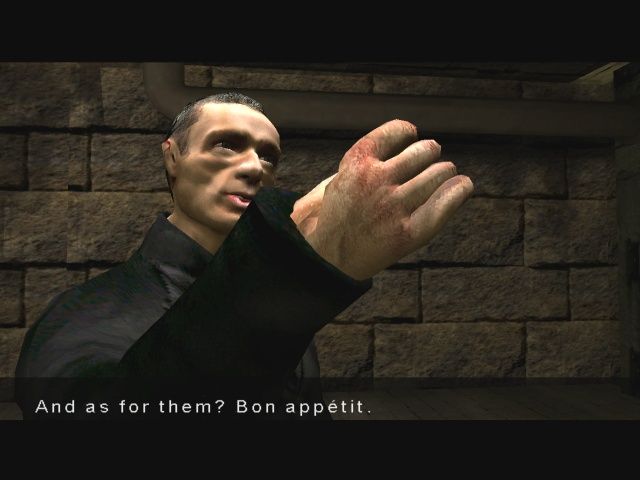
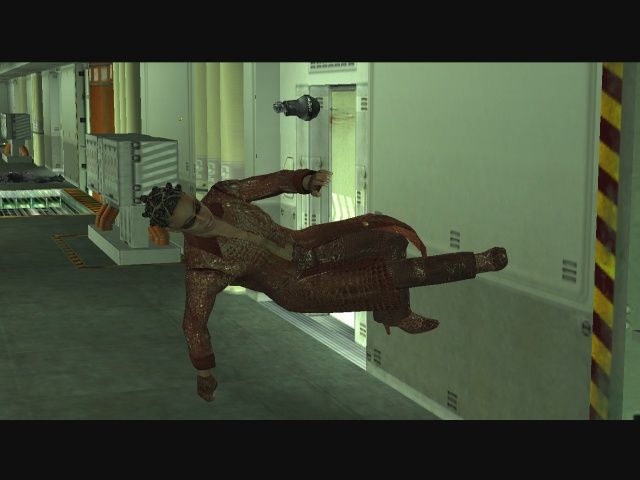
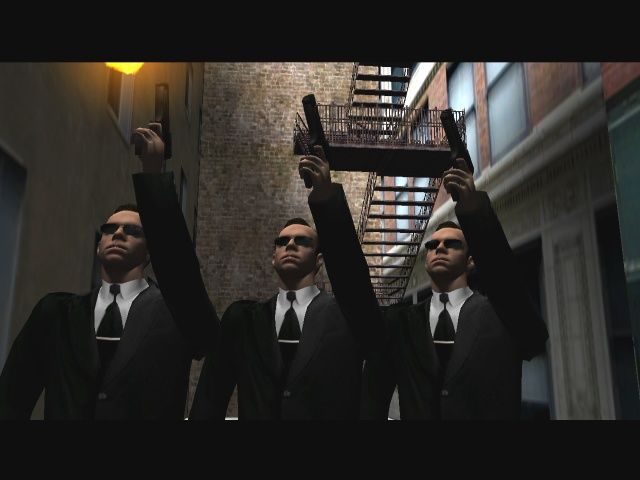
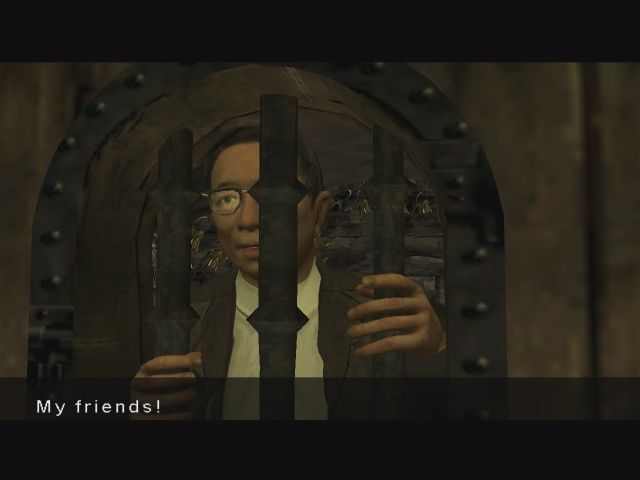
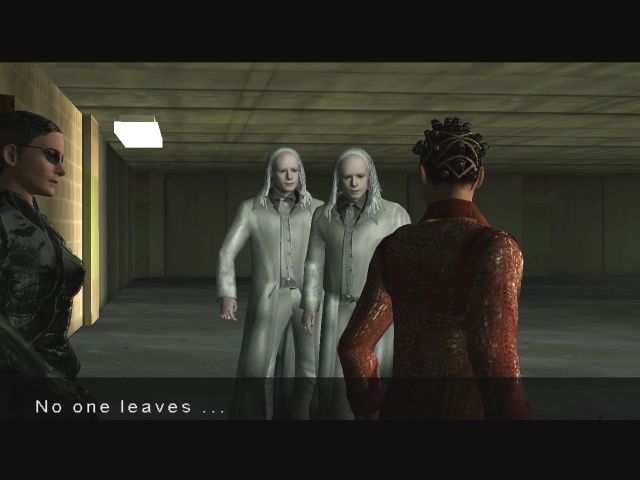
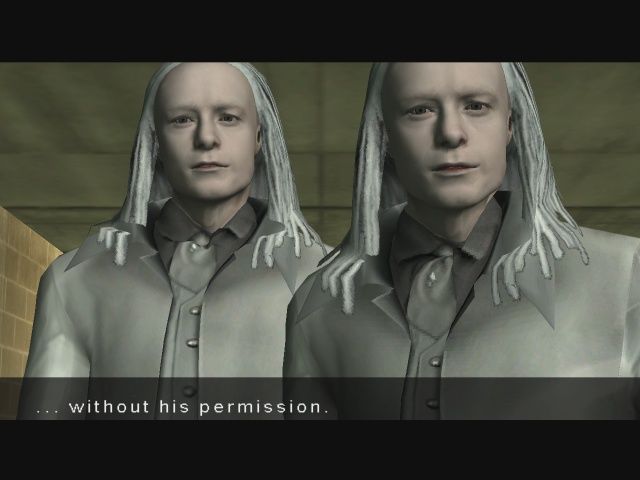
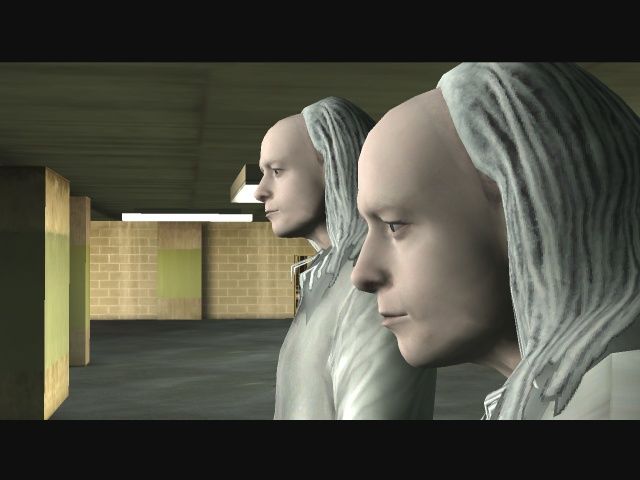
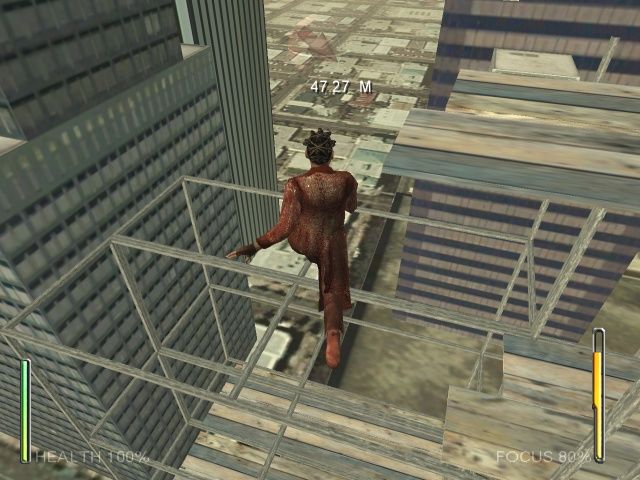
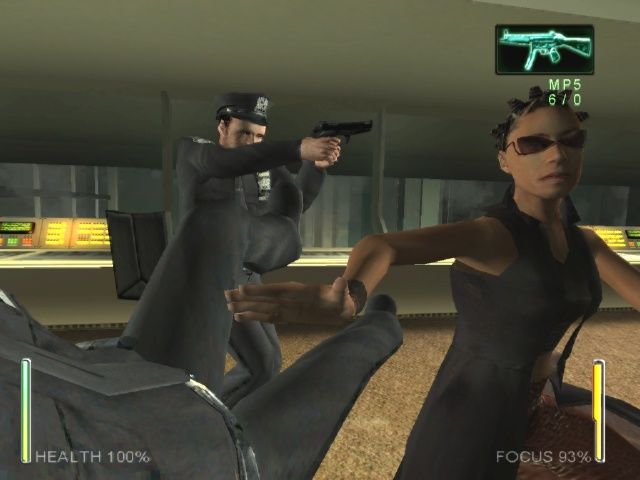
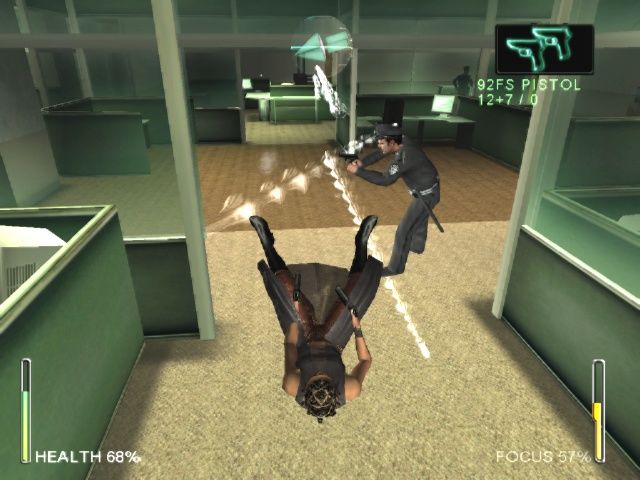
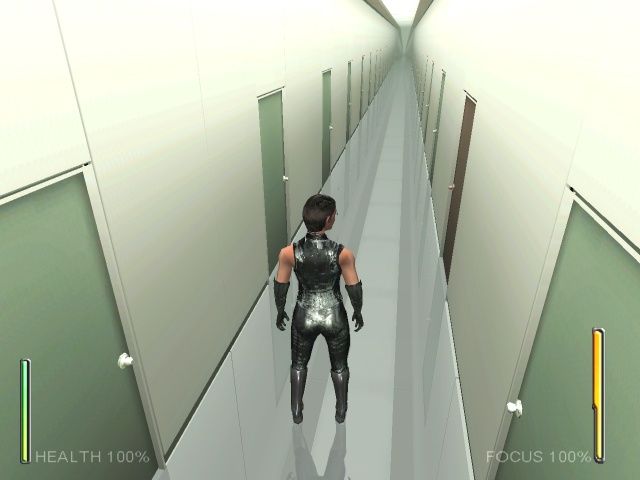
In the snapshots you can see the player playing as Trinity, anybody know how that is possible?
Disregard my other instructions regarding the Widescreen Fix stuff. I thought I tested of the game ran with it but I didn't. MatrixOptions.exe will open but not the game itself.
So you can install with my instruction but you are free to install 1.52 or 1.2 it doesn't matter as I can't get either to run with Widescreen Fix at least on Win 11 24H2.
I'm on Win 11 24h2 and this install method worked for me and with capability to use Widescreen Fix.
1.After downloading the ISOs mount 1, 2 and 3 by right clicking and selecting "Mount" on each ISO file.
2. For the fourth image file you need to mount you need to get a program that can mount an mdf file. I recommend getting WinCDEmu as it is free, open source and lightweight.
I very much do not recommend Daemon Tools as the free version is bundled with malicious software you cannot choose to not install with it.
3. Right click on the .mdf file in Enter_the_Matrix_CD4, hover over "Open With", select "Choose another app" and choose to open with "WinCDEmu mounter".
4. With all 4 image files mounted, double click the mounted "MATRIX_INST1" to start the setup. During installation it will ask you to direct the installer to each subsequent mounted image with lastly being #4 named "MATRIX_PLAY".
5. After the game is fully installed, download and apply patch 1.52 from this same page.
Do NOT install patch 1.2 as it will not work with Widescreen Fix. I found a newer version of Widescreen Fix on the issues section of it's GitHub that is supposed to work with v1.2 but it still didn't work with it so don't bother. Patch 1.2 is newer than 1.52 but if you want Widescreen Fix to work you don't want 1.2.
6. Get and install the Widescreen Fix. You can links to it on the games PCGamingWiki page that there is a link to on this page or search with your chosen search engine for Widescreen Fix. It is on nexus mods but again that version also does not work with 1.2 only patch 1.52.
7. After all that you should be able to run the game as normal. No need for enabling any compatibility options for either Matrix.exe or MatrixOptions.exe. Open MatrixOptions.exe to change your setting and set your resolution which can now supports many widescreen options. Yo can select play from there.
Nevermind. I fixed it. Thank you.
When I try to open 3 Installations for 3 disks it works but the biggest problem is I can't open Play disk for some reason and I check the play disk properties and it's not a disk. it's an MDS file which is why I can't open it for some reason to play Enter the Matrix. I really need help please.
first off credit to loader and to millenium for his instruction on win10... heres my take..
download whole file, unzip and put it on your desktop
mount iso 1 with right click
mount iso 2
mount iso 3
get the daemon tools, its fully required, no way to skip
go to the mount 1 and run the install exe
when prompted for disc 2, choose the already mounted disc 2 mount 2
same for disc 3 mount 3
once it hits the final one talking about the play cd, use the path and use the daemon tools and keep clicking both things over and over to get the 4th iso working with daemon during the end of the install
once its all good, you'll be fully running, just use the patch 1.2 only, and then go into the install folder properties of the exe and run compatible windows xp service pack 2 and run as administrator, then pin the exe itself to your task bar on windows 10 64 bit
i am playing it fully with saves and sound right now
im blown away, i havent played this game since 2002 nor did i know it still existed! i never knew it was on pc too, only xbox and ps2.. works fully and great!
11 17 2024 texas usa
I wanted to add that this game will crash if you try to tab out, and it will not boot with media playing on a second monitor. If you crash it this way, you may need to also reboot.
26th of July, 2024
Got the game installed and works fine now, I think anyway..
Mounted the 3 install disks with windows explorer
Mounted the play disk FILE with DeamonTools
Installed patch 1.2~
Run program in compatibility mode for windows service pack 2
Before I ran it in compatibility mode, the game had no sound ONLY during game play(sound worked fine for cutscenes), and saves didnt work. Changed to run in compatibility mode for xp service pack 2 and that seems to have fixed the sound issues and the save issues as well
game doesn't start in compatibiity mode either. I installed the patch. Is there some other workaround?
Hey everyone.
Anyone who got that running on WIN11 ?
Tried compatibility modes as well as latest update to version1.52. In both cases nothing happens when either calling Matrix.exe directly or using MatrixOptions.exe.
What Patch do I apply?
IT WORKS FINE, BUT I CANT GET IT TO SAVE THE PROGRESS!!!
Per your guide, Milennium_666, might you tell me how to access the settings regarding to the last instructions, run with co.patibility settings service pack 2 with admin privileges, can you explain how to do that?
Thanks
how to i get the disk for the installation
Игра довольно крутая,работает отлично,всё нравится,мощные драки,замедление времени,как и в фильме,всё по закону жанра.Игра радует меня несмотря на её возраст.К сожалению в некоторых миссиях она вылетает,например в миссии Попасть на тяжёлую линию в конце,как итог не могу идти дальше,спасут только сейвы.А так всё нормально
i enjoyed this game but it really earned the moniker "A polished turd"
Cant find iso file of disk 4
A good game now i need you to wake up
So to anyone who is looking at this game and thinks it may be a good play, but I recommend you (the reader) find the successor "Matrix Path Of Neo".
Reason being "Enter The Matrix" in my experience is one of the worst games I've played, with the gameplay being very hit and miss and the entire production of this game was rushed to release and "Matrix Path Of Neo" is equally bad but it fixes what "Enter The Matrix" doesn't, while it's still flawed it has more content then "Enter The Matrix".
Cheers folks.
Everything was fine, until The Chase level. The game exists every time
I tried both characters, same issue
Thanks LOLZORDZ your instructions worked great! (Win10 July 2022).
I cant run the game without disk (fyzikal)
Does anyone know how to get the sound to work? The sound only works for me during the cut scenes, but not during the actual gameplay. Also had to install both patches, or at least v1.2 to get it to run. Running on windows 11 also. Had to download Daemon tools as someone suggested and mount the "discs" to get "disc 4" to install as well. But yea, if anyone can help me with the sound part that would be great, I just don't understand why the sound works during cut scenes but not actual gameplay. Other than that, works great.
Neither MILLENNIUM_666 or LOLZORDZ's method worked for me
I have Windows 10 and Matrix.exe was just shutting down every time
What worked for me was:
- Fresh install the game
- Install widescreen fix
- Patch 1.52
- Install nocd Matrix.exe for patch 1.52
- Launch the game from MatrixOptions, don't touch anything except Resolution, 1920*1080 works
- Don't run compatibility XP SP2 and admin mode, it just makes my .exe crash at start
If my method doesn't work, try the ones from MILLENNIUM_666 or LOLZORDZ and Enter The Matrix will run flawlessly on Windows 10
Back to some KungFu, cheers
Worked flawlessly on Windows 10 with my 3840x1080 screen :-)
Stuff I did:
- Download this
- Convert Disc 4 to ISO with iat on Linux
- Installed
- Applied Patch 1.52
- Copied "fixed EXE" from a certain website to folder
- Applied Widescreen Patch (not the one linked here, the one from github)
- Started the game via MatrixOptions.exe (this seems to be important)
- Don't use a controller!!! It doesn't work. You will either walk forward or backward all the time without any input. You have to use mouse and keyboard. Tried it with XBO, PS5 and Switch Pro Controllers and even my PS2 Controller via USB adapter.
Notes: Widescreen Patch does not want to work with Lutris on Linux, so i had to use my Windows 10 installation since I didn't want to debug and patch wine for playing this... but it works in 4:3 :/
I was 15 when this came out and bought it on day one because I was obsessed with Matrix. It didn't age well at all. Just played the driving stage with the f* airplane and I nearly rage quitted because of the clunky controls and the f* up physics.
Still unsuccessful on W10 after DX9 install and Millennium_666's guide,
Doesn't work on Windows 10 :(
where do i find the play disc ?
This works. I couldn't get it to load until I installed the patch"1.2 for i845 chipset" and then it loaded fine. This was after installing the other patch (1.52), even though it says not to install both.
I had this on Gamecube as a kid and played it forever...
Worked great for me!
RIP removed, please be specific if you get virus warning
This installation was infected with Contebrew.A!ml which is a virus that constantly redirects your browser to other websites.
Ahh! The memories - the best driver in the matrix MY *SS!!! She can barely steer! I remember I had to wait for about 20 minutes for her to turn around the car after she flipped it :\ oh...and the square sheels are the best! I guess in 2003 they didn't know how to draw a circle in game
I have the same issue as memento
I cant find the 1.2 patch. And game doesn't start, although i fix the compatibility. help?
thx for this amazin title.
WIN 10 ISTALLATION
1) download the ISO file of Enter The Matrix.
2) you have to download DaemonTools (https://www.daemon-tools.cc/ita/products/dtLite#page) for mount the mdf.file that is the Play Disk (disk 4)
3)mount the first iso (disk1) and run the istall, follow the istruction (it will ask to insert other disk, so mount other iso file that you find in the download folder).
4) when you have to mount the play disk (disk 4), don't panic. open the largest mdf. in the folder with DeamonTolls and all will works great.
5)istall 1.2 Patch
6) run with compatibility on "windows xp service pack2" and admin privileges
7) have fun!
cheers
cant find the play disc, got stuck in the last step of installation
why is this game running so bad im getting 8fps - 25fps
Very very good app !.! Carry on your work and I personally thank you for this....!????
What an awesome game that was! too bad people never finish it or not play it anymore! its really nice good fun times with that kind of freedom, anyway have a good day!
Downloaded and installed this game, everything works well except the cut scenes has no sound, some help would be great.
No comment nor review for this game at the moment.