
Description from the publisher:
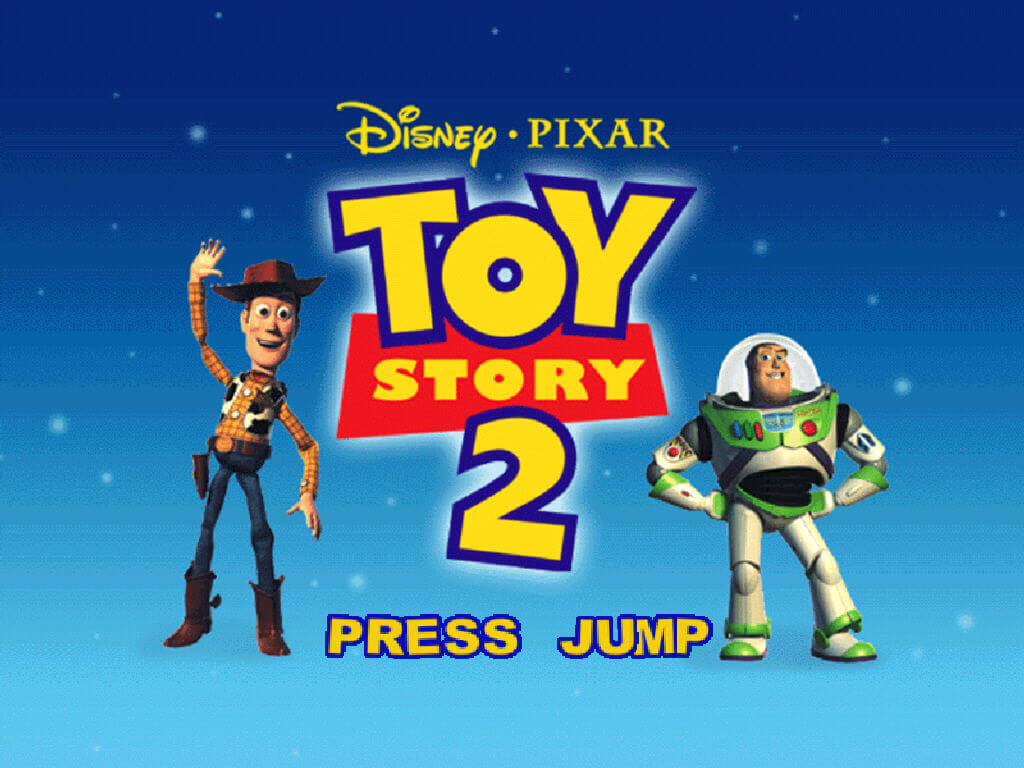
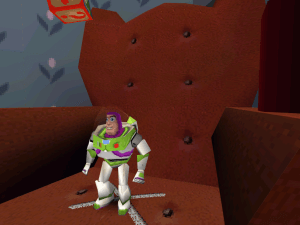
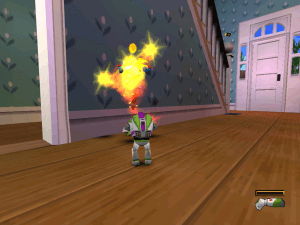
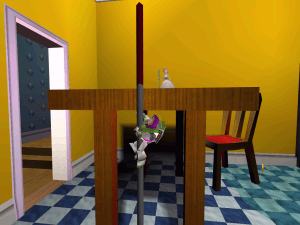
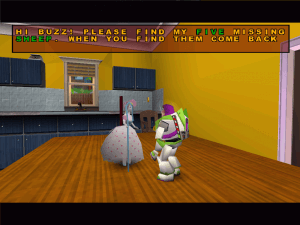
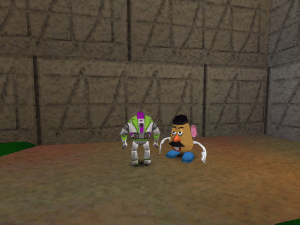
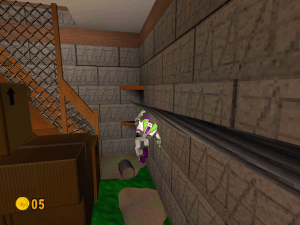
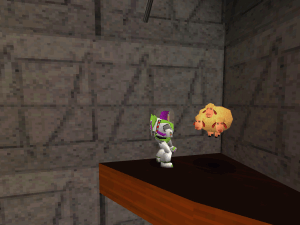
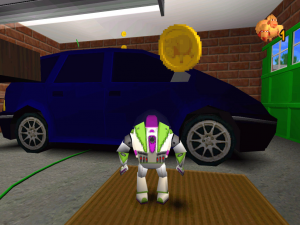
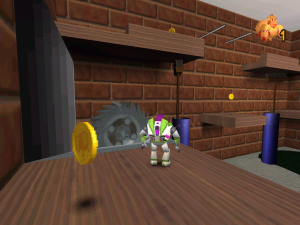
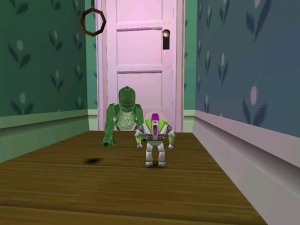
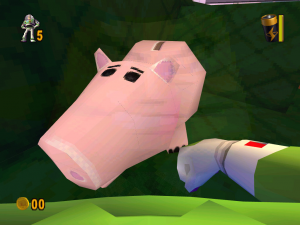
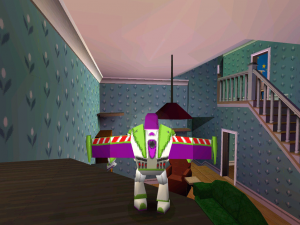
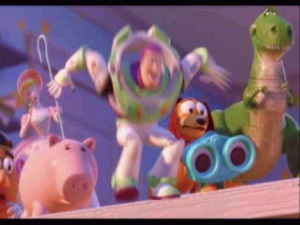
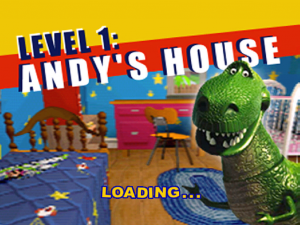
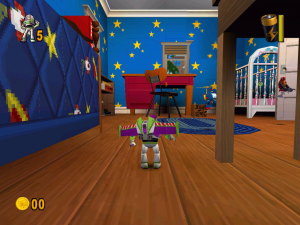
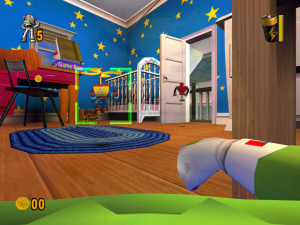
Get ready, Space Ranger! It's time to put your training to the ultimate test with Disney/Pixar's Toy Story 2 Action Game. Woody's been toynapped, and it's up to you to lead Buzz on a rescue mission. Featuring high-resolution 3-D graphics and immersive sound, players maneuver Buzz Lightyear through 15 worlds and go up against Emperor Zurg. Square off against Zurg's evil robot army in no less than five intense Boss battles. Battle them back with dozens of cool moves, including the zip-line slide and Buzz's unbeatable torso-spin attack. On your mission to save Woody, you'll be joined by Hamm, Rex, and all the classic and new Toy Story characters.
 English
  Czech
Czech  Danish
  Spanish
  Finnish
  French
  Italian
  Dutch
Dutch  Norwegian
  Polish
  Portuguese (Brazil)
  Swedish








Comments and reviews
Пожалуйста очень прошу добавьте образ диска Кеша Король Полливуда
COMO GUARDO UNA PARTIDA DEL JUEGO
emil sommar ja Disney's Toy Story 2: Buzz Lightyear till undsättning! 1999
better to emulate PS1 or another console, rather than this PC version?
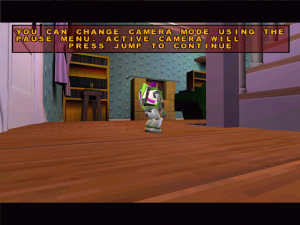
Yeah, if you see big "PRESS JUMP" title and don't know what to do, just press F1 on your keyboard and then go to OPTIONS to change your key mappings.
I only get to choose resolution and two other options, but after that, the game closes.
if you want to play on windows 11. etract the file and select the application file then cilick on see more and go to compatibility and turn on windows 95 or 98 compatibility mode then click on run in 480 resolution and then it will work
How do I shoot the laser?
after installing the game and the fix, the game wont start, i can start the menu to select my size of the game but nothing else happen it just close
If you're having trouble playing Toy Story 2 and you can't find the crack, then don't worry, it's very easy to bypass the cd check.
1. Press Win+R to get the run menu and type "regedit"
2. Go to HKEY_LOCAL_MACHINE SOFTWARE TravellersTalesToyStory2 and search for "cdpath"
3. Set the "cdpath" to the game's directory
4. Mount the ISO and go to Setup Toy2 and copy the contents of the folder "CD" to your game directory
Best of luck to you all!
just nostalgia
Swedish :
https://archive.org/details/disney-.-pixar-toy-story-2-buzz-lightyear-till-undsattning/
The first time I ran it the app actually opened. Then the second time around it says "Soft Abort:
Unable to find the file "C:WINDOW\system32\validate.tta".
I literally have the validate tta file in there.
And then the "Please ensure your Toy Story 2 CD is in the specified drive.
How do you activate the laser? none of the keyboard buttons work for me
Got most of my experience with the PS1 version, a surprisingly good collect-a-thon but you only need to return to a level three times If you want that 100%. (Two If you cheese RC In Andy's Neighborhood)
Fun fact: There Is no secret Woody's Workshop level.
Portuguese version provided :
https://archive.org/details/disney-pixar-toy-story-2-buzz-lightyear-to-the-rescue.-7z
Spanish :
https://archive.org/details/ToyStory2Spain
Norwegian :
https://archive.org/details/toy-story-2_20210722
Finnish :
https://archive.org/details/DisneynToyStory2
ADDING AGAIN
Use the settings here https://imgur.com/p78fcyi
else all white
ADDING TO THE ULTIMATE GUIDE
DGVoodoo
Drag and drop the files to the install folder. Replace DelsL1.isu.
-- ULTIMATE GUIDE -- ULTIMATE GUIDE -- ULTIMATE GUIDE--
What I did for it to work on Windows10 x64:
-Downloaded x64 version.
-Restarted computer.
-Installed Fix by RibShark (drag and drop files on install folder)
-Done! Enjoy!
Just scanned it on virustotal and i would not install this
@GUCFan right, replaced it with the complete French iso
French ISO should be removed as its actually a disc image for a demo version of the game, not the full game
@ROBIN Original US version is uncensored and maybe few others but can't confirm it. There is an US image on archivedotorg/details/ToyStory2_201610. I made a full RIP of it too: pixeldrain.com/u/UspUWewD
It's similar to the british one uploaded here but this one is based on mentioned uncensored US version and with higher quality DC music tracks included.
hace mucho lo estaba buscando, no podia jugarlo
buena la rata
Where can i get the uncensored version with original mexican enemies instead of replaced with blond ones
It's actually still up on ps3 store for like $2 in some regions
Is there a way to bypass the resolutions selection screen after setting it once? A bit annoying to do every time.
Also each time I relaunch the game the audio levels are reset to default which is annoyingly loud.
For any not being able to "Press Jump" to continue past the main loading screen.
I had the same issue and pressing F1 did the trick for me. (while using the function key so that it was actually F1.) Trouble is JUMP is automatically JOYSTICK 1. So unless you still got that hanging around and able to plug in... I think F1 should do the trick for now.
After I click install in the setup window nothing happens, anyone else have this problem?
Hi there. I played this game on my family's first pc, the emachines tower 3500, and loved it as a kid who was big into Toy Story since the first two films. I'm trying to run this classic on my new custom pc but even with fullscreen options enabled, adjusted scaling settings, and anything else it's always windowed. if anyone has any resources that would help
mrmadbrony@gmail.com
It tells me at the beginning to "Press Jump" , i pressed every key on my keyboard and nothing happened ?!?! what do i do ?
yes me too groveotg that heppen in my pc too
@NOZ Mac version is the disc image, you will need disc image mounting utility, read here for more info https://www.macintoshrepository.org/articles/75-how-to-mount-a-disk-image-under-mac-os-7-8-or-9
Did anyone try this on mac? Says there's no application that can open it. Try to 'search' AppStore and it says 'not available in your country' (Australia)
We have updated the game - added Macintosh version and more languages for Windows version + new ISO with 64-bit compatible installer. Also we included some fixes that helps to run the game on modern systems
I love buzz lightyear and the other day I will tell you what I want to do with you guys
I tried every fix I can and there's still a black screen, can anyone help me?
fire and visor view not working on any button.... idk what to do :(
Had the "Press Jump" issue too. Resolved by pressing F1 and then remapping controls in the settings menu
Thanks your website
It also tells me "Press Jump" to start but none of the keys i tried worked. any suggestions???
It tells me at the beginning to "Press Jump" , i pressed every key on my keyboard and nothing happened ?!?! what do i do ?
I downloaded this, and was able to play it just fine until it decided to NOT be playable anymore.
"Unable to find file
"....validate.tta".
Please ensure your Toy Story 2 CD is in the specified drive."
I don't have the CD, and validate.tta IS where it's supposed to be. I changed nothing to the files, but it just STOPPED working from out of nowhere.
controls are not working and game keeps minimizing to window even though dgvoodoo setting is fullscreen. please help
I can hear the "I need some coins here Buzz" already
if you want to play go to pcgamingwiki and do as they say
then when you do the "Bypass disk check" fix and you change the registry to wherever the toy story folder is installed under "cdpath" and put an "\" at the end that should fix the validate.tta error
i want to know how to fix Unable to enumerate a suitable device
Bardzo Fajna gra po prostu trzeba mieć aplikacje Daemon Tools Lite i zrobić obraz płyty
Nevermind, it's working now.
only problem is I don't have the CD, so I can't actually do anything.
The installer locks up at the end, making this impossible to install properly.
any help would be much appreciated.
This game worked perfectly for me
this bricked my computer :|
I wish this play this game Do not work
Spent at least two hours trying to get this game to work. Tried every fix available and still wouldn't work. I'm sure someone with computer/software knowledge could probably get this game to work though.
Toy Story 2: The official game of McDonalds N64 stations behind Pokemon Stadium.
Lotta good memories with this one, I think my brother and I played part of it "co-op" back on the folks' computer with each of us handling half the controls.
I played this as a demo when I was a little kid. When I got older, I was able to snag a copy so I could play the full game. Blew my mind on how good it was. It's one of those games not a lot of people played (or atleast nobody I knew), but I still thought had a certain charm. Along with Tomba 2, this is one of my all time favorite ps1 game. Probably won't download this pc version. Older games are notoriously bad with newer operating systems, even with patches. But still cool to find that someone put this up for grabs.
WAVYGRAVY: This is a Windows game, so you need a way to make Windows software run within your Operating System. If your Apple Power PC can run WINE, you might be able to play the game.
would this game work on an old apple power pc?
Can anyone help me in how I download and play the game?
the game is good
Anyone having problems to run the game, take a look at this page:
https://pcgamingwiki.com/wiki/Toy_Story_2:_Buzz_Lightyear_to_the_Rescue#Essential_improvements
I Can't find the game and play i extracted the file and extracted ISO files and that's it !!! i don't know what to do else please i really wanna play it !!
Nice
For some reason my keep crashing and says Unable to enumerate a suitable device/
My.. my first 3D game dad bought me when I was 4 years old. I owned it until my step father took the game and hid it from me. I never have seen this game again and now I found it again... 10 years after I lost it. Thanks guys!
Thanks so much, never thought i would be able to play this again in my life, i used to play this at my cousin's house. and it meant alot to me back then
When I try to install the game with the setup file, a window appear, I click on "Install Now" but nothing happend ... I'm so sad ... Anyone know what to do please ?
thanks a loottttt
@HENRIQUE MELO I haven't played the game yet but try installing Dosbox and the game in users\public or any other folder not restricted by Windows permissions
@JANHANGBAL Man, for me it's normal.
But my problem is that the game isn't saving. I play it, I save my progress, but when I quit the game and play it again, my progress isn't there. When I go to LOAD GAME, there's no file there. Is anyone having this problem as well?
Is anyone else experiencing that the game is running at twice the normal speed?
No comment nor review for this game at the moment.