




Description from the publisher:
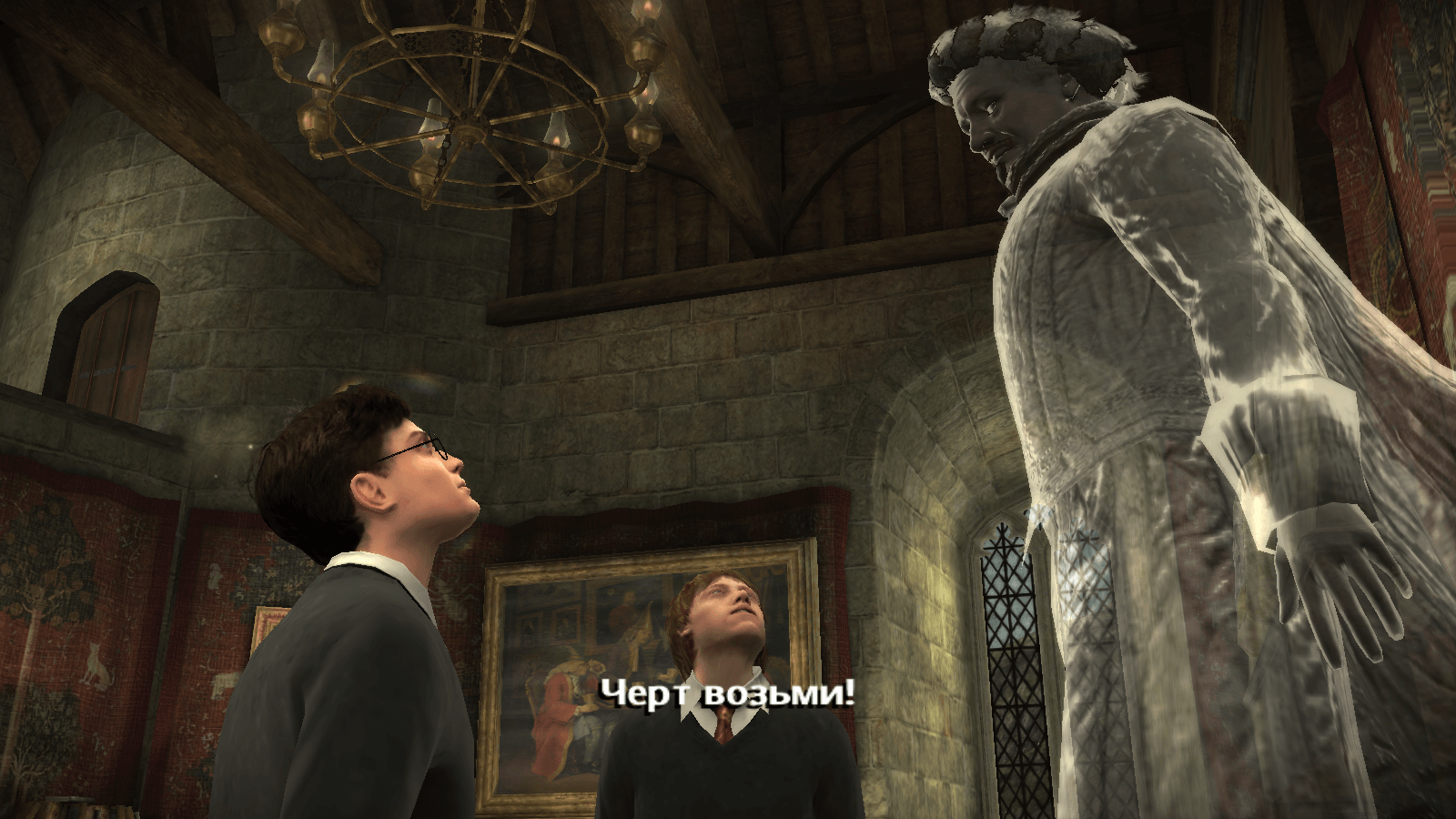
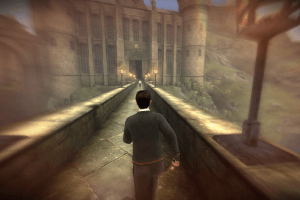
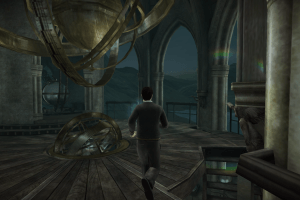
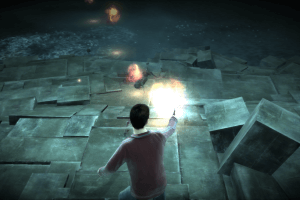
In Harry Potter and the Half-Blood Prince, Voldemort is tightening his grip on both the Muggle and wizarding worlds and Hogwarts is no longer the safe haven it once was. Harry suspects that dangers may even lie within the castle, but Dumbledore is more intent upon preparing him for the final battle that he knows is fast approaching. Together they work to find the key to unlock Voldemort's defenses and, to this end, Dumbledore recruits his old friend and colleague, the well-connected and unsuspecting bon vivant Professor Horace Slughorn, whom he believes holds crucial information. Meanwhile, the students are under attack from a very different adversary as teenage hormones rage across the ramparts
Many of the files was presented by Harry Potter Games Archive Project, we want to thank the participants of that project.
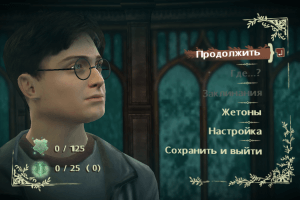
US version of the game has 3 languages: English, French & Spanish. European version of the game has 15 languages, you can select it in game menu
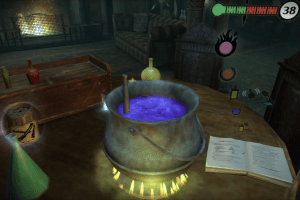
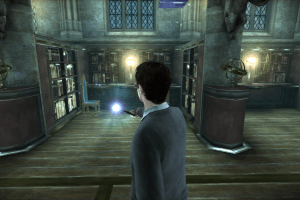
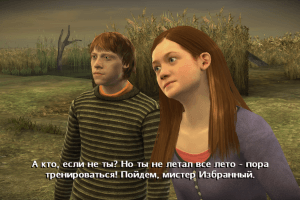
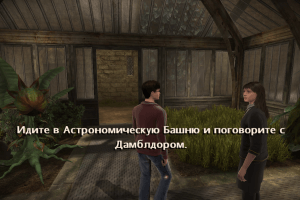
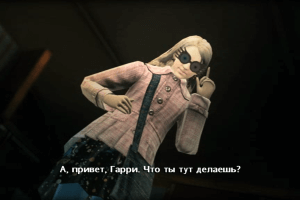
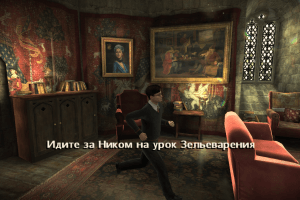
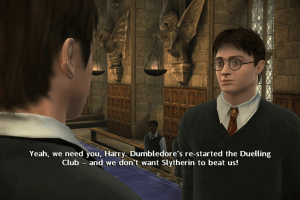
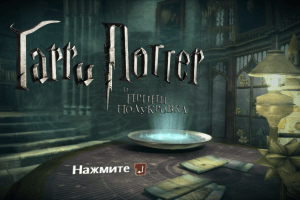
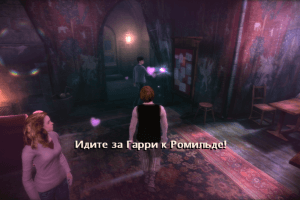
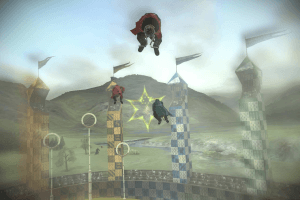
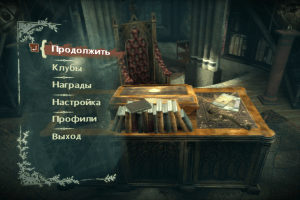











Comments and reviews
Hey folks,
Generally new here but i have downloaded loads of games, most of which seem to run into similar issues. i have a list of games I've done this for, but honestly if your having any issues with the applications or startup.exe or autorun.exe, and keep getting the ' cant find setup.exe or autorun.exe, simply follow the steps to the wolverine game,
Open bin file using SuperISO or following applications.
mount the iso.
try the startup or auto run, if it doesn't work then simply create a new folder in your desired directory , name this folder whatever the game is, copy the info from the E drive or whatever your virtual disc drive is, paste them into the folder then try running startup as admin and whatever Version of Windows they recommend.
ive found it somehow bypasses some locked components on some versions of windows, which even running as administrator off the bat couldnt solve.
anyway try this if all else fails, seems to have worked for me.
You will still need the NoDisc ect for the games . sometimes you dont. best to get them anyway.
also using win 11, I followed all the steps from the previous user comment @lovemesomekiwi and it finally managed to work! thank you!
you can also remove the dvd romstation thing shortly after you copied all the files there, and place it to the new folder you want to place the games at. then click the hp6 exe (the replaced nodvd one as indicated in the steps) in the pc subfolder to run the game.
Harry Potter and the Half-Blood Prince Serial Number
GEJJ-UQ7Z-TJHP-K34U-YUYH
H3L4-W68P-PFCT-PA5M-CNL6
S3GY-HYOB-R5D7-Q7B5-1911
NUMM-YXFE-B3K5-95G6-1911
TJK3-XVQG-G3O2-76N6-1911
7NXP-Z6HM-P586-XBJ9-DMMT
3Z9R-YAFZ-J53S-MKQ6-MD5F
F8GG-6E5A-D6SK-ER3Z-6CET
89VV-5EM2-4Y29-NVT3-GBZV
X8B3-8E5V-ZH65-UUDB-FPKP
OKAYYY after tinkering some while I finally can play this game. I give a step to step guide of what I did to finally make it work. I do have windows 11.
1. download all the programs and files you need:
1. download game
2. WinCDEmu
3. microsoft visual c++
4. NODVD (game extras)
5. mini image (game extras)
2. extract all files and set up all the programs
3. You open the extracted game file and click on harry potter. This opens the DVD-station of the game. You go to directX and download the DXSETUP.
guide to set it on windows:
1. go to windows
2. search: turn windows features on and off.
3. go to legacy components and tap +
4. Enable Directplay
5. restart pc
4. go to the extracted mini image file variant 2 click on NS-HPHBP_sr-poseden. there you get a new tab. change the data disk to: DVD-ROM. This opens a romstation on your pc.
5. copy the dvd station of the game in the romstation. then go to folder pc and delete the hp6 file.
6. Go to the NODVD extracted file and copy the hp6 file. This version of the hp6 file you paste in the dvd pc file of step 5.
7. Now you copy the dvd-station from the romstation to wherever file you want to put in on your file explorer.
8. now you can play the game!
This helped me to finally play the game. I hop it also works for you.
For anyone who was struggling to find the noDVD (hp6.exe) file like I was, you can download it from this website https://archive.org/details/harry-potter-pc-games-no-cd-cracks
when I launch the game it says "Conflict with emulation software detected".
@AZMI did u find a solution for the problem
it says "Please insert the original disc instead of a backup (1000)"
For anyone struggling, if it says theres no CD after install, you have to download the NoDVD from the game extras here and put it in the game folder (not on the CD, there it says no space, but the one in C:/Program Files x86/... etc. etc. You will be able to copy it there and choose replace file and after that the game will run normally)
Everyone try this another way with DXWND link below, I'm sure 100% it will working :
https://www.youtube.com/watch?v=lBmuxuvq1RI
If you are having problems running the game use dxwnd to run the game. There is a tutorial on Youtube.
Hi, i keep getting errorr
"The Application was unable to start correctly (0xc000007b). Click ok to close the application."
Please help. I cannot put the no DVD hp6.exe file in the pc folder because it says there isnt enough space. Also when I launch the game it says "Conflict with emulation software detected".
When I Want to transfer the NoCD Copy on the folder it’s not working. It says there is no space available instead of replacing the file. Any way to fix this?
your films is very clearly
chce to po mne CD . Co tam dam? poradíte nekdo
Hi! Please Help I love this game.
I downloaded the game, then "the NoDVD" and then I had to download "Mini image (2 variants, use if NoDVD doesn't work)", however, I am not sure what to do from here. When I try to lounch the game that's what it says: "Please insert the original disc instead of a backup (1000)", not sure what to do now?
pierwszy klucz zadziałał mi dz admin
1. Download NoCD.
2. Open Copy "hp6.exe" ( STRG+C)
3. Go to C:\Program Files\Electronic Arts\Harry Potter and The half blood prince\pc and insert the hp6.exe that u copied. Should now working
So, for the longest time I had this on my PC and working, and then yesterday I tried to open it and it would just go to a black screen for a second then minimize, and anytime I tried to bring it up it just did the same. And I knew I was going to be in hell, because I hate dealing with ISO's and all of this, I rarely get it.
I downloaded this and followed the instructions best I could, but it's saying "Please insert the original disc instead of a backup (1000)." This is probably because I wasn't able to copy over the hp6.exe file, because the only one I see is in the pc folder from what I assume is the mounted drive, and I can't copy it over the one in the Programs Files folder, it just asks me to make a shortcut instead.
Older comments from the admin say they uploaded a cleaner iso, but I don't know if that means the Razor1911 file is still suppose to be here, because I just don't see it. If anyone has help to offer, I'd be grateful. I have a whole HP game collection, I'd like to get this one back up and running properly.
i cant seem to open the disk image file, my files will just say it isnt responding
Pede me para inserir o CD
Como faço para resolver esse problema
The game is unplayable on my Win10 PC, the mouse constantly go down.
Don't know how you couldn't open simple txt-file in Notepad, but however, here's some keys for you:
CECU-77NV-RZ5J-NFS8-UQDY
4CF7-CUEK-Z4NW-2SUA-L85N
RAY8-3XWK-N7R6-24GA-J3Z9
NJ5D-K4E4-U7M8-U44S-4PT8
For me doesnt work nor the keygen or the file with keys. Where could be error?
Thank you for kind words.
Yes, most antivirus apps doesn't like keygens, so add it to antivirus exceptions. Also, I uploaded some serial keys as txt-file, they are available in Downloads - Game Extras - Misc. That keys are working, use it if you can't run keygen
Hello everybody especially Admin,
I have figured out cause of the problem.
It was Windows Security (Windows 11 genuine Antivirus) interfaring with keygen download.
This problem can be fixed by making an exlusion for the folder where you wish to download the new keygen.
Then download the keygen and it will work even with IDM too.
Thanks for helping eachother everybody!!!
Especially a big thanks to ADMIN for fixing out keygen problem for good.
I can confirm that this new keygen is a tool for many games.
Thanks again Admin.
Consider yourself as our hero to this site :-)
Best regards,
Themevictory
1 Point to Admin from me for uploading a new Keygen.
Many Thanks @ ADMIN.
However it's still not working.
Whenever I try to download the keygen without IDM it does not download anything.
Whenever I try to download keygen with IDM it says:
"An error occurred during download. Please try again.
Details:
Cannot open local file for writing while joining downloaded parts into one file."
Please fix this error.
Thanks.
Themevictory
Es un juego para los amantes de Harry potter, y para menores de 16 años
es apto mara jugar con teclado y maus o control de Xbox
Para aquellos que tienen problemas para ejecutar Windows 10 (como yo): esta es una solución fácil
https://youtu.be/X5TgI2yBsNA
Got the iso from Ocean of Games. It's true, you have to replace the HP6.exe by the one that is given in the Razor1911 folder in order to run the game.
Have Audio in Portuguese version from Brazil?
We have updated the game, added new clean ISO images of original DVDs, without keygen inside, so your antivirus won't "argue" anymore.
Plus we replaced keygen for working one, you can find it in Downloads - Extras. It's a multi-keygen for many Electronic Arts games, it's safe to us and it generates working CD keys
Thanks Barry,
Now can anybody please help me with figuring out how to make this only Razor1911 keygen work???
There is something I have been failed to figure out too.
WHenever I run Razor1911 Keygen (even with administrator and all compatibility modes from WIndows 95 to Windows 8) it still fails and does not show codes.
A error message is shown: "The application was unable to start correctly (0xc000007b). click ok to close the application."
I have installed all versions of DirectX 9-12, even all Versions of .NET from 4 to 7.0.3 and all versions of Microsoft Visual C++ all from version 2005,2008,2015-2019,2022.
Have you guys got to make it work???
If so I would like to know how??? I really want to???
PLease help???
Thanks
For those who have troubles running on windows 10 (as I did): this is an easy work-around
https://www.youtube.com/watch?v=X5TgI2yBsNA&t=97s
Hello Guys How are you doing???
Today is another beautiful day 10th Of March 2023 and its sunny and normal temperature here in Norway after a snowfall for three days at a row.
I hope that you guys are enjoying the life through Harry Potter and other games, and other activities in Real Life.
I won't bore you more, so let's get to it!!!
@Melf & @CHERRRY ROSE
I have experienced the same problem. No matter how hard i tried or even copied serial from one in the comments piece by piece it still failed.
@COPYING GROPHET THE OLDER COMMENT
@GPROPHET
Guys above are not kidding. It's real.
And here is the solution I have found to solve out this issue.
Before you run Autorun.exe just right click on it choose propertiescompatibility and for all users choose Windows XP SP2 & Choice of administratorClick apply and OK.
Now try to put in even same mentioned key and see the magic for yourself. :-)
There is something I have been failed to figure out too.
WHenever I run Razor1911 Keygen (even with administrator and all compatibility modes from WIndows 95 to Windows 8) it still fails and does not show codes.
A error message is shown: "The application was unable to start correctly (0xc000007b). click ok to close the application."
I have installed all versions of DirectX 9-12, even all Versions of .NET from 4 to 7.0.3 and all versions of Microsoft Visual C++ all from version 2005,2008,2015-2019,2022.
Have you guys got to make it work???
If so I would like to know how??? I really want to???
PLease help???
Thanks,
Enjoy the game.
Regards,
Themevictory from Norway
PS! I am running Windows 11 Home Edition (English Version).
Thanks again!
Hey guys when i use the key in the comments it says its not valid. does anybody know how to fix this
quando apro il gioco appare una schermata nera
Get lost, Mr P, P, P, Potter
works like a charm, u entered something wrong:
-run autorun.exe (located in mounted .iso, autorun should run automatically, but if doesnt, do this)
-press install
-enter code (either run the "Keygen.exe" (Razor1911 folder in .iso) or copy the code one by one, exactly in that order as its in the comment)
-press next and do the rest
-after the game is installed (ignore the site launched, just close - its EA some BS etc.),
-go to Razor1911 folder on the .iso and copy hp.exe to ur game directory, meaning where u installed the game, if u changed nothing it should be:
"C:\Program Files (x64)\Electronic Arts\Harry Potter and The half blood prince\ something like this, and u copy the hp.exe to folder "pc"
-launch the game
With the CD key and the instructions provided by GPROPHET I could install and run the game without any problems on my Windows 10 system.
Refuses to run, says there is a conflict with the emulation software.... but I don't think I'm running any emulation in the background...??
to make this game work either use the keygen to create a game key to install or use the cd code found in the comments. after you have installed the game just go to the Razor1911 folder on the mounted disc. copy the HP application to the install location on your local hard drive it will be under the pc folder. over write the hp app there and you should be good to play. If not run in compatibility mode for vista.
how do you get it out of Russian. cant seem to find the language menu
Works like a charm.
@ Kookie, same thing happened to me, the window is just zoomed way in so you only see like the top corner of the game screen?? If anyone knows how to fix this let us know ^-^
I got a black screen as soon as i start it and doesnt load anything anything i dont know i have to do
Windows defender is warning me about keygen.exe and I know trojans are often hidden in keygen files... so is it malware?
@GPROPHET Tried copying the .iso into the razor folder but I get a message that says it can not paste and that I need to free up 10mb of space on the folder. I dont really understand this or what I should delete to create more space. The file you said to replace is only 4mb so that wouldnt be enough
I got it to run but its constantly dragging my mouse down in game so it makes it unplayable, anyone know why this is and how to fix it?
Any idea how to get this to run on Windows 10?
I cannot seem to start it, I installed it fine, copypaste the .exe from Razor folder, and it started, dark screen, and it forced close and return to dekstop menu :((
I'm using Windows10
I can play HP3, HP5 and HP7 fine in my laptop :(
Having an issue where the game installs and runs completely fine but when i save and exit the game, it starts over and overwrites my save every time i launch it again. Very frustrating, anyone else experience this or know of a fix?
@CHERRRY ROSE
works like a charm, u entered something wrong:
-run autorun.exe (located in mounted .iso, autorun should run automatically, but if doesnt, do this)
-press install
-enter code (either run the "Keygen.exe" (Razor1911 folder in .iso) or copy the code one by one, exactly in that order as its in the comment)
-press next and do the rest
-after the game is installed (ignore the site launched, just close - its EA some BS etc.),
-go to Razor1911 folder on the .iso and copy hp.exe to ur game directory, meaning where u installed the game, if u changed nothing it should be:
"C:\Program Files\Electronic Arts\Harry Potter and The half blood prince\ something like this, and u copy the hp.exe to folder "pc"
-launch the game
CD code in comments doesnt work. Says it's not found.. Help?
I got it to run perfectly, you must go into the iso and copy the hp.exe in the folder razor1911 and replace it with the hp.exe that was installed into the computer. To do this you must find the game shortcut on the desktop and "open file location" locate the hp.exe in the pc folder and paste over it. BOOM it should work!
After the install, when i try to start the game, it says "no CD/DVD-ROM unit found". So i can't play it.
Installed just fine, but says wrong disk is inserted when trying to launch. Any ideas?
CD Code is: H3L4-W68P-PFCT-PA5M-CNL6
trying to install the game and it's asking me for a serial code which I can't find
The game asks me the code of product when i try to install it, but i can't find it
No comment nor review for this game at the moment.