How to Play
Windows
Widescreen fix, dgVoodoo and NoCD files may trigger some false positive warnings by your antivirus, nothing to worry about, that files are safe to use.
The game with widescreen fix and NoCD has been tested on Windows 7 64-bit and Windows 10, works with no problem. We also tested the game with NoCD and dgVoodoo on Windows 7 64-bit and Windows 10, works fine too
Install & play guide:
- Mount the disc image of CD1. You will need the utility for mounting disc image files, like WinCDEmu, UltraISO, Alcohol 52%/Alcohol 102% or Daemon Tools Lite
- Launch the installation (if autorun doesn't work - simply launch the installation from Setup.exe inside the disc)
- Skip the registration at the start, click on "Register later"
- When the installation process will ask for CD2 - mount the disc image of CD2. Do the same when the installation process will ask for next disc. CD2 and CD3 must be mounted in same virtual drive as CD1, so first un-mount disc image of CD1 and then mount the disc image of CD2. In example, if CD1 was in virtual drive G:, CD2 and CD3 must be mounted in virtual drive G: as well
- Finish the installation
- Also it is recommended to install DirectX 9 from the disc (if you're using Windows 10 - enable DirectPlay, read this or this guide how to do it)
- Then install NoCD (simply copy ROTK.exe from the archive and replace the original exe-file inside the game folder)
- Optionally install widescreen fix or dgVoodoo
- Open the directory with the game and find ROTK.exe. Right click on ROTK.exe - Properties - Compatibility - Set "Run this app in compatibility mode with Windows XP" and "Run as administrator"
- Launch the game and play. If the game doesn't work - try to launch the game, then open Task Manager (Ctrl+Alt+Del by default) and check for processes ROTK.exe and rundll32.exe. Close ROTK.exe but don't touch rundll32.exe (it's a Windows app for running old apps from 32-bit operational systems, most old games running through rundll32.exe). Now try to launch the game again, it must work. Don't forget to close rundll32.exe process in Task Manager after finishing playing
Notes:
- NoCD is required for the launch because the game is using SafeDisc DRM protection, which doesn't work correctly on modern systems. That NoCD "breaks" DRM protection and allows the game to work on modern systems
- If the installation doesn't start - try to launch Setup.exe in compatibility mode with old version of Windows (98, 2000 or XP)
- By default the game supports maximum 1024x768 resolution, but you can play in widescreen by using the fix from nemesis2000 (simply put files from archive to the game folder and edit lotr.ini)
- If the game shows the message "Insert Play Disc in CD-ROM" - mount the disc image of CD3 (Play Disc) in virtual drive
- If you have a problem with Cirith Ungol level, when the level doesn't load and you see only empty room with Sam model - use the fix
- If you can't hear the in-game sound/music - try to install K-Lite Codec Pack
- If the game works too fast on your system or you have bugs & glitches - the game was designed to work at 60 FPS max, so limit the game's framerate to 60 FPS. There are 2 ways to do that:
- Install an app that allows to limit the framerate, like RTSS or Bandicam, read this guide for framerate limit utilities
- If you're using dgVoodoo 2.75 or later version - open dgVoodoo.conf with Notepad and find the line FPSLimit = 0. Change "0" to "60" to limit the game's framerate to 60 FPS
- If you have troubles with launch of the game - use dgVoodoo utility, this is especially true for running the game on Windows 10. If you don't know how to use it - you can use our ready dgVoodoo config (1366x768 resolution, forced VSync, 4x AA and limited to 60 FPS framerate), simply copypaste files from the archive to the directory with installed game (please note that dgVoodoo doesn't work on Intel graphics cards). If you have troubles with launch - disable all custom dgVoodoo settings (open dgVoodooCpl, go to DirectX tab and put all settings to default)
- You can also try to run the game through 3D Analyzer with "LOTR Texture Fix", check this thread for more details
Mac
If you have troubles with launch of the game or how to use NoDVD - visit MacintoshGarden page of the game





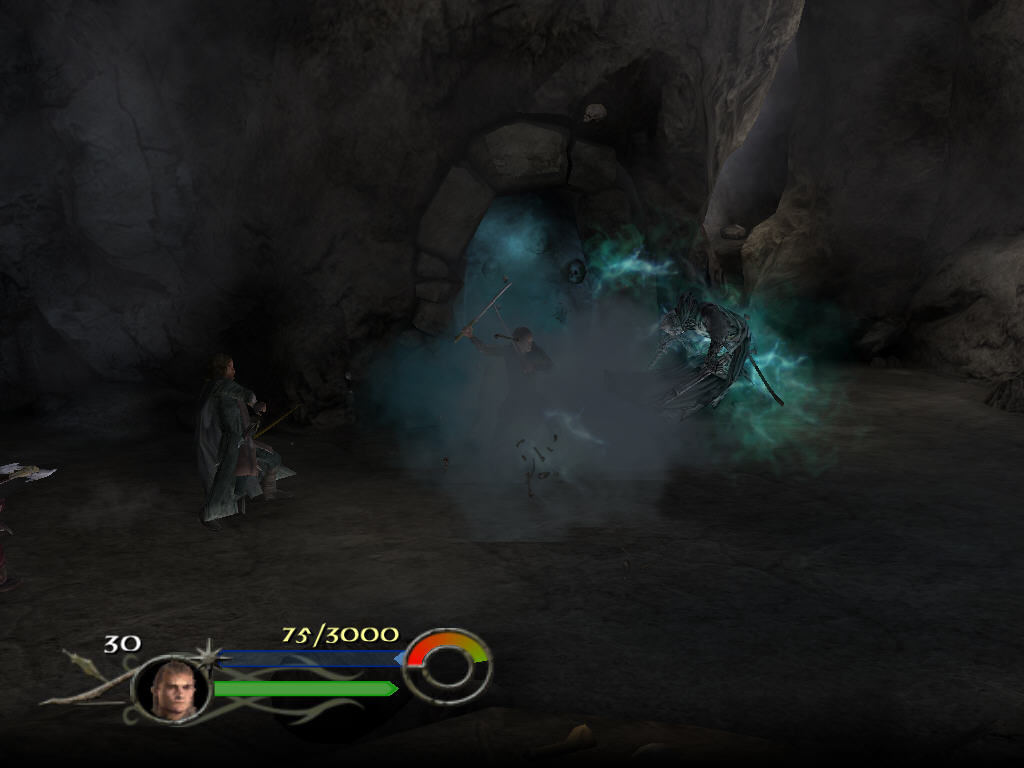
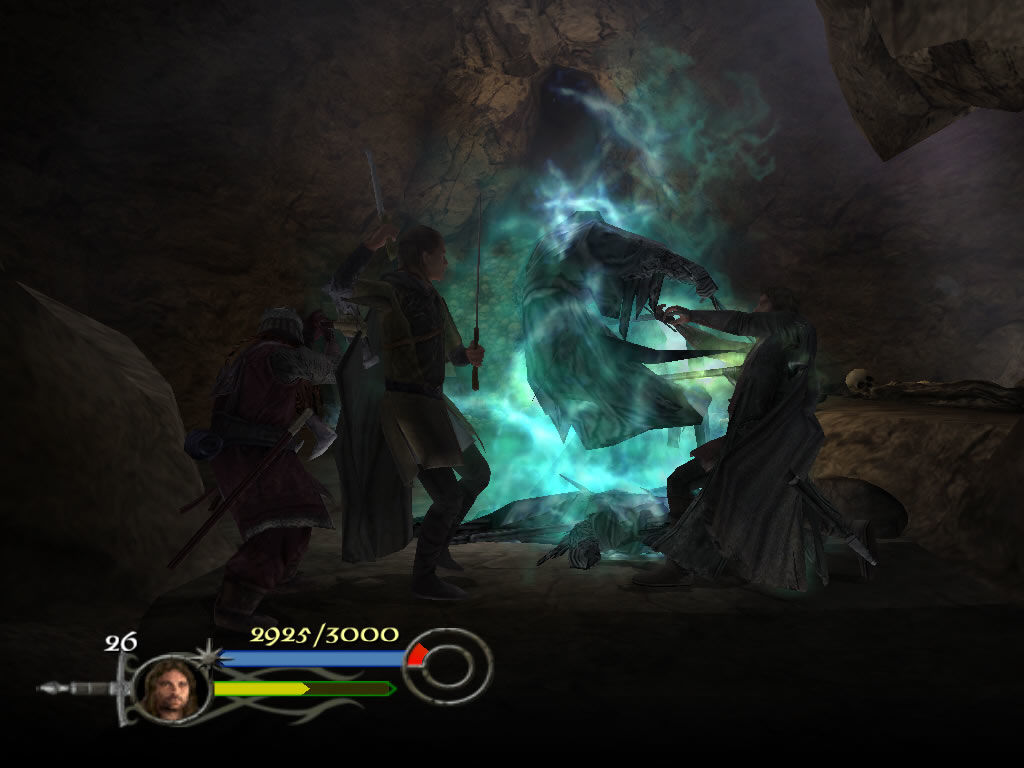
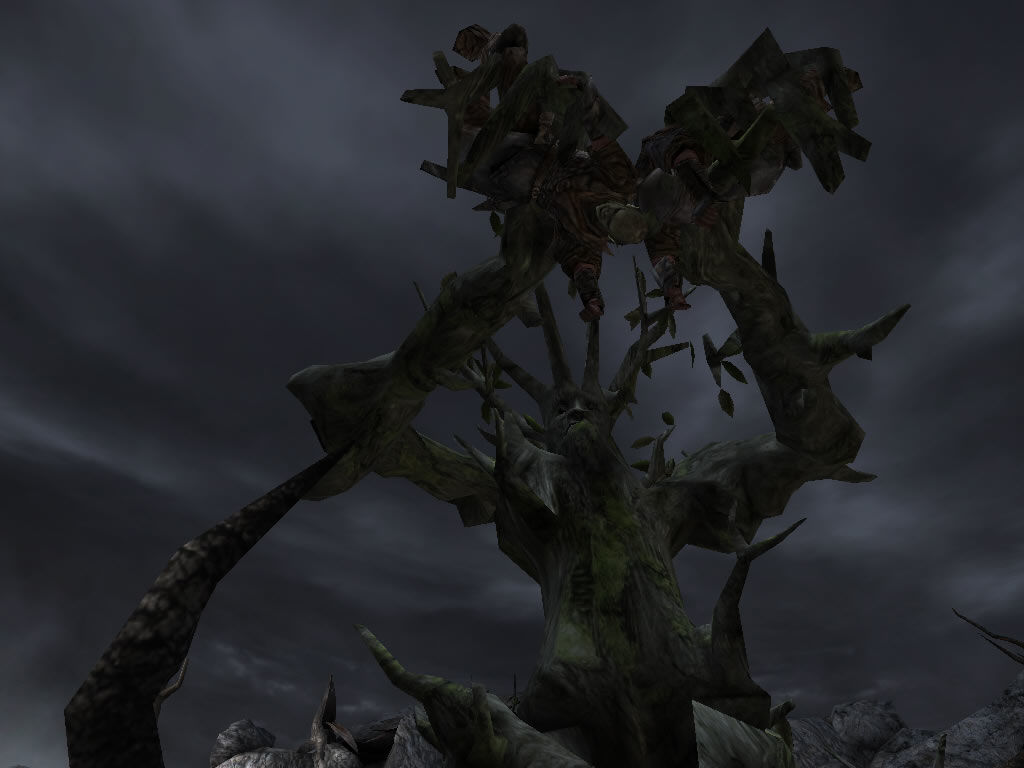
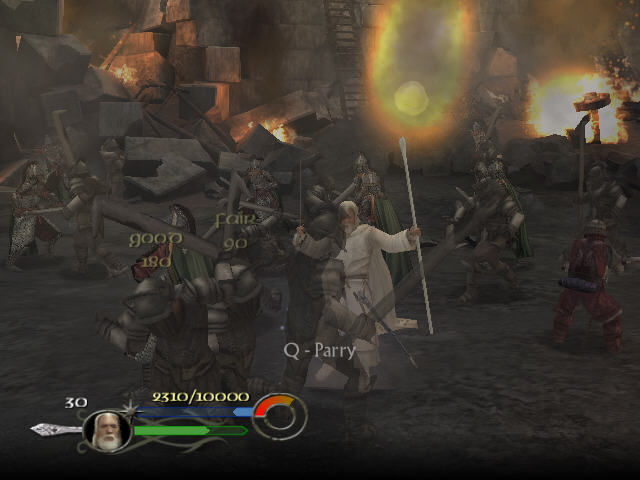
 English
  Portuguese
  Dutch
Dutch  Polish
  Swedish
  German
  Italian
  Traditional Chinese




 French




Comments and reviews
Do i need the patches for the full rip version?
Fun thing:
I just installed my original copy. Downloaded the fixed.exe from here.
And it's just works, without any issue. Didn't had to do anything else.
Not even compatibility mode needed! (under Windows 10)
The widescreen patch actually made the screen ratio worse for me.
what is the crack where can i find it?
Salve ho il gioco del signore degli anelli il ritorno del Re me l'anno regalato ma nn ho il codice nn so come fare mi potete aiutare vi lascio la mia e-mail troisimaurizio13@gmail.com
Is there a Chinese version of the Windows 10 patch available? This game won’t run on Windows 11, but when I apply the English patch, I get the following error: “An error has occurred and RoTK cannot continue.
Code C0000005 at 0049C139.
The Lord of the Rings™: Return of the King™ will now exit.”
Have spent hours with Grok trying to get this **** to work. Don't bother. It won't work on Win 11. Once I got through Helm's Deep, got to the part of the menu where you can choose your path, and nothing would load. Then I tried messing with it again and in the middle of Helm's Deep, I tried using the pause menu (Esc) and that froze the game up entirely.
I think I'm gonna try a GameCube or PS2 Emulator. This thing is a joke.
zip files wont open, says file corrupted
for the latest patch of windows 11 after installing
replace the original exe with the crack i addad dgvoodoo so it worked for me so idk if you want to discard that, i had k lite codec to the mix prior to this so consider that also.
so yeah thats how i made my game works the crack no compatibility mode was used and dgvoodoo
Add this:https://github.com/Chip-Biscuit/Lord-of-the-Rings-the-Return-of-the-King-PC-Fix.
the game work but the letters of menu are not understandable, every text is like squared
I installed and work but i cant see the letters inside the game every text is understandable
the game doesn't want to save please help
Simplified Chinese version just provided :
https://archive.org/details/rotk-sc-1
Japanese version just provided today :
https://archive.org/details/the-lord-of-the-rings-the-return-of-the-king-jp-2003-win-1.0
The Cirith Ungol level isn't working for me and the patch didn't fix it. When I run the LOTR_patch in the cirith ungol fix folder the thing that comes up is a bunch of gibberish vowels with accents and 'LOTR - Return of the King' a couple of times in the middle of the gibberish. Clicking what is evidently the 'next' button once is another page of gibberesh, followed by a briefly shown loading bar (like a few milliseconds) and then another page of gibberish and what is evidently the 'finish/close' button. But then actually trying to load Cirith Ungol gets as far as the loading screen and then crashes with an error message saying something about error code C0000005 at 00486DEB. I tried copying the LOTR_patch to the game folder and running it there and that still didn't work.
Please can you add the French version 🙏🙏
Downloaded, installed WideScreen files, and worked perfectly! Mouse a bit jagged in the menus but I don't care! The rest is great!
Using the "Full-Rip" download.
Anyone had an issue where you go to install and it just says "please insert disk one"? I've tried mounting cd1 using both daemon lite and wincdemu but I don't know why it says it's not mounted when I definitely am.
I can't seem to get it to work--I copied the crack into the folder and it can't read it...
Does the Co-op mode work? I used the RIP version, but now I want to play with my friend. I tried installing with the other CD files, but there's no ISO image in those files. Help will be appreciated!
German CD version provided by someone on Archive.org (game name is "Der Herr der Ringe Die Rückkehr des Königs") :
https://archive.org/details/hdr_20240813/
Italian CD version (Il Signore degli Anelli - Il Ritorno del Re) :
https://archive.org/details/isd-a-ird-r-cd-2_202410
Assim que corro o ficheiro de instalação seja deamon seja acochol 120% uso o primeiro CD 1 de instalação a seguir de escolher a lingua que quero instalar pede de novo o cd1.
Não consigo instalar
How do I get co-op to work?
Iam not able to start the Cirith Ungol stage, game crashed after I pick Sam. Tried to use the fix but the same thing happens. Does anyone know what to do?
Has anyone had issues with completing the black gate level and as soon as you beat it your screen turns black and the game crashes? I've beat it multiple times and same thing each time, crashes. Any known fixes?
Seems only one working US version on PC - it's scene release from FLT
There is something wrong with US vers for Windows 10! EU version works perfect, mounts and can be initialised by Daemon tools lite(last version). But US version is broken. No matter what disk will you pick(1-3), there will be always ROTK Play Disk in virtual ROM. More often you will be getting the error message! Could you please, fix that US vers?
i played this on dolphin emulator and it was very smooth and stable, i didnt even know a pc version existed! myabandonware has almost literally replaced steam for me
Can any1 help me get this game going, if so add on discord zaki90. Thanks in advance!
Fails to make a save game. It says an error has occured. Doesn't let you save any progress in Windows 11
IS THIS SAFE FOR DOWNLOAD?
What happened to the repack version that was here a few days ago?
I had a decent time with this one, but my main goal was simply to finish it. There's nothing objectively wrong with it, but compared to its sequels and other games in the same genre, it falls short.
The game relied too heavily on the movie, which limited its potential. It would have been more interesting if they had taken a different approach. However, I appreciated the fact that most of the movie's cast provided voice acting for the characters, and the inclusion of behind-the-scenes content from the movie was a nice touch.
The combat was solid but not groundbreaking. While there were various combos to unlock, they didn't seem particularly worth it. Overall, I had a good time, and I'm thankful for keeping this one preserved.
Keyboard is not working...
(Windows10) Extraigan todo el contenido del CD1 en una carpeta, remplacen el ROTK.exe con la versión de Windows 10 que se encuentra en las descargas, extraigan el data.pac del CD2 Y el CD3 en esa carpeta, e instalen el juego .
Disc 2 doesn't work
Hello man,
Is there a way in which we can enable cheats on Windows when starting the game, or create a cheat file that the game can load up? Many thanks!
edit: tried to run over steam and tried to set overlays with steam,but no chance. the controller is connected but most buttons like direction-buttons don`t work.
I have an old xbox 360 controller for xbox and not for PC but it doesn´t connect with my PC. :/
hey, nice guide and it works fine, but is there a solution for playing with playstation 5 controller?
Is there a youtube tutorial on how to install this? The instructions are way too hard for me
It worked for me BUT I cannot see text, it shows just blocks instead of letters :( Any idea why?
I downloades the game but there seems to be a bug in the menu. It clicks on its own even if I disconnect mouse and keyboard… any idea how to fox it (it doesn’t click on its own in gameplay). I’m on Windows 11
GERMAN Language UPDATE:
To all of my german friends who wished the german translation with sounds + text I added and made it accessible for the admins to upload it to the extra-section.
Upload in extra-section or here: https://mega.nz/file/5e0jwDAC#uvuJj9jIz23u2wralbSaGVPFzWQWofR_7rBN7iG84oE
what;s the difference between the full rip and the regular rip?
Any way to get the Italian version of the game?
@DUCKMAN original exe-file is protected by SafeDisc DRM, so if you're playing on Windows 10 - you need to replace it with ROTK.exe from NoCD archive, or with fixed exe-file (seems like it is another NoCD), try both to see what variant works for you.
About widescreen fix - it doesn't improve graphics in any way, just adapts the game to widescreen resolutions. You need to put files in main game directory, next to ROTK.exe. To select desired resolution - edit lotr.ini
About dgVoodoo - it's powerful tool that allows to launch many old games on modern systems. To use it you need to put all dgVoodoo files in main game directory, next to ROTK.exe, dgVoodoo always must be in same folder as main exe-file of the game. Then launch dgVoodooCpl.exe and go to DirectX tab to select desired settings, or leave it as it is. After that just launch the game as usual, from ROTK.exe
As alternative, you can copy only DLL-files from the archive, leaving dgVoodooCpl.exe and dgVoodoo.conf, it will work too.
dgVoodoo is really great, you can run the old games with antialising and texture filtering, even if there's no such options in game settings
You are a hero. I'm going to try to download the CD3 now, and try that route using WinCDEmu.
I don't think I really understand the other files. There is NOCD, widescreen fix, Windows 10 fix.exe, and the dgvoodoo config files. As I understand it, both the NOCD, Windows 10 fix.exe, and original .exe are all different options of launching the game. Widescreen fix and dgvoodoo are both just visual changes?
The dgvoodoo control panel doesn't seem to actually alter the CONF file though. I open up the .exe and make some changes like disabling fullscreen, but it doesn't seem to actually effect anything when I click apply. Do I need to manually change the CONF file instead?
Thanks again for the help!
UPDATE 2:
I downloaded the full rip, and it sometimes works. It either freezes right after opening while the ring is spinning in the bottom right, as soon as the mouse appears to select my language, or freezes when I try pressing ESCAPE during the Helm's Deep intro.
I am using Windows 10, have tried the FIX for the .exe, and tried all the dgVooDoo config files. I'm not really sure where the game starts failing sadly.
Any help would be greatly appreciated!
UPDATE:
I used a different program to unzip the CD3, and it was able to remove the .bin file, but did not have anything to mount. I created a new CD image based off of the CD2 and CD1 files, and manually changed the names of the files in notepad and overwrote the save.
This allowed me to mount the CD3 bin file, but upon installation it only makes it to 91% before saying it is missing a necessary file, then uninstalls everything.
I will try the full zip file download next unless someone has a better workaround.
I get an error that the archive is corrupt when trying to unzip CD3. Any advice on a work around?
@ELENDIL try to install K-Lite Codec Pack, perhaps your system just doesn't have one of old codecs the game uses
@GAMEGERU we added fixed exe-file for Windows 10 systems, thanks
@RYAN according to PCGamingWiki https://www.pcgamingwiki.com/wiki/The_Lord_of_the_Rings:_The_Return_of_the_King#Multiplayer_types the game supports only local coop, you will need to connect second controller, probably
@MANWË we couldn't find German version online too. If someone has it - please contact us https://www.myabandonware.com/contribute/
@HOLY HIGH PRIEST The game should work with Xbox gamepad, I checked Amazon answers, many users said that they played the game with Xbox controller
No sound, no audio using full rip (1.78GB). Windows 10. I set compatibility to XP, also tried 98. Any suggestions?
Inspecting the .avi movie files with VLC shows they don't have an audio stream. So that's one thing that seems odd. But no audio for anything else in the game either. Played through Helm's Deep intro otherwise ok though.
I'm playing off of the full zip (easiest way, just downloaded and launched) but is there any way to make Co-op work? (I'm on Windows 11)
Very splendid rip. Just looked into the Full-Rip and it works without any setup. Just had to adjust the resolution in the ini to my resolution.
Is there a way to add/patch laguages?
Because I want to play the game in german, but I cant find a german version online.
does this game work with an Xbox360 Controller for PC?
We have updated the game, added Mac version + new files for Windows version, including some fixes. And we made an instruction how to launch the game on modern systems.
US version and EU version has the same content, the only difference is that EU version has more text localizations. We added both versions for archival purpose
Wow! Both the American and European versions of the disc images, plus two types of rips (a full-rip and a smaller one with no music and movies). What awesome uploads, cheers for them all!
i down loaded and installed but it will not open even under administrator.
Done on Windows 11 without extraction (Ignore if extremely lazy)
- Right click and mount the disk 1 iso to start the process of AutoRun, cd key in the comments, and installing
- At 36% it will prompt for disc 2, do nothing else except for mounting disc 2's iso as well
- Search for and open up the Disk Management program (might have to wait a few moments for it to load)
- Look for the virtual drives for the disc 1 iso and disc 2 iso, proceed to right click and change the letter of DISC 1's virtual drive to something else (DO NOT FORGET THE ORIGINAL LETTER FOR THE REST OF THIS AND DON'T WORRY ABOUT THE WARNINGS, THIS IS ALL VIRTUAL ANYWAY)
- Change disc 2's drive letter to what disc 1's was, you should now be able to successfully click and continue the installation on the "insert disc 2" prompt but you're not done with Disk Management yet.
- Once that is done, you will be prompted the same for the play disc (disk 3). Do nothing else except for mounting the play disc and then go back to Disk Management. Follow the switching process as previously described (disc 1's virtual drive letter), you should be able to continue and the installer will exit automatically.
- You can now unmount the discs; copy over the crack to wherever you installed the game; click on the game's exe on the desktop and enjoy yourself (I haven't had to worry about 'Run as administrator')
(Don't forget to check ROTK's PCGamingWiki page for the Widescreen fix)
It worked perfectly for me in my Windows 10. The process to install:
-Create a desktop folder
-copy everything from cd 1 to the folder
-copy only the .pac from cd 2 and 3 to the folder
- install the game from the folder an it will automatically load the 3 CDs
-cd key 2KGQ-P2L5-YCC3-AKFB-BDEV
- now just copy the crack to the folder where you installed the game. Now you can use this crack will be use as direct access to the game
-Sometimes you will have to execute the crack as Admin. Right button 'execute as admin'
The only thing it's that the co-op doesnt't work...
Hi, Installed and copied the contents of the crack file to the same folder I installed to (which is the on containing all the files from CD1 folder) and when trying to launch it will enter fullscreen but then kick me out saying, "could not read necessary file - C:\Users\myname\Desktop\ROTK\DATA\LoadOnce.scw"
it keeps saying it cant copy something over to the file
Actually the reason why it won't work on windows 10 is because of an Windows XP problem. Windows XP didn't have a firewall and had a bug in it when you insert removable media it would run it automatically so pirates and hackers would leave infected discs and flash drives around bussiness's and XP would run the media automatically and could infect the entire bussiness. So windows 10 knows that this
game is for XP service pack 2 which is the dangerous one that is why it asks you to login with administrator privilages and try again, win10 thinks it is a virus I should know I have the game.
I was able to get the game to install and launch just fine, but I'm stuck on the language select screen and my mouse won't move in-game. Is there a fix for this?
Hello, the installation went fine by your guys instructions, but nothing happens when i run the game. It says "Please login with adminstrator privileges and try again" and when i run it as admin, nothing happens.. as in.. nothing..
Any fixes?
2KGQ-P2L5-YCC3-AKFB-BDEV
the install freezes at 36%. Is there a work around?
Everything is working, it's installed and ready to go, I run the Autorun file and click play and it says i have to install the play disc?
better question. what's the skinny on skipping the cutscenes?
still wont let me get past disc one says i have to insert disc two.
Black screen on launch with windows 10... Didn't find a way to bypass the problem. Any clue ?
Got it to work but only in english. Why there is no german option when selecting the language in the installation window. Can someone help?
Hey, I need help.
can someone write step by step how to instal it on win 10
when i try instal i see please insert disc 1
but i have mounted so i dont know what to do
The game is in English
how to install:
-Create a desktop folder
-copy everything( all the iso content) from cd 1.iso to the folder
-copy only the data_pac( only the file with this name) from cd 2 iso(data_2pac) and cd 3 iso (data_3pac) to the folder
- install the game from the setup in that the folder( its part of the content of cd1 that you copied first )
- now just copy the crack to the folder where you installed the game on your drive
- use the cd key 2KGQ-P2L5-YCC3-AKFB-BDEV
*once you've copied the necessary files to the desktop folder you don't need the isos to be mounted.
*once you run the setup , after following the steps above, it will install the game to you drive from the desktop folder you created
after that you can delete it , unless you want to keep for further instalations
whats the content pack from cd 2 and 3 all include? I did all this and it says could not read neccesary file and exits out of the game when i start it. what do i do??
!Correction!
how to install:
-Create a desktop folder
-copy everything from cd 1 to the folder
-copy only the content pack from cd 2 and 3 to the folder
- install the game from the folder
- now just copy the crack to the folder where you installed the game
how to install:
-Create a desktop folder
-copy everything from cd 1 to the folder
-copy only the content pack from cd 1 and 2 to the folder
- install the game from the folder
- now just copy the crack to the folder where you installed the game
iNSTALL : CREATE FOLDER WITCH CD 1 CONTENT AND ADD JUST CONTECT PACK FROM CD 2 & 3 , THEN INSTALL AND COPY CRACK TO INSTALLATION FOLDER
Has anyone gotten this to work?
hey comment above me
is it really in german
Have I to use DOSBOX or is it not necessary? If the answer is "YES" I already tried to mount all three discs with DOSBOX but then I don't know what to do to start the application. (The previous problem of 36% remains unsolved).
After I extracted the files, the installation didn't start automatically, so I tried to install it by myself. The installation has get to 36% multiple times and each time it has told me to insert disk 2. All discs are in the same hdd. (I have windows 10).
If your install wont continue with the next disc, check if you mounted it on the same drive as before (i.e. disk 1 is on D:/ disk 2 needs to be on D:/)
Disc 2 still doesn't work for me, I can't get it to continue to install. Please help.
2KGQ-P2L5-YCC3-AKFB-BDEV
guys pllllzzzzzzz i cant find the CD key pls help
i cant find the CD key pls help :(
Disc 2 doesn't work. Can't get it to continue the install
So, is the game actually in German?
No comment nor review for this game at the moment.