How to Play
For unknown reasons the game was released on 1 CD in Europe and on 2 CDs in USA & North America. US release has 2 discs - Install Disc & Play Disc while European release has only Play Disc. We recommend to install US release. The launch of the game on modern systems may be troublesome, so please read out installation guide and Notes. Also, check this video instruction and description of it
Install & play guide (for US version):
- Mount the disc image of CD1 (Installation Disc). You will need the utility for mounting disc image files, like WinCDEmu, UltraISO, Alcohol 52%/Alcohol 102% or Daemon Tools Lite (if autorun doesn't work - simply launch the installation from Setup.exe inside the disc)
- Launch the installation. Make sure that the install path is only on English (i.e. it should looks like
C:/Games/The Fellowship of the Ring) - When the installation process will ask for CD2 - mount the disc image of CD2
- Finish the installation
- Also it is recommended to install DirectX 8.1b from the disc
- After that install the patch
- Then install NoCD (simply copy Fellowship.exe from the archive and replace the original exe-file inside the game folder)
- Open the directory with the game and find Fellowship.exe. Right click on Fellowship.exe - Properties - Compatibility - Set "Run this app in compatibility mode with Windows 2000 or XP" and "Run as administrator". Don't launch the game yet
- After that mount the disc image of CD2 (Play Disc), the disc image of Play Disc must be mounted in virtual drive in order to play the game
- Now you need to limit the game's framerate to 60 FPS, originally the game was designed to work at 60 FPS maximum. On modern systems the game works too fast and unplayable without the FPS limiter
- Install an app that allows to limit the framerate, like RTSS, read this guide for framerate limit utilities. Do not try to use NVidia FPS limiter, it won't work. Keep the utility running in the background
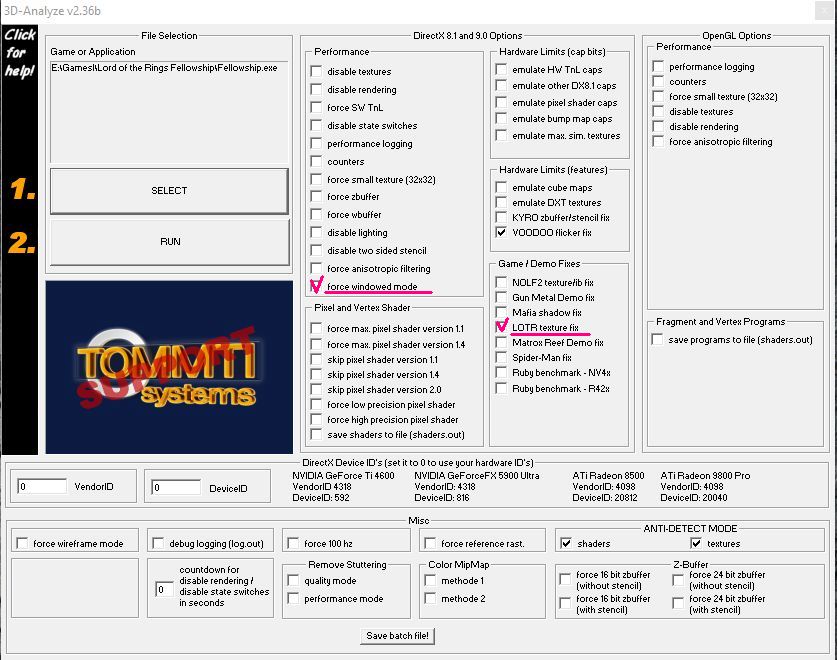
- Then download 3D Analyzer and extract it in any place but NOT in the game folder. Run 3DAnalyze.exe as administrator and add Fellowship.exe in the list ("Select" button) and check the box "LOTR texture fix"
- Click "Run" in 3D Analyzer and play
Install & play guide (for EU version):
- Mount the disc image. You will need the utility for mounting disc image files, like WinCDEmu, UltraISO, Alcohol 52%/Alcohol 102% or Daemon Tools Lite (if autorun doesn't work - simply launch the installation from Setup.exe inside the disc)
- Install the game. Make sure that the install path is only on English (i.e. it should looks like
C:/Games/The Fellowship of the Ring) - Also it is recommended to install DirectX 8.1b from the disc
- Then install NoCD (simply copy Fellowship.exe from the archive and replace the original exe-file inside the game folder)
- Open the directory with the game and find Fellowship.exe. Right click on Fellowship.exe - Properties - Compatibility - Set "Run this app in compatibility mode with Windows 2000 or XP" and "Run as administrator". Don't launch the game yet
- Now you need to limit the game's framerate to 60 FPS, originally the game was designed to work at 60 FPS maximum. On modern systems the game works too fast and unplayable without the FPS limiter
- Install an app that allows to limit the framerate, like RTSS, read this guide for framerate limit utilities. Do not try to use NVidia FPS limiter, it won't work. Keep the utility running in the background
- Then download 3D Analyzer and extract it in any place but NOT in the game folder. Run 3DAnalyze.exe as administrator and add Fellowship.exe in the list ("Select" button) and check the box "LOTR texture fix"
- Click "Run" in 3D Analyzer and play
The game with patch and NoCD has been tested on Windows 7 64-bit and Windows 10 with 3D Analyzer and RTSS utilities, works fine
Notes:
- NoCD is required to launch because the game is using SecuROM DRM protection, which doesn't work correctly on modern systems. That NoCD "breaks" DRM protection and allows the game to work on modern systems
- If the installation doesn't start - try to launch Setup.exe in compatibility mode with old version of Windows (98, 2000 or XP)
- Summing up - to launch the game on Windows 8, 10 or 11, you will need 3 things: the game with NoCD + utility to cap the framerate (one of these) + 3D Analyzer
- If you launch the game with 3D Analyzer in fullscreen and it doesn't work - check the boxes "LOTR texture fix" and "Force windowed mode" (check this example) and try to launch again. The game should launch but it will work in windowed mode
- If you launch the game with 3D Analyzer and can not see mouse cursor - check the boxes "LOTR texture fix", "Emulate HW TnL caps", "Emulate other DX8.1 caps" and "Emulate DXT textures". Now the game should work properly
- If you're playing the US version of the game and see error "Insert Play Disc in CD-ROM" - mount the disc image of CD2 (Play Disc for US version). If you get that error in EU version - mount the disc image of EU version
- By default the maximum resolution of the game is 1024x768 but you can play in higher resolutions by HEX edit of exe-file, here's the video instruction how to do it
- The method with 3D Analyzer probably won't work on laptops with Windows 10, especially with Intel graphics card. If the method with 3D Analyzer didn't help - you can try to run the game through dgVoodoo but please note that dgVoodoo doesn't work with Intel graphics at all



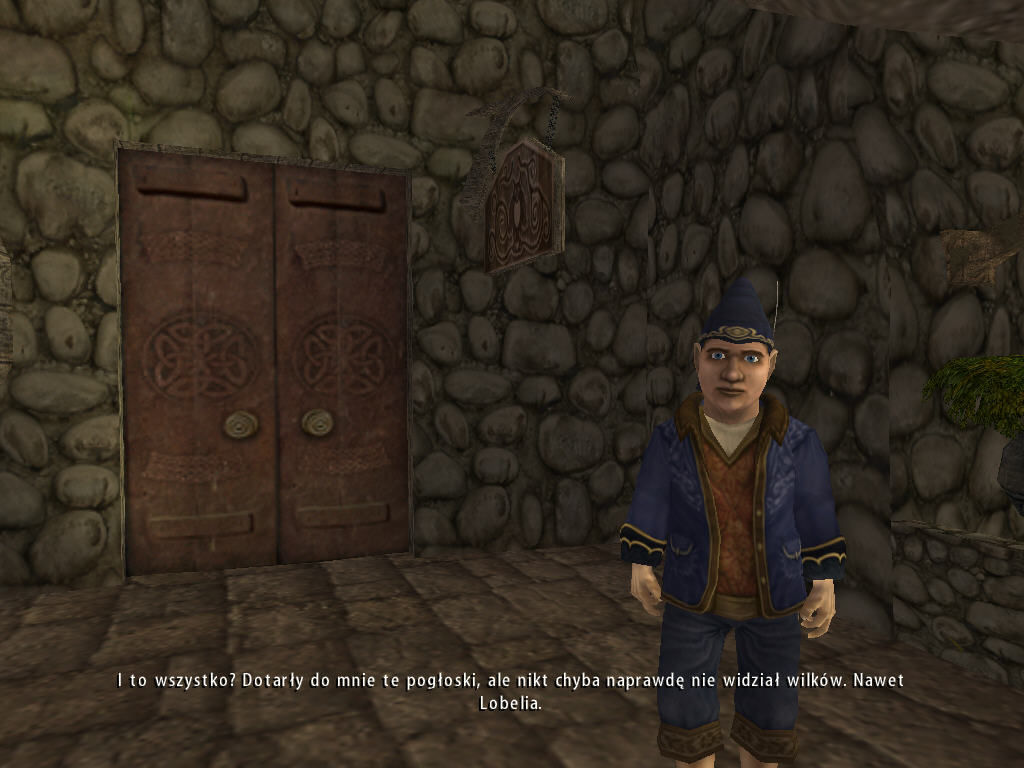
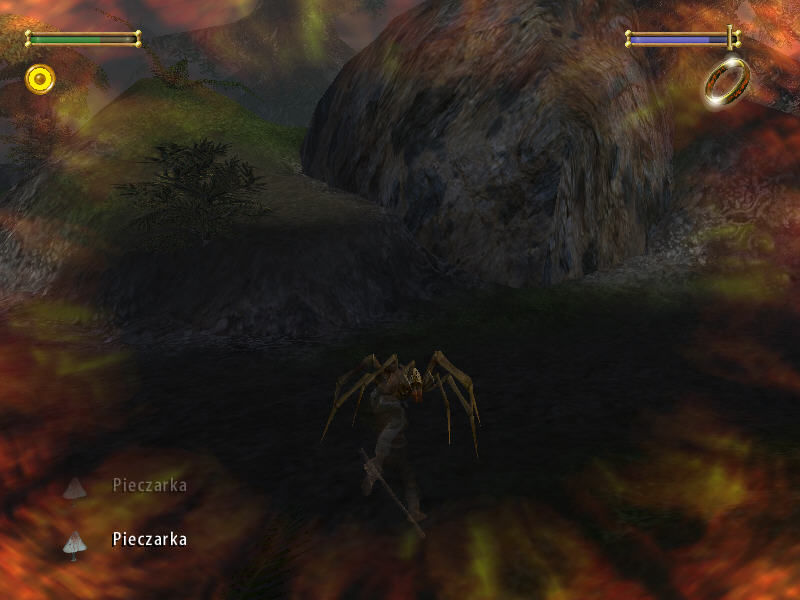
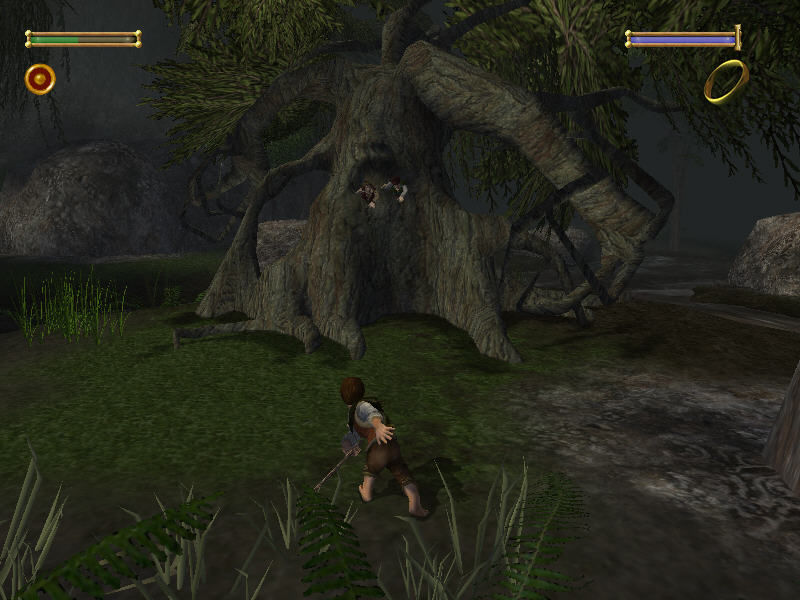
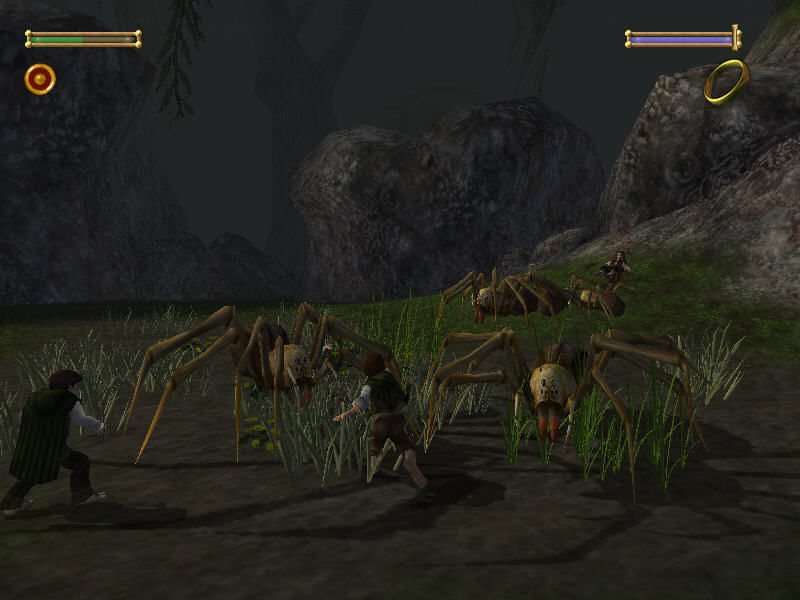
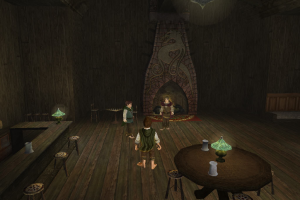
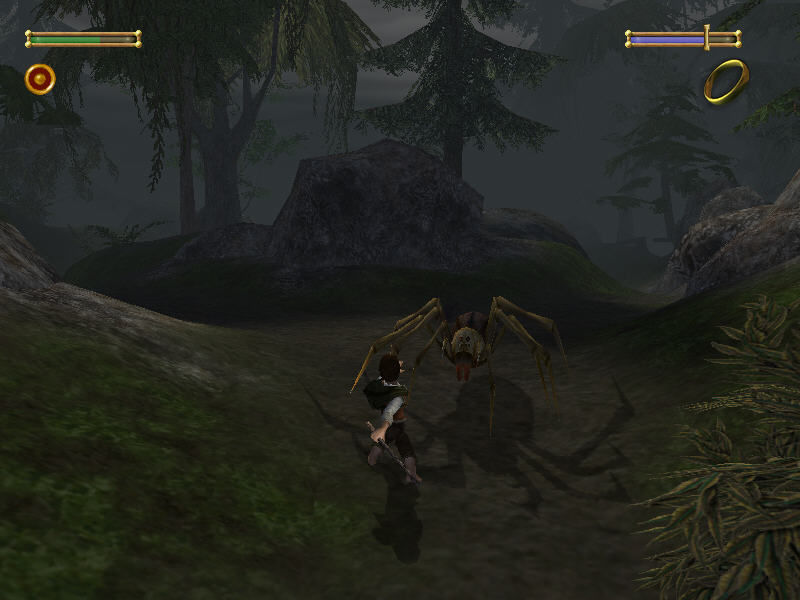
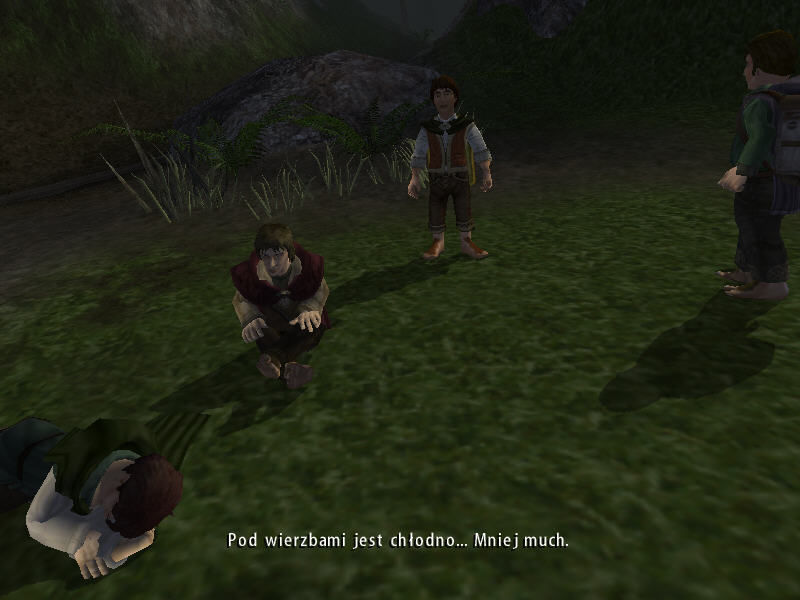
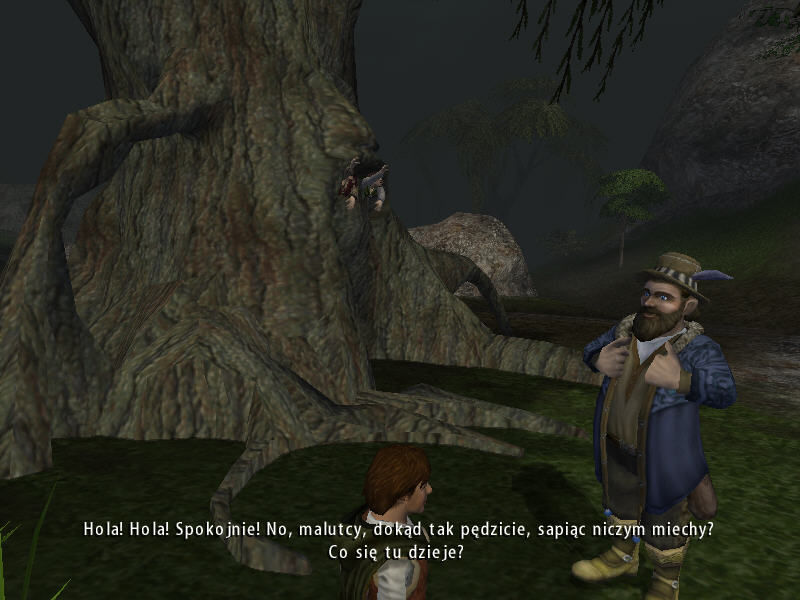
 English
  German
  Spanish
  French
  Italian
  Polish
  Portuguese (Brazil)
  Russian








Comments and reviews
REPLY TO @ Meg Griffin they did all of the trilogy and the Hobbit but the two towers game is only on consoles but the old version is on pc
German Version seems to be 1.1
Tom Bombadil
Just curious, did they do the entire trilogy or is this the only game?
The xbox version has more depth to its mechanics and is all around much better looking visually, the pc/ps2 is a downgraded port. Agreeing with malabar, best to emulate the xbox version over this one.
French version with patches on modern Windows found on a Lord of the Rings French website :
https://www.laterredumilieu.fr/jeux/lacommunautedelanneau
German version (Der herr der Ringe : Die Gefaehrten) :
https://archive.org/details/2002-foreign-d_PC_WS_ISO
Spanish :
https://archive.org/details/la-comunidad-del-anillo
Italian :
https://archive.org/details/il-signore-degli-anelli-la-compagnia-dell-anello-italy.-7z_202204
Portuguese :
https://archive.org/details/lotr_fellowship_blacklabel
What's a game, thank you!!!!
MALABAR doesn't know what he's talking about! This isn't a port its the PC version of the game which is very different to the xbox version. Why would someone bother to to create a port for an old game when the pc version is ok?! If you want the xbox version, go and buy it on ebay
i cant install directx 8.1b and rtss dosnt start what can i do ?
There's a NoCD executable in megagames.com that seems to work better (runs without needing to mount the CD2 image), but alas, I could not make the game work past the main menu anyway.
We have updated the game, added new languages and instruction how to run the game on modern systems
Test and works following this - https://www.youtube.com/watch?v=49icc2wff08
This is am incomplete port, with only a quarter of the content. Emulate the Xbox version instead, which contains all of the game's intended game mechanics and content.
The 3D-Analyze Fix suggested by Elminster actually works on Windows 10 x64. After updating the hook_3da.dll you have to run 3D-Analyze AS ADMINISTRATOR! That'll do it.
toujours buggé ? et les liens soluces sont mort ;(
Hi I can't get this to work, maybe someone can help please. Instalation was successful but after clicking the "Play" button I get "Wrong disc inserted". My problem seems to be simmilar to Foodie's, has it been fixed or is there a known workaround?
Finally sussed it out. Have not posted this to the 3D-Analyse forum coz (CBF)
Follow the process on the PCGamingwiki for fixing the black screen using 3D-Analyse:
https://www.pcgamingwiki.com/wiki/The_Lord_of_the_Rings:_The_Fellowship_of_the_Ring_(2002)
Then fix 3D-Analyze by downloading the hook_3DA.dll.zip file from this link:
https://www.dll-files.com/hook_3da.dll.html
Extract the dll from the zip file and place it here:
C:\Program Files (x86)\3danalyzer-v236\
Now the game will launch without the inject DLL error.
Well that should keep things upto date until windows 11 comes along and breaks everything again
The solution for fixing the black screen on startup by using 3D-Analyze no longer works (at least not on Win 10 x64). Gets a "failure to inject DLL" error. This issue can be found on the 3D-Analyze forums, and is currently unresolved as of this post on 15/07/2021.
Well doesn't that suck. Its the only LOTR game that I can't get working, and does not have a currently working solution
Hey Foodie needs a nocd fix, but even after that there are display issues. Working on it!
So I managed to get the game installed, but it won't open. It tells me the wrong disk is inserted, even when the play disc is mounted without the install disc also being mounted. I haven't seen any fixes online. Help would be appreciated!
No comment nor review for this game at the moment.