You are on the beta version of My Abandonware. The live site is still myabandonware.com. Your favorites and ratings here are copied to the live site. Comments and other changes are not — we delete them every morning at 08:00 Paris time, when this site goes down for about an hour. Leave feedback through this link to Pastel (email required).

Search more than 30000 retro games
/ Genres / Action / Harry Potter and the Goblet of Fire

Harry Potter and the Goblet of Fire

Windows - 2005

Description from the publisher:

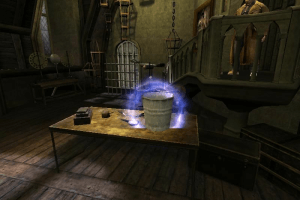
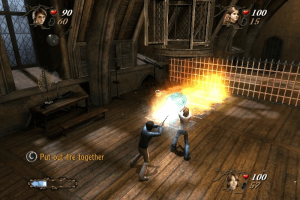
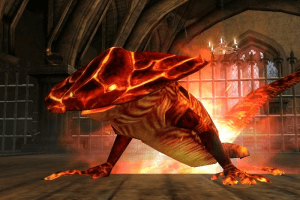
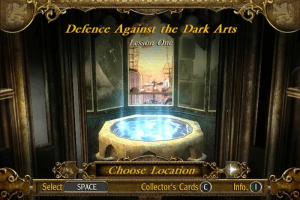
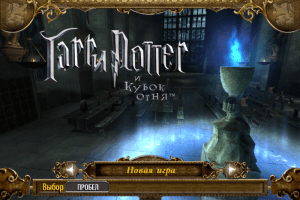
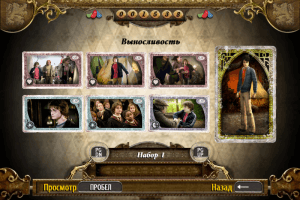
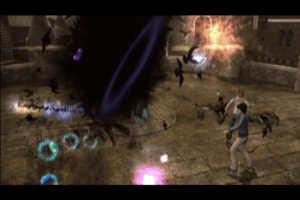
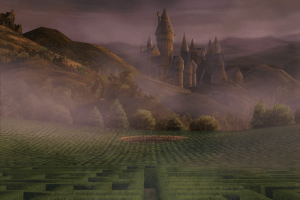
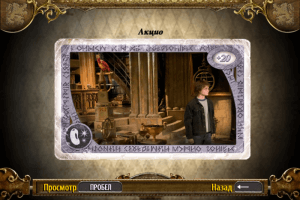
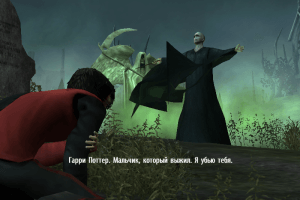
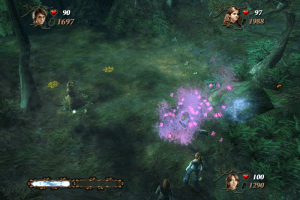
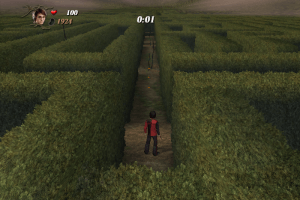
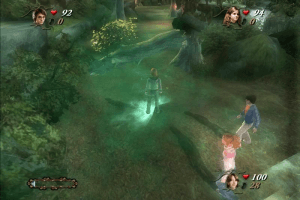
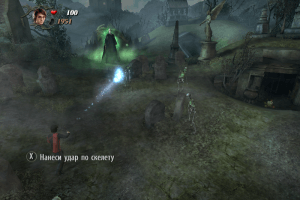
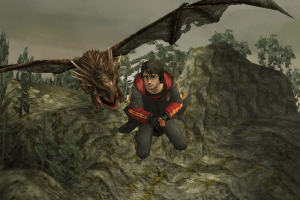
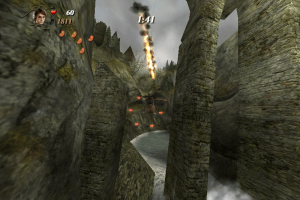
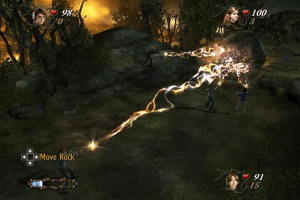
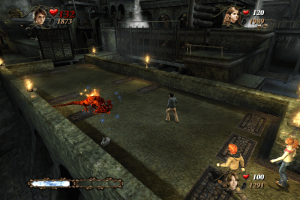
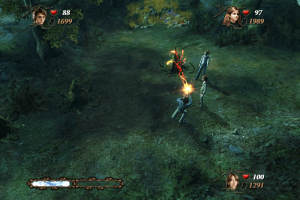
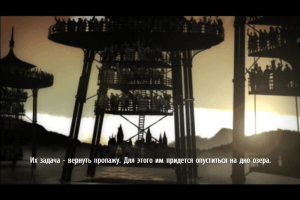
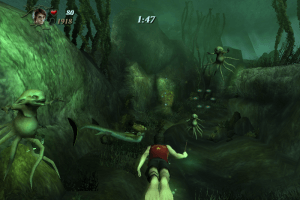
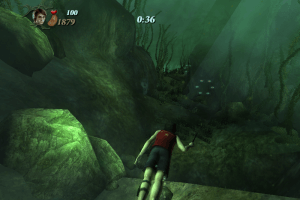
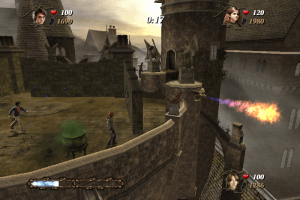
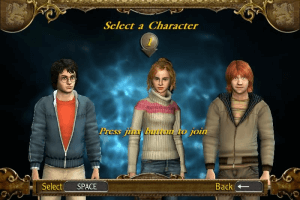
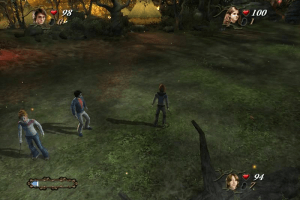
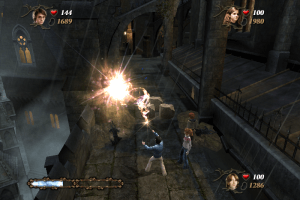
In the Harry Potter and the Goblet of Fire videogame, licensed by Warner Bros. Interactive Entertainment, Harry is mysteriously selected by the Goblet of Fire as the fourth champion in the dangerous Triwizard Tournament. Each champion in the international competition must confront a fire-breathing dragon, rescue friends from the icy depths of the Black Lake, and navigate the twisting mysteries of a vast, enchanted maze. Exciting scenes from the film come to life, from the Quidditch World Cup campsite to a heart-stopping duel with Lord Voldemort. Harry, Ron, and Hermione are all playable characters, modeled after their big-screen counterparts. An all-new spell-casting system allows you to feel the magic for the first time as the controller shakes and reacts with every flick of the wand. Team up with friends in co-operative play to combine magic and produce more powerful spells than ever before!

Be Harry Potter in a new adventure with more magic, friendship, and danger. In a stunning next-generation rendition of Harry's world, learn new spells, undertake new quests, make new friends, and challenge new adversaries to confront the powers at the heart of the Chamber of Secrets. Do you dare take the chance that you might face You-Know-Who again?

Many of the files was presented by Harry Potter Games Archive Project, we want to thank the participants of that project
How to Play

The game with NoCD has been tested on Windows 7 64-bit and Windows 10, works fine. But the game requires some "tinkering" for launch on modern systems, for troubleshooting and fixing check our guides and Notes

Here's also some video guide how to run the game on modern systems, if you prefer video over text

Install & play guide:

  • Mount the disc image. You will need the utility for mounting disc image files, like WinCDEmu, UltraISO, Alcohol 52%/Alcohol 120% or Daemon Tools Lite
  • Install the game (if autorun doesn't work - simply launch the installation from Setup.exe inside the disc). Ignore registration window, click "Register later"
  • For CD version: when the installation process will ask for CD2 - mount the disc image of CD2. Do the same when the installation process will ask to enter CD1 again. CD2 must be mounted in same virtual drive as CD1, so first un-mount disc image of CD1 and then mount the disc image of CD2. In example, if CD1 was in virtual drive G:, CD2 must be mounted in virtual drive G: as well
  • Also it is recommended to install DirectX from the disc (if you're using Windows 10 - enable DirectPlay, read this or this guide how to do it)
  • After you installed the game - install NoCD (simply copy gof_f.exe from the archive and put it into game directory, replacing original gof_f.exe)
  • Optionally install Widescreen fix (fix offers widescreen support for many different display resolutions, just choose the one you need; also, that fix works as NoCD too)
  • Open the game directory and find gof_f.exe. Right click on gof_f.exe - Properties - Compatibility - Set "Run this app in compatibility mode with Windows 2000 or XP" and "Run as administrator"
  • Launch the game and play. If the game doesn't work - try to launch the game in compatibility mode with old versions of Windows (98, 2000, WinXP or Vista)

Notes:

  • If the installation doesn't start - try to launch Setup.exe in compatibility mode with old version of Windows (98, 2000 or XP)
  • NoCD is required for the launch because the game is using SafeDisc DRM protection, which doesn't work on modern systems. That NoCD "breaks" DRM protection and allows the game to work on modern systems
  • The game works on DirectX 9, so if you're using Windows 8, 8.1, 10 or 11 - you need to enable DirectPlay: Go to Control Panel, and select 'Programs'. Select 'Turn Windows features on and off', click on 'Legacy Components' and check the box 'DirectPlay'. Select OK, once the installation is done, restart your computer
  • The game works only in 800x600 resolution, but you can run it in other resolutions by HeX editing of exe-file. Read this guide or watch this video tutorial how to use HeX editor and launch the game in high resolutions. Also, you can use our Widescreen fix, it has support for 10 different widescreen resolutions
  • If you have stutters or low frame rate - try to edit the game setting through video card controller (NVidia Inspector, AMD Control Center, etc.), here's some example of changing game settings through NVidia Control Panel
  • Also, you can run the game through dgVoodoo to change screen resolution, enable anti-aliasing, anisotropic filtering and other graphics features. Copy the dll-files from the MS/x86 folder, dgVoodooCpl.exe and dgVoodoo.conf in game folder, then launch dgVoodooCpl.exe to change dgVoodoo settings. After that run the game through desktop shortcut or gof_f.exe. The game with dgVoodoo has been tested on Windows 7 64-bit, works with no problem. Please note that dgVoodoo requires video card with DirectX 9 support, so it doesn't work on most of Intel graphics
  • For users of Windows 64-bit systems: if the game doesn't work after you launched it - open Task Manager (Ctrl+Alt+Del by default) and check for processes gof_f.exe and rundll32.exe. Close gof_f.exe but don't touch rundll32.exe (it's a Windows app for running old apps from 32-bit operational systems, most old games running through rundll32.exe). Now try to launch the game again, it must work. Don't forget to close rundll32.exe process in Task Manager after finishing playing
  • Don't forget to check PCGamingWiki page if you have troubles

Comments and reviews

deltaware 13 13 May. 2026

I have the harry potter 3 complete and need download this game... I love harry potter

0
Tubb 12 Apr. 2026

Keygen gets instantly nuked by windows defender, won't even let me download it, no thank you.

-2
paulo 06 Feb. 2026

I downloaded the European version, which is in my language, but when I installed it, it was in another language. Can anyone help me?

0
Rev 13 Jul. 2025

There's no sound in my game for some reason.

0
PEDRINGHO 06 Jun. 2025

bboywest9 (Name streamer)
LITERAL, SOLO INSTALEN SIN DESCOMPRIMIR.

0
akbar 01 May. 2025

its no open why

-1
Sage0f6paths9 11 Sep. 2024

bboywest9 (Name streamer) YOUR CODE WORKd TYSM

2
atik 13 Mar. 2024

Can you give me the correct cd rom of the game?
I can not play the game lacking that

-1
At ik 03 Mar. 2024

Hello! it seems to me that i cant run last 4 games of harry potter in my windows please help....

0
bboywest9 (Name streamer) 25 Nov. 2023
Top comment

How to make it work , dont unzip the file , save it in downloads then right click , open with folder , automatically i will be open as a cd digital , click auto run with administrator if you can , and finally introduce this code (WN3K-JU4G-B4GL-VB9A-R63T)

6
Sasha Acoiners 05 Sep. 2023

I'd say this game is definitely the worst in the series. Just like the movie is the worst in the series. Amirite folks?

-2
lAmirale 08 Aug. 2023

i cant install it, when i run the autorun install, it asks me to put the CD in the CD driver

1
admin 25 Mar. 2023
Admin

Small update - added repack by Magipack and Widescreen fix for 16:9 and 16:10 dispays

0
Sham 01 Mar. 2023

I have 6 gb memorie

-1
admin 20 Feb. 2023
Admin

We have updated the game, added many new languages (all sorted out) plus the guide how to run the game on modern systems

-1
Daniel 07 Feb. 2023

Cdê o serial dco jogo?

1
Warlord 04 Jul. 2022

Sorry to worry anyone that nickname is my wing commander callsign i use.

0
Warlord 04 Jul. 2022

Got this for my 14th Birthday on the 26th by the way does anybody know how to chose witch(heh heh heh sorry bad pun get them from my dads side) spells to use. sorry about my bad grammar wait do i mean punctuation.

-2
krispy 30 Jun. 2022

Just a heads up, the keygen in the DEViANCE folder triggered my antivirus with Trojan:Win32/Occamy.CC0 which, according to Google, is some kind of a ransomware. Use at your own risk.

0
DKD 03 Jan. 2022

What is the Deviance folder for the No Disk error?

1
mocha 23 Dec. 2021

Game works fine, just follow these steps. After you install the game you have to open the DEViANCE folder and copy the gof_f.exe file to the INSTALL DIRECTORY, NOT the .iso folder! Default install location for this is C:\Program Files (x86)\Electronic Arts\Harry Potter and the Goblet of Fire

1) Double click .iso
2) open the folder from your windows explorer, probably says something like DVD Drive (D:) HPGOF
3) Install game (just use the serial number in the other comment, or open the DEViANCE folder, and right click the .nfo file and open with NOTEPAD and there are serials in there too)
4) Inside the DEViANCE folder, copy the gof_f.exe and paste it into the INSTALL DIRECTORY (default is C:\Program Files (x86)\Electronic Arts\Harry Potter and the Goblet of Fire)
5) Now you can can play the game.

-5
Breezy 10 Oct. 2021

Anyone know how to get around the "Please insert the correct CD?" I use Windows 10.

-4
no u 01 Sep. 2021
Top comment

Dumbledore said calmly.

15
funman 25 Jul. 2021

Not working on Win10, it shows error please insert correct CD

1
Ahmed Saeed 09 Jul. 2021

I try this cd Key and work
(WN3K-JU4G-B4GL-VB9A-R63T)

3
Satwik 12 Jun. 2021

its asking for the code to run the installation program. is it somewhere in the downloaded file?

0
JimJam 31 Mar. 2021
Top comment

It's me ya boi JimJam and I couldn't get the game to run, all that happened was the screen went black and all the different windows I had open danced around and then the screen went black and nothing happened. I don't really know what to do about it if anyone can give any advice it would be real cool!

7

No comment nor review for this game at the moment.

Comments posted on the beta are not kept. We delete them at 08:00 Paris time and they never reach the live site. Post on myabandonware.com if you want your comment to stay.

Downloads

Windows version
UK version, English only
United Kingdom English
912 MB
Repack by MagiPack (with fix for 16:9 dispays)
United Kingdom English
976 MB
US version

Disc 1

United Kingdom English
675 MB
US version

Disc 2

United Kingdom English
475 MB
Korean version
United Kingdom English
South Korea Korean
1.2 GB
Scandinavia version (English, Dutch, Swedish, Norwegian, Danish, Finnish & Czech languages)
English Dutch Swedish Norwegian Danish Finnish Czech
1.4 GB
European version (French, German, Spanish, Italian & Portuguese languages)
France French
Germany German
Spain Spanish
Italy Italian
Portugal Portuguese
1.5 GB
Polish version
Poland Polish
1.1 GB
Russian version
Russia Russian
902 MB
Chinese release, Simplified Chinese
China Chinese
1.1 GB
Taiwanese release, Traditional Chinese
Taiwan Traditional Chinese
1.1 GB

Extras

Fix Fix 1
Widescreen fix
Windows 20 MB English English
Misc Misc 1
Keygen (safe)
Windows 194 KB English English
Demo Demo 1
Extra file
Windows 136 MB English English
NoCD NoCD 1
Extra file
Windows 2 MB English English

Similar games

Harry Potter and the Prisoner of Azkaban
4.5/5 - 258 votes
Harry Potter and the Prisoner of Azkaban
Windows
2004
Harry Potter and the Chamber of Secrets
4.4/5 - 376 votes
Harry Potter and the Chamber of Secrets
Windows, Mac
2002
Harry Potter and the Order of the Phoenix
4.5/5 - 207 votes
Harry Potter and the Order of the Phoenix
Windows, Mac
2007
Harry Potter and the Sorcerer's Stone
4.3/5 - 726 votes
Harry Potter and the Sorcerer's Stone
Windows, Mac
2001
Harry Potter and the Half-Blood Prince
4.4/5 - 241 votes
Harry Potter and the Half-Blood Prince
Windows
2009
Harry Potter and the Deathly Hallows: Part 1
4.7/5 - 128 votes
Harry Potter and the Deathly Hallows: Part 1
Windows
2010