You are on the beta version of My Abandonware. The live site is still myabandonware.com. Your favorites and ratings here are copied to the live site. Comments and other changes are not — we delete them every morning at 08:00 Paris time, when this site goes down for about an hour. Leave feedback through this link to Pastel (email required).

Search more than 30000 retro games
/ Genres / Action / The Chronicles of Narnia: The Lion, the Witch and the Wardrobe

The Chronicles of Narnia: The Lion, the Witch and the Wardrobe

Windows - 2005

Description from the publisher:

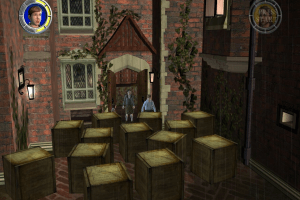
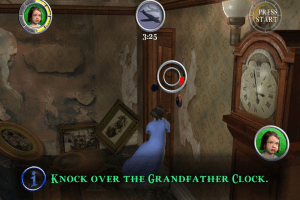
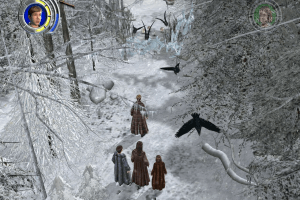
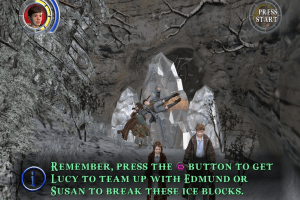
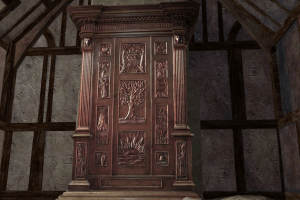
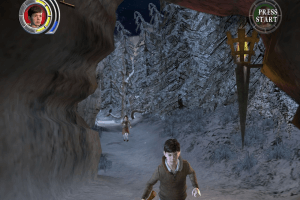
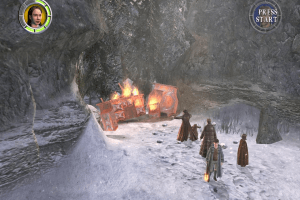
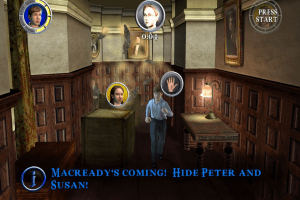
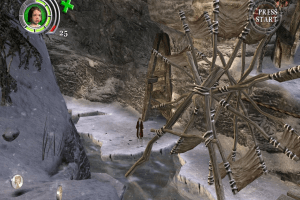
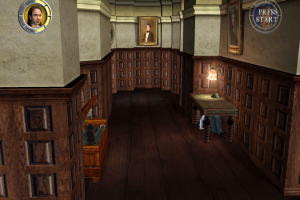
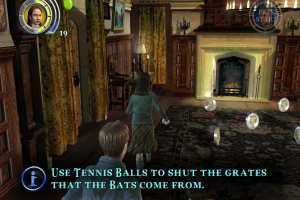
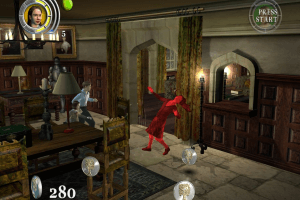
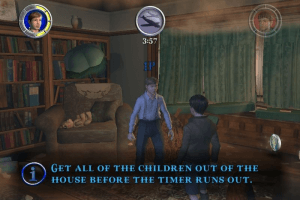
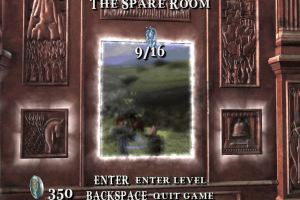
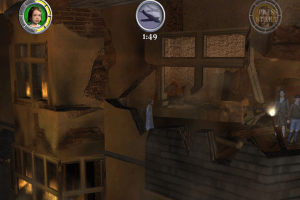
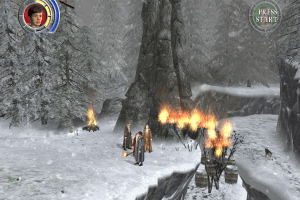
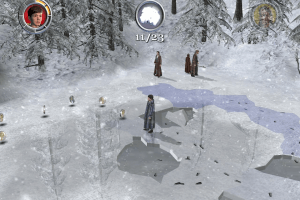
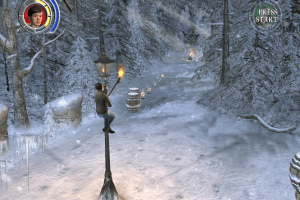
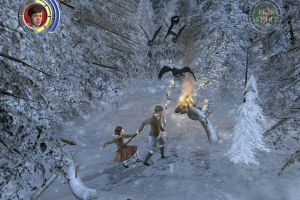
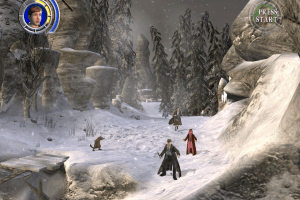
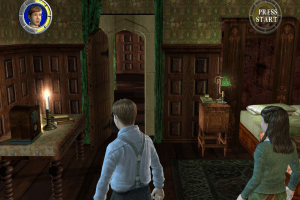
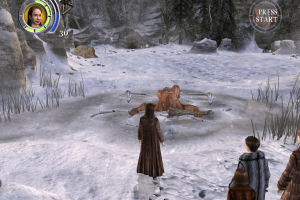
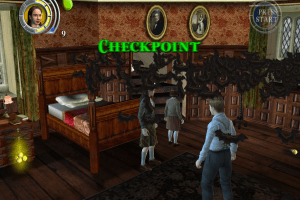
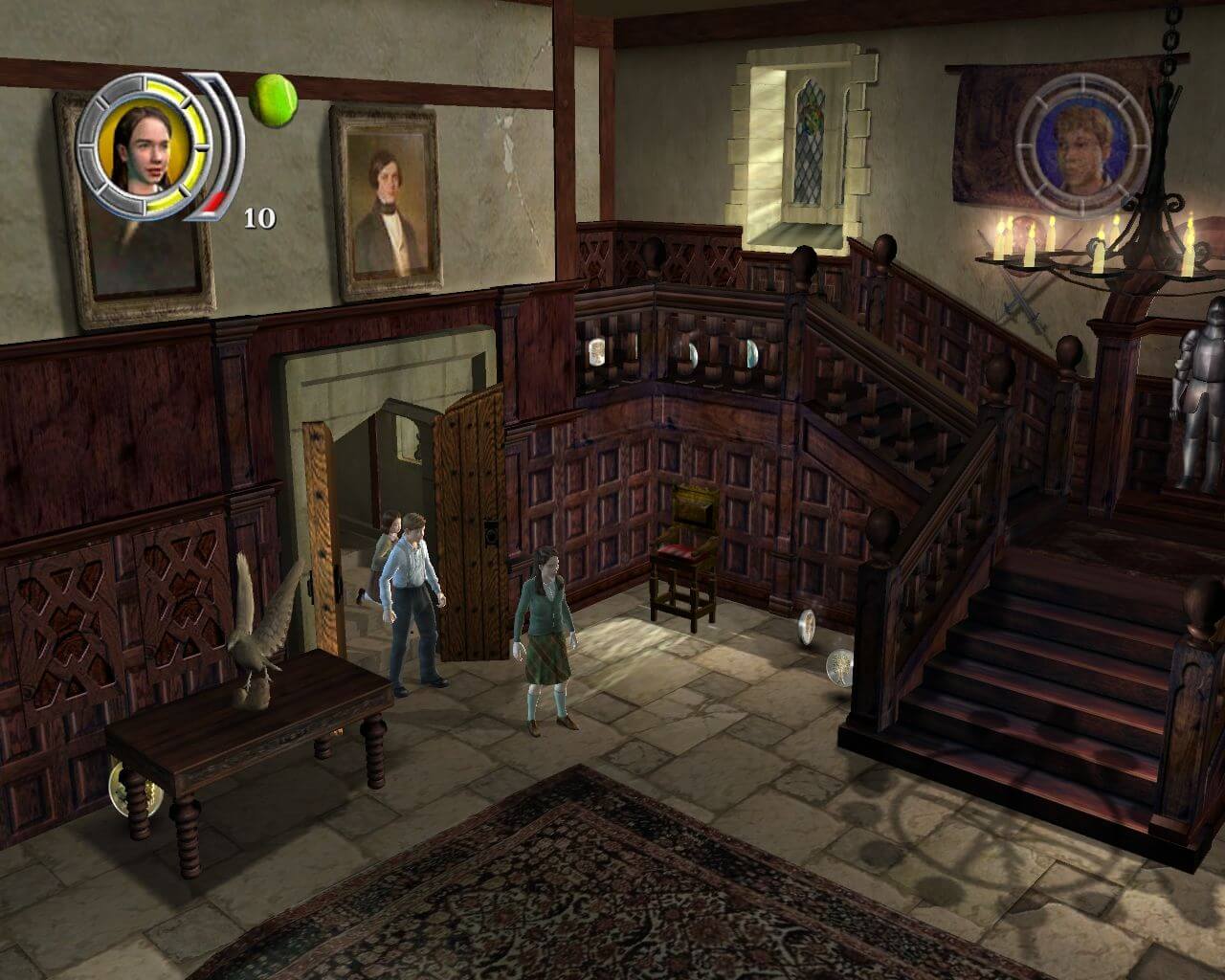
The Chronicles of Narnia: The Lion, The Witch and The Wardrobe is a definitive action adventure based on the Walt Disney Pictures and Walden Media film capturing the renowned and beloved book series from author C.S. Lewis. Defeat the evil White Witch and save the world from everlasting winter

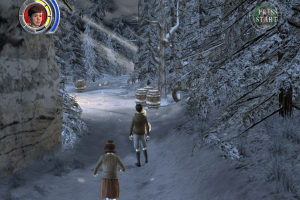
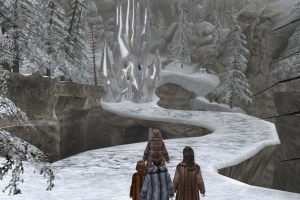
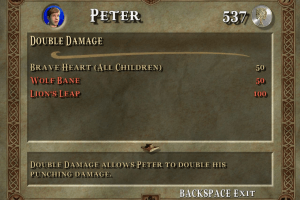
Players enter the world of Narnia, a land frozen in eternal winter by the evil powers of the malevolent and evil White Witch. In order to end this frigid captivity and free his people, the mighty lion Aslan, true ruler of Narnia, invokes an ancient prophecy. It will become the destiny of four young siblings from our world: Peter, Susan, Edmund and Lucy Pevensie to work together and use their unique combat skills, weaponry and abilities to defeat the Witch and her armies and save Narnia. These four unlikely heroes must battle the evil forces of the White Witch by waging war against a vast variety of creatures, including Centaurs, Minotaurs, Minoboars, Cyclops, Werewolves, Wraiths, Ankleslicers, Wolves, Satyrs, Boggles and more.
How to Play

The game with patch and NoCD has been tested on Windows 7 64-bit and Windows 10, works with no problem. The game supports widescreen. You can also play in local cooperative for 2 players on 1 keyboard, check the game settings to see the controller layout. If you get any troubles during playthrough, check out our Notes for solution

Install & play guide (for CD version):

  • Mount the disc image of CD1. You will need the utility for mounting disc image files, like WinCDEmu, UltraISO, Alcohol 52%/Alcohol 120% or Daemon Tools Lite
  • Launch the installation (if autorun doesn't work - simply launch the installation from Setup.exe inside the disc)
  • When the installation process will ask for CD2 - mount the disc image of CD2. Do the same when the installation process will ask for next discs
  • Finish the installation (skip the registration at the end)
  • Also it is recommended to install DirectX 9 from the disc
  • After that install the patch
  • Then install NoCD (simply copy Narnia.exe from the archive and replace the original exe-file inside the game folder)
  • Open the directory with the game and find Narnia.exe. Right click on Narnia.exe - Properties - Compatibility - Set "Run this app in compatibility mode with Windows XP" and "Run as administrator"
  • Launch the game and play. If the game doesn't work - try to launch the game, then open Task Manager (Ctrl+Alt+Del by default) and check for processes Narnia.exe and rundll32.exe. Close Narnia.exe but don't touch rundll32.exe (it's a Windows app for running old apps from 32-bit operational systems, most old games running through rundll32.exe). Now try to launch the game again, it must work. Don't forget to close rundll32.exe process in Task Manager after finishing playing

Install & play guide (for DVD version):

  • Mount the ISO disc image of DVD. You will need the utility for mounting disc image files, like WinCDEmu, UltraISO, Alcohol 52%/Alcohol 102% or Daemon Tools Lite
  • Install the game
  • Also it is recommended to install DirectX 9 from the disc
  • After that install the patch
  • Then install NoCD (simply copy Narnia.exe from the archive and replace the original exe-file inside the game folder)
  • Open the directory with the game and find Narnia.exe. Right click on Narnia.exe - Properties - Compatibility - Set "Run this app in compatibility mode with Windows XP" and "Run as administrator"
  • Launch the game and play. If the game doesn't work - try to launch the game, then open Task Manager (Ctrl+Alt+Del by default) and check for processes Narnia.exe and rundll32.exe. Close Narnia.exe but don't touch rundll32.exe (it's a Windows app for running old apps from 32-bit operational systems, most old games running through rundll32.exe). Now try to launch the game again, it must work. Don't forget to close rundll32.exe process in Task Manager after finishing playing

Notes:

  • NoCD is required for the launch because the game is using Securom DRM protection, which doesn't work correctly on modern systems
  • If the installation doesn't start - try to launch Setup.exe in compatibility mode with old version of Windows (98, 2000 or XP)
  • The game supports widescreen resolutions up to 1600x900, but you can set the higher resolution by config edit, read here how to do that. Also, you can use dgVoodoo utility
  • In-game FMV cutscenes have 1280x720 resolution. We additionally uploaded the pack with AI upscaled videos in high resolution, you can download it separately. Simply copy "ntsc" folder from the archive and repace the original "ntsc" folder inside the game directory
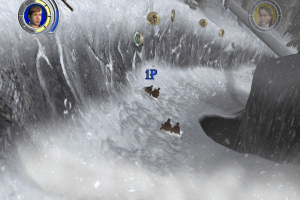
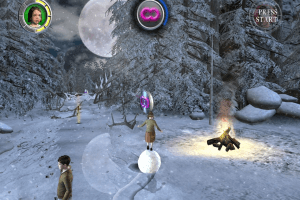
  • If you stuck at some level and can't go any further, like snowball dosen't grow up in second mission - launch the game in compatibility mode with Windows 98
  • If that won't help - try to limit the game's framerate to 30 FPS, there are 2 ways to do that:
  1. Install an app that allows to limit the framerate, like RTSS or Bandicam, read this guide for framerate limit utilities
  2. If you're using dgVoodoo 2.75 or later version - open dgVoodoo.conf with Notepad and find the line FPSLimit = 0. Change "0" to "30" to limit the game's framerate to 30 FPS
  • If you have troubles with launch of the game - use dgVoodoo utility, this is especially true for running the game on Windows 10. If you don't know how to use it - you can use our ready dgVoodoo config (1920x1080 resolution, forced VSync and limited to 30 FPS framerate), simply copypaste files from the archive to the directory with installed game

Comments and reviews

MATYX 15 May. 2026

s lucinkou nelze sebrat spolupráce. sněhová koule se nevrství

0
bobi 22 Mar. 2026

Best game ever from the best webstie

0
tabby cat 20 Jan. 2026

please send free play!!!!!, ---- or else

0
Kiařa hais 19 Nov. 2025

I want to download the game but I don't know how

-4
Sergiokool 03 Jun. 2025

My game always start and closes by itself when before was working fine, anyone knows how tp fix it in windows 10 ?

-1
Tom 16 May. 2025
Top comment

Thanks for the Czech version (no luck to find my sister's 4 CD version in her room).

And this 1 DVD release seems to be DRM-free, so it doesn't need any NoCD.

8
Rob le chat 19 Feb. 2025

Hi, is there a French version of the game, please?

0
Gianzzo 11 Feb. 2025

Hi, i installed the game, i followed all the step, but when i try to launch it it appears "loading" and the crash. Can you help me? I also tried with dgVoodoo. THANKSSS

-2
Bertoloss 08 Feb. 2025

It's not working for me, i installed the english dvd version, but then when i try to open the game after installation it say "wrong CD...". What can I do?

0
Otonashi 02 Feb. 2025

In the previous message I mentioned the problem with the Brazilian version but I managed to find the solution.
*First install the game and ignore any errors that occur in the audio
*Go to CD 2 and copy all the files manually and place them in the game installation folder and the problem will be solved, the bug only occurs during installation.

-1
Otonashi 02 Feb. 2025

Unfortunately, file 2 of the Brazilian version has problems, I downloaded it more than once and during installation it always shows an error.The English version is working perfectly

0
Tom 19 Jan. 2025

Does anyone have the Czech version?

1
ThankYou 06 Jan. 2025

I loved this game as a kid. Everything works perfectly.

0
prakash 19 Jul. 2024

I love the movies of Narnia but I wanted to try the game because I love games

0
Space Jesus 03 Jan. 2024

I downloaded this game for a friend and she can play fine until she gets to a certain level and the game just closes and quits on her. No warning or anything. Any advice on what might be the problem? She is running Windows 10

4
OK MILLENIAL 24 Sep. 2022

Boi, I wonder when Disney will adapt the rest of the books. Pretty sure this saga about a lion that is the allegory of Jesus Christ has a strong fanbase...

1

No comment nor review for this game at the moment.

Comments posted on the beta are not kept. We delete them at 08:00 Paris time and they never reach the live site. Post on myabandonware.com if you want your comment to stay.

Downloads

Windows version
DVD version
United Kingdom English
2.1 GB
Rip-version (no videos)
United Kingdom English
944 MB
Full-Rip with dgVoodoo and upscaled videos
United Kingdom English
4.6 GB
Full-Rip
United Kingdom English
2.1 GB
CD version

Disc 1

United Kingdom English
403 MB
CD version

Disc 2

United Kingdom English
582 MB
CD version

Disc 3

United Kingdom English
672 MB
CD version

Disc 4

United Kingdom English
542 MB
DVD Version
Czech Republic Czech
2.1 GB
DVD Version
Germany German
2.1 GB
Disc 1
Spain Spanish
464 MB
Disc 2
Spain Spanish
679 MB
Disc 3
Spain Spanish
757 MB
Disc 4
Spain Spanish
602 MB
DVD Version
Finland Finnish
2.1 GB
DVD Version
France French
2.1 GB
Full-Rip (Working on Windows 11)
France French
2.0 GB
DVD Version
Italy Italian
2.1 GB
DVD Version
Poland Polish
2.2 GB
Disc 1
Brazil Portuguese (Brazil)
466 MB
Disc 2
Brazil Portuguese (Brazil)
683 MB
Disc 3
Brazil Portuguese (Brazil)
767 MB
Disc 4
Brazil Portuguese (Brazil)
626 MB
CD version

Disc 1

Russia Russian
501 MB
CD version

Disc 2

Russia Russian
685 MB
CD version

Disc 3

Russia Russian
763 MB
CD version

Disc 4

Russia Russian
684 MB
DVD Version
Sweden Swedish
Norway Norwegian
Denmark Danish
2.1 GB

Extras

Manual Manual 3
Extra file
Windows 2 MB Czech Slovak
Extra file
Windows 13 MB Finnish Finnish
Extra file
Windows 2 MB French French
Patch Patch 1
Extra file
Windows 26 MB English English
Misc Misc 4
Pack with upscaled videos
Windows 2.5 GB English English
Cheat codes
Windows 2 KB English English
dgVoodoo configuration
Windows 638 KB English English
Savegame
Windows 5 KB English English
Demo Demo 1
Extra file
Windows 183 MB English English
NoCD NoCD 1
Extra file
Windows 3 MB English English

Similar games

Harry Potter and the Sorcerer's Stone
4.3/5 - 726 votes
Harry Potter and the Sorcerer's Stone
Windows, Mac
2001
The Chronicles of Narnia: Prince Caspian
4.3/5 - 35 votes
The Chronicles of Narnia: Prince Caspian
Windows
2008
Harry Potter and the Chamber of Secrets
4.4/5 - 376 votes
Harry Potter and the Chamber of Secrets
Windows, Mac
2002
Pirates of the Caribbean
4.4/5 - 174 votes
Pirates of the Caribbean
Windows
2003
The Simpsons: Hit & Run
4.4/5 - 2865 votes
The Simpsons: Hit & Run
Windows
2003
Lemmings
4.6/5 - 314 votes
Lemmings
DOS, Mac, Genesis, Commodore 64, SEGA Master System, Game Gear, Amiga, ZX Spectrum, Amstrad CPC, 3DO, Atari ST, CD-i, Lynx, Acorn 32-bit, Amiga CD32, J2ME, CDTV, FM Towns, PC-98, SAM Coupé, Sharp X68000, TurboGrafx CD
1991