You are on the beta version of My Abandonware. The live site is still myabandonware.com. Your favorites and ratings here are copied to the live site. Comments and other changes are not — we delete them every morning at 08:00 Paris time, when this site goes down for about an hour. Leave feedback through this link to Pastel (email required).
The beta goes down at 08:00 Paris time, in a few minutes. We rebuild the database from the live site. It comes back in about an hour.
lostinzelda's comment worked for me as well on windows 12. it forces the screen to 640x480, and it takes a few minutes to start up, but it works fine.
0
LostInZelda22 Jan. 2026
For Windows 11, install the game using the msi file here: https://archive.org/details/carmenmath . Then download the ISO from this page, mount it, and also select "Reduced color mode: 8-bit (256) color" under Properties - Compatibility.
2
No comment nor review for this game at the moment.







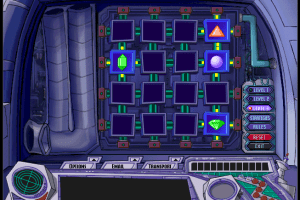
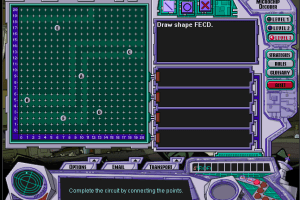
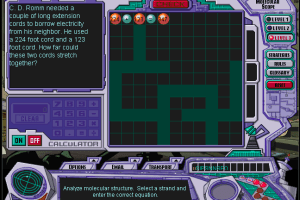
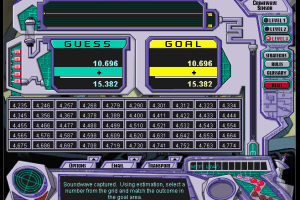
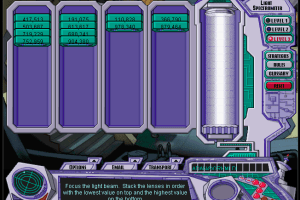
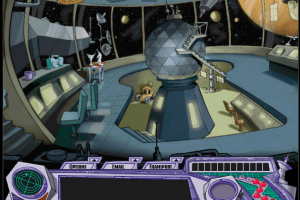
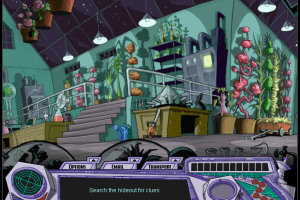
 English



Comments and reviews
wait why did i say 12. i am also on windows 11
lostinzelda's comment worked for me as well on windows 12. it forces the screen to 640x480, and it takes a few minutes to start up, but it works fine.
For Windows 11, install the game using the msi file here: https://archive.org/details/carmenmath .
Then download the ISO from this page, mount it, and also select "Reduced color mode: 8-bit (256) color" under Properties - Compatibility.
No comment nor review for this game at the moment.