



- Export saves: export the savegame files from your browser, so you can switch to another browser or computer. You can also use them in an emulator installed on your computer.
- Import saves: import savegames that you exported before with the Export saves button.
- Download disk: export the whole game from your browser, with all your savegames. Useful to switch to an emulator installed on your computer.
- Reset game files: if you somehow messed up the game files, you can reset them to an exact copy of the original.
- Reset saves: delete all savegames from your browser. We recommend that you export them first: there is no turning back!
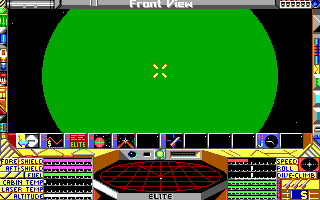
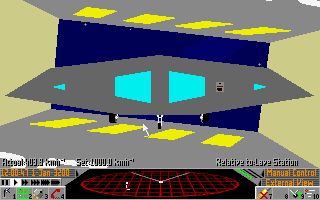
Elite - Play Online
DOS - 1987
Also available on: Acorn 32-bit - Amiga - Amstrad CPC - Apple II - Atari ST - BBC Micro - Commodore 64 - MSX - ZX Spectrum
For small DOS games like Elite, you can play online immediately with your browser (Chrome, Firefox, Safari, Edge, Opera...). This feature is experimental, the game may not work properly.
Warning: game save should work, but you should try it early! Also, be careful to select the right game executable in the list above.

 English
  German
 Similar games
4.4/5 - 200 votes
SimCity DOS, Windows, Windows 3.x, Commodore 64, Amiga, Amstrad CPC, Atari ST, Acorn 32-bit, BBC Micro, CDTV, Electron, FM Towns, OS/2, Sharp X68000
1989

4.5/5 - 48 votes
Star Wars DOS, Mac, Atari 2600, Commodore 64, Amiga, Amstrad CPC, Atari 8-bit, Atari ST, ColecoVision, Arcade, BBC Micro, Electron
1989

Comments and reviews
Try to launch game in browser, keep coming up Quader variant and wont play from there. Options 1 and 2 do nothing, 3 to quit jams game and nothing happens. Please fix this as Elite is an old fave.....
you get past the stats screen by pressing the function keys, they are the menu buttons (the lower f keys might make you leave the station so be cautious)
how do I get past the menu that says my stats?
I can't get it past when it says my stats
good game
The origin of my favourite genre. :)
Playing it in browser, it have much better keyboard control, than the versions I have downloaded before.
Thanks!
No comment nor review for this game at the moment.