

- Export saves: export the savegame files from your browser, so you can switch to another browser or computer. You can also use them in an emulator installed on your computer.
- Import saves: import savegames that you exported before with the Export saves button.
- Download disk: export the whole game from your browser, with all your savegames. Useful to switch to an emulator installed on your computer.
- Reset game files: if you somehow messed up the game files, you can reset them to an exact copy of the original.
- Reset saves: delete all savegames from your browser. We recommend that you export them first: there is no turning back!
Future Wars: Adventures in Time - Play Online
DOS - 1990
For small DOS games like Future Wars: Adventures in Time, you can play online immediately with your browser (Chrome, Firefox, Safari, Edge, Opera...). This feature is experimental, the game may not work properly.
Warning: game save should work, but you should try it early! Also, be careful to select the right game executable in the list above.

 English
  German
  Spanish
Similar games
4.4/5 - 39 votes
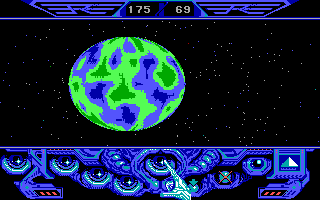
Captain Blood DOS, Mac, Commodore 64, Amiga, ZX Spectrum, Amstrad CPC, Atari ST, Apple IIgs
1988

4.4/5 - 26 votes
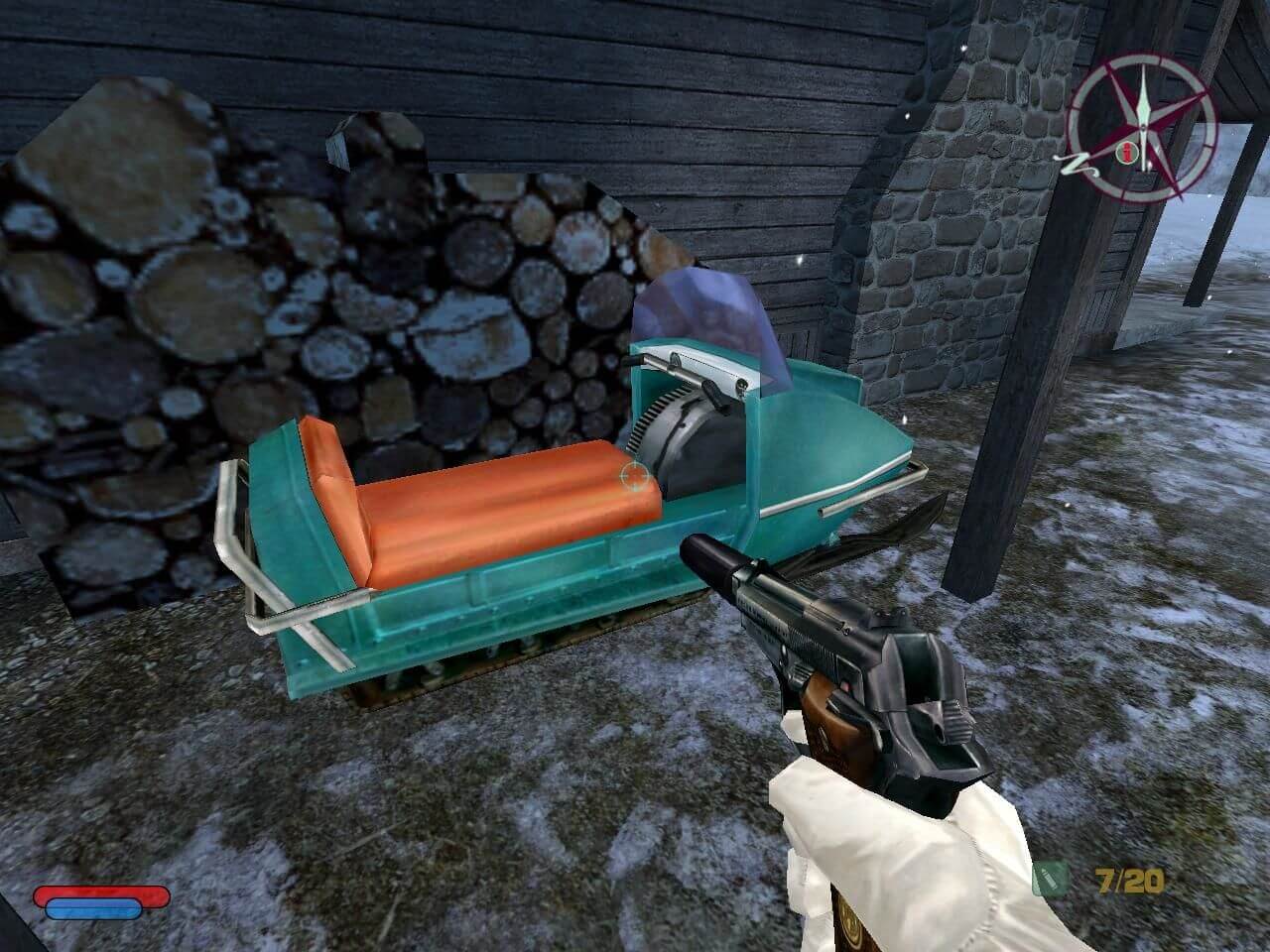
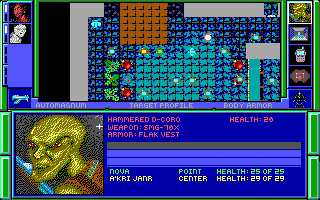
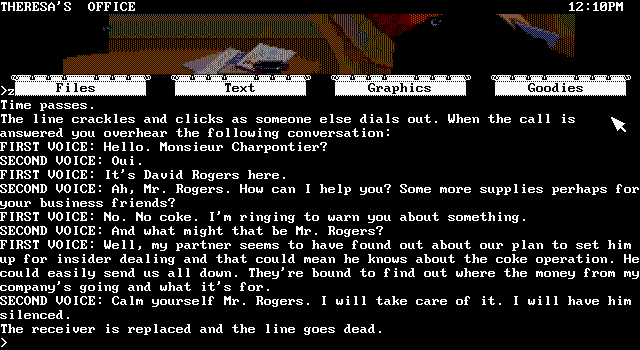
Corruption DOS, Mac, Commodore 64, Amiga, ZX Spectrum, Amstrad CPC, Atari ST, Acorn 32-bit
1988
Comments and reviews
How do you save?
Is anyone else having issues with the mouse pointer ? CTRL-F11 / CTRL-12 don't seem to have any effect.
I'm using AZERTY keyboard in DOSBOX-X . The only thin that works is the keyboard to move the mouse pointer.
Also, glad to see somebody managed to crack the copy protection. I spent so many hours on Turbo Debugger 386 trying to crack it in my teens. One of the very few games that I couldn't crack. And I owned a copy of the game, lol. The floppies are long misplaced.
Changed Backup Drive to C: and it saves and loads great!
keep in mind saving of games likely won't work. Press both mouse buttons to go to the "system" menu, but this needs a disk mounted as a:, which the emulator may not(?) provide..
Other than that, the game runs fine in Firefox, incl. sound, just amazing.
Awesome
Does anyone know how to get sound when "Playing in your browser" ?
No comment nor review for this game at the moment.