







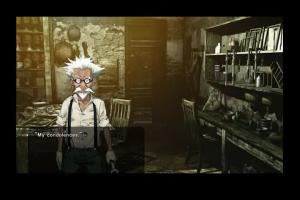
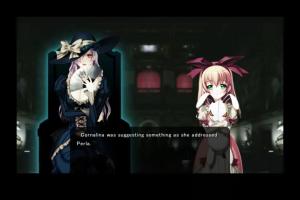
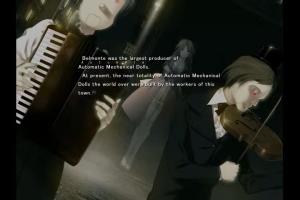
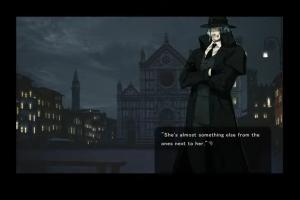
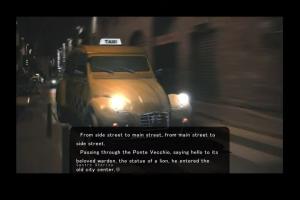
How to Play
Use a Japanese Locale emulator or the game will keep asking for the serial key.
WINDOWS 7/ WINDOWS 10 WARNING The VN tends to freeze requiring termination from task manager whenever menu functions are used. The workaround is to use keyboard shortcuts, which work fine.
DO NOT TOUCH MAIN MENU FUNCTIONS OUTSIDE OF ‘START’ AND ‘EXTRAS’. DO NOT RIGHT CLICK WHILE PLAYING.
Use these keyboard shortcuts: C - Config menu <- USE THIS ON THE MAIN MENU AS WELL L - Load menu <- USE THIS ON THE MAIN MENU AS WELL S - Save menu
WINDOWS 10 WARNING Opening video visuals may freeze after roughly 1 second. It is recommended to disable movies in the config menu. Or just listen to the song to the end without visuals, the game hasn’t locked up.
The video is unsubtitled due to technical issues.
You can view a subtitled version of the video at any time with your favorite media player. The file is Subtitled Opening.m4v under the Extras folder.
 English






Comments and reviews
Gra działa nawet dobrze jednak brak obrazków,sam text,muzyka i dźwięk.
No comment nor review for this game at the moment.