



- Export saves: export the savegame files from your browser, so you can switch to another browser or computer. You can also use them in an emulator installed on your computer.
- Import saves: import savegames that you exported before with the Export saves button.
- Download disk: export the whole game from your browser, with all your savegames. Useful to switch to an emulator installed on your computer.
- Reset game files: if you somehow messed up the game files, you can reset them to an exact copy of the original.
- Reset saves: delete all savegames from your browser. We recommend that you export them first: there is no turning back!
Genghis Khan - Play Online
DOS - 1991
For small DOS games like Genghis Khan, you can play online immediately with your browser (Chrome, Firefox, Safari, Edge, Opera...). This feature is experimental, the game may not work properly.
Warning: game save should work, but you should try it early! Also, be careful to select the right game executable in the list above.
Similar games
4.3/5 - 82 votes
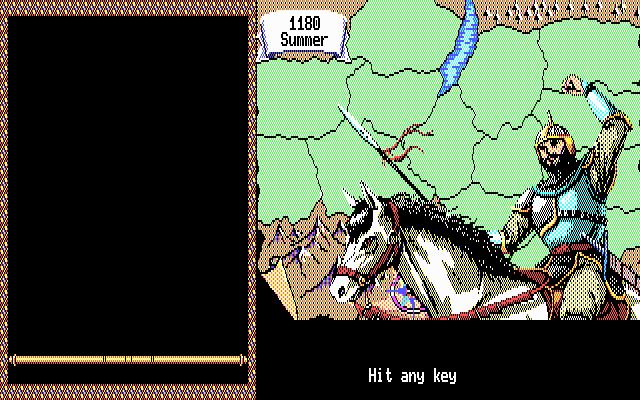
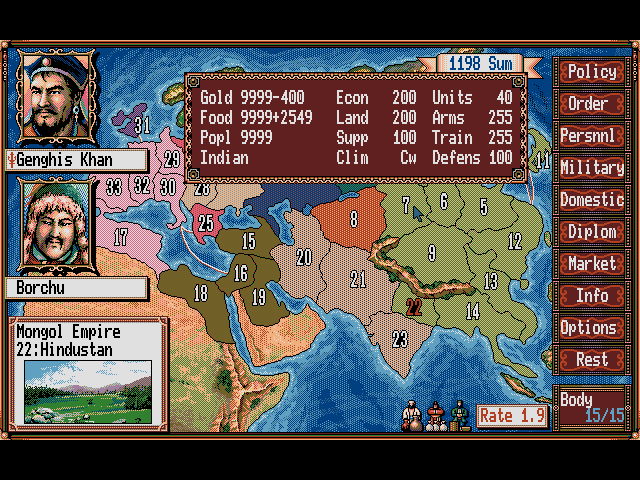
Genghis Khan II: Clan of the Gray Wolf DOS, Genesis, FM Towns, PC-88, Sharp X68000, TurboGrafx CD
1992
4.5/5 - 18 votes
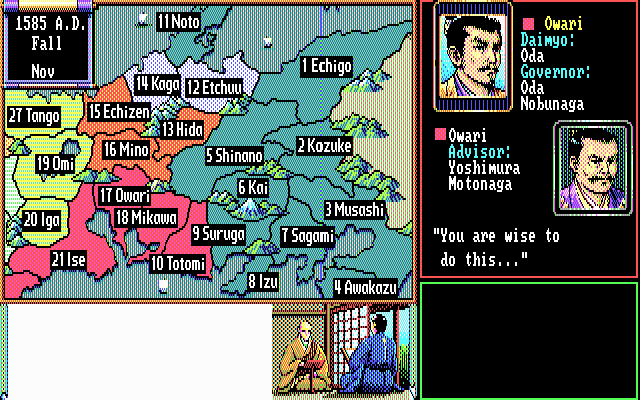
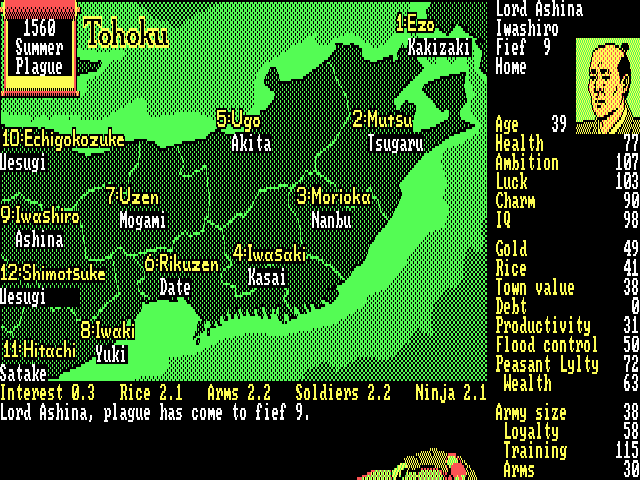
Nobunaga's Ambition DOS, Mac, Genesis, Amiga, MSX, WonderSwan, FM-7, PC-88, Sharp X68000, TurboGrafx CD
1988
3.4/5 - 171 votes
Bandit Kings of Ancient China DOS, Mac, SEGA Saturn, Amiga, MSX, FM Towns, PC-88, Sharp X68000
1989
Comments and reviews
using the main option on the drop down, error message "failed to load"
u should load the main.exe in the game executable tab
Hi Maiden,
Change the second drop down menu to the .exe file and you should be on your way to conquest!
Greetings,
Unfortunately this game is not functioning. It prompts the user to install the game, from which the user is then unable to successfully complete an installation of the game.
No comment nor review for this game at the moment.