
- Export saves: export the savegame files from your browser, so you can switch to another browser or computer. You can also use them in an emulator installed on your computer.
- Import saves: import savegames that you exported before with the Export saves button.
- Download disk: export the whole game from your browser, with all your savegames. Useful to switch to an emulator installed on your computer.
- Reset game files: if you somehow messed up the game files, you can reset them to an exact copy of the original.
- Reset saves: delete all savegames from your browser. We recommend that you export them first: there is no turning back!
Hugo - Play Online
DOS - 1995
Also available on: Amiga
For small DOS games like Hugo, you can play online immediately with your browser (Chrome, Firefox, Safari, Edge, Opera...). This feature is experimental, the game may not work properly.
Warning: game save should work, but you should try it early! Also, be careful to select the right game executable in the list above.
Similar games

4.6/5 - 314 votes
Lemmings DOS, Mac, Genesis, Commodore 64, SEGA Master System, Game Gear, Amiga, ZX Spectrum, Amstrad CPC, 3DO, Atari ST, CD-i, Lynx, Acorn 32-bit, Amiga CD32, J2ME, CDTV, FM Towns, PC-98, SAM Coupé, Sharp X68000, TurboGrafx CD
1991
4.6/5 - 833 votes
Prince of Persia DOS, Mac, Genesis, SEGA Master System, Game Gear, Amiga, Amstrad CPC, Atari ST, Apple II, FM Towns, PC-98, SAM Coupé, SEGA CD, Sharp X68000, TurboGrafx CD
1990
Comments and reviews
dağa tırmanmak için hangi tuşa basacağım
the sound is brocken in the finnish version, can someone help
Wow
Which button should I press to look at the map to find my way on the plane?
When I run this game in DosBox, it showed "You cannot run this fileb from DOS." What need I do?
Can you please fix problem with this game.
When I fall of the mountain the game blocks then I need to restart it. Also the voice sounds are corrupted.Can you please fix it?
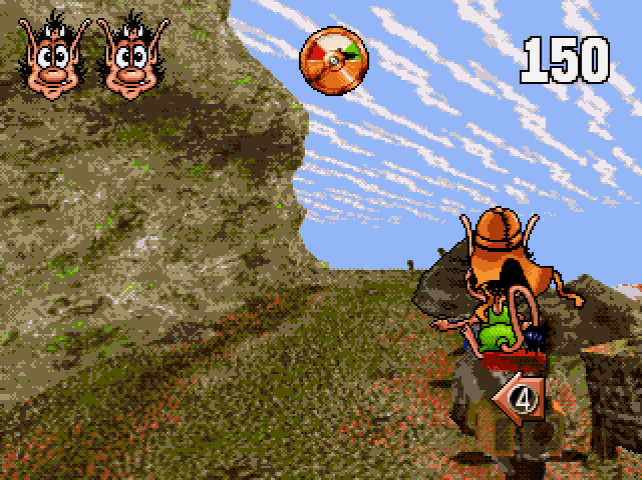
Hit the INSERT key to see the map in the airplane. You are trying to make it to the mountain, which is straight up from where you start in the map.
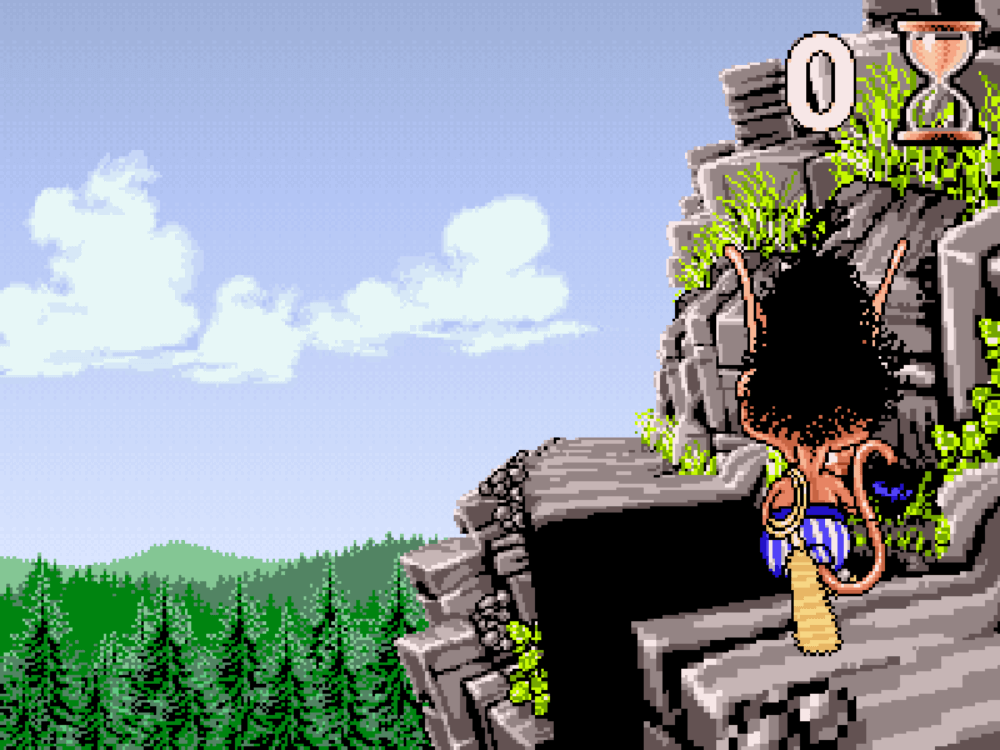
Hit the PAGE UP key as soon as you hear the cling sound to climb to the next level in the mountain. Otherwise you get squashed by a 1000 kg weight.
Hi hugo...
How can I climb the mountain ? I listen the sound for use the gun but I don't know on which touch I must click
the sound is broken in the danish version :/
Lyden virker ikke i den danske version.
Cool
No comment nor review for this game at the moment.