



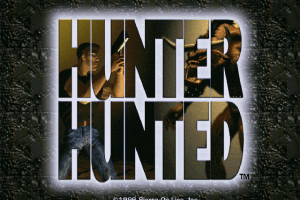
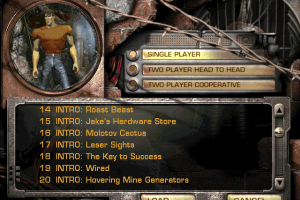
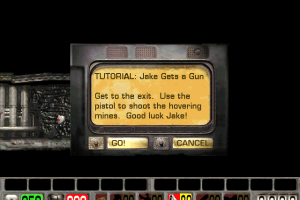
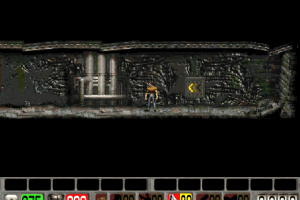
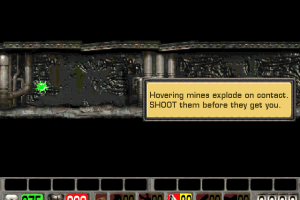
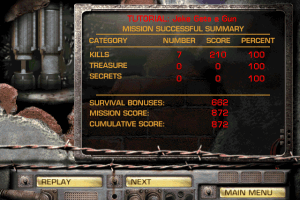
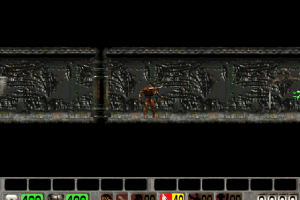
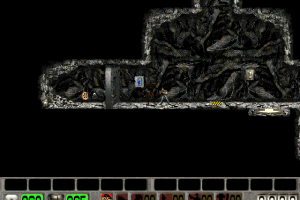
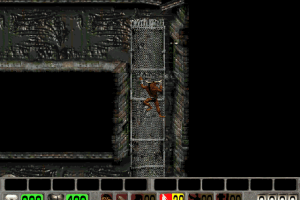
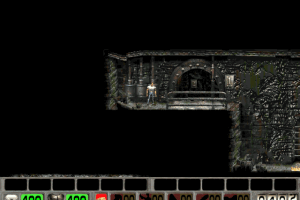
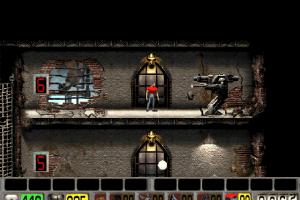
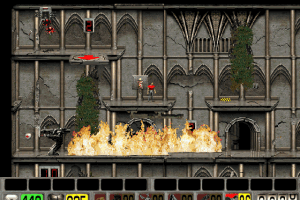
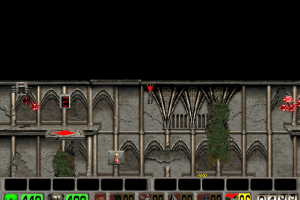
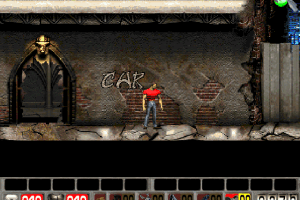
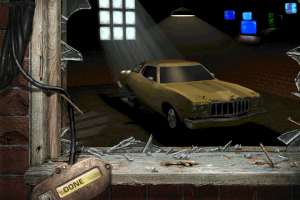
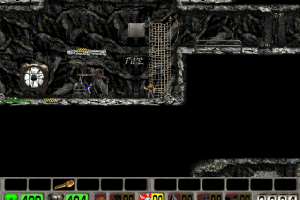
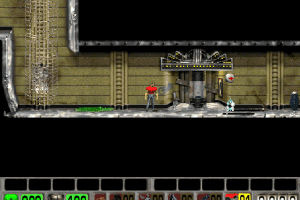
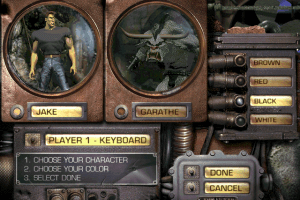
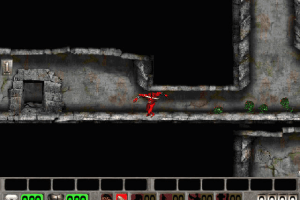
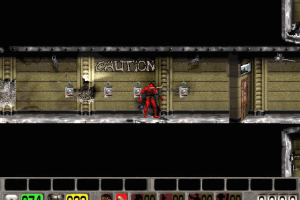
Part of Sierra's much-hyped but short-lived "k.a.a." line, Hunter Hunted is a one- or two-player side-scrolling action game which pits human hero Jake against (what else) a big, ugly creature, both of which have been captured by aliens and put into tunnels similar to Colliseum of yore, so that they would pursue each other in a search-and-destroy competition.
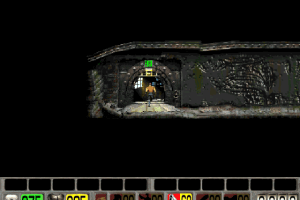
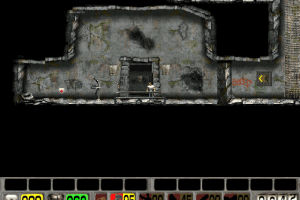
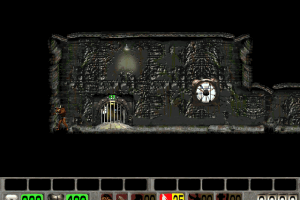
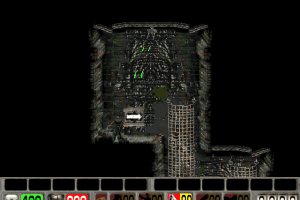
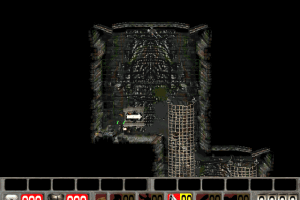
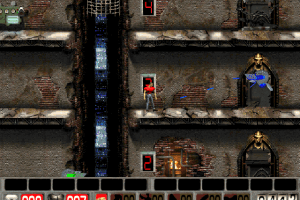
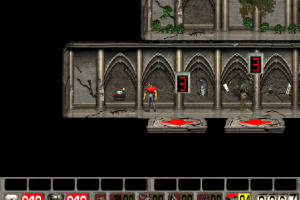
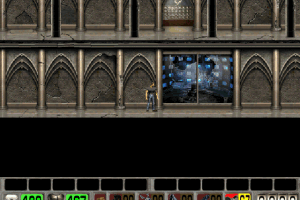
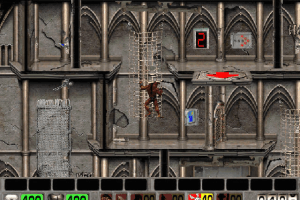
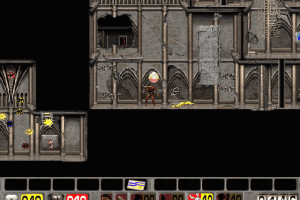
Hunter Hunted doesn't break any new grounds in a way that Abuse did-- it's just another side-scrolling action game for the most part. The game does, however, introduce an intriguing novel concept: the third dimention of 2D. When Jake or the Hunter reaches a 2-D door, a stroke of the up arrow sends the character running headlong into the screen, "away" from the player, into the next lateral level of arena. There are also other special doors which require keys or other objects/actions to open-- those are presented edge-on to the viewer in a kind of cutaway view.
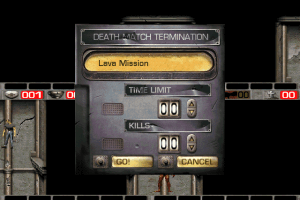
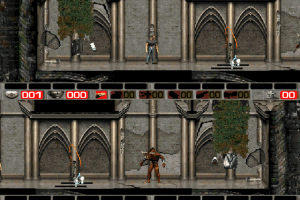
The gameplay is straightforward and violent enough, with a suitably explosive soundtrack. While the game may prove too repetitive and easy in one-player mode, it is the two-player split-screen action that makes this game worthwhile: thanks to the into-the-world ability, you can sneak up on your opponent from behind, above or below for unpleasant surprises. Fluid animations round off this fun underdog. Anyone looking for intense solo-player action should stick to Abuse, but if you have a friend, Hunter Hunted is worth checking out.
Review By HOTUD
 English
  German
  French
  Japanese
  Portuguese (Brazil)







Comments and reviews
Cual debo bajar para español, o al menos en ingles, para Windows 11
French version :
https://archive.org/details/hunter-hunted-pc-france
German :
https://archive.org/download/redump_pc_H/Hunter%20Hunted%20%28Germany%29.7z
Portuguese :
https://archive.org/details/hunter-hunted-1996/
Japanese :
https://archive.org/details/jake-burst-win-pc-jpn.-7z
The only solution I've found so far to make it play full screen in Windows 11, was to go to the folder where the game is installed, right click on the Hunter Hunted.exe. and choose Properties, go to the compatibility Tab, and check the "run in 640x480 resolution" checkbox. After you click Apply, run the game, and It should fill your screen. If it appears stretched, you may need to adjust your video card settings to favor "aspect ratio".
Mine only works on a very small window and I cannot resize it. Is there a way to fix it?
You can download a backup of HunterHuntedSetup.zip on the Wayback Machine:
https://web.archive.org/web/20220212045241/http://sierrahelp.com/Files/NewInstallers/HunterHuntedSetup.zip
Can't get to run :[
I only get a BIN and a CUE file with this download and niether work in DOSbox
This was the best game when I was a kid!!!!! I just love it!
this was the game that kept my brothers and I up late at night playing. what a trip
For those who have problems with the soundtrack. After downloading the game in BIN / CUE format here, you need to install Daemon Tools and mount the CUE file. For new systems download the installer from here:http://sierrahelp.com/Patches-Updates/NewSierraInstallers.html
I fucking loved this game as a kid. I'm going to try and download it right now
Il mio gioco preferito! Adesso c'è anche il Levels Editor!
FOR THOSE THAT WANT TO PLAY THIS GAME ON NEWER SYSTEMS:
You will need either the original CD, or the ISO from here.
Then you'll need to download and open this: http://www.sierrahelp.com/Files/NewInstallers/HunterHuntedSetup.zip
After that, you can set it up with that application and it'll ask for the disc (either physically or the one that you mounted) After that, the game should be working just fine on modern systems. The only issue is the soundtrack, which you can also fix but it will take some work.
I was able to get it to work by downloading the first ISO, mounting it, and then using the Hunter-Hunted installer from here: http://www.sierrahelp.com/Patches-Updates/NewSierraInstallers.html
I wasn't able to even install it. Compatibility Mode did not work.
HUNTER
Change the paths in sierra.ini (the bottom two lines) so that they correspond to the folder in which the game is located. Then copy this file to the Windows directory. Run as admin in compatibility mode with Windows 98.
Nostalgic memories
Memories of this game ...
How do you run this on windows-10?
Uno dei miei preferiti.
I remember playing this in 2000. Thank you for uploading it!
No comment nor review for this game at the moment.