


















How to Play
Some notes about how to make the Ibiza Babewatch game work on Windows 10 64 Home Edition. We can't guarantee that some other tweaks may not be needed on other systems, but it should be fine for most:
- It will need a DirectX wrapper to show the videos on current Windows versions. You can use ddrawcompat (open "Assets" on the page), needs to be next to the game exe in the install folder.
- Because the videos of Redfire games are mostly in old defunct Indeo codec, it will also either need a system that re-enabled Indeo via registry patch or may need some compatibility settings like WinXpSp2 for game exe (and maybe run as administrator, I'm not sure).
- It will need the image in a virtual IDE (or SCSI) drive set up by a program like Daemon Tools Lite to run. Drive letter must be the one from which the install happened, but one can edit the drive letter later in the file CDROM.LOC (can be edited as text file), if image is wished to run from another drive letter.
- That means the image file will need registry fix for sptd driver and IDE/SCSI types of virtual drives to work via DTLite.
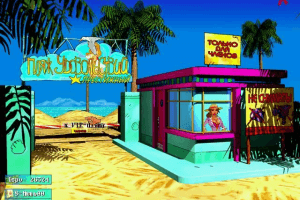
- There is a copy protection that will set in if a regular virtual Daemon Tool drive is used and the game thinks it doesn't have the original game cd in drive. It will show up as a black cloud in the center of the screen and get bigger and bigger until the game is stopped after a few minutes. But if everything is set up well and correctly with IDE drive it should work fine and there should be no black cloud showing up in the title screen.
 English






Comments and reviews
For everyone downloading it.
If you encounter error when movie should play to fix it you need to copy movies folder from image to main folder of game
You got the game to start?
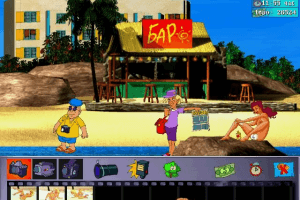
And the game is in russian..
nevermind from looking at the files on the iso this version uses StarForce
I tried installing it after that it won't launch?
No comment nor review for this game at the moment.